Best Online Scheduling Software in 2026: Tested and Priced
Best Online Scheduling Software and Tools in 2026
TL;DR
Online scheduling software helps businesses automate appointments, meetings, and bookings. Popular tools like Calendly, Google Calendar, Zoho Bookings, SimplyBookMe, and Setmore are effective for basic scheduling and availability management. However, in 2026, many scheduling tools still rely on form-based workflows that introduce friction, slow speed-to-lead, limit qualification, and contribute to higher no-show rates.
This guide compares the best online scheduling software by use case and explains how Knock AI introduces a modern, formless scheduling approach—using real-time enrichment, intent-based routing, and post-booking LinkedIn engagement to book higher-quality meetings and reduce no-shows.
What Is Online Scheduling Software?
Online scheduling software helps businesses automate how meetings, appointments, and services are booked. Instead of coordinating availability through emails or phone calls, these tools allow customers or prospects to select a time slot that works for them based on real-time availability and predefined rules.
Online scheduling software is widely used by sales teams, service providers, consultants, and customer-facing businesses to reduce manual work, respond faster, and improve the booking experience.
Online Scheduling Software Quick Definition
Online scheduling software is a digital tool that allows customers or prospects to book meetings, appointments, or services automatically based on availability, scheduling rules, and calendar integrations such as Google Calendar or Outlook.
Most scheduling tools provide a booking page or scheduling link, synchronize availability across calendars, send confirmations and reminders, and update schedules automatically once a booking is completed.
Why Scheduling Software Matters More in 2026
In 2026, scheduling software directly affects conversion rates, buyer experience, and revenue efficiency. What was once a simple calendar utility has become a critical touchpoint in the buyer journey, especially for B2B teams.
This shift is driven by clear changes in buyer behavior, speed expectations, and how intent decays over time.
Buyer Expectations Have Changed
Modern buyers expect speed, simplicity, and immediate confirmation when booking meetings or appointments. Scheduling is often the first real interaction with a company, and poor experiences here lead to early drop-off.
Key shifts backed by data:
Faster decision cycles: Research from Gartner shows that B2B buyers spend less time in active sales conversations and more time researching independently. When buyers are ready to book, delays significantly reduce momentum. (Source)
Mobile-first booking: Google reports that more than half of B2B search activity now happens on mobile devices, making friction-heavy booking flows a major conversion risk.
Less tolerance for forms: HubSpot data consistently shows that longer forms reduce conversion rates, especially on mobile and top-of-funnel pages. Buyers are increasingly reluctant to provide detailed information before receiving value. (Source)
Higher expectations for instant confirmation: Salesforce research indicates that customers expect quick acknowledgment and fast responses once they take action, including booking a meeting. (Source)
Scheduling software that does not meet these expectations often loses buyer interest before a conversation ever happens.
Scheduling Is No Longer Just a Calendar Problem
Scheduling now sits at the intersection of marketing, sales, and revenue operations. The way meetings are booked directly impacts lead quality, speed-to-lead, and no-show rates.
Why scheduling has become a revenue concern:
Routing matters Poor routing leads to unqualified or misaligned meetings. Inefficient lead routing and qualification contribute significantly to lost revenue opportunities. (Source)
Qualification matters Not every booking represents sales intent. Without qualification, calendars fill with low-quality meetings that waste sales time and distort pipeline data.
Speed to lead matters Harvard Business Review found that companies responding to leads within one hour are up to seven times more likely to qualify them compared to slower responses.
No-show prevention matters Meetings booked without prior context or engagement tend to have weaker commitment from buyers. Without qualification, confirmation, or relationship-building before the meeting, sales teams often experience higher no-show rates and inefficient use of calendar capacity.
As a result, scheduling software is no longer just about availability. It plays a direct role in how quickly buyers are engaged, how well meetings are qualified, and how effectively revenue teams use their time.
Key Takeaway
In 2026, scheduling software is not a background tool. It is a frontline system that influences conversion, intent capture, and revenue outcomes.
Types of Scheduling Software (With Real Use Cases)
Scheduling software is not one category. Different tools are built for different problems, teams, and workflows. Understanding these categories helps businesses choose the right solution based on how scheduling fits into their operations.
Appointment & Booking Apps
Best for: Sales calls, product demos, customer appointments, professional services
Appointment and booking apps are designed to let external users book time based on availability. These tools typically provide a booking page or scheduling link, sync calendars automatically, and send confirmations and reminders.
They are commonly used by:
Sales teams booking demos and discovery calls
Consultants and service providers
Customer-facing teams offering time-based services
Common characteristics
Calendar synchronization with Google Calendar or Outlook
Booking links or pages
Automated confirmations and reminders
Optional intake forms before booking
Popular apps
Calendly
Setmore
SimplyBookMe
These tools work well for basic scheduling but often rely on form-based workflows and post-booking qualification.
Employee Scheduling Software
Best for: Shift planning, hourly staff, deskless and frontline teams
Employee scheduling software focuses on managing internal schedules rather than customer bookings. These tools are built to assign shifts, track availability, manage time off, and ensure coverage across teams.
They are commonly used by:
Retail and hospitality businesses
Healthcare and field service teams
Warehouses and manufacturing operations
Common characteristics
Shift and roster management
Availability tracking
Time-off requests
Mobile-first access for frontline workers
Popular software
Connecteam
7shifts
ClockShark
These tools are not designed for sales or appointment booking but are critical for workforce coordination.
Project Scheduling Software
Best for: Delivery teams, project milestones, resource planning
Project scheduling software is used to plan, track, and manage work over time. Instead of booking appointments, these tools help teams coordinate tasks, deadlines, dependencies, and resources.
They are commonly used by:
Product and engineering teams
Agencies and delivery organizations
Project managers coordinating complex work
Common characteristics
Task and milestone scheduling
Resource allocation
Timeline and dependency tracking
Collaboration across teams
Popular software
monday.com
Jira
Kantata
These tools focus on execution and delivery rather than customer-facing scheduling.
Key Takeaway
Not all scheduling software serves the same purpose. Appointment booking apps focus on external meetings, employee scheduling tools manage internal workforce coordination, and project scheduling software organizes work over time. Choosing the right category depends on whether scheduling is used for sales, operations, or delivery.
How to Choose the Best Scheduling Tool (Selection Criteria)
Not all scheduling tools solve the same problems. The right choice depends on whether you are optimizing for convenience, operational efficiency, or revenue impact. In 2026, scheduling tools should be evaluated not just as calendar utilities, but as part of the broader buyer and sales workflow.
Core Evaluation Factors
These are the foundational capabilities every reliable scheduling tool should offer, regardless of company size or industry.
Ease of use: The tool should be simple to set up, easy to manage, and intuitive for both internal teams and external users. Complicated setup or confusing booking flows reduce adoption and completion rates.
Calendar sync (Google and Outlook): Real-time calendar synchronization is essential to prevent double bookings and scheduling conflicts. Native support for Google Calendar and Outlook is now a baseline requirement.
Booking page customization: A customizable booking page helps align the scheduling experience with your brand and messaging. This includes layout, copy, availability rules, and confirmation messaging.
Automation and reminders: Automated confirmations, reminders, and follow-ups reduce manual work and help ensure meetings are not forgotten. These features also improve the overall booking experience.
Payment processing: For service-based businesses, the ability to collect payments at the time of booking can be critical. This includes support for common payment methods and basic billing workflows.
Integrations (CRM, Slack, email): Scheduling tools should connect with the systems teams already use. CRM, email, and internal communication integrations ensure bookings are visible and actionable across the organization.
Advanced Criteria for B2B Teams
For B2B organizations, especially sales-led and revenue-focused teams, basic scheduling features are not enough. Advanced criteria determine whether a scheduling tool supports growth or creates hidden inefficiencies.
Routing logic: Not every booking should go to the same person. Advanced routing ensures meetings are assigned based on role, company, use case, or other relevant criteria.
Lead qualification: High-performing teams avoid filling calendars with unqualified meetings. Scheduling tools should support qualification either before or during the booking process.
CRM hygiene: Poor scheduling workflows can flood CRMs with low-quality or irrelevant records. Clean data capture and controlled syncing help maintain accurate pipelines and reporting.
No-show reduction: Scheduling tools should help reinforce commitment through clear confirmations, reminders, and context around the meeting. Reducing no-shows protects sales capacity and time.
Attribution accuracy: Understanding where a booking came from matters for marketing and revenue operations. Accurate attribution helps teams measure what channels and campaigns actually drive meetings.
Key Takeaway
The best scheduling tool is not the one with the most features. It is the one that fits your workflow, reduces friction, and supports how your team qualifies, routes, and engages buyers.
Best Online Scheduling Software and Tools
Tool
Best For
Scheduling Model
Strength
Limitation
Knock AI
B2B revenue teams
Formless scheduling with enrichment
Qualifies and routes buyers before meetings
Not designed for generic consumer bookings
Calendly
Simple 1:1 and team meetings
Form-based scheduling links
Very easy setup and wide adoption
No native intent qualification or advanced routing
Zoom Scheduler
Video-first teams
Calendar-based scheduling
Native Zoom meeting creation
Limited standalone scheduling logic
Setmore
Small service businesses
Booking pages and appointment slots
Free tier and multi-staff scheduling
Limited suitability for complex B2B sales flows
SimplyBookMe
SMB service providers
Booking pages with add-ons
Flexible booking options and payments
Minimal lead qualification capabilities
Zoho Bookings
Zoho ecosystem users
Form-based scheduling
Strong integration within Zoho suite
Interface complexity and learning curve
YouCanBookMe
Lightweight availability booking
Calendar-based booking links
Simple rules and flexible availability
Limited automation and routing depth
Square Appointments
Retail and POS-driven services
Booking with payment integration
Tight integration with Square payments
Primarily service and retail focused
Acuity (Squarespace)
Creators and website owners
Booking forms
High customization and branding
Still relies on form-based intake
Cal
Developers and technical teams
Calendar-first scheduling
Open-source and self-hosting options
Requires technical setup and maintenance
Appointy
Small to mid-size businesses
Appointment booking system
Multi-location and service management
UI and experience less refined
Google Calendar
Individuals and basic scheduling
Calendar-based scheduling
Free and widely accessible
No booking logic, routing, or qualification
Doodle
Group scheduling
Poll-based coordination
Efficient consensus finding
Not suitable for sales or customer bookings
Clockwise
Internal productivity teams
Calendar optimization
Focus time and meeting optimization
Not customer-facing scheduling
OnceHub
Advanced form-based scheduling
Form-led routing workflows
Strong routing rules and integrations
Still depends on form submissions
See Knock AI in Action — Book Your Live Demo Today
Scheduling Model explains how bookings are initiated
Strength highlights what each tool does best
Limitation reflects structural constraints, not product flaws
This table intentionally separates:
Calendar convenience tools
Service booking platforms
Revenue-focused scheduling systems
Best Online Scheduling Software and Tools
Knock AI (Best Formless Scheduling Platform)
Knock AI is built for B2B revenue teams that want to book higher-quality meetings, reduce no-shows, and eliminate the friction created by form-based scheduling.
Unlike traditional scheduling tools that focus only on availability and booking links, Knock AI approaches scheduling as a revenue workflow, not a calendar feature.
Best for
B2B SaaS companies
Sales-led and hybrid GTM teams
Revenue operations and demand generation teams
Companies with inbound funnel leakage
Teams that want to reduce no-shows and improve meeting quality
Scheduling is not driven by long forms or self-reported data. Instead, meetings are booked only after real-time enrichment, intent assessment, and routing logic are applied.
Scheduling over chat is supported, but it is not the core value. The core value is formless, enrichment-driven scheduling.
How Knock Scheduling works
Knock Scheduling is a feature of Knock AI and works as part of a larger engagement and qualification system.
A buyer engages: Engagement can happen through a DM button, lightweight email capture, event scan, or messaging entry point.
Real-time enrichment happens:Knock AI enriches the lead automatically with company, role, firmographic context, and intent signals. This removes the need for buyers to fill out long forms.
Qualification and routing occur before scheduling: Meetings are routed based on enriched data and intent, not dropdown selections or guessed information.
Scheduling happens only after qualification: Only relevant, qualified buyers are allowed to book meetings with the right rep.
Post-booking LinkedIn engagement reduces no-shows: After a meeting is booked, Knock AI triggers a LinkedIn message from the meeting owner to the buyer. This creates familiarity, builds trust, and significantly reduces no-shows.
Key strengths
Formless scheduling: Buyers are not forced to fill out long booking forms before receiving value.
Real-time enrichment: Company and role data are captured automatically, improving routing and CRM accuracy.
Intent-based routing: Meetings are assigned based on actual buyer context, not self-reported inputs.
Cleaner CRM data: CRM sync happens only after qualification, preventing noise and low-quality records.
No-show reduction: Post-booking LinkedIn engagement creates a human connection before the meeting.
Limitations and considerations
Not designed for generic consumer or retail bookings
Not a replacement for employee shift scheduling
Best suited for B2B revenue workflows rather than internal calendar optimization
Knock AI does not try to be a universal scheduling tool. It is designed specifically to optimize who gets to book meetings and why, not just when.
Takeaway
Knock AI replaces form-based scheduling with a formless, enrichment-driven approach that qualifies buyers before meetings and reduces no-shows through real engagement.
Calendly is one of the most widely used online scheduling tools for booking meetings, interviews, and appointments. It is designed to eliminate back-and-forth emails by allowing people to book time based on real-time availability.
Calendly is primarily focused on ease of use and availability-based scheduling, making it a popular choice for individuals, small teams, and organizations that want a simple way to book meetings.
Best for
One-to-one and team meetings
Sales calls and discovery meetings
Interviews and internal meetings
Small to mid-sized teams looking for quick setup
Scheduling model
Calendly uses a form-based scheduling model.
Users create event types with predefined availability rules. Invitees select a time slot through a scheduling link and may be asked to fill out a short form before booking.
Scheduling is driven by availability and event rules rather than real-time enrichment or intent analysis.
Key capabilities
Calendar synchronization: Syncs with Google Calendar, Outlook, and Exchange to prevent double booking and keep availability up to date.
Customizable event types: Users can define different meeting types with unique durations, buffers, and availability windows.
Scheduling links and booking pages: Meetings can be booked through shared links, embedded website widgets, or booking pages.
Automated reminders and follow-ups: Calendly Workflows can send automated email and text reminders to reduce missed meetings and handle basic follow-up communication.
Routing and team scheduling: Supports round-robin scheduling, pooled availability, and basic routing based on form responses.
Integrations: Integrates with common tools including CRM platforms, video conferencing tools, email, Slack, and payment providers like Stripe and PayPal.
Security and administration: Enterprise plans support SSO, SCIM, role management, and compliance controls.
Strengths
Very easy to set up and use
Widely adopted and familiar to buyers
Strong calendar integrations
Flexible event configuration
Scales from individuals to enterprise teams
Limitations and considerations
Relies on form-based inputs for qualification
Does not enrich leads automatically before scheduling
Intent is inferred from booking behavior rather than real-time signals
CRM records are often created before qualification
No native mechanism to reduce no-shows beyond reminders
When Calendly makes sense
Calendly is a good fit when:
Scheduling simplicity is the primary goal
Meetings do not require advanced qualification
Teams want fast deployment with minimal setup
Routing requirements are relatively basic
Calendly excels at booking time efficiently, but it is not designed to optimize meeting quality or buyer qualification before a meeting is booked.
Takeaway
Calendly is a reliable and easy-to-use scheduling tool that simplifies booking meetings, but it remains a form-based system focused on availability rather than intent or qualification.
Zoom is a leading video conferencing and collaboration platform that includes meeting scheduling as part of its broader communications ecosystem. Zoom is widely used for video meetings, webinars, internal collaboration, and customer conversations, with scheduling tightly integrated into its meetings experience.
Zoom is not a standalone scheduling tool. Instead, it complements scheduling workflows by connecting calendars, meetings, and collaboration tools in one platform.
Best for
Video-first sales and customer meetings
Internal team collaboration
Remote and hybrid organizations
Companies already using Zoom Meetings as their primary video platform
Scheduling model
Zoom uses a calendar-integrated scheduling model.
Meetings are scheduled through connected calendars such as Google Calendar or Outlook, or directly within the Zoom Workplace environment. Scheduling focuses on creating and managing video meetings rather than booking logic, qualification, or routing.
Key capabilities related to scheduling
Calendar integrations: Works with Google Calendar, Outlook, and other calendar tools to schedule and join meetings seamlessly.
Built-in meeting creation: Automatically generates Zoom meeting links when events are scheduled.
Zoom Workplace integration: Combines meetings with chat, phone, email, and calendar in a single collaboration platform.
AI Companion support: Provides meeting summaries, action items, and follow-up assistance after meetings are completed.
Team collaboration features: Persistent chat, shared documents, whiteboards, and meeting recordings support collaboration before and after meetings.
Enterprise-grade security and administration: Includes SSO, user management, analytics, and compliance controls for large organizations.
Strengths
Industry-leading video conferencing reliability
Deep calendar and collaboration integrations
Strong enterprise security and compliance
AI-assisted meeting summaries and follow-ups
Familiar experience for most buyers and teams
Limitations and considerations
Not a dedicated scheduling platform
No native booking pages or scheduling links
No lead qualification or routing before meetings
Scheduling depends on external calendar tools
Not designed to reduce no-shows beyond reminders
When Zoom makes sense
Zoom is a good fit when:
Video meetings are central to your workflow
Scheduling is handled through calendars or other tools
Teams want meetings tightly integrated with collaboration
The primary goal is running effective meetings rather than managing bookings
Zoom works best as a meeting execution platform, not as a system for managing who should book meetings or why.
Takeaway
Zoom is a powerful video conferencing and collaboration platform that supports scheduling through calendar integrations, but it is not designed to handle booking logic, qualification, or routing on its own.
Setmore (Best Free Scheduling Software for SMBs)
Setmore is an online scheduling and booking platform designed primarily for small businesses and service-based teams that need a simple way to accept appointments, manage availability, and collect payments.
Setmore focuses on self-service booking, branded booking pages, and basic automation to help businesses stay organized and reduce manual scheduling work.
Best for
Small and local businesses
Service providers and consultants
Fitness, wellness, and healthcare practices
Teams that need free or low-cost scheduling
Businesses offering paid appointments
Scheduling model
Setmore uses a booking page–based scheduling model.
Customers book appointments through a branded Booking Page that shows available services, staff, and time slots. Appointments are added directly to the business calendar and synced with connected calendar tools.
Scheduling is driven by availability and service selection rather than lead qualification or routing logic.
Key capabilities
Branded Booking Page: Businesses can create a custom Booking Page with logos, colors, social links, reviews, and Instagram feeds.
24/7 self-booking: Customers can book appointments anytime without staff involvement.
Calendar synchronization: Two-way sync with Google Calendar to keep schedules up to date and avoid conflicts.
Video meeting integrations: Supports Zoom and Google Meet links for virtual appointments and classes.
Payments at booking: Accepts payments through Stripe, Square, PayPal, and Cash App to reduce unpaid bookings.
Automated reminders: Sends email and SMS reminders to help reduce missed appointments.
Multi-platform access: Available on web, desktop, and iOS and Android mobile apps.
Integrations: Connects with Salesforce, Facebook, Instagram, Google Calendar, Zoom, and payment providers.
Customer support: Offers 24/7 human support via phone, chat, and email.
Strengths
Generous free plan for small teams
Easy setup and quick onboarding
Strong booking page customization
Built-in payment collection
Good fit for service-based scheduling
Limitations and considerations
Built for appointments, not B2B sales workflows
No advanced lead qualification before booking
Routing logic is limited
CRM enrichment and intent data are not native
Not designed for complex revenue operations
Pricing overview
Free plan available for up to four users with appointment limits
Paid plans add unlimited appointments, SMS reminders, and advanced branding
Pricing is positioned for affordability rather than enterprise use
When Setmore makes sense
Setmore is a good fit when:
The business needs a free or low-cost scheduling solution
Customers are booking services directly
Payments need to be collected at the time of booking
Scheduling complexity is low to moderate
Setmore works best for service-based businesses, not for teams that need buyer qualification or advanced routing before meetings.
Takeaway
Setmore is a simple and affordable scheduling platform that helps small businesses accept bookings, manage calendars, and collect payments, but it is not designed for complex B2B sales scheduling.
SimplyBook.me (Best for Service-Based Appointment Booking)
SimplyBook.me is a comprehensive online appointment scheduling software designed primarily for service-based businesses that need flexible booking, payments, and multi-channel appointment management. It is widely used by salons, fitness studios, clinics, educators, consultants, and local service providers that rely on high booking volume and structured availability.
What SimplyBook.me Does Well
SimplyBook.me focuses on end-to-end service booking, offering businesses a complete online booking system rather than just meeting scheduling.
Key strengths include:
Online booking website with customizable templates
Booking widgets for existing websites
Appointment booking via Google, Facebook, Instagram, and Google Maps
Automated email, SMS, and WhatsApp reminders
Built-in payment processing with Stripe, PayPal, and POS support
Support for classes, events, memberships, and group bookings
Client and admin mobile apps for booking and management
Calendar sync with Google Calendar and other systems
This makes SimplyBook.me particularly effective for businesses that need 24/7 self-service booking across multiple channels.
Scheduling Model
Form-based booking
Availability-driven service selection
Provider and resource-based scheduling
Confirmation and reminders after booking
Customers select a service, choose a time, enter details, and confirm the booking. Qualification and routing happen outside the scheduling flow.
Best Use Cases
SimplyBook.me works best for:
Local service businesses
Health and wellness providers
Fitness studios and trainers
Educational services and tutoring
Events, classes, and group sessions
SMBs that require payments at booking
It is optimized for transactional service scheduling, not sales-led B2B pipelines.
Strengths
Very broad feature set for service businesses
Strong payment and POS capabilities
Multi-channel booking distribution
Highly customizable booking experience
Supports complex booking scenarios like classes and memberships
ISO 27001 certified with enterprise-grade security options
Limitations for B2B Revenue Teams
While powerful for services, SimplyBook.me has limitations for modern B2B scheduling:
Still relies on form-based booking
No native lead qualification or intent detection
No intelligent routing based on buyer context
CRM sync happens after booking, not before
Designed for appointments, not revenue qualification
Not optimized for SDR or demand generation workflows
SimplyBook.me is one of the most feature-rich online booking platforms for service-based businesses and excels at high-volume appointment management with payments and reminders.
However, for B2B SaaS companies, sales teams, and revenue operations leaders focused on lead qualification, routing accuracy, CRM hygiene, and no-show reduction, SimplyBook.me remains a traditional booking system rather than a modern scheduling engine.
Zoho Bookings (Best for Zoho Ecosystem Users)
Zoho Bookings is an AI-powered online appointment scheduling software built for businesses already using the Zoho ecosystem. It enables customers to book meetings, services, or sales calls based on real-time availability, while automating confirmations, reminders, payments, and CRM updates.
Unlike lightweight schedulers, Zoho Bookings is designed as a workflow-driven scheduling system tightly connected to Zoho CRM, Zoho Desk, Zoho SalesIQ, and other Zoho apps.
What Zoho Bookings Does Well
Zoho Bookings focuses on structured, rules-based scheduling with strong backend automation.
Key capabilities include:
Custom branded booking pages
Real-time availability and calendar sync
Team and round-robin scheduling
Automated email and SMS notifications
Built-in payment collection
Workflow automation for follow-ups and updates
Native CRM updates inside Zoho CRM
Mobile apps for booking and appointment management
AI-assisted setup for labels, services, and resources
It supports scheduling for sales calls, professional services, recruiting interviews, healthcare appointments, education, and events.
Scheduling Model
Form-based appointment scheduling
Availability and service-driven booking
Workflow-triggered automation after booking
CRM updates post-submission
Buyers select a time slot, submit details, and the system automates reminders and CRM updates after the booking is confirmed.
Best Use Cases
Zoho Bookings works best for:
Businesses fully invested in the Zoho ecosystem
SMBs and mid-market companies using Zoho CRM
Sales teams that want scheduling tied to CRM records
Professional services and service-based workflows
Organizations needing structured scheduling rules
It is especially effective when scheduling is part of a larger Zoho-based operational stack.
Strengths
Deep native integration with Zoho products
Strong workflow and automation capabilities
AI-assisted setup for faster onboarding
Supports team scheduling and multiple booking types
Built-in payments and notifications
Scales well for operational scheduling needs
Limitations for Modern B2B Revenue Teams
For B2B SaaS and demand generation teams, Zoho Bookings has important limitations:
Still relies on form-based booking
Lead qualification happens after booking, not before
No native buyer intent detection
Routing is rule-based, not intent-based
CRM can still receive low-context or misaligned bookings
Not designed for formless or conversational scheduling
Bottom Line
Zoho Bookings is a strong online scheduling system for Zoho users who want structured workflows, automation, and CRM-connected appointment management.
However, for B2B revenue teams focused on pre-meeting qualification, routing accuracy, CRM hygiene, and reducing no-shows, Zoho Bookings remains a traditional scheduling tool rather than a next-generation, formless scheduling platform.
YouCanBookMe (Highly Customizable Booking Pages for Small Businesses)
YouCanBookMe is an online scheduling tool built primarily for small businesses, solopreneurs, coaches, consultants, and service providers who want deep control over booking page customization without heavy technical setup.
Its core value lies in branded booking experiences, flexible appointment rules, and automation around confirmations, reminders, and payments.
Scheduling Model
Form-based booking pages
Availability-driven appointment scheduling
Rules and buffers configured before booking
Automation triggered after submission
Customers select a time, provide details, and complete booking through a branded scheduling page.
What YouCanBookMe Does Well
YouCanBookMe focuses on presentation, flexibility, and operational automation for service-based businesses.
Automatic confirmations, reminders, and follow-ups
One-click rescheduling and cancellation
No-show tracking with situation-based emails and SMS
Analytics integrations for funnel tracking
CRM updates through integrations and Zapier
It also supports multiple calendars, booking pages, and team-based scheduling depending on the plan.
Best Use Cases
YouCanBookMe works best for:
Coaches, consultants, and solo professionals
Small service businesses
Agencies managing multiple booking pages
Businesses where branding and first impressions matter
Teams that need flexible appointment rules
It is commonly used in industries like professional services, healthcare, personal care, and consulting.
Strengths
Extremely flexible booking page customization
Strong payment support for paid appointments
Good automation for reminders and follow-ups
Broad integrations with calendars, video tools, CRMs, and analytics platforms
Scales from solo use to small teams
Competitive pricing with a usable free tier
Limitations for B2B Revenue Teams
From a modern B2B SaaS and revenue operations perspective, YouCanBookMe has clear limits:
Scheduling is still form-based
No native buyer intent detection
Qualification happens after booking
Routing is rules-based, not intent-driven
CRM updates rely on integrations rather than real-time enrichment
Not designed for high-volume inbound demand qualification
Bottom Line
YouCanBookMe is a strong online scheduling tool for small businesses that prioritize branding, flexibility, and paid bookings.
However, for B2B revenue teams that need pre-meeting qualification, intent-based routing, CRM hygiene, and reduced inbound leakage, YouCanBookMe remains a traditional booking solution rather than a next-generation scheduling platform.
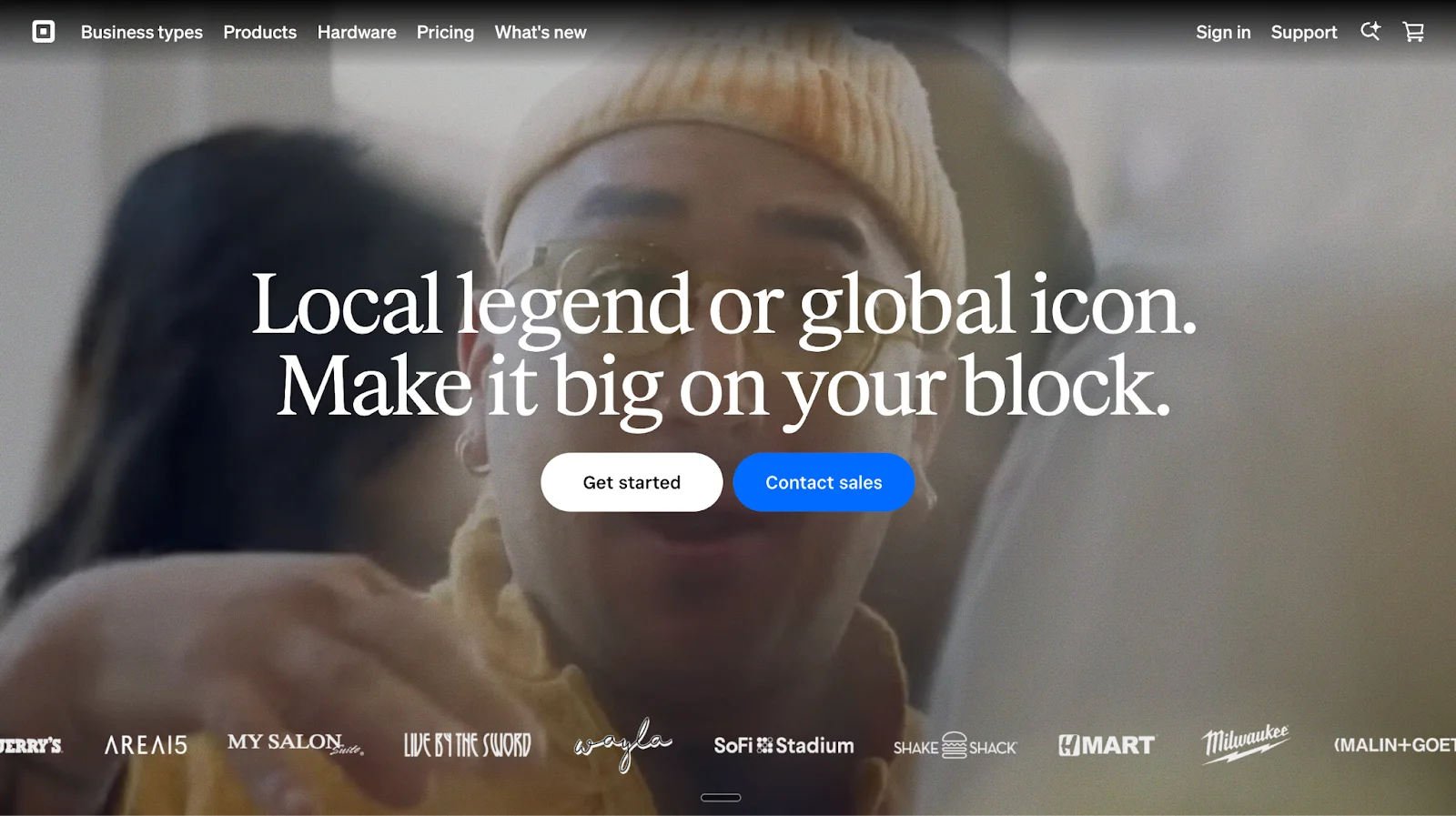
Square Appointments (Best Scheduling for Service Businesses with Payments)
Square offers appointment scheduling as part of its broader business management and point-of-sale ecosystem. Square Appointments is designed primarily for service-based businesses that need booking, payments, staff management, and customer records in one system.
Scheduling is tightly connected to payments, POS, and operations rather than lead qualification or sales workflows.
Best for
Local and service-based businesses
Beauty, wellness, fitness, and personal services
Retail and food service businesses offering appointments
Teams that already use Square for payments and POS
Scheduling model
Square Appointments uses a booking page–based scheduling model.
Customers book services through an online booking site tied to the business’s Square account. Availability, staff, services, and pricing are defined in advance, and bookings sync directly with Square calendars and payments.
Scheduling is availability and service driven rather than intent or qualification driven.
Key capabilities
Online appointment booking: Customers can book services online at any time through a Square-hosted booking site.
Integrated payments: Accepts payments at booking or in person using Square’s payment processing and hardware.
Staff and resource management: Assigns appointments to staff members and manages schedules across locations.
Calendar and reminders: Automatically syncs bookings to calendars and sends appointment reminders.
Customer directory: Stores booking history and customer details inside Square’s ecosystem.
POS and hardware integration: Works seamlessly with Square Register, Terminal, Handheld, and Reader devices.
AI insights: Square AI provides high-level business insights based on transaction and booking data.
Strengths
Tight integration between scheduling and payments
Strong fit for in-person services
Unified view of bookings, customers, and revenue
Simple setup for existing Square users
Scales across locations and service types
Limitations for B2B scheduling
For B2B SaaS and revenue teams, Square Appointments has clear constraints:
Built for services, not sales meeting
No lead qualification before booking
No routing logic based on buyer context
Scheduling is not intent aware
CRM-style enrichment is not native
Not designed to reduce sales no-shows
Pricing overview
Free plan available for basic appointment booking
Paid plans unlock advanced features, staff tools, and support
Pricing is per location and tied to Square’s broader platform
Bottom line
Square Appointments is a strong scheduling solution for service businesses that need payments, POS, and booking in one system.
However, it is not built for B2B revenue workflows, buyer qualification, or advanced scheduling logic beyond service availability.
Takeaway
Square Appointments combines booking and payments for service businesses, but it is not designed for sales-led scheduling or buyer qualification.
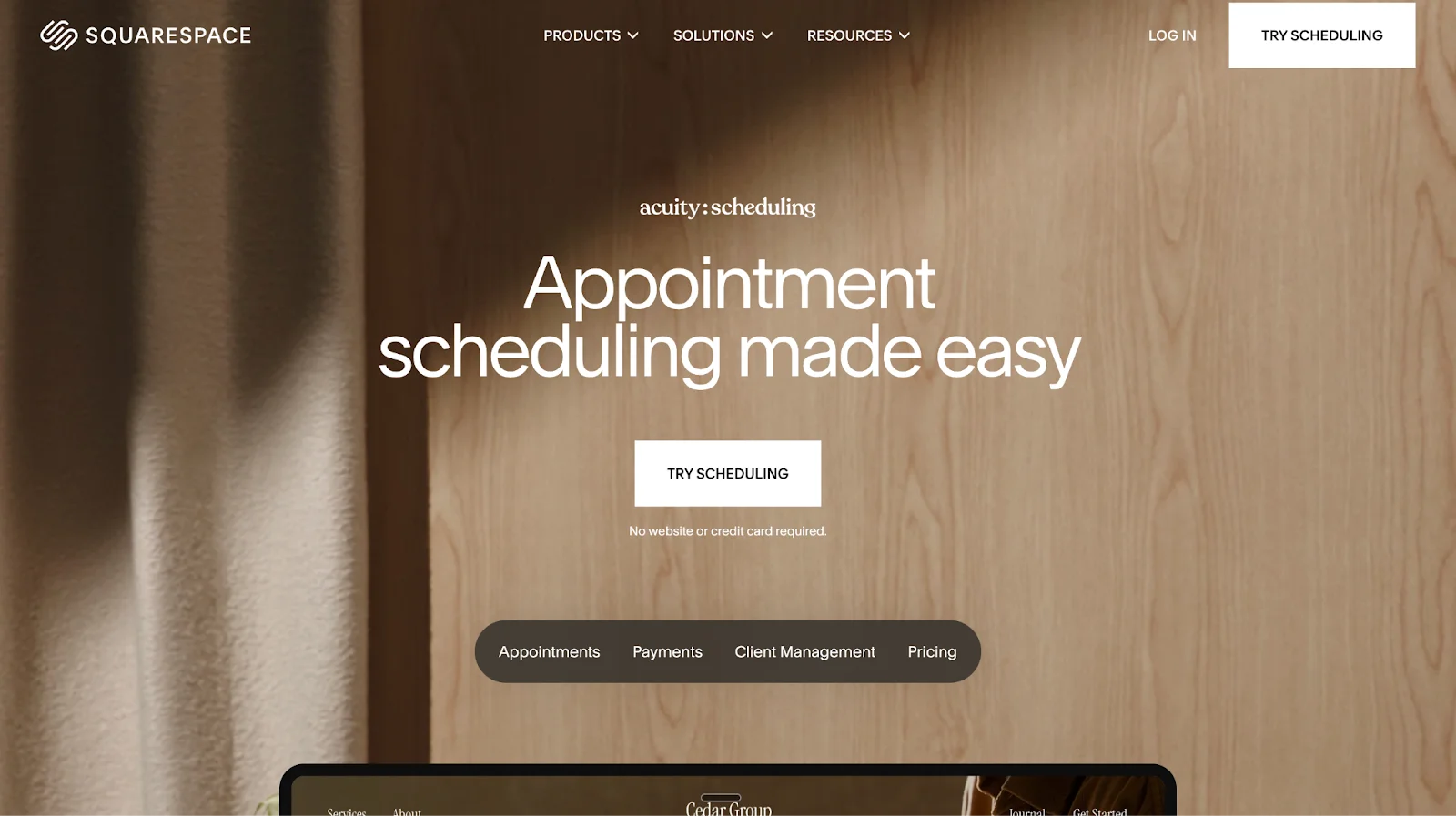
Acuity Scheduling (by Squarespace): Best for Creators and Client-Based Businesses
Acuity Scheduling is an online appointment scheduling tool designed for creators, consultants, and service-based businesses that want flexible client booking, integrated payments, and strong client management.
Acuity focuses on helping businesses maximize booked appointments by removing back-and-forth communication and offering a polished booking experience for both in-person and virtual sessions.
Best for
Creators and freelancers
Consultants and professional services
Coaches, educators, and instructors
Agencies managing client appointments
Businesses that need payments tied directly to bookings
Scheduling model
Acuity Scheduling uses a form-based booking and intake model.
Clients book appointments through a branded booking page or embedded scheduler. Intake forms collect information before the session, and confirmations and reminders are sent automatically after booking.
Scheduling is driven by availability, services, and intake data rather than buyer intent or qualification.
Key capabilities
Client self-booking: Clients book directly through a website or branded booking page without manual coordination.
Flexible calendar rules: Supports booking limits, buffer times, minimum notice, time zone detection, and scheduling rules.
Group classes and events: Allows size limits, recurring sessions, workshops, and class registrations.
Custom intake forms: Collects client information, goals, and agreements before sessions.
Integrated payments: Accepts payments, deposits, tips, subscriptions, and packages via Stripe, Square, or PayPal.
Automated messaging: Sends confirmation, reminder, cancellation, and follow-up emails and SMS messages.
Client management: Maintains client profiles with appointment history and notes.
Mobile management: Offers mobile apps to manage schedules, clients, and payments on the go.
Video integrations: Supports Google Meet, Zoom, and GoToMeeting for virtual appointments.
Strengths
Strong booking customization for client services
Built-in intake forms and client profiles
Flexible payment and revenue options
Supports classes, subscriptions, and packages
Works independently or alongside a Squarespace website
Limitations for B2B revenue teams
From a B2B SaaS and sales operations perspective, Acuity has limitations:
Scheduling is form-based
Qualification happens after booking
No intent detection or enrichment before meetings
Routing is availability based, not buyer context based
CRM-style lead hygiene is not a primary focus
Pricing overview
Tiered plans based on number of calendars
Paid plans unlock SMS reminders, memberships, subscriptions, and advanced customization
Designed for creators and service businesses rather than enterprise sales teams
Bottom line
Acuity Scheduling is a powerful appointment scheduling tool for creators and client-based businesses that need flexible booking, intake forms, and integrated payments.
However, it is not built for B2B revenue workflows that require pre-meeting qualification, intent-based routing, or CRM hygiene.
Takeaway
Acuity Scheduling helps service businesses and creators manage bookings and payments efficiently, but it remains a traditional form-based scheduling system.
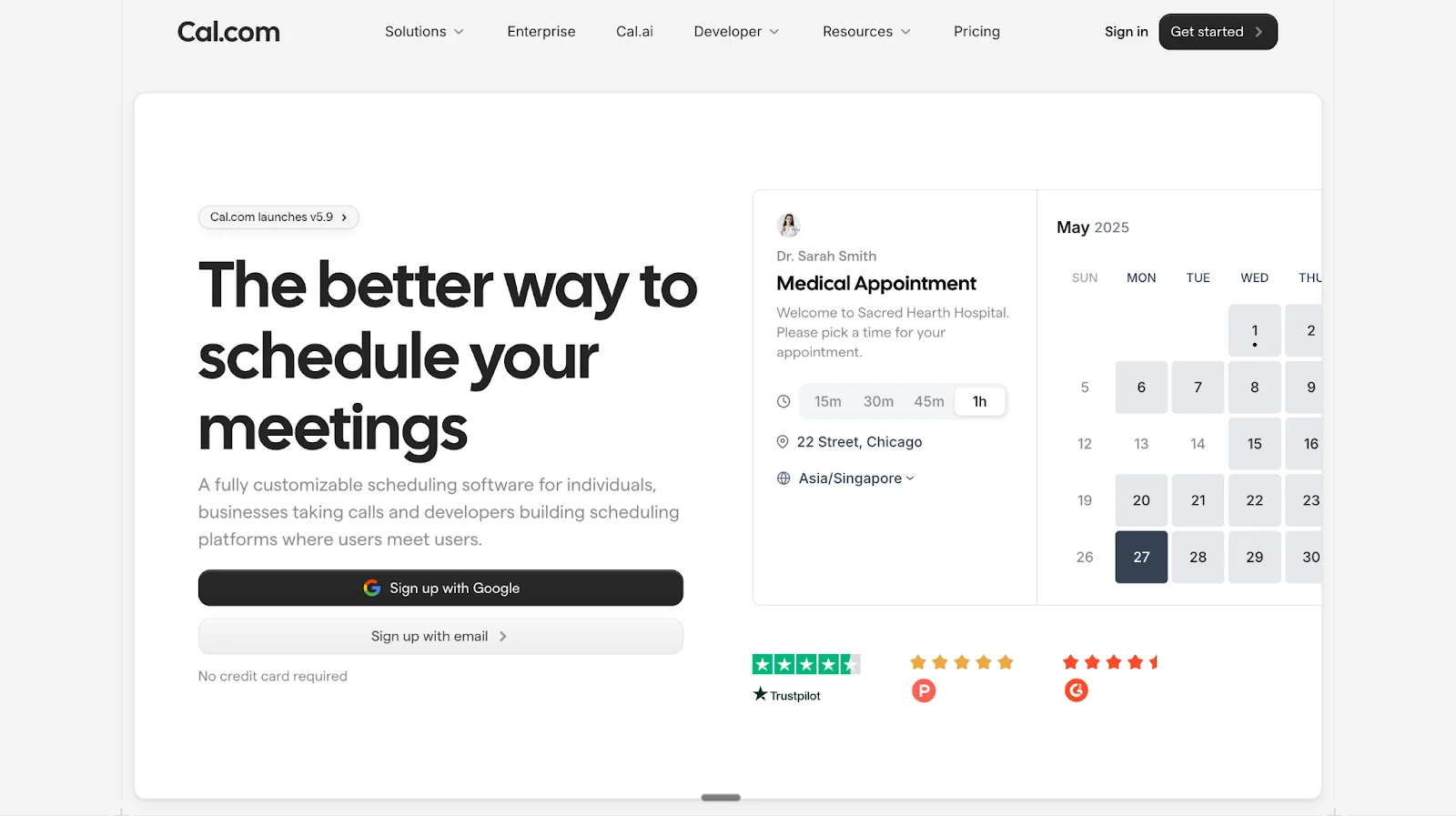
Cal: Open Source Scheduling for Developers and Modern Teams
Cal is a highly customizable online scheduling platform built for individuals, fast-growing companies, and developers who want full control over their scheduling experience.
Cal positions itself as a developer-friendly, privacy-first alternative to traditional scheduling tools, with strong customization, open-source foundations, and optional self-hosting.
Best for
Developers and technical teams
Startups and modern companies
Businesses that want white-label or self-hosted scheduling
Organizations needing advanced customization and APIs
Teams that prefer open-source software
Scheduling model
Cal uses a booking link and availability-based scheduling model.
Users define availability, event types, buffers, and meeting formats. Bookers select a time slot via a customizable booking page. Scheduling is rules-driven rather than intent-driven.
Key capabilities
Calendar synchronization: Connects with Google Calendar and other calendar providers to prevent double booking.
Flexible availability rules: Supports buffers, minimum notice periods, daily or weekly booking limits, and time-slot intervals.
Custom booking links: Short, memorable scheduling URLs for easy sharing.
Automated reminders and notifications: Sends booking confirmations, reschedule alerts, cancellation notices, and reminder emails or SMS.
Payment support: Accepts payments through Stripe for monetized bookings.
Built-in video conferencing: Includes Cal Video as a native video meeting option, with support for external platforms.
Easy embeds: Booking pages can be embedded directly into websites or applications.
Global accessibility: Supports 65+ languages and automatic time zone handling.
Privacy-first design: Built with a strong focus on data privacy and user control.
Developer and enterprise features
Open-source core with public GitHub repository
Self-hosting and white-label options
APIs and platform tools for building scheduling into products
Enterprise features for routing, unified calendar access, and advanced workflows
Cal AI overview
Cal also offers Cal AI, an AI-powered phone agent that can:
Book meetings via natural phone conversations
Send reminders and follow-ups
Help reduce no-shows through voice interactions
This is positioned as an optional enhancement rather than the core scheduling model.
Strengths
Open-source and highly customizable
Strong developer ecosystem and APIs
Free plan with generous features for individuals
Supports both SaaS and embedded scheduling use cases
Flexible enough for marketplaces and platforms
Limitations for B2B revenue teams
From a revenue operations and demand generation perspective:
Scheduling is still availability-based
No native lead qualification before booking
No built-in buyer intent enrichment
Routing logic is rule-based, not context-based
CRM hygiene and attribution are not core focuses
Pricing approach
Free plan available for individuals
Paid plans for teams, enterprise, and advanced features
Enterprise pricing varies based on deployment and requirements
Bottom line
Cal is an excellent choice for teams that value customization, open-source flexibility, and developer control in scheduling.
However, it remains a traditional scheduling platform that focuses on availability and rules rather than buyer qualification, intent detection, or revenue optimization.
Takeaway
Cal is a powerful open-source scheduling platform built for flexibility and developers, but it is not designed to qualify or route buyers before meetings.
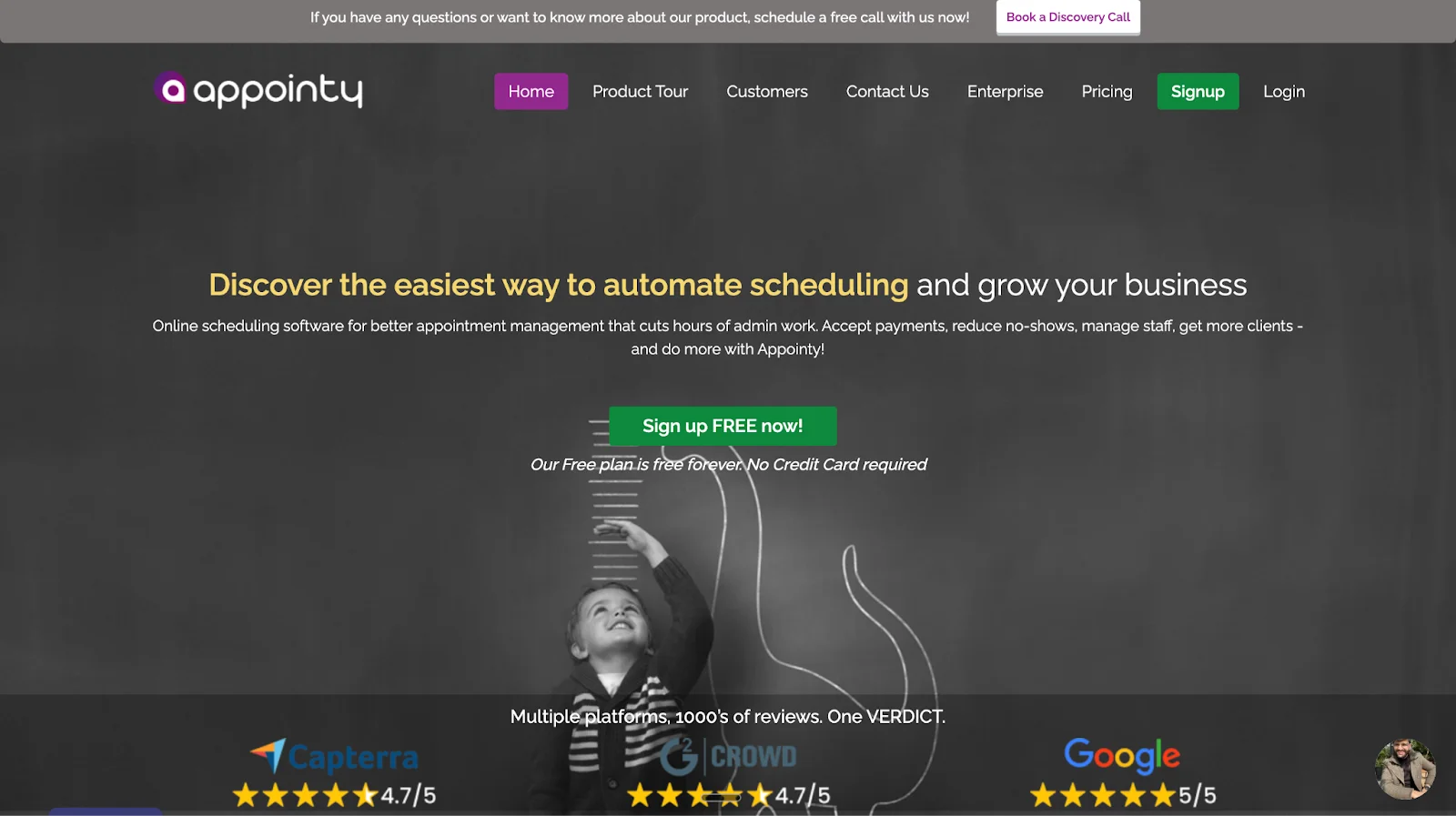
Appointy: Appointment Scheduling for Service Businesses and SMBs
Appointy is an online appointment scheduling platform designed for service-based businesses that need booking pages, staff management, payments, and reminders in one system.
Appointy focuses on helping businesses automate appointment management, reduce manual admin work, and accept bookings across websites, social platforms, and Google.
Best for
Local service businesses
Health, wellness, and fitness providers
Salons, clinics, and education providers
SMBs needing staff scheduling and payments
Businesses booking high volumes of appointments
Scheduling model
Appointy uses a form-based booking and calendar availability model.
Customers select services, staff members, and available time slots through a booking page. Scheduling is driven by predefined services, staff availability, and booking rules.
Key capabilities
Online booking pages: Customizable booking pages that display services, staff, and real-time availability.
Calendar synchronization: Syncs with Google Calendar and iCal to prevent double bookings.
Multi-channel booking: Accepts bookings directly from websites, Facebook, Instagram, and Google via Reserve with Google.
Automated reminders: Sends email and SMS reminders to reduce missed appointments.
Payments and deposits: Accepts payments through Stripe, PayPal, Square, and Authorize.Net.
Staff and resource management: Supports staff logins, service assignments, and resource scheduling.
Customer management: Stores customer data and appointment history for repeat bookings.
Mobile apps: Available on desktop and mobile platforms for schedule management on the go.
Industry coverage
Appointy is positioned to support a wide range of industries, including:
Health and wellness
Medical and dental practices
Fitness and recreation
Salon and beauty services
Professional services
Education and tutoring, including schools that use assessment platforms such as AssessPrep
Government and public services
Strengths
Broad industry support
Competitive pricing for SMBs
Built-in payments and reminders
Reserve with Google integration
Multi-location support on higher plans
Limitations for B2B revenue teams
From a B2B SaaS and revenue operations perspective:
Scheduling is service and form-based
No native lead qualification before booking
No buyer intent enrichment
Routing is staff-based, not intent-based
CRM hygiene depends on integrations
Designed primarily for appointments, not sales funnels
Pricing overview
Free plan available with limited staff and appointment volume
Paid plans scale by staff count, features, and locations
Enterprise plans available with customization and SLA support
Bottom line
Appointy is a strong appointment scheduling solution for service-oriented and local businesses that need booking pages, payments, and staff scheduling in one place.
It is not designed for B2B revenue teams, lead qualification, or sales-driven scheduling workflows.
Takeaway
Appointy is a reliable appointment scheduling platform for service businesses, but it remains a traditional form-based scheduler rather than a buyer-qualified scheduling system.
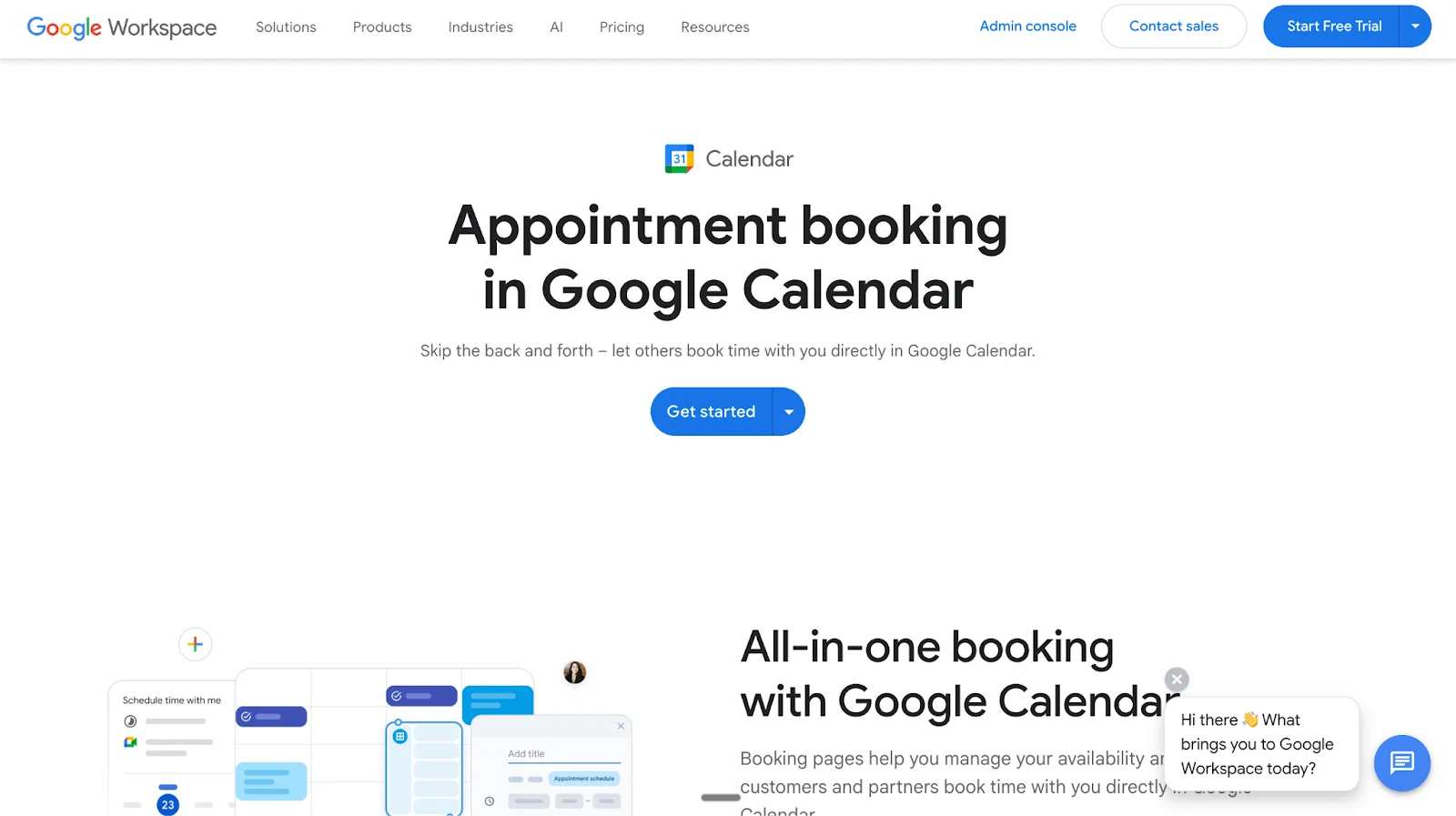
Google Calendar Scheduling: Native Booking Inside Google Workspace
Google Calendar offers built-in appointment scheduling through Google Workspace, allowing individuals and businesses to let others book time directly on their Google Calendar without email back-and-forth.
This feature is designed for users who already rely on Gmail, Google Calendar, and Google Meet and want a simple, native booking experience without adding a third-party scheduling tool.
Best for
Individuals and professionals using Google Workspace
Small businesses already on Gmail and Google Calendar
Internal meetings and external client bookings
Users who want simple scheduling without additional software
Scheduling model
Google Calendar Scheduling uses a calendar-based booking page model.
Users create appointment schedules inside Google Calendar, define availability and duration, and share a booking page link. All bookings appear directly on the user’s Google Calendar.
Core capabilities
Native booking pages: Create booking pages directly inside Google Calendar and share them with clients, customers, or partners.
Real-time availability syncing: Automatically checks all connected calendars to prevent double bookings.
Google Meet integration: Appointments can automatically include Google Meet links for virtual meetings.
Email notifications: Booking confirmations and notifications are sent automatically.
Premium features (Google Workspace Business Standard and above)
Multiple booking pages: Create separate booking pages for different appointment types or services.
Payment collection: Connect a Stripe account to collect payments at the time of booking.
Automated email reminders: Send reminder emails 12 or 24 hours before appointments.
Verified bookings: Require email verification to reduce spam or fake bookings.
Advanced conflict detection: Checks availability across all calendars linked to the account.
What Google Calendar Scheduling does well
Deep integration with Google Workspace
No additional software required
Simple setup and familiar interface
Reliable calendar conflict detection
Suitable for both free and paid bookings
Limitations to be aware of
Scheduling is calendar-driven, not lead-driven
No native lead qualification or routing logic
No buyer intent enrichment
No CRM-first workflow
Limited customization compared to dedicated schedulers
Advanced features require paid Workspace plans
Pricing overview
Free tier: One booking page with basic scheduling functionality.
Business Standard and above: Multiple booking pages, payments via Stripe, automated reminders, and advanced scheduling controls.
Bottom line
Google Calendar Scheduling is a simple and dependable booking solution for Google Workspace users who want native appointment booking without external tools.
It is not designed for sales qualification, revenue routing, or B2B funnel optimization.
Takeaway
Google Calendar Scheduling is ideal for straightforward appointment booking inside Google Workspace, but it remains a basic calendar-first scheduler rather than a revenue-focused scheduling platform.
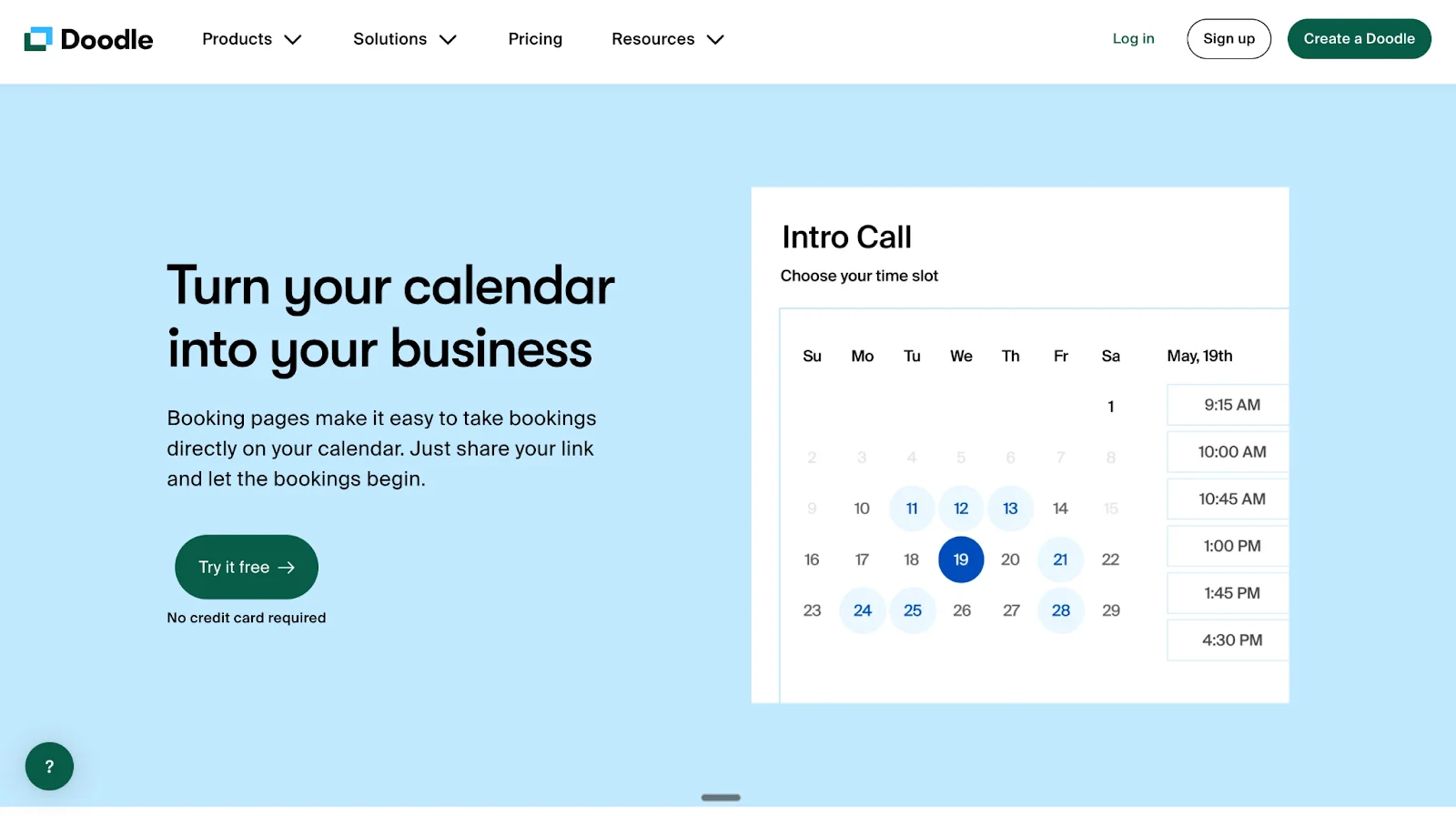
Doodle: Best for Group Scheduling and Poll-Based Meetings
Doodle is a scheduling platform designed primarily to help individuals and teams find mutually available times for meetings, workshops, and events without email back-and-forth.
Doodle is best known for its group polling model, but it also supports 1:1 scheduling and booking pages with optional payment collection.
Best for
Group meetings with multiple participants
Workshops, events, and internal coordination
Professionals who need availability polling
Teams coordinating across time zones
Users who want simple scheduling without CRM complexity
Scheduling models supported
Group Polls Participants vote on proposed time slots. The organizer selects the option that works best for the group.
1:1 Scheduling Share a list of available times and let invitees select the slot that works for them.
Booking Pages Create a branded booking page where invitees can directly book meetings based on availability.
Core features
Group availability polling: Collect responses from multiple participants to identify the best meeting time.
Booking pages: Share a scheduling link for direct 1:1 bookings.
Calendar integrations: Syncs with Google Calendar, Outlook, Microsoft Exchange, Office 365, and iCloud.
Video conferencing integrations: Supports Zoom, Google Meet, Microsoft Teams, Webex, and other meeting tools.
Automated notifications: Handles invitations, confirmations, and reminders.
Payments and monetization
Stripe integration: Collect payments at the time of booking for paid meetings or sessions. For teams exploring simple mobile app monetization models, this can support direct revenue from bookings without adding a more complex billing setup.
Designed to support organizations without requiring dedicated IT teams.
What Doodle does well
Excellent for group scheduling and consensus-based meetings
Simple, intuitive interface
Strong calendar and video conferencing integrations
Useful for workshops, committees, and multi-participant events
Trusted by large organizations for coordination use cases
Limitations to consider
Scheduling is availability-driven, not intent-driven
No lead qualification or routing logic
No CRM-first workflows
No buyer context enrichment
Not designed for revenue teams or sales funnels
Engagement happens before or after scheduling, not during
Pricing overview
Free plan available
Paid plans unlock booking pages, payments, branding, and advanced features
Exact pricing depends on plan and region.
Bottom line
Doodle is a strong scheduling tool for group coordination and availability polling, especially when multiple participants need to agree on a meeting time.
It is not designed for sales qualification, buyer routing, or B2B revenue workflows.
Takeaway
Doodle excels at finding the best time for groups to meet, but it remains a scheduling and polling tool rather than a lead or revenue-focused scheduling platform.
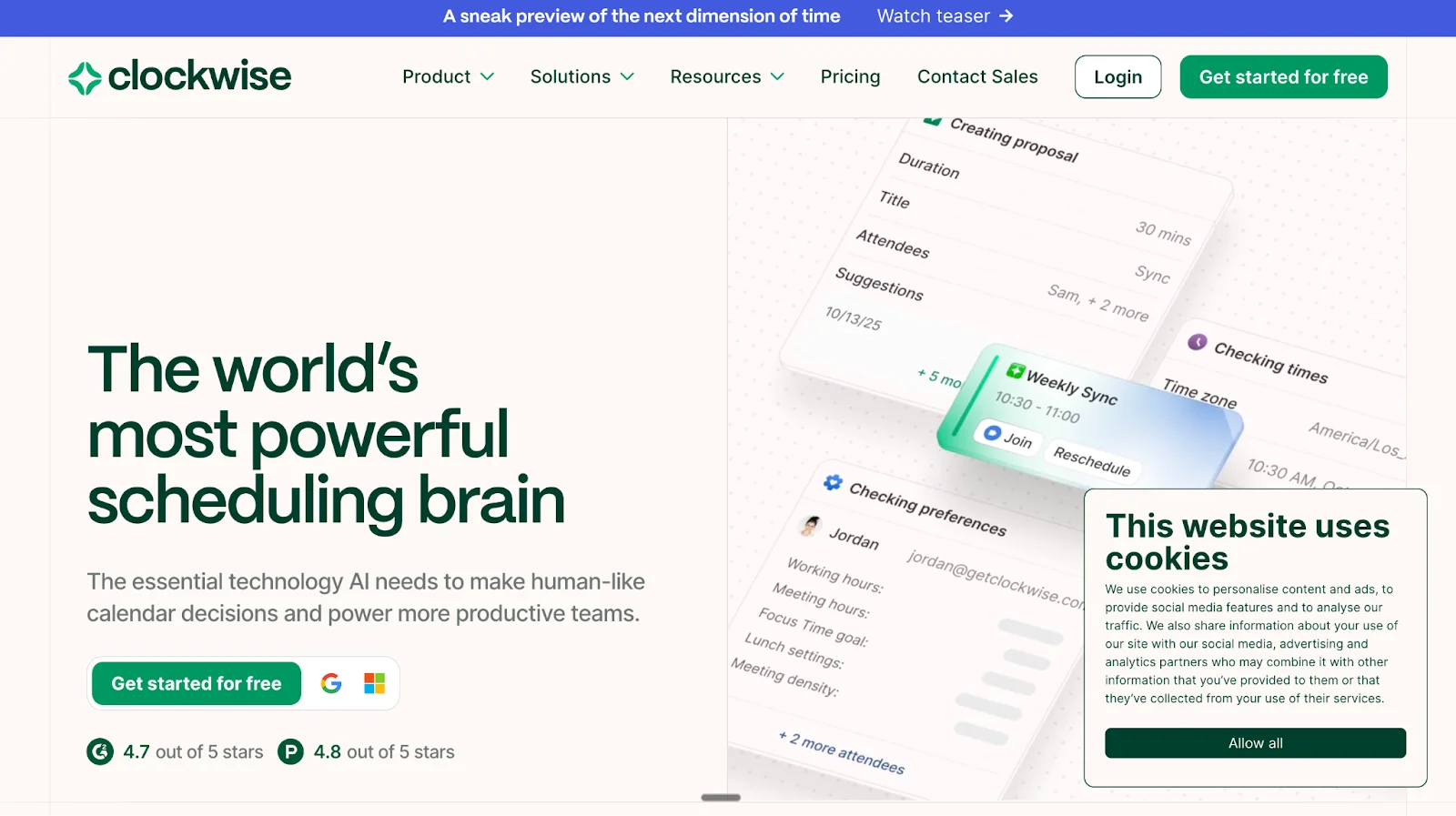
Clockwise: Best AI Calendar Optimization Tool for Focus and Team Productivity
Clockwise is an AI-powered calendar optimization platform designed to help individuals and teams automatically create time for deep work, reduce context switching, and resolve scheduling conflicts.
Clockwise does not operate as a traditional booking or appointment scheduling tool. Instead, it works inside existing calendars to continuously optimize how time is allocated across meetings, focus time, and collaboration.
Best for
Knowledge workers with meeting-heavy calendars
Engineering, product, and technical teams
Distributed and hybrid teams
Organizations optimizing internal meeting load
Employees who need protected focus time
Core scheduling model
Calendar optimization, not booking
Clockwise connects directly to Google Calendar and Outlook Calendar and uses AI to:
Rearrange meetings automatically
Protect focus time
Resolve conflicts across teams
Optimize schedules in real time
There are no public booking pages or external appointment funnels like Calendly or Setmore.
Key features
AI Scheduling Engine Clockwise analyzes millions of possible calendar arrangements daily to find optimal schedules based on:
Individual preferences
Team working hours
Focus time goals
Meeting constraints
Focus Time Protection Automatically schedules and defends uninterrupted blocks of time for deep work.
Flexible Meetings Meetings can move dynamically to better times when conflicts arise without manual rescheduling.
Flexible Holds Temporary calendar holds allow Clockwise to rearrange meetings intelligently as priorities change.
Scheduling Links Used primarily for internal coordination rather than public booking funnels.
Team coordination
Clockwise balances:
Individual work preferences
Team-wide availability
Timezones
Organizational constraints
This allows teams to schedule meetings at times that minimize disruption and maximize productivity.
AI capabilities
Clockwise’s AI:
Learns user preferences over time
Predicts scheduling conflicts before they occur
Optimizes calendars continuously, not one-time
Coordinates time across entire teams
Clockwise reports analyzing over 160 million meeting data points daily to improve scheduling decisions.
Integrations
Clockwise integrates with:
Google Calendar
Outlook Calendar
Slack
MCP (odel Context Protocol) for AI agent coordination
Security and enterprise readiness
Clockwise provides:
OAuth-based authentication via Google
TLS and AES encryption for data in transit and at rest
Enterprise-grade security controls
Support for large organizations
What Clockwise does well
Excellent at reducing meeting overload
Strong focus on deep work protection
Works automatically in the background
Scales across large teams
Handles complex internal scheduling scenarios
Limitations to consider
Not an appointment scheduling tool
No public booking pages
No lead capture or qualification
No CRM workflows
No payment collection
Not designed for customer-facing scheduling funnels
Pricing model
Free plan available
Paid plans unlock advanced team and enterprise capabilities
Pricing varies by team size and organization needs
Bottom line
Clockwise is no a booking tool. It is an AI calendar optimization system designed to make internal schedules smarter, quieter, and more productive.Takeaway
Clockwise optimizes how teams spend time on their calendars, but it does not replace appointment scheduling or customer-facing booking tools.
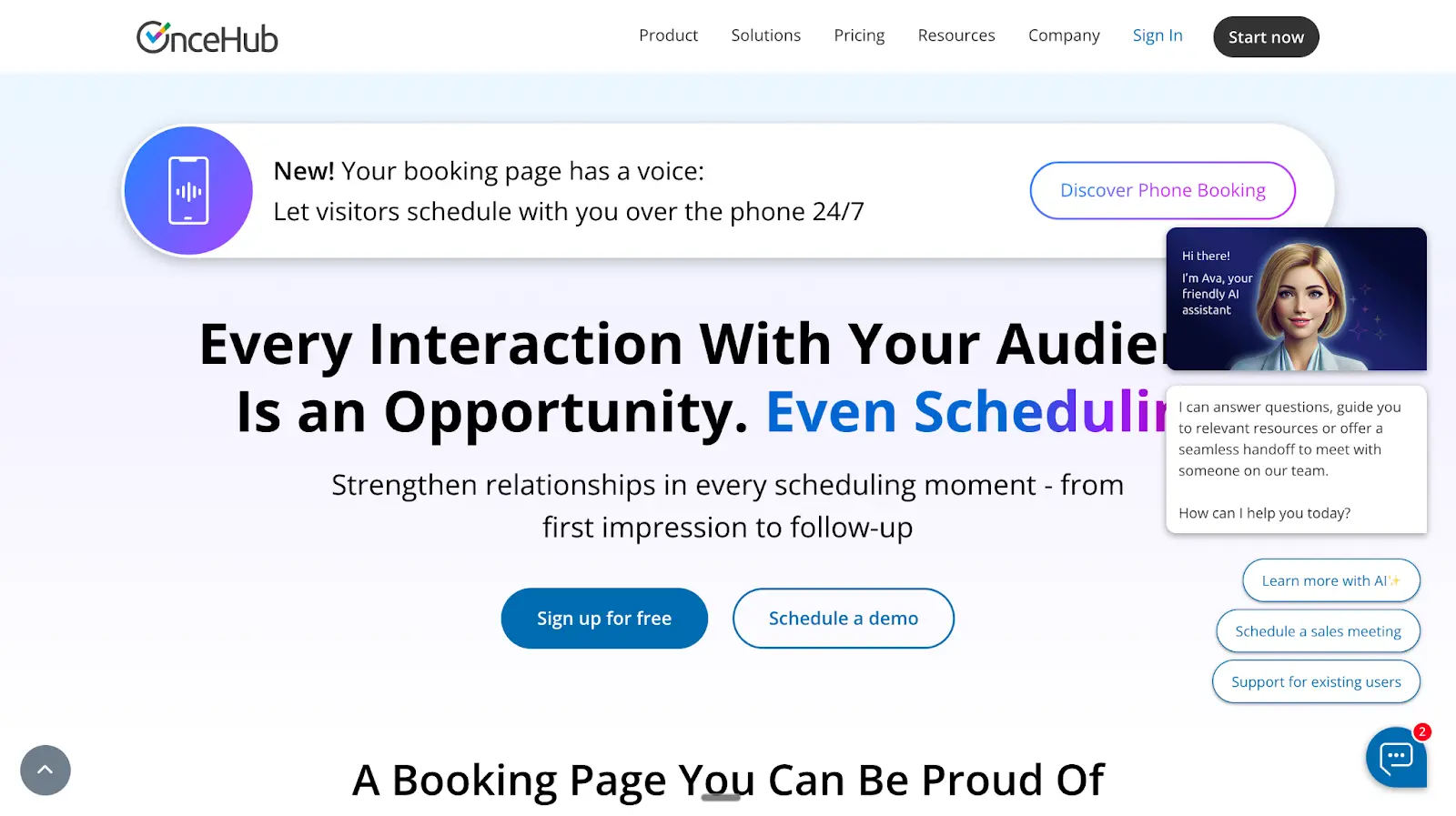
OnceHub: Conversational Scheduling for High-Intent Meetings
OnceHub is a conversational scheduling platform designed to turn scheduling moments into structured, high-quality interactions. It goes beyond simple booking links by using conversational logic, routing rules, and AI-driven flows to decide if, when, and with whom a meeting should happen.
OnceHub sits between traditional form-based schedulers and modern formless experiences, focusing heavily on intent capture, routing, and qualification before meetings.
Best for
High-ticket sales teams
Service delivery and support teams
Financial advisors, coaches, and consultants
Healthcare and academic services
Organizations needing structured lead routing before meetings
Core scheduling model
Conversational, rules-based scheduling
OnceHub does not rely on a single static booking page. Instead, it combines:
Branded booking pages
Conversational flows
AI-driven qualification
Routing and distribution logic
Meetings are scheduled only after understanding purpose, urgency, participants, and context.
Key features
Powerful Booking Pages Highly customizable, branded booking pages designed to feel professional and on-brand rather than transactional, especially when paired with professional proposal templates during the buyer journey.
Conversational Scheduling Uses guided conversational flows to:
Understand why someone wants to meet
Assess urgency and intent
Decide whether to schedule now or later
Match the request to the correct calendar
AI-Driven Scheduling AI assists in determining:
Meeting relevance
Best next step
Proper routing based on intent
This reduces unqualified or unnecessary meetings.
Routing and Distribution Automatically routes meetings based on:
Availability
Role
Load balancing
Priority rules
Multi-calendar logic
Phone Booking (Voice Scheduling) Visitors can schedule meetings over the phone 24/7 using AI-powered voice booking, extending scheduling beyond web pages.
Team and enterprise capabilities
Multi-calendar coordination
Hybrid scheduling for in-person and online meetings
Meeting room and participant coordination
Load balancing across teams
Enterprise-grade scheduling workflows
Integrations
OnceHub integrates with:
Google Calendar
Microsoft Outlook and Exchange
Google Meet
Microsoft Teams
Zoom
Webex
Salesforce
HubSpot
Zapier
APIs and webhooks for custom integrations
Security and compliance
OnceHub supports enterprise and regulated industries with:
GDPR compliance
SOC 2
HIPAA
PCI
FINRA
Department of Education compliance
This makes it suitable for healthcare, finance, and education use cases.
What OnceHub does well
Strong intent capture before meetings
Advanced routing and distribution
Conversational, human-like scheduling experiences
Works well for complex, high-stakes scheduling
Suitable for regulated industries
Limitations to consider
Still relies on booking pages and structured flows
CRM sync happens after scheduling logic, not during live engagement
Less focused on outbound or post-booking engagement
Pricing model
Free plan available
Paid plans scale based on features, teams, and use cases
Enterprise pricing available
Bottom line
OnceHub is a conversation-first scheduling platform designed to ensure meetings are intentional, qualified, and routed correctly before they happen.
It is best suited for organizations where meeting quality matters more than meeting volume.
Takeaway
OnceHub adds intelligence and conversation to booking pages, but it still operates within a structured scheduling framework rather than a fully formless funnel.
Why Traditional Scheduling Tools Break for B2B
Scheduling Is Still Form-Based
Most scheduling tools used by B2B teams today are built on a form-first model. Before a meeting can be booked, buyers are asked to complete multiple fields that are meant to qualify intent and route the meeting.
In practice, this creates friction and weak signals.
Buyers fill forms to book Form fields slow down momentum at the exact moment of interest. Many buyers abandon the process, while others rush through it and provide incomplete or inaccurate information just to get the calendar link.
SDRs chase later Because form data is often shallow or unreliable, sales development teams are forced to re-qualify after the meeting is booked. This shifts work downstream and increases manual follow-ups that should never have been necessary.
Low-quality meetings When routing decisions are based on self-reported form answers, meetings frequently land with the wrong rep or happen without enough context. The result is more meetings on the calendar but fewer that actually move the pipeline forward.
No-Shows Are a Structural Problem
No-shows are often treated as a reminder or notification issue. In reality, they are a byproduct of how traditional scheduling tools are designed.
Anonymous bookings Form-based schedulers allow anyone to book time without creating any human connection. The meeting exists on the calendar, but the relationship does not.
No relationship before the meeting Buyers often have no idea who they are meeting, what the conversation will look like, or why it matters to them specifically. Without context, the meeting feels optional.
Calendars fill, pipelines don’t Traditional scheduling tools optimize for booked meetings, not attended meetings or qualified conversations. As a result, teams see full calendars but stagnant pipelines and wasted selling time.
This is why form-based scheduling struggles in modern B2B environments. It prioritizes volume and convenience over intent, context, and relationship building.
A Smarter Model: Formless Scheduling with Knock AI
What Makes Knock Scheduling Different
Traditional scheduling tools still rely on static forms to decide who gets a meeting, when it happens, and which rep owns it. That model worked when inbound volume was low and funnels were simple. In 2026, it creates friction, poor routing, and low-quality meetings.
Knock AI introduces a formless scheduling model designed specifically for modern B2B revenue teams.
No long forms Instead of asking buyers to fill out multi-field forms before booking, Knock AI removes the form entirely. Prospects schedule instantly, without interruption or cognitive friction. This reduces drop-offs at the booking stage and captures intent at the moment of interest.
Real-time enrichment The absence of forms does not mean the absence of data. Knock AI enriches the lead automatically in real time after the meeting is booked. This includes company context, role signals, and intent indicators, giving sales teams more accurate information than self-reported form fields.
Qualified meetings only Knock AI does not simply book meetings. It qualifies and routes them based on enriched data and predefined logic. Meetings are assigned to the right owner using real signals, not guessed form answers. The result is fewer low-intent calls and higher-quality conversations for SDRs and AEs.
How Knock AI Reduces No-Shows
No-shows are rarely a calendar problem. They are a trust and recognition problem. Buyers skip meetings when the interaction feels anonymous or transactional.
LinkedIn message sent from the meeting owner As soon as a meeting is booked, Knock AI triggers a personalized LinkedIn message sent directly from the meeting owner. This is not a generic reminder. It is a human introduction that establishes context and credibility.
Buyer recognizes the rep before the call By the time the meeting starts, the buyer already knows who they are meeting and why. The rep is no longer a stranger behind a calendar link. This familiarity significantly increases commitment to attend.
Higher show-up rates When buyers recognize the person, understand the relevance, and feel the interaction is intentional, they show up. Knock AI reduces no-shows by turning scheduling into the first relationship touchpoint, not just a logistics step.
In short, Knock AI reframes scheduling from a passive booking action into an active revenue moment.
Flexible booking pages, add-ons, multi-location support
Configuration can get complex
YouCanBookMe
Coaches and consultants
Strong customization, payments, analytics
Not built for teams or B2B routing
Appointy
Small to mid-size service businesses
Industry templates, Google bookings, payments
UI and logic skew toward services
Best when: You need simple online booking, payments, and reminders with minimal setup. Not ideal when: You need lead qualification, routing, or sales context.
Best Scheduling Software for Sales Teams
Tool
Best Fit
Why It Works
Key Limitation
Calendly
Inbound and outbound sales
Easy links, CRM integrations, routing rules
Still form-based, limited intent context
OnceHub
High-touch sales and services
Routing, conversational flows, phone booking
Heavier setup and configuration
Doodle
Group coordination
Poll-based consensus, simple UX
Not designed for revenue teams
Best when: You need quick meeting booking at scale. Breaks when: Meeting quality, intent, and no-shows matter more than volume.
Best Appointment Scheduling Software With Payments
Tool
Payment Support
Best Use Case
Limitation
Square
Native payments, POS
Retail and in-person services
Scheduling is secondary to payments
Acuity Scheduling
Stripe, PayPal, Square
Creators and professionals
Still form-based
Google Calendar
Stripe via Workspace
Individuals and small teams
Requires paid Workspace for advanced features
Setmore
Stripe, Square, PayPal
SMB services
Limited B2B logic
Best when: You need to collect money at booking time. Not built for: Sales qualification or complex routing.
You care about meeting quality, routing accuracy, and show-up rates
Your pipeline depends on who books, not just how many
How to Use These Tables
Small business: Prioritize ease, payments, and branding
Sales teams: Look beyond links and reminders
B2B SaaS: Optimize for qualification, context, and attendance, not raw bookings
FAQs
What is the most used scheduling software?
Globally, Calendly and Google Calendar are among the most widely used. Calendly is popular for link-based meeting booking, while Google Calendar is ubiquitous for day-to-day scheduling and basic booking pages within Google Workspace.
What are scheduling softwares?
Scheduling software refers to tools that automate booking meetings, appointments, shifts, or events based on availability and rules. Common categories include appointment scheduling apps, employee scheduling tools, project scheduling software, and calendar optimization platforms.
Which software is used for project scheduling?
For project scheduling and delivery planning, teams commonly use tools like Jira, monday.com, and Kantata. These focus on timelines, dependencies, and resource planning rather than booking meetings.
What is the best appointment scheduling software?
There is no single best tool for every use case.
For simple meetings: Calendly
For services with payments: Setmore or SimplyBookMe
For B2B revenue teams that care about lead quality and routing: Knock AI
The “best” option depends on whether you optimize for ease of booking or meeting quality.
Is there free scheduling software?
Yes. Many tools offer free plans, including Calendly, Setmore, YouCanBookMe, and Google Calendar booking pages. Free plans usually cover basic scheduling but limit automation, customization, or team features.
What is the most commonly used scheduling system?
For individuals and small teams, Google Calendar is the most commonly used scheduling system. For external booking and meeting links, Calendly is one of the most commonly adopted platforms.
Is there a Google scheduling tool?
Yes. Google Calendar includes appointment booking pages that let others book time directly based on your availability. Advanced features like payments, multiple booking pages, and automated reminders require a paid Google Workspace plan.
Can scheduling software reduce no-shows?
Yes, but only to a point. Traditional scheduling tools reduce no-shows mainly through reminders and confirmations. Platforms that add context, qualification, or personal engagement before meetings tend to perform better than anonymous, form-based bookings.
What is formless scheduling?
Formless scheduling removes long booking forms from the process. Instead of collecting data upfront, it captures minimal input and enriches lead information in real time, qualifying meetings before they reach a sales calendar.
Is Knock AI a Calendly alternative?
Yes, but they solve different problems. Calendly focuses on fast, form-based meeting booking. Knock AI is built for B2B teams that need formless scheduling, real-time enrichment, accurate routing, and higher-quality meetings rather than just more bookings.
Conclusion
Online scheduling software has become essential, but most tools still focus on booking volume, not meeting quality. Traditional, form-based schedulers work well for simple use cases, yet they often introduce friction, create low-context bookings, and leave revenue teams chasing unqualified meetings.
In 2026, the shift is clear. High-performing B2B teams are moving beyond basic booking links toward formless, intent-aware scheduling. That is where Knock AI stands apart. By enriching leads in real time, qualifying buyers before meetings, and reducing no-shows through direct LinkedIn engagement, Knock transforms scheduling from an admin task into a revenue lever.
If your goal is not just to fill calendars but to generate high-quality, sales-ready conversations, modern formless scheduling is no longer optional. It is the competitive edge.


.svg)


.svg)
.svg)
.svg)


.svg)
.svg)


.svg)
.webp)
.webp)
.webp)
.webp)
.webp)