Best Event Lead Capture Software for Trade Shows in 2026
Best Event Lead Capture Software for Trade Shows in 2026
Events, trade shows, conferences, and field events put your team in front of potential buyers at a moment when real conversations can happen.
And companies are clearly seeing value from those interactions. In Splash's 2025 survey of 1,058 U.S. marketers involved in event programs, 72% said events were their company's most effective marketing channel, while 52% said events accounted for at least half of their company's closed-won deals in 2024. (Source)
But there's a problem with how many teams capture that value.
A typical trade show interaction might end with a badge scan. You get the person's name, email, company, and perhaps their job title. The lead goes into your CRM, gets assigned to someone on Sales, and the event moves on.
But the scan doesn't tell you much about the interaction itself.
You may still not know:
Why they stopped by
What problem they're trying to solve
What questions they asked
What they're interested in
Whether they're actively evaluating solutions
Who should follow up
What the follow-up should say
What should happen next
That's why lead capture and buyer context aren't the same thing.
The issue also shows up when teams try to measure event performance. Splash found that 18% of marketers cited a lack of event data as a challenge in proving event impact. Among those respondents, 41% said they couldn't accurately track pipeline generation. (Source)
So the question isn't simply:
How do you capture more event leads?
It's:
How do you turn each meaningful event interaction into a buyer signal your revenue team can actually act on?
The badge scan isn't the outcome. It's the starting signal.
Modern event lead capture software needs to go beyond collecting contact information. It should help teams capture context, enrich the buyer, identify intent, qualify the interaction, engage in real time, route the right conversation, and carry that context into follow-up.
In this guide, we'll compare the leading event and trade show lead capture software based not only on how they capture leads, but on what happens after the capture: enrichment, conversation context, qualification, CRM synchronization, routing, engagement, and follow-up.
Quick Comparison: Event Lead Capture Software
Software
Lead Capture
Enrichment
Conversation Context
Intent / Qualification
Real-Time CRM
Routing / Activation
Best For
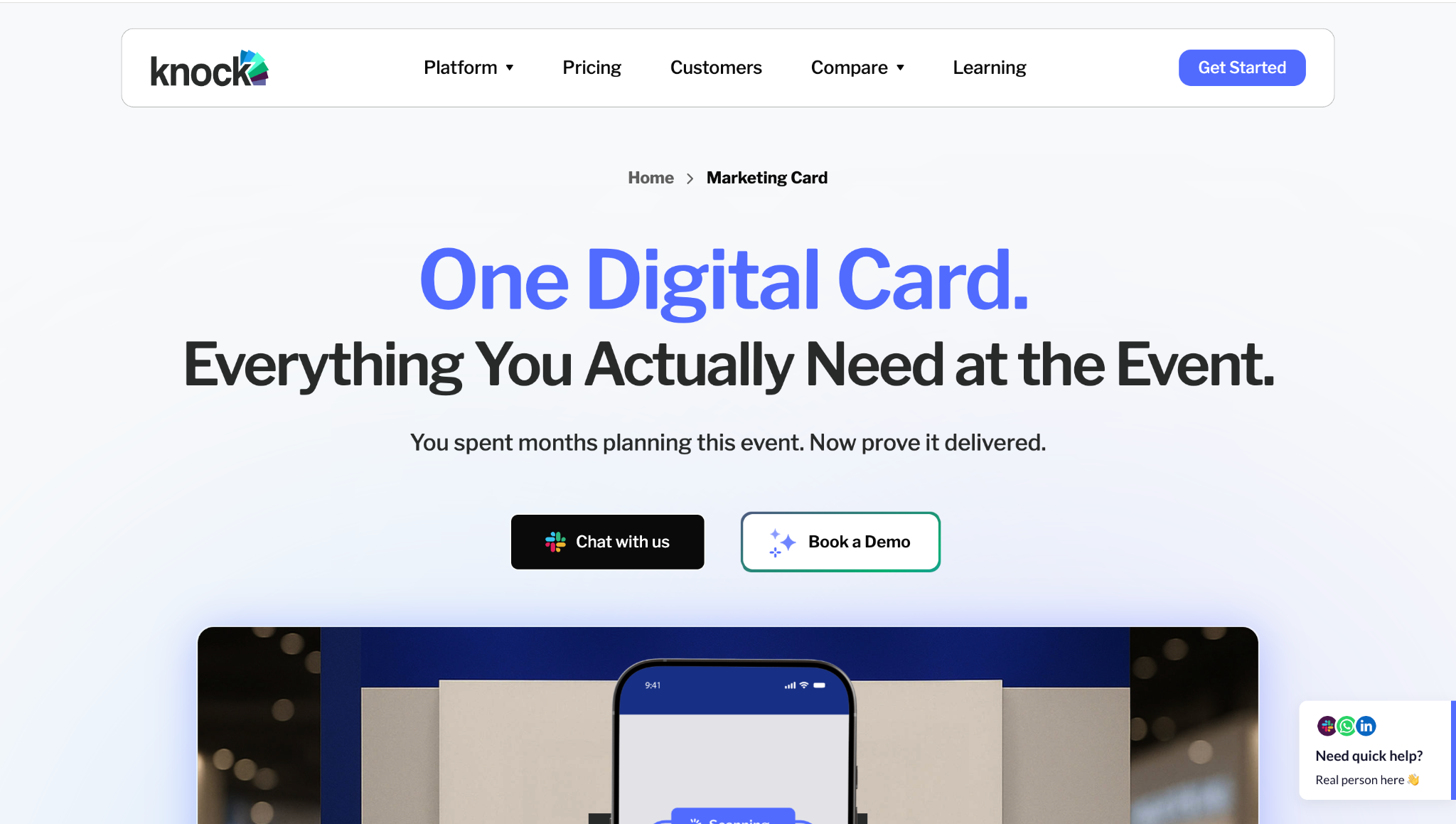
Knock AI
Event QR codes, Marketing Cards, scheduling links, and direct conversations
Real-time contact and company enrichment
Captures and preserves chat/conversation context
AI intent detection and qualification
Syncs contact, enrichment, intent, conversation, and meeting data
Routes conversations to the right rep and can book meetings
Turning event interactions into real-time buyer conversations
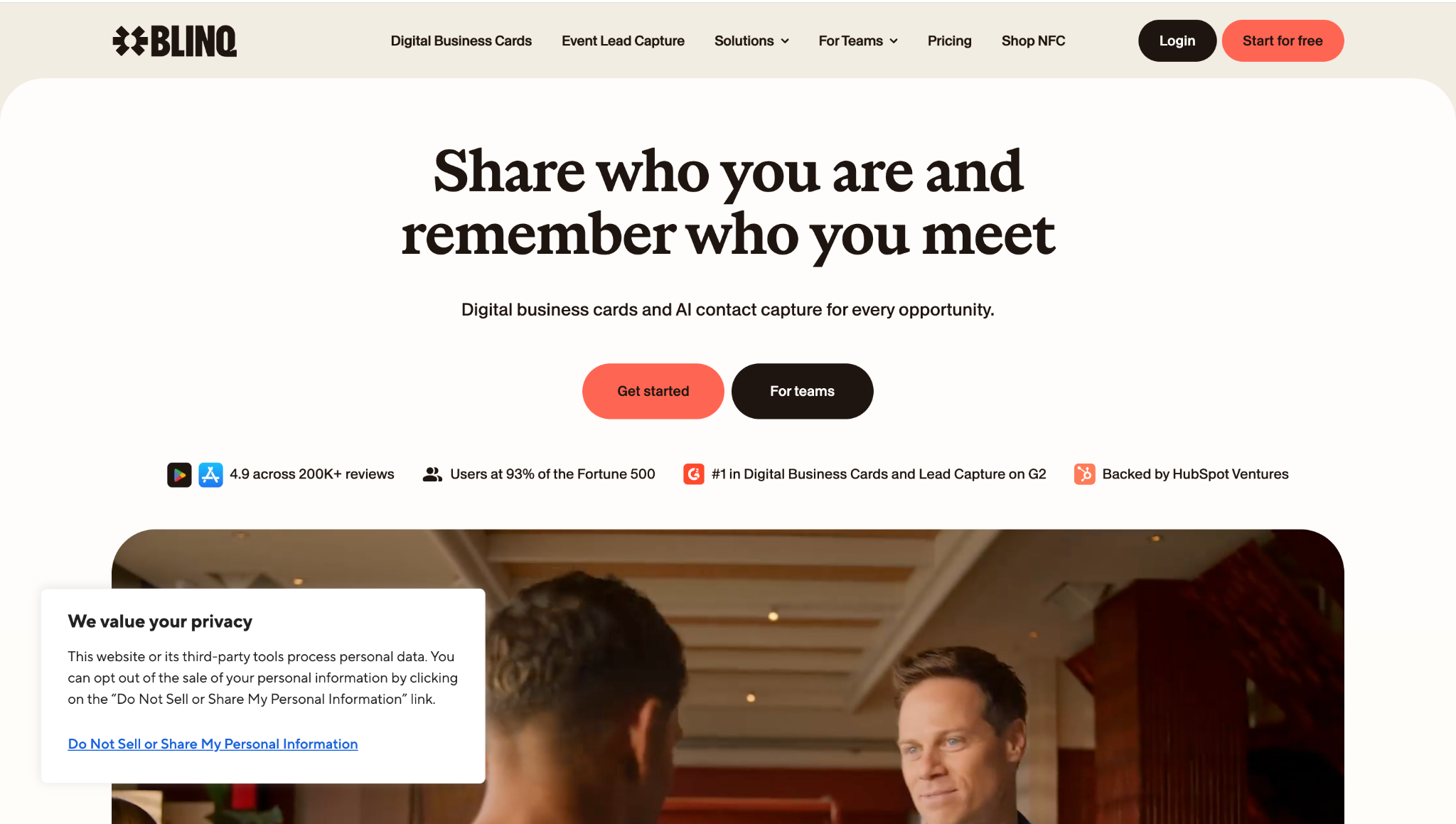
Blinq
Badge, QR code, business card, and manual capture
AI enrichment using multiple data providers
AI Notetaker records/transcribes conversations and adds summaries and next steps
Tags, qualifiers, and AI-generated context
Real-time sync with major CRMs
Lead routing through CRM workflows and campaign setup
Universal event lead capture with conversation context
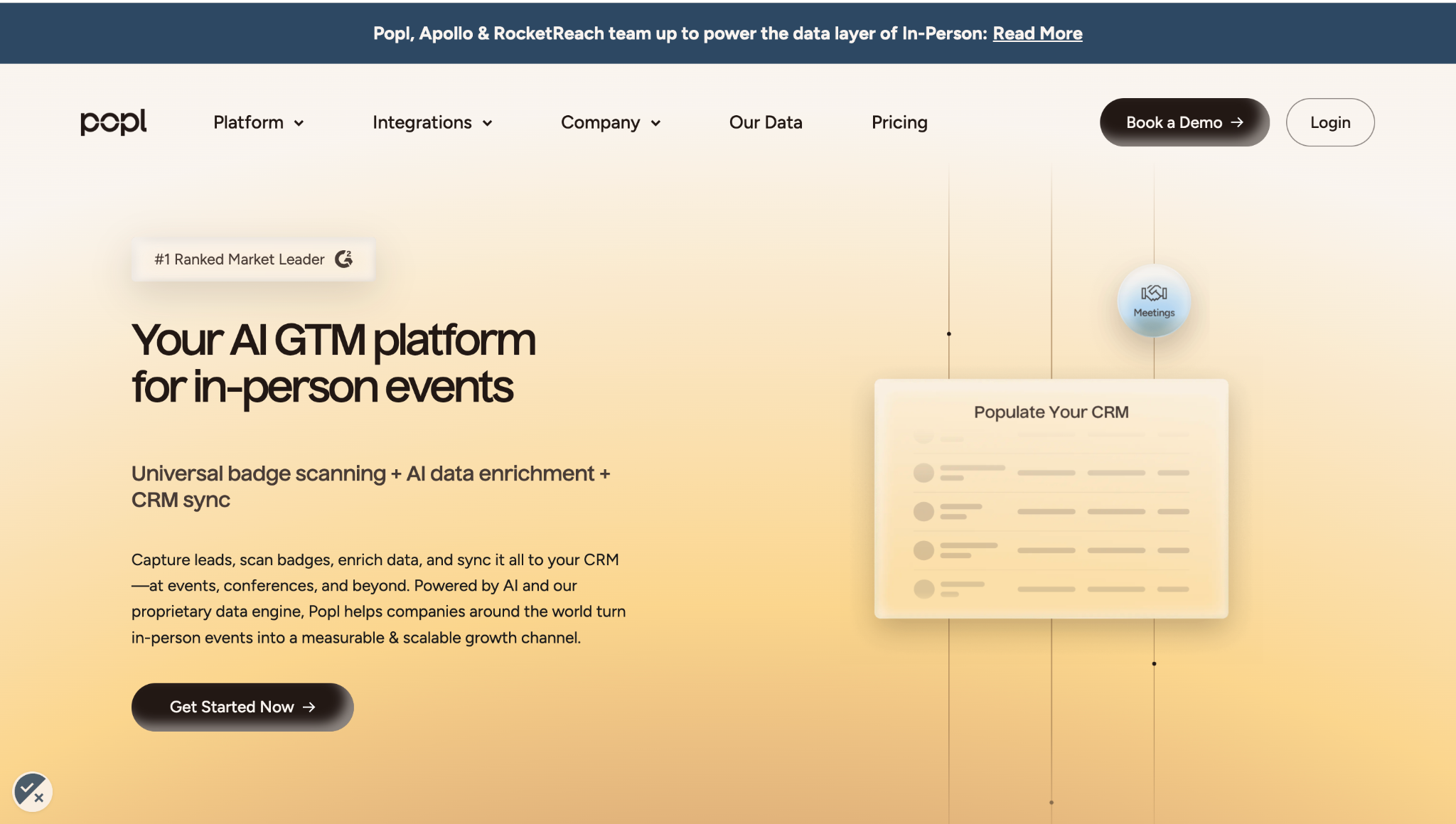
Popl
Universal badge scanner, business cards, forms, and QR codes
AI enrichment for contact and company data
Notes and lead qualifiers can be added during capture
Custom qualifying questions and lead qualification
Real-time CRM sync
Qualifiers, routing, meeting booking, and follow-up workflows
Badge capture, enrichment, and CRM workflows
iCapture
Badge, QR, business card, and custom lead forms
Lead data can be supplemented through capture workflows
Notes and custom fields capture additional interaction context
Lead scoring and qualification
Real-time CRM and marketing automation integrations
Connects captured leads to existing sales workflows
Enterprise trade show lead capture and lead retrieval
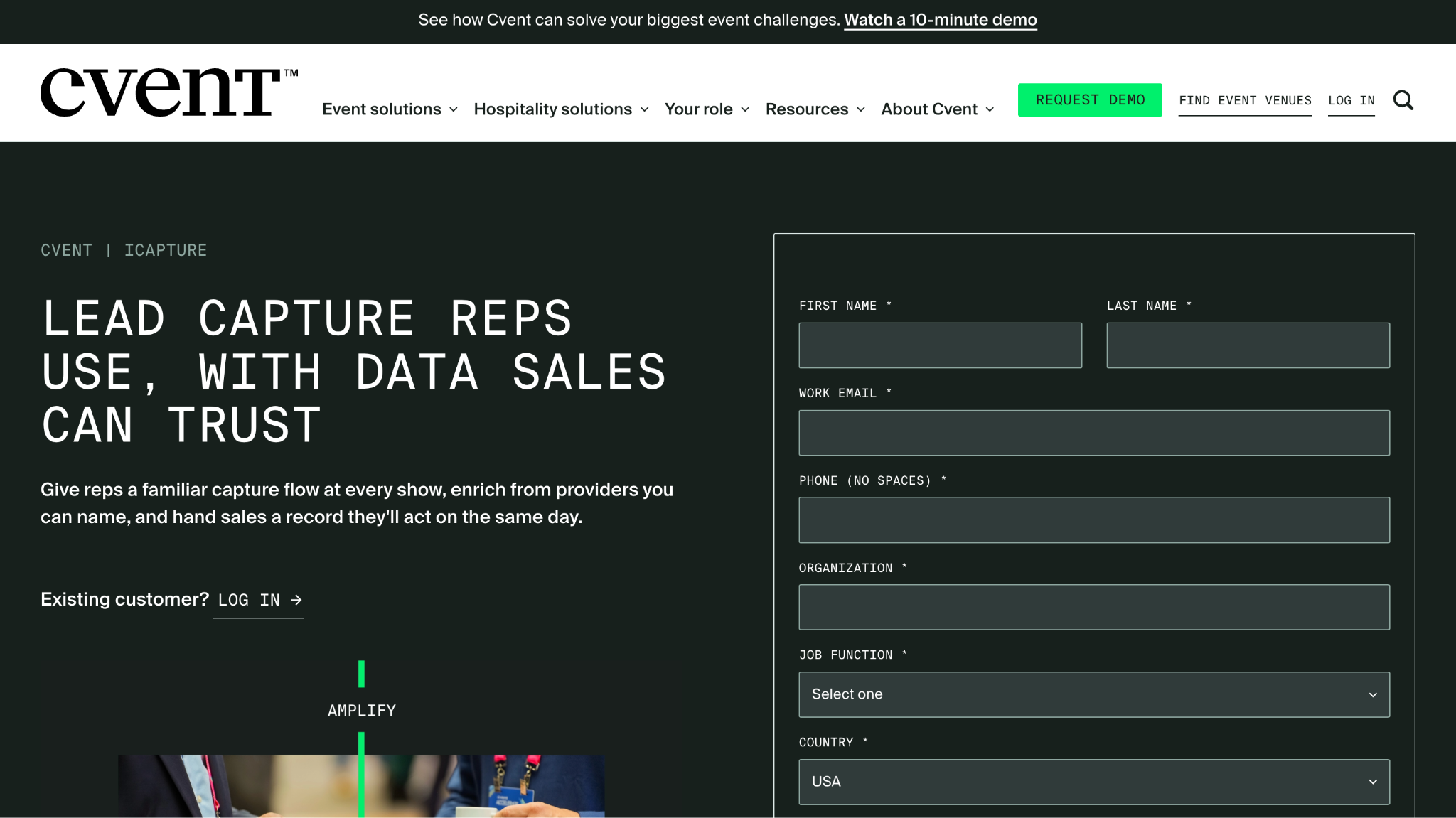
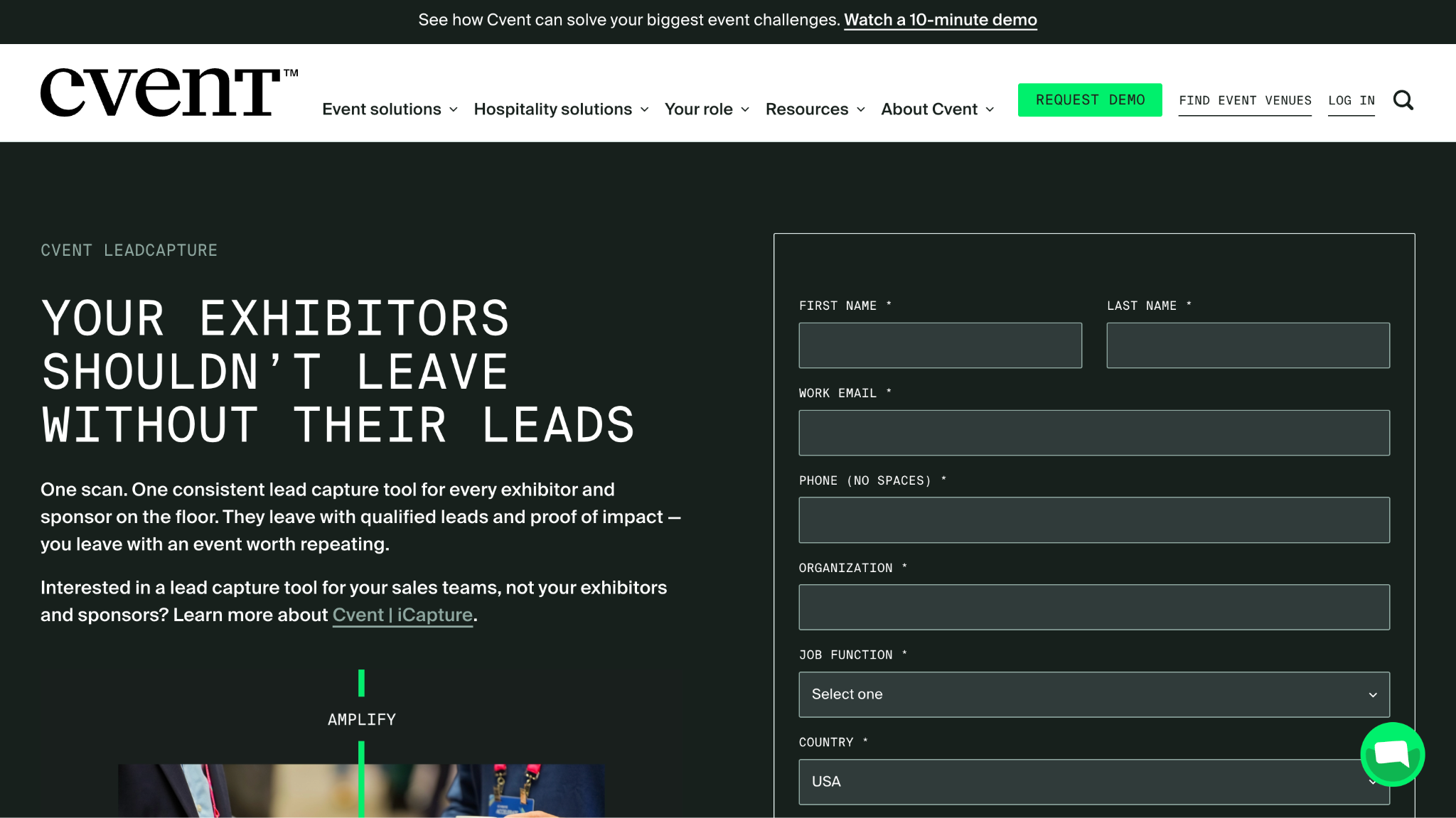
Cvent LeadCapture
Cvent badge and event lead capture
Captures attendee and event data within the Cvent ecosystem
Lead notes and qualification information
Lead qualification and scoring capabilities
Integrates with CRM and Cvent's event ecosystem
Connects event leads with downstream marketing/sales workflows
Companies already using Cvent
momencio
Badge, QR, business card, kiosk, and manual capture
AI enrichment from multiple data sources
Smart Notes, voice notes, surveys, and engagement data
AI behavioral analysis, ICP matching, and lead scoring
Event lead capture software helps exhibitors and event teams collect information from people who interact with them at trade shows, conferences, webinars, field events, and other in-person or virtual experiences.
At its simplest, the process looks like this:
Scan → Contact → Export → CRM
A rep scans a badge or business card, captures basic contact details, and sends the record into a CRM or marketing system. This works well if your only goal is to build a list of people who interacted with your team.
But a contact record doesn't tell the full story.
Two people can scan their badges at the same booth and have completely different levels of interest. One might be casually researching the market. Another might be actively evaluating vendors and asking about pricing, integrations, or implementation.
Modern event lead capture software is therefore moving beyond simply collecting contact information:
That broader workflow can combine information from badge scans, QR codes, business cards, digital forms, NFC, event apps, mobile devices, landing pages, and digital business cards.
The difference is important. Traditional lead capture answers:
“Who did we collect?”
Modern lead capture aims to answer:
“Who did we engage, what do we know about them, why did they engage, and what should happen next?”
That context can help marketing and sales teams prioritize the right conversations instead of treating every event lead as an identical contact in the CRM.
Lead Retrieval vs. Lead Capture: What's the Difference?
Lead retrieval and lead capture are related, but they aren't necessarily the same thing.
Lead retrieval typically focuses on collecting attendee information provided through an event's registration or badge system. For example, an exhibitor might scan a visitor's badge and receive their name, email address, company, job title, or other information made available by the event organizer.
In simple terms, lead retrieval answers:
“Who attended or interacted with my booth?”
Lead capture can go further.
Instead of only collecting the attendee's identity, it can capture information about the interaction itself, such as what the person asked, what they were interested in, what problem they described, whether they fit the company's target profile, and what action should happen next.
So lead capture asks:
“Who engaged, why did they engage, what did they care about, and what should happen next?”
This distinction matters because organizer-controlled badge retrieval and exhibitor-controlled lead capture aren't always the same workflow.
A badge scan might tell you that the VP of Marketing from Acme attended your booth. Your own lead capture workflow could additionally record that they are evaluating a new lead routing platform, asked about Salesforce integration, and want to speak with someone from Sales.
That gives your team something much more useful than a contact record.
A useful way to think about modern event lead capture is:
Identity → Context → Intent → Action
Identity: Who is the person and what company do they represent?
Context: What happened during the interaction?
Intent: What does their behavior or conversation indicate about their needs?
Action: What should your team do next?
The scan is still valuable. It simply shouldn't be where the workflow ends.
What Should Event Lead Capture Software Do?
The best way to evaluate event lead capture software isn't by counting how many features it has. It's by asking how much of the buyer journey it helps your team manage after an interaction begins.
1. Capture the interaction
The software should make it easy to capture a lead through the channels your team actually uses.
This helps teams understand who they're talking to, rather than treating every captured contact the same way.
3. Capture conversation context
This is where event lead capture can become much more valuable than a simple scanner.
A useful system should make it possible to preserve details from the interaction, including:
Questions the buyer asked
Problems they described
Products or solutions they discussed
Topics they showed interest in
Notes from the rep
Resources they viewed
Next steps they requested
Why does this matter?
Because the conversation often contains information that a badge scan never will.
4. Identify intent
Not every event interaction represents the same level of buying interest.
Someone who scans a badge and takes a brochure is different from someone who asks about pricing, compares your product with a competitor, explains a specific problem, or requests a demo.
Event lead capture software can use behavioral and conversational signals to help distinguish general engagement from meaningful buying intent.
5. Qualify the lead
Once you have identity, context, and intent, you can make qualification more useful.
Instead of relying only on a generic lead score, teams can consider:
Fit + Intent + Conversation Context
For example:
Company fit: High Role: VP Marketing Problem: Manual lead routing Intent: Evaluating solutions Next step: Requested a Sales conversation
That gives Sales considerably more information than:
Lead score: 82
6. Activate the next step
Capturing intent is only useful if the team can act on it.
Depending on the interaction, the next step might be:
When this context follows the lead into your GTM systems, the next person who interacts with the buyer has a much better chance of continuing the conversation without starting from scratch.
8. Continue the relationship
The event eventually ends. The buyer relationship doesn't.
That's why post-event follow-up should reflect what actually happened rather than treating every attendee as part of the same generic campaign.
Instead of:
“Thanks for visiting our booth. Would you like to schedule a demo?”
A contextual follow-up might reference the specific problem the buyer discussed, share a relevant resource, or continue the conversation they started at the event.
The goal isn't simply to capture the lead. It's to preserve the interaction and make the next conversation better.
10+ Best Event Lead Capture Software for Trade Shows
Event lead capture software has evolved well beyond simple badge scanning. Some platforms focus primarily on capturing contact information, while others add enrichment, qualification, CRM synchronization, event engagement, conversation intelligence, and sales activation.
That means these tools aren't all solving exactly the same problem.
The right choice depends on what you need to accomplish after someone interacts with your team. If you simply need to scan badges and export contacts, a lightweight lead capture app may be enough. If you want to understand buyer intent, preserve conversation context, notify Sales, book meetings, and continue the relationship after the event, you'll need a broader workflow.
Below, we've grouped the leading event lead capture platforms by their core strengths rather than treating one as the universal winner.
1. Knock AI
Best for: Turning event interactions into real-time buyer activation
Unlike traditional event lead capture software that primarily focuses on scanning a badge, collecting contact information, and sending the record to a CRM, Knock AI focuses on what happens when a buyer actually engages with your team.
Teams can use event-specific QR codes, Marketing Cards, and other digital touchpoints to give prospects a direct way to start a conversation. Once someone engages, Knock AI can enrich the buyer with relevant contact and company context, understand the conversation, identify intent, qualify the interaction, and help route the buyer to the right next step.
Buyer identification: Identify the person and company behind an interaction.
Real-time enrichment: Add relevant contact and account context as the interaction happens.
Conversation context: Capture what the buyer is asking about and discussing.
Intent detection: Identify meaningful signals from the buyer's behavior and conversation.
Qualification: Combine buyer context and intent to determine whether an interaction deserves immediate attention.
Routing: Connect qualified conversations with the appropriate Sales rep or team.
Slack notifications: Give Sales real-time visibility into relevant buyer activity and the context behind it.
Meeting scheduling: Make it possible for an interested buyer to move directly into a meeting when appropriate.
CRM synchronization: Carry useful buyer and interaction data into the systems your revenue team already uses.
Continued engagement: Preserve context so the conversation can continue after the event.
Where Knock AI is different
Knock AI isn't a traditional badge-scanning or lead-retrieval platform. It fits into the workflow when an event interaction needs to become an actionable buyer conversation.
For example, a prospect could scan an event QR code and start a conversation about a specific problem. Instead of ending with a contact record, the workflow can progress toward understanding who the buyer is, what they're trying to solve, how strong their intent is, and what should happen next.
That makes Knock AI particularly relevant for teams that don't want their event strategy to stop at:
Scan → Contact → CRM
Instead, the goal is to move toward:
Interaction → Context → Intent → Action
The badge scan is the starting signal, not the outcome.
2. Blinq
Best for: Universal event lead capture and digital business cards
Blinq combines universal event lead capture with digital business cards, AI enrichment, conversation capture, and CRM synchronization.
Its event capture workflow supports badges, business cards, and QR codes, and it can work offline before syncing captured leads when connectivity returns. Blinq also uses AI enrichment to add information such as business email, phone number, LinkedIn profile, and company details.
Where Blinq goes beyond basic lead retrieval is its AI Notetaker. Reps can record an in-person conversation or add a voice note, with the system generating a transcript and summary that can be linked to the captured contact. This gives Sales more context than a standard badge scan provides.
Blinq supports CRM integrations including Salesforce, HubSpot, Zoho, Pipedrive, and Microsoft Dynamics, with event leads, notes, and tags flowing into the CRM.
Pricing
Blinq's current Business plan starts at $4.99 per user per month, with event lead capture using a credit-based model. Its published comparison also lists credit packages starting at $2,400.
Best fit
Blinq makes sense for teams that want one mobile workflow for badge scanning, enrichment, conversation notes, digital business cards, and CRM sync rather than relying on rented event scanners.
Tradeoffs
Its event capture is usage-based, so teams that prefer a simple fixed event fee may find the pricing model less straightforward. Its badge-kit/API coverage may also be less extensive than dedicated enterprise lead-retrieval platforms such as iCapture.
3. Popl
Best for: Digital business cards and universal lead capture
Popl combines its digital business card platform with universal event lead capture.
Its Universal Lead Scanner can capture event badges, paper business cards, QR codes, LinkedIn QR codes, and manually entered contacts. Popl then enriches the captured information with contact and company data before sending it to the CRM.
The platform also supports custom qualifying questions, tags, event campaigns, meeting booking, and contextual follow-up emails. Teams can configure event campaigns around specific goals and track event attribution from capture through CRM activity.
Popl supports integrations including Salesforce, HubSpot, Marketo, Microsoft Dynamics, Zoho, and Monday.com, with real-time synchronization and configurable field mapping. It also supports offline capture, with leads stored on the device and synced when connectivity returns.
Pricing
Popl uses custom pricing for teams. Its current event lead capture offering has no per-seat or usage restrictions according to its pricing page, but customers need to contact Popl for a quote.
Best fit
Popl is a strong fit for teams that want to combine universal event capture, digital business cards, enrichment, qualification, and CRM workflows in one platform.
Tradeoffs
Pricing isn't publicly listed as a simple per-event or per-lead figure, so teams comparing costs need to request a quote based on their expected usage.
4. iCapture
Best for: Enterprise trade show lead retrieval
iCapture is positioned around trade show and event lead capture for organizations that need to connect booth activity with their existing marketing and sales systems.
Its core workflow centers on badge scanning and lead retrieval, with support for additional capture methods and custom qualification fields. This makes it particularly relevant for larger event programs where teams need standardized lead collection across multiple shows.
One of iCapture's key differentiators is its focus on the event badge-provider ecosystem. Rather than depending entirely on a universal scanner, teams can connect event-specific badge data and use custom qualification workflows to capture information beyond the basic attendee record.
The platform also supports offline capture, allowing reps to continue collecting leads when connectivity at a convention center or exhibition hall is unreliable.
CRM and marketing automation integrations allow captured leads to move into downstream systems rather than remaining in a post-event export.
Pricing
iCapture does not publish a simple public price for its event lead capture platform. Pricing generally depends on the event program, integrations, and requirements.
Best fit
iCapture is particularly suited to enterprise exhibitors and organizations running recurring trade show programs where badge-provider compatibility, standardized qualification, and integrations are important.
Tradeoffs
Its strength is also its focus: iCapture is more centered on enterprise event lead retrieval and capture than broader buyer-activation workflows.
5. Cvent LeadCapture
Best for: Companies already using Cvent
Cvent LeadCapture makes the most sense for teams already using the Cvent ecosystem for their events.
Rather than adding a separate lead capture system, exhibitors can connect lead collection directly with their broader Cvent event infrastructure. That can make it easier to keep attendee information, booth interactions, lead qualification, and event data within the same environment.
Cvent LeadCapture supports badge-based lead collection and qualification workflows, allowing exhibitors to add information about the interaction rather than simply collecting an attendee's identity.
The platform can also connect event lead information with CRM and marketing workflows, helping teams move from event interaction → qualification → follow-up.
Where Cvent makes sense
Cvent is particularly attractive when your organization already uses Cvent for registration, badging, event management, or attendee data. Keeping those workflows within one ecosystem can reduce the need to connect multiple event technologies.
Tradeoffs
If you're looking for a standalone universal lead capture tool that works independently across different event ecosystems, a platform such as Popl, Blinq, Zuddl, or Wave Connect may be a better fit depending on your requirements.
Cvent is strongest when the rest of your event infrastructure already lives inside Cvent.
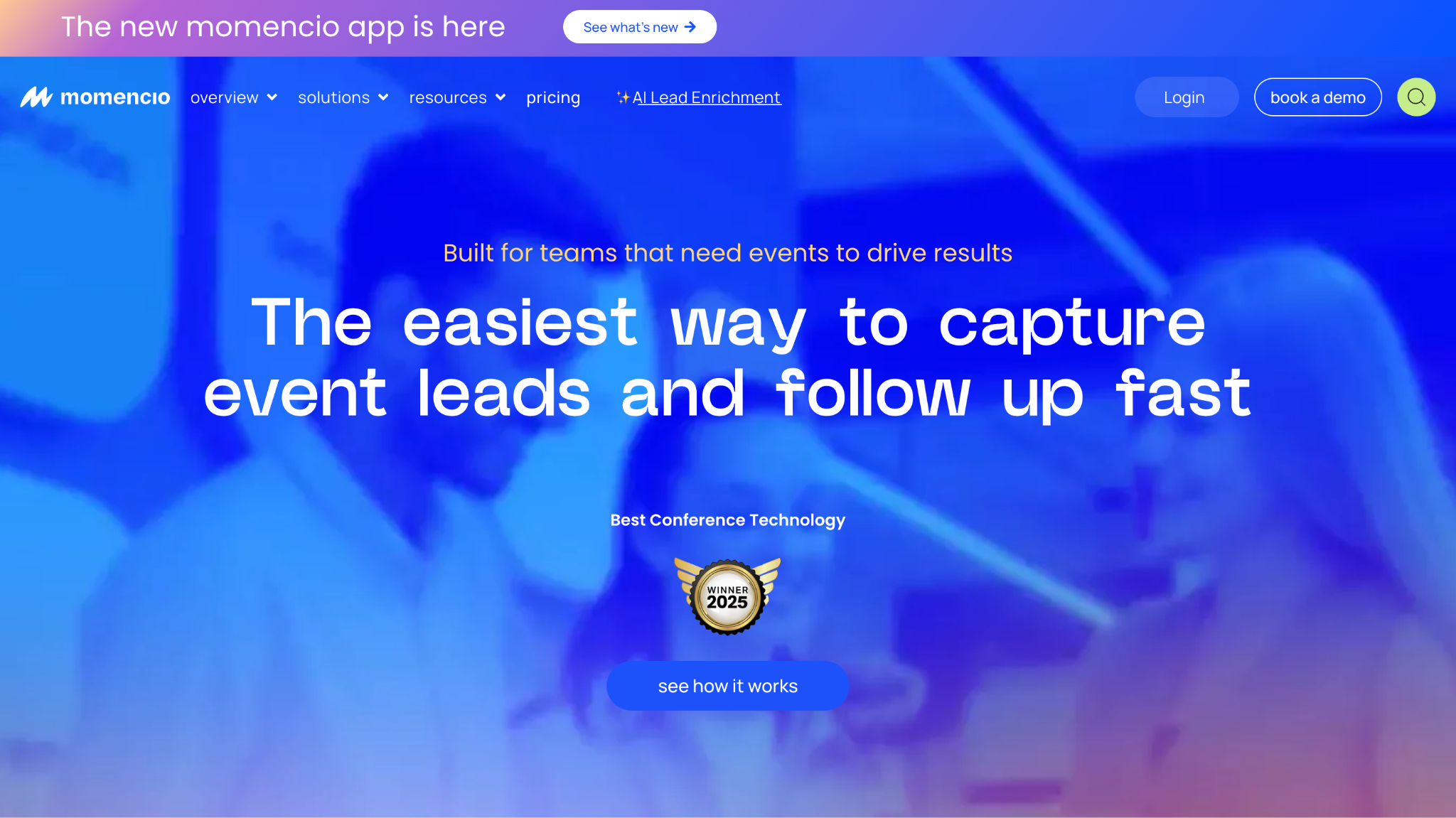
6. momencio
Best for: Event intelligence and post-event follow-up
momencio takes a broader approach to event lead capture, combining lead collection with enrichment, qualification, engagement tracking, CRM synchronization, and event attribution.
The platform supports badge scanning, QR codes, business cards, booth kiosks, and manual capture. It can also operate offline and synchronize captured data when connectivity returns.
Its enrichment system adds contact and company information, while Smart Notes allows reps to capture information from conversations through voice or text. momencio also tracks post-event engagement such as email opens, microsite visits, content views, and form submissions.
For teams focused on measuring event ROI, momencio connects event interactions with qualification, follow-up, CRM activity, and attribution, giving marketers a broader view of what happened after the initial scan.
Pricing
momencio's current Capture plan starts at $100 per seat per month, billed annually, with a five-seat minimum, or $6,000 per year. AI EdgeCapture, CRM/marketing automation integrations, and gamification are listed as add-ons.
Best fit
momencio is a strong fit for teams that want to manage lead capture, enrichment, engagement, follow-up, and event ROI in a broader event-intelligence platform.
Tradeoffs
The pricing structure is more involved than a simple pay-per-lead model, particularly if you need additional enrichment or CRM capabilities.
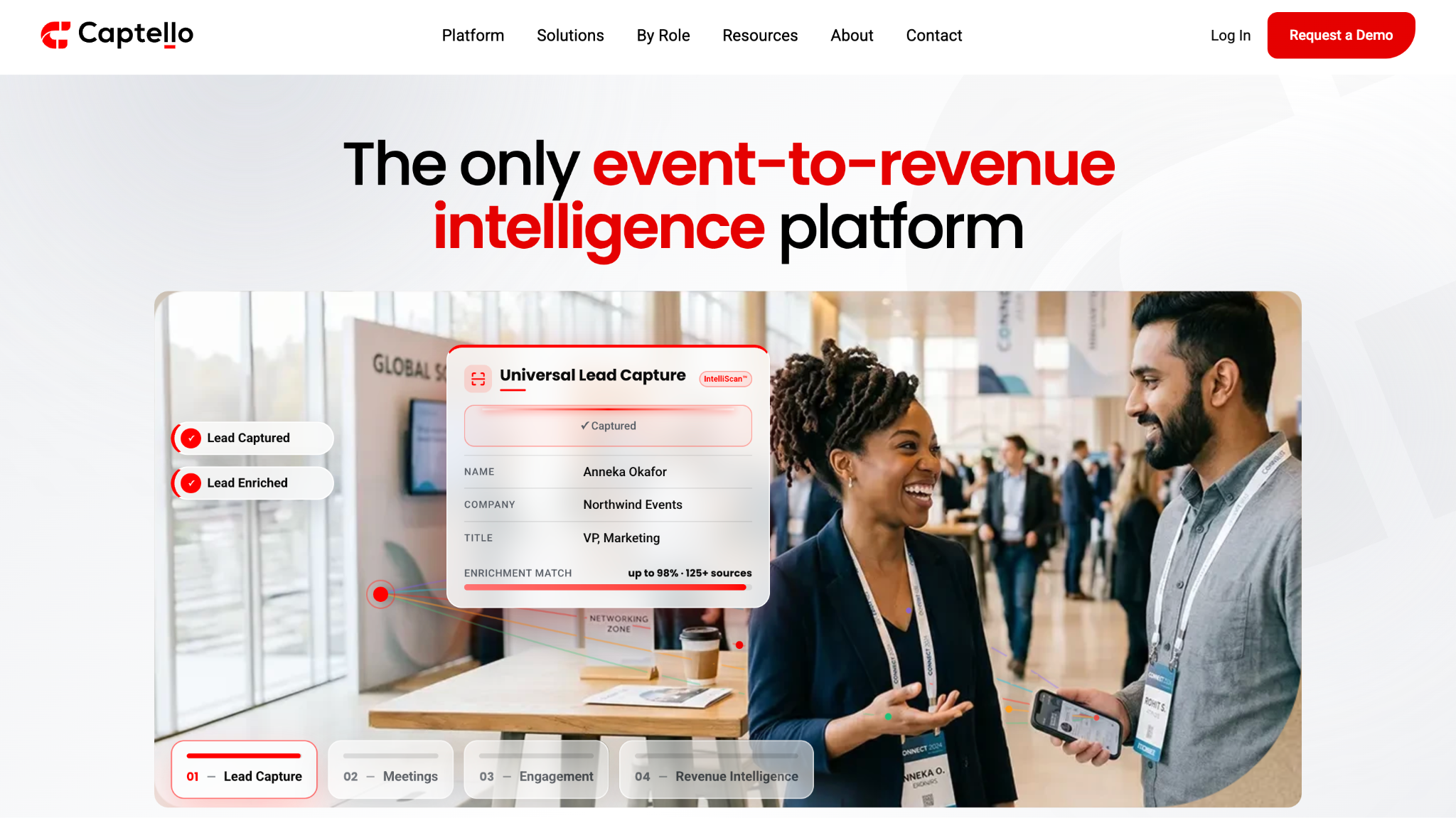
7. Captello
Best for: Booth engagement and gamification
Captello goes beyond basic lead retrieval by combining event lead capture with engagement, qualification, behavioral intelligence, and event-to-revenue measurement.
Its universal capture workflow can recognize badges, business cards, badge QR codes, LinkedIn QR codes, and written contact information. Captello also supports QR, NFC, custom forms, and manual capture, with offline capture available when connectivity is limited.
Teams can qualify leads during the event using custom criteria, while Captello's AI capabilities can help score and prioritize leads. The platform also supports gamified activations, making it useful for exhibitors that want lead capture to be part of a larger booth experience rather than a standalone scanning activity.
Captello integrates with CRM and marketing automation systems and positions its platform around connecting event interactions to meetings, pipeline, and revenue attribution.
Pricing
Captello does not publish a straightforward public price for its full event lead capture platform. Enterprise pricing is generally customized around the event program and required capabilities.
Best fit
Captello is particularly relevant for enterprise event teams that want lead capture, booth engagement, gamification, qualification, and revenue attribution in one platform.
Tradeoffs
Its broader event platform can be more than a company needs if the requirement is simply scan → enrich → CRM.
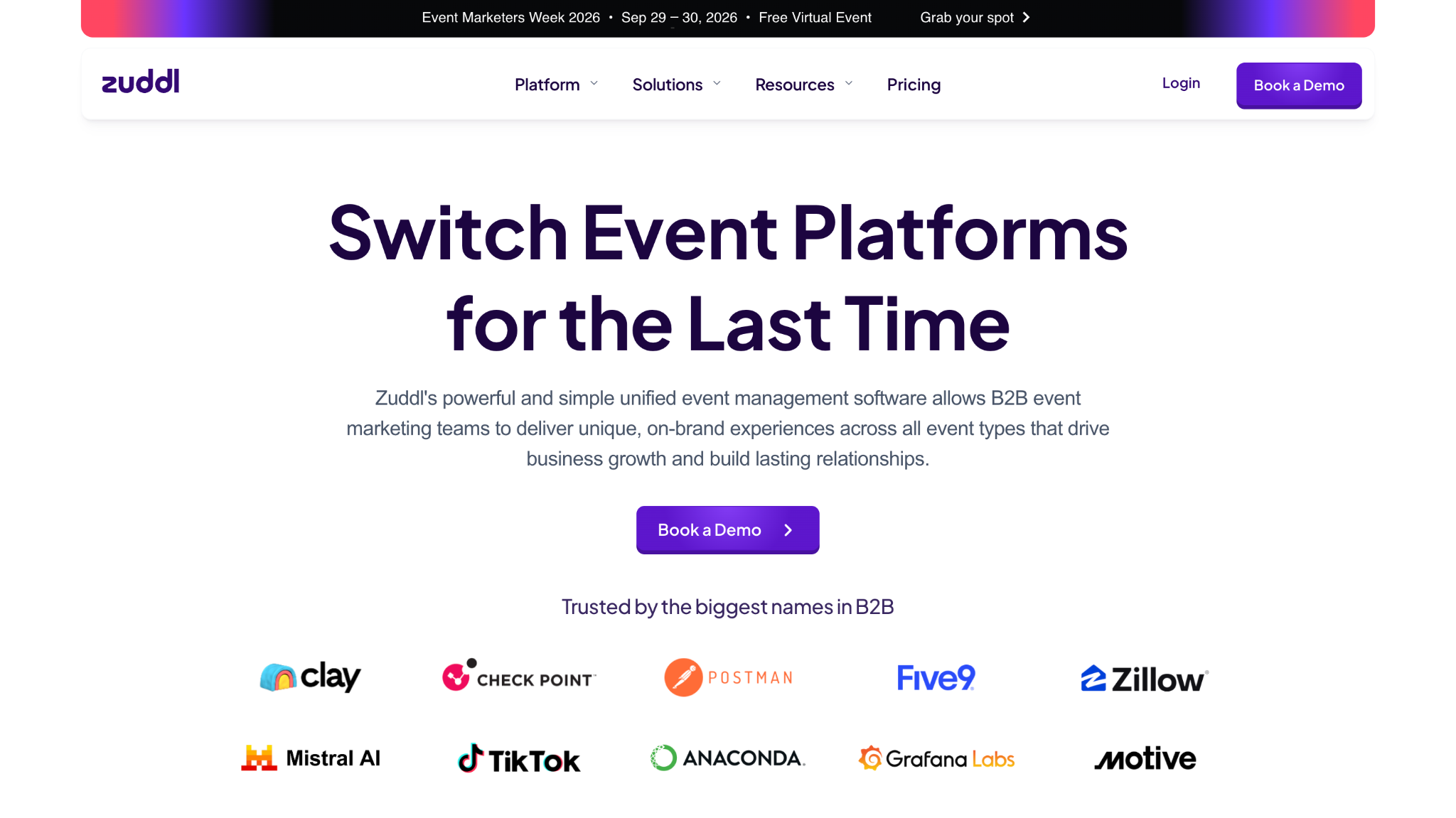
8. Zuddl
Best for: Real-time lead capture and CRM synchronization
Zuddl offers a Universal Lead Capture app designed to work across different event environments without requiring exhibitors to rely entirely on the organizer's lead-retrieval system.
Reps can scan badges, capture business cards, or manually enter information using their own devices. If an event provides an API integration, Zuddl can connect to it as well.
The platform uses enrichment to fill missing contact information and supports custom qualification questions, lead scoring, tags, ratings, and voice notes. Reps can also schedule meetings for post-event follow-up directly from the app.
Zuddl supports offline capture, with captured leads stored locally and synchronized once connectivity returns. It can also sync lead data directly to multiple CRM systems in real time.
Best fit
Zuddl is well suited to teams that want a device-independent, real-time event capture workflow that combines capture, enrichment, qualification, and CRM synchronization.
Tradeoffs
Its strength is operational speed and data flow. Teams looking primarily for sophisticated conversation intelligence or deeper buyer activation may need additional tooling around the core lead capture workflow.
9. Wave Connect
Best for: Simple lead capture and enrichment
Wave Connect combines digital business cards with event lead capture, making it possible to scan event badges, QR codes, and paper business cards from a mobile device.
Its event product adds AI badge scanning, contact enrichment, lead scoring, notes and tags, offline capture, and real-time CRM synchronization. Wave says its event lead capture works with major event badge platforms and doesn't require exhibitors to rent dedicated scanning hardware.
The main appeal is simplicity: capture the contact, enrich the record, qualify it, and send it into the CRM without building a complicated event technology stack.
Pricing
Wave publishes event lead capture pricing based on annual lead volume. Its current pricing page lists the product as volume-priced, while its August 2026 comparison article gives examples of $10 per badge scan, falling to $8, $7, or $6 per lead at higher annual volumes. These figures are vendor-published and should be treated as current pricing examples rather than independent pricing benchmarks.
Best fit
Wave Connect is a good fit for teams looking for straightforward badge capture, enrichment, and CRM synchronization without a large event technology deployment.
Tradeoffs
Its core strength is capture and enrichment. Teams looking for deeper event engagement, conversation intelligence, or complex event-program management may need a broader platform.
10. BoothIQ
Best for: AI-powered conversation capture
BoothIQ takes a different approach from traditional lead retrieval by focusing on what happens during the conversation at the booth, rather than only the contact information captured afterward.
Its core use case is using AI to capture and structure information from booth interactions so teams can preserve details that would otherwise be lost in handwritten notes or memory.
That can be useful for capturing:
What the prospect discussed
Their pain points
Areas of interest
Questions they asked
Follow-up requirements
Conversation summaries
The resulting context can then be used to support lead qualification, follow-up, and sales workflows.
Best fit
BoothIQ is particularly relevant for teams where the conversation itself is an important source of qualification data and where reps need help turning those conversations into usable follow-up context.
Tradeoffs
BoothIQ is more specialized around conversation intelligence than universal event infrastructure. Teams that primarily need badge scanning, organizer integrations, or a complete event management layer may need to evaluate it alongside a dedicated lead retrieval platform.
How We Evaluated Event Lead Capture Software
A good event lead capture platform shouldn't be judged by how quickly it scans a badge or how many contacts it can export.
The bigger question is what happens to the buyer information after the interaction is captured.
We built our evaluation criteria around the problems revenue and event teams face when turning event interactions into pipeline: incomplete buyer context, weak qualification signals, fragmented data, slow handoffs, generic follow-up, and too much emphasis on contact volume instead of the quality of the buying signal.
That led us to evaluate each platform across the following areas.
Capture flexibility
Event teams don't always have the same capture environment. One show may provide badge scanning, while another may rely on QR codes, business cards, or an exhibitor's own mobile workflow.
We looked at whether each platform supports multiple capture methods, including:
Badge scanning
QR codes
Business cards
Manual capture
Digital touchpoints
Digital business cards
The goal is simple: can your team capture the interaction without creating friction for the buyer or the rep?
Data enrichment
A badge usually gives you a limited amount of information.
We looked at whether platforms can enrich that basic record with additional contact, company, account, or professional information.
This matters because knowing that someone attended your booth is useful. Knowing who they are, what company they represent, and whether they fit your target profile gives Sales much more to work with.
One of the biggest differences between a contact and a useful lead is context.
We looked at whether platforms can capture or preserve information such as:
Questions asked
Pain points
Topics discussed
Products of interest
Rep notes
Resources viewed
Requested next steps
This is particularly important because valuable information from an in-person conversation can otherwise disappear once the event is over.
Intent and qualification
Not every badge scan represents buying intent.
We looked at how each platform helps teams distinguish between casual engagement and meaningful buying signals, including qualification questions, scoring, behavioral signals, and conversation-based context where available.
The goal isn't simply to generate more “qualified leads.” It's to give Sales better evidence for deciding which interactions deserve attention and why.
Offline reliability
Trade show connectivity isn't always reliable.
A lead capture platform can have all the right features, but they don't help much if reps can't capture leads when Wi-Fi or mobile connectivity fails.
We therefore considered whether platforms support offline capture and later synchronization.
Real-time CRM synchronization
Exporting a spreadsheet after the event creates another delay between the interaction and the sales process.
We looked at whether platforms can synchronize captured lead information with CRM or marketing systems in real time, and whether they can carry more than basic contact fields into those systems.
The important distinction is:
Syncing the contact is useful. Syncing the context is more useful.
Routing and activation
Capturing a high-intent buyer is only the beginning.
We looked at whether platforms can help teams take action, such as:
Notify Sales
Route a lead to the appropriate rep
Trigger a workflow
Start a conversation
Schedule a meeting
Connect the buyer with the right person
This addresses one of the biggest gaps in event workflows: the distance between identifying a valuable buyer and actually doing something about it.
Follow-up capabilities
The event may last a few hours. The buyer relationship continues afterward.
We looked at whether platforms help teams preserve event context and use it for follow-up rather than simply sending every captured contact the same generic email.
A useful follow-up should reflect what happened during the interaction, not just the fact that someone attended the event.
Analytics and attribution
Event teams need to understand more than how many badges they scanned.
We considered whether platforms can help track the progression from:
The more of that journey a platform can connect, the easier it becomes to understand whether event activity is actually contributing to revenue.
Pricing and implementation
Finally, we considered the practical side of adopting each platform.
That includes:
Pricing model
Per-user or per-event costs
Usage limits
Setup requirements
Event/badge dependencies
CRM integration requirements
Ease of deployment
A platform may have an extensive feature set, but its value depends on whether your team can realistically deploy it across the events you run.
Our evaluation framework
Ultimately, we focused on what happens from the moment a prospect interacts with your team through the point where that interaction becomes a sales action.
That means we're not evaluating these platforms simply on:
“How many leads can you capture?”
We're asking:
Can you capture the interaction, understand the buyer, identify intent, preserve context, and help your team act while that interaction is still valuable?
That's the difference between an event lead capture tool that collects contacts and one that helps turn event interactions into actionable buyer signals.
What Happens After You Capture an Event Lead?
Capturing an event lead is only the beginning.
The real value of an event interaction comes from what your team does with the information afterward. If a prospect scans their badge, gets added to your CRM, and receives a generic follow-up three days later, you've captured a contact, but you may have lost the context that made the interaction valuable in the first place.
There can be several gaps between each step. The contact may sit in an export queue. Sales may not know what the prospect discussed with the booth team. The assigned rep may have no idea why the prospect showed interest. By the time someone follows up, the conversation that started at the event may already feel disconnected.
Instead of treating the badge scan as the end of the event interaction, the scan or QR interaction becomes a signal that triggers the next steps.
For example, imagine a VP of Marketing visits your booth and asks how your platform handles Salesforce integration.
The useful information isn't simply:
VP Marketing | Acme | Trade Show 2026
It's:
VP Marketing at Acme Evaluating lead routing solutions Currently routing leads manually Asked about Salesforce integration Interested in speaking with Sales
Now the Sales rep has something they can act on.
This distinction becomes especially important when multiple people from Marketing, Sales, and RevOps interact with the same buyer. Without context, every handoff can become another reset. With context, the next person can continue the conversation instead of starting over.
So when evaluating event lead capture software, ask:
Does your event software just create another contact, or does it help your team understand and act on the interaction?
This gives the Sales team a record they can actually use.
Step 10: Continue the conversation after the event
The event ends. The buyer journey doesn't.
Use the context collected during the event to determine what happens next.
A high-intent prospect may need a Sales conversation immediately. Someone researching a problem may need educational content. Another buyer may not be ready yet but could become relevant later.
The key is that the follow-up should reflect the interaction rather than simply acknowledge that the person attended the event.
How to Connect Event Leads to Sales in Real Time
One of the biggest advantages of capturing event interactions in real time is that Sales doesn't necessarily have to wait until the event is over to see what happened.
Imagine a prospect approaches your booth and explains that their company is manually routing inbound leads. They ask whether your platform can integrate with Salesforce.
Instead of waiting for the event team to export the leads, a Sales rep could receive a notification like:
Acme | VP Marketing Evaluating lead routing solutions Currently using manual routing Asked about Salesforce integration Intent: High Suggested action: Connect with Sales
Now the rep knows who the buyer is, why they're interested, what problem they're trying to solve, and what they asked about.
The important part isn't the Slack notification itself.
It's the context attached to the notification.
A message that simply says:
“New event lead from Acme”
doesn't give Sales much to work with.
A message that says:
“Acme's VP Marketing is evaluating lead routing solutions, currently routes leads manually, and asked about Salesforce integration”
gives the rep a reason to act and a natural starting point for the conversation.
That's what real-time activation should accomplish: move useful buyer context to the person who can act on it while the interaction is still fresh.
How to Follow Up Without Losing Event Context
The easiest way to lose the value of an event interaction is to forget the conversation as soon as the event ends.
A generic follow-up might say:
“Thanks for stopping by our booth. We'd love to connect and show you our product.”
There's nothing wrong with the message, but it doesn't demonstrate that you actually listened.
A contextual follow-up could say:
“You mentioned that your team is struggling with X. I thought this resource might help explain how other teams are approaching it. If you're evaluating solutions now, happy to walk through how we handle it.”
The difference is simple: one message follows up on the event; the other follows up on the conversation.
A useful event follow-up should:
Reference the actual conversation
Mention the problem or topic discussed
Share a relevant resource when appropriate
Match the buyer's level of intent
Give the buyer a clear next step
Preserve relevant context for the next Sales interaction
Avoid making the buyer explain the same problem again
You don't necessarily need to send every lead directly to Sales, either.
A buyer who asked for a demo should have a different follow-up from someone who simply downloaded a resource. Someone who isn't ready to buy may benefit from continued education instead.
Follow up with the conversation, not the event.
How to Choose the Right Event Lead Capture Software
There isn't one event lead capture platform that fits every event program.
The right choice depends on where your current workflow breaks and how much of the buyer journey you want the software to handle.
If you need universal lead capture
Look for platforms that can capture leads through badges, business cards, QR codes, and mobile devices across different event environments.
This is useful when you attend many events and don't want your workflow to depend entirely on the event organizer's technology.
If you're already deep in an event platform
A native lead capture solution may make sense.
For example, teams already using a broader event management platform may benefit from keeping registration, attendee data, badge scanning, and lead capture within the same ecosystem.
If you need event engagement and gamification
Look for platforms that combine lead capture with booth experiences, contests, surveys, games, QR/NFC interactions, and other engagement mechanisms.
This is useful when your goal is not just to collect contacts but to increase interaction at the booth.
If CRM synchronization is your priority
Look beyond whether a platform “integrates with Salesforce” or “integrates with HubSpot.”
Check what actually gets synchronized and how quickly.
Can you send only contact information, or can you also preserve:
Notes
Qualification
Conversation context
Intent
Event activity
Next steps
Real-time field mapping and reliable synchronization can also matter when Sales needs to act during the event rather than after it.
If conversation context matters
Look for platforms that can capture notes, voice recordings, transcripts, summaries, questions, and other interaction details.
A badge tells you who attended. Conversation context can tell you why they engaged.
If you want to turn event interactions into sales actions
This is where platforms such as Knock AI occupy a different category from traditional lead retrieval software.
Rather than positioning Knock as another badge scanner, think of it as a buyer activation layer around the event interaction. The focus is on helping teams understand the buyer and move the interaction toward the appropriate next action.
Event Lead Capture Software Checklist
Use this checklist before, during, and after your next event.
Before the event
Define target accounts
Define qualification criteria
Decide which buyer signals matter
Create event-specific experiences
Set up QR codes and digital touchpoints
Prepare meeting-booking paths
Connect your CRM
Configure routing rules
Configure Sales notifications
During the event
Capture meaningful interactions
Enrich buyer information
Capture conversation context
Identify intent signals
Qualify interactions
Route relevant buyers
Notify Sales when immediate action makes sense
Book meetings when buyers are ready
After the event
Sync buyer context to your CRM
Segment leads by intent and engagement
Trigger contextual follow-up
Give Sales the conversation history
Track meetings
Track opportunities
Measure pipeline
Continue engaging buyers who aren't ready yet
The goal is simple:
Don't leave an event with just a list of contacts. Leave with buyer context, intent, and a clear next action.
Frequently Asked Questions
What is event lead capture software?
Event lead capture software helps exhibitors and event teams collect information from people who interact with them at trade shows, conferences, and other events. Modern platforms can go beyond contact collection by adding enrichment, qualification, conversation context, CRM synchronization, and follow-up workflows.
What is the difference between lead retrieval and lead capture?
Lead retrieval generally focuses on collecting attendee information through an event's badge or registration system. Lead capture can include that information while also capturing details about the interaction, such as interests, questions, qualification information, and next steps.
What is the best way to capture leads at a trade show?
The right approach depends on the event, but effective workflows typically combine fast capture with enrichment, qualification, conversation context, and a clear next step. Badge scanning, QR codes, business cards, digital forms, and digital business cards are common options.
Can event lead capture software work without Wi-Fi?
Some event lead capture platforms support offline capture. Leads can be stored locally on the device and synchronized when connectivity returns. This can be particularly useful at crowded trade shows and convention centers where connectivity isn't always reliable.
Can event lead capture software sync with Salesforce?
Many event lead capture platforms integrate with Salesforce. However, the depth of the integration varies. When evaluating a platform, check whether it can synchronize only contact information or also event activity, notes, qualification, intent, and other context.
Can event lead capture software sync with HubSpot?
Yes. Several event lead capture platforms integrate with HubSpot. As with Salesforce, the important question is what information the integration actually sends to HubSpot and whether synchronization happens in real time.
How quickly should you follow up with event leads?
Follow-up timing should depend on the buyer's intent. A prospect who explicitly requests a meeting or is actively evaluating a solution may warrant immediate attention, while someone who is simply researching may need a different follow-up path.
The more useful principle is:
Follow up while the context is still useful, and match the follow-up to the buyer's intent.
How do you identify high-intent event leads?
Look for signals such as specific product questions, pricing questions, integration requirements, existing problems, vendor comparisons, implementation questions, requests for demos, or explicit interest in next steps.
A badge scan by itself is not enough to establish meaningful buying intent.
Can event lead capture software capture conversation notes?
Some platforms support manual notes, voice notes, AI-generated summaries, or conversation transcription. These capabilities vary significantly between platforms, so check whether the software captures actual conversation context or simply provides a field where reps can type notes.
Can event lead capture software route leads to Sales?
Some platforms support routing, notifications, workflows, or integrations that can connect qualified event leads with Sales. More advanced workflows can use account, role, qualification, intent, or ownership information to determine who should receive the interaction.
What should you do after capturing a trade show lead?
Don't stop at adding the contact to your CRM. Enrich the buyer, preserve the interaction context, identify intent, qualify the lead, determine the next action, and follow up based on what actually happened during the event.
How do you measure event lead capture ROI?
Track the progression beyond the initial number of scans:
Also track operational metrics such as time to follow-up, meeting-booking rate, and the percentage of captured leads with useful qualification or conversation context.


.svg)


.svg)
.svg)
.svg)


.svg)
.svg)


.svg)