TL;DR
Instantly.ai is a cold email outreach platform that combines lead generation, automated email sequences, email warm-up, and AI-powered features.
Pros: Easy-to-use interface, multiple email account management, automated outreach, and built-in lead generation.
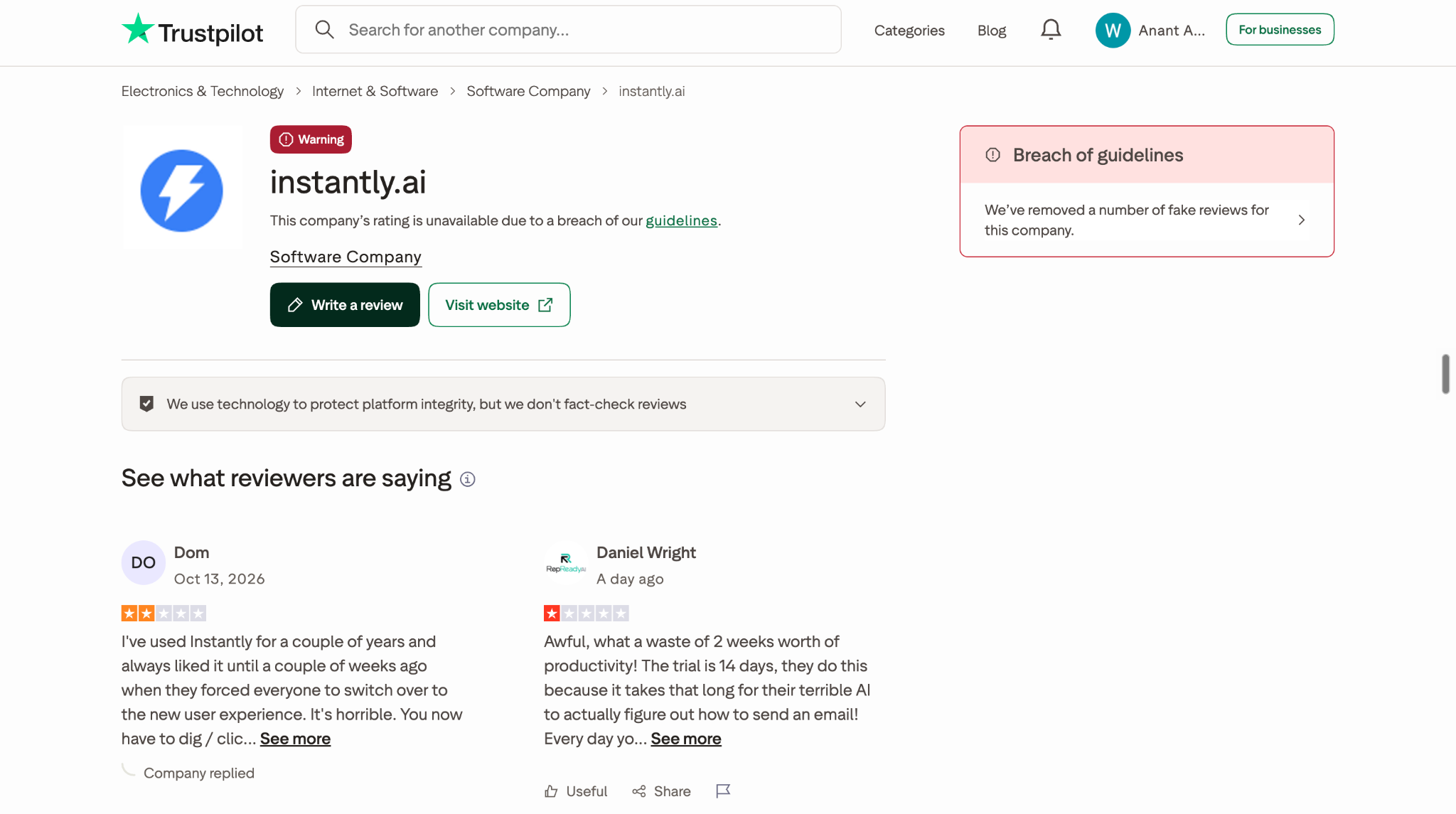
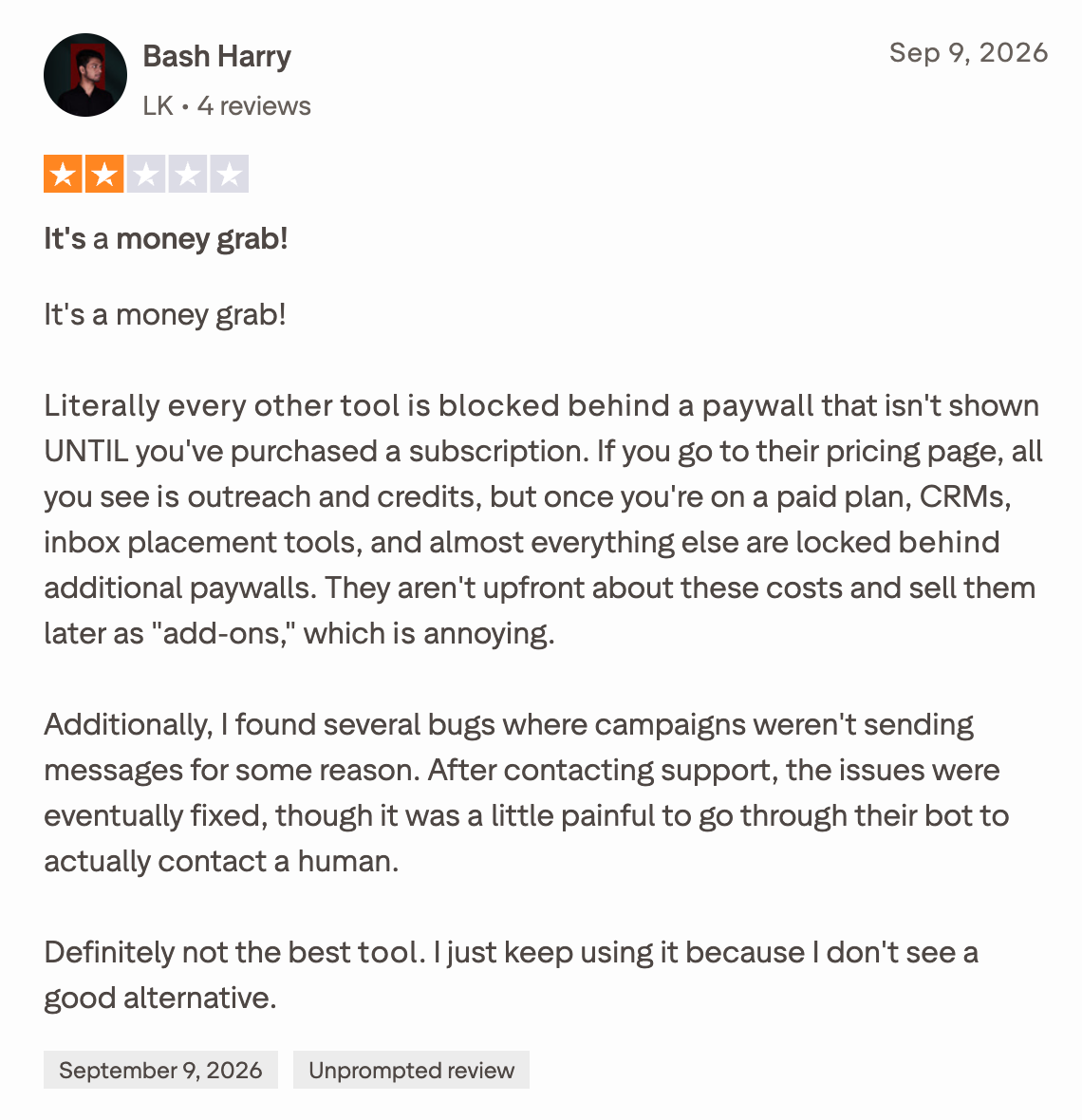
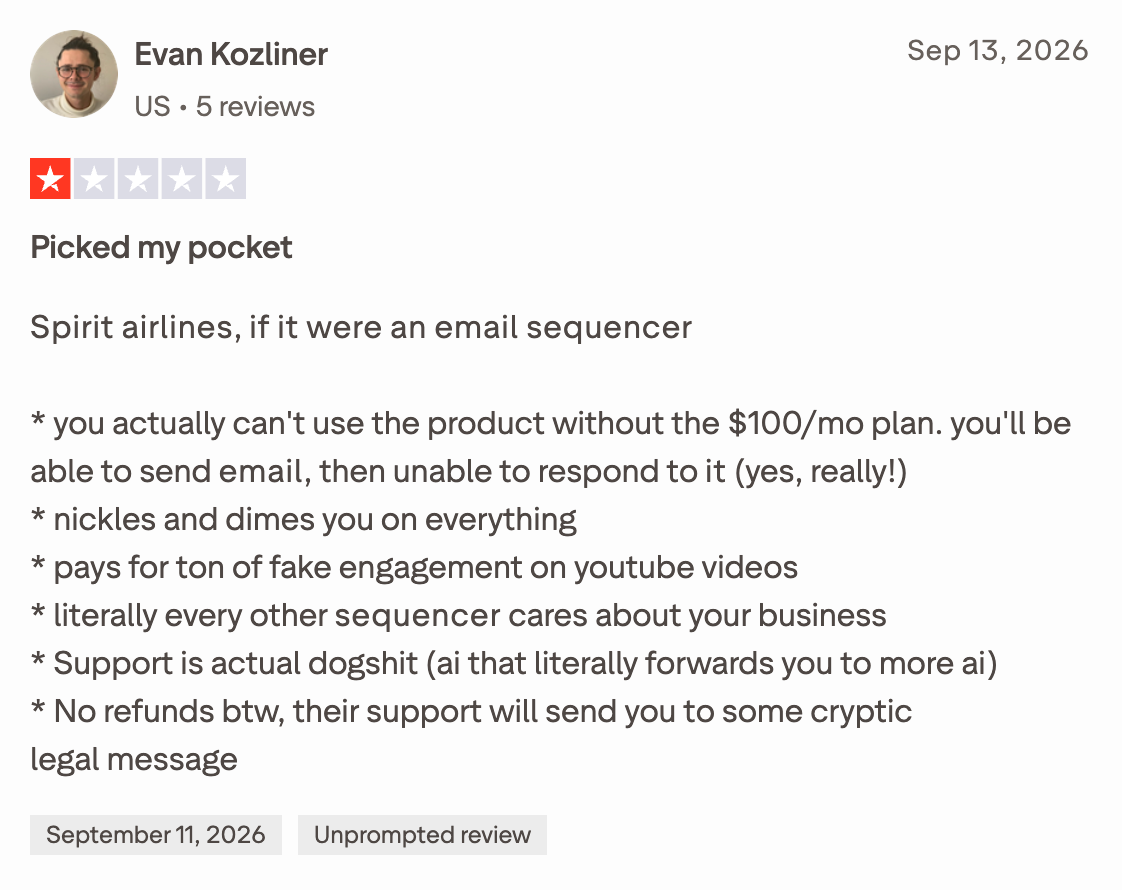
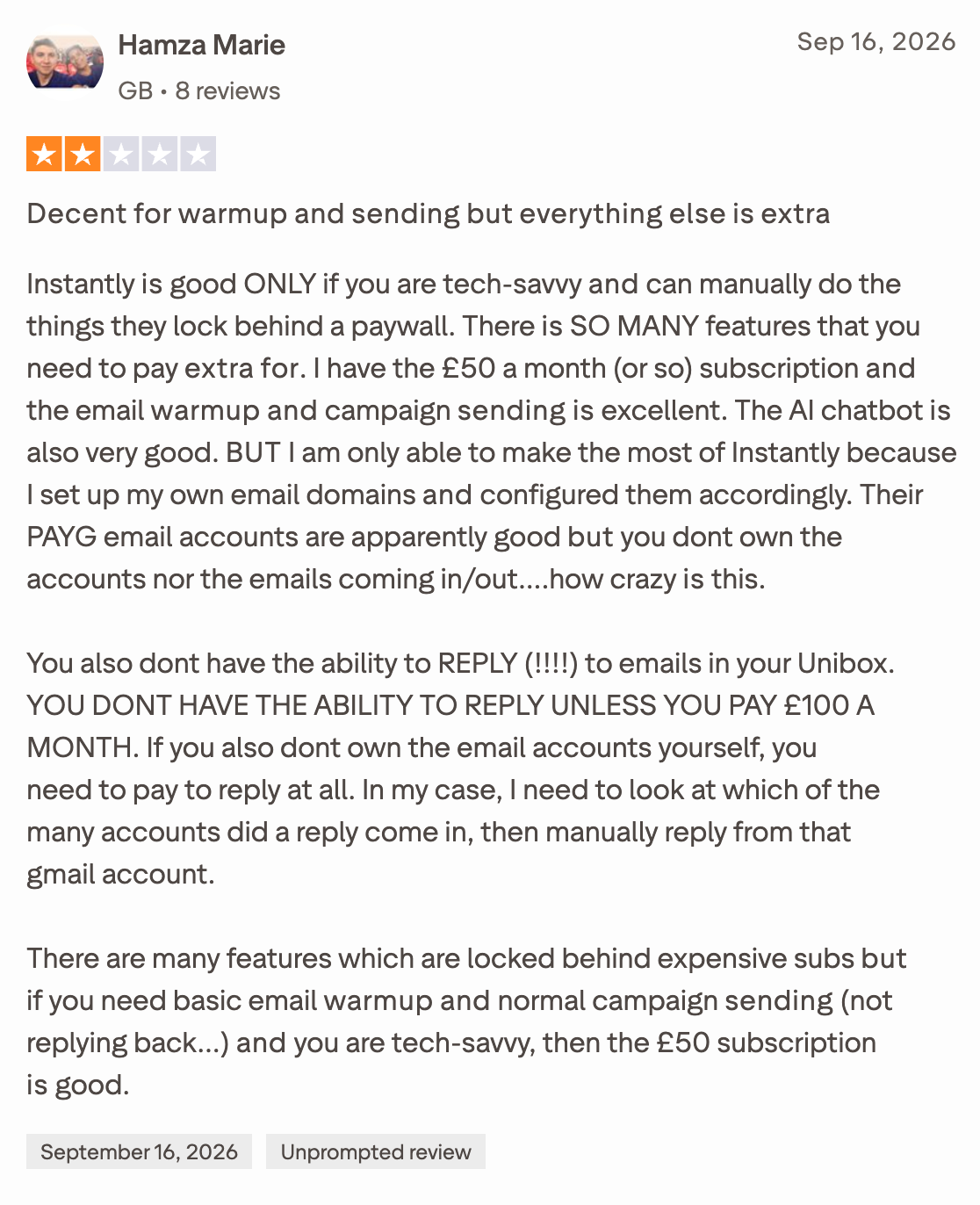
Cons: Additional costs for certain features, limited advanced analytics, and user-reported concerns about customer support and deliverability troubleshooting.
Is Instantly.ai trustworthy? It's an established platform, but evaluate its current pricing, feature limitations, and user reviews before committing.
Our verdict: Instantly is worth considering if cold email is your primary focus. If you want to go beyond finding prospects and activate revenue through buyer intent, enrichment, intelligent routing, scheduling, and outreach, consider Knock AI.
What Is Instantly.ai?
Imagine you need to reach 1,000 potential customers this month. You need to find the right people, verify their email addresses, write personalized messages, follow up with prospects who don't respond, and keep track of interested leads. Now imagine managing all of that across multiple tools and dozens of email accounts.
That's the problem Instantly.ai aims to solve.
Instantly AI is a sales engagement and lead generation platform that helps businesses find B2B prospects, run cold email campaigns, automate follow-ups, and manage conversations from one place. It also offers email warm-up and deliverability tools, a built-in CRM, AI-powered sales agents, and lead enrichment capabilities.
Here's what makes it interesting: Instantly isn't just about sending more cold emails. It's designed to help sales teams manage more of the outbound sales process without constantly switching between prospecting tools, email accounts, and campaign management software.
For example, a B2B SaaS company looking to book demos can use Instantly's lead database to find potential customers, enrich prospect information, build targeted email lists, and launch automated outreach sequences. When someone replies, the team can manage the conversation and follow up with interested prospects.
Agencies can use the platform to manage outreach campaigns across multiple sending accounts, while founders and small sales teams can use it to build an outbound prospecting workflow without assembling every component separately.
Instantly AI also goes beyond traditional cold email software with products such as its AI Sales Agent, AI Reply Agent, lead discovery tools, and website visitor identification. These capabilities extend its role from campaign execution into prospect research and parts of the sales follow-up process.
But is Instantly a complete sales platform? Not necessarily. Its usefulness depends on what you're trying to accomplish. Teams focused on cold email and outbound prospecting may find much of what they need in one ecosystem. Businesses that require extensive multichannel outreach, advanced sales intelligence, or a more comprehensive CRM should evaluate those requirements carefully before committing.
In short, Instantly is built for businesses that want to find prospects, reach them through automated email outreach, and manage the resulting conversations more efficiently. The real question is whether its features, pricing, and limitations fit your particular sales workflow. That's what we'll examine throughout this review.
How Does Instantly.ai Work?
Instantly helps you manage the outbound sales process, from finding potential customers to sending cold emails and handling replies. But how does it work when you actually start using the platform?
Let's walk through the process step by step.
Step 1: Create Your Account and Set Up Your Business Profile
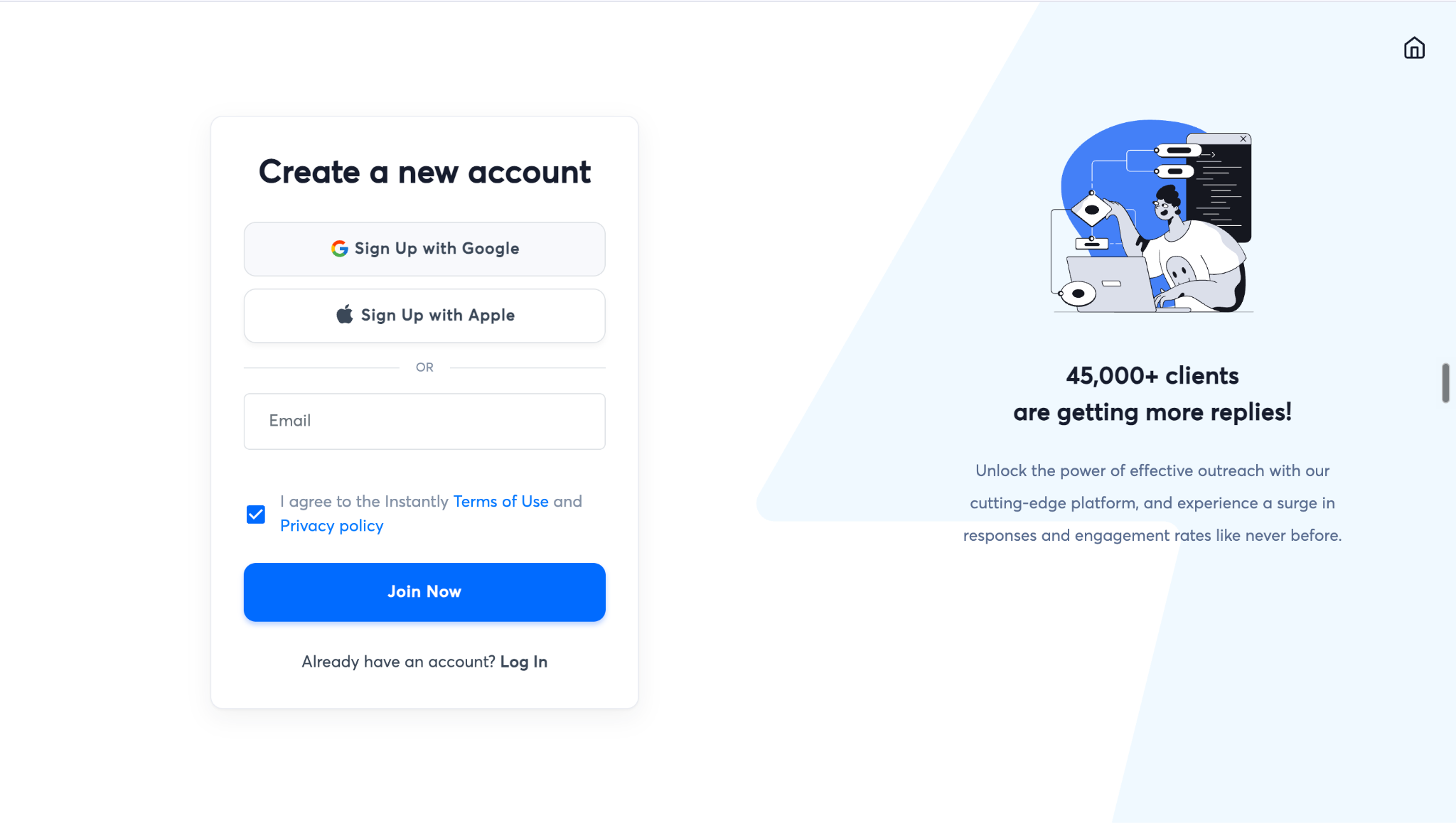
Start by creating an Instantly account and opening your dashboard. During onboarding, you can enter your business website so Instantly's AI can learn about your company and use that context to assist with sales-related tasks.
Providing accurate information about your products, target customers, and value proposition helps you generate more relevant outreach later.
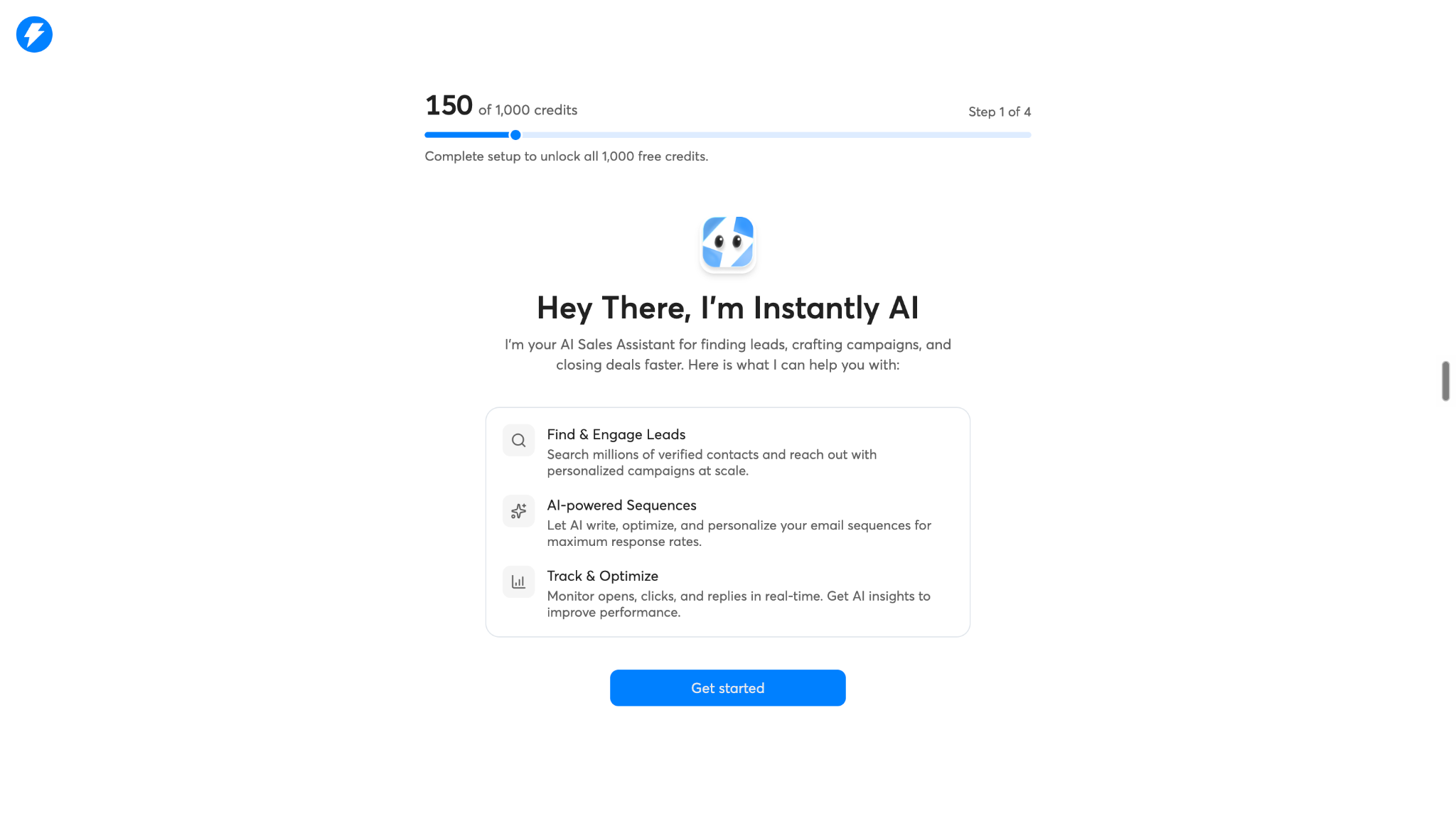
Instantly will show a welcome message:
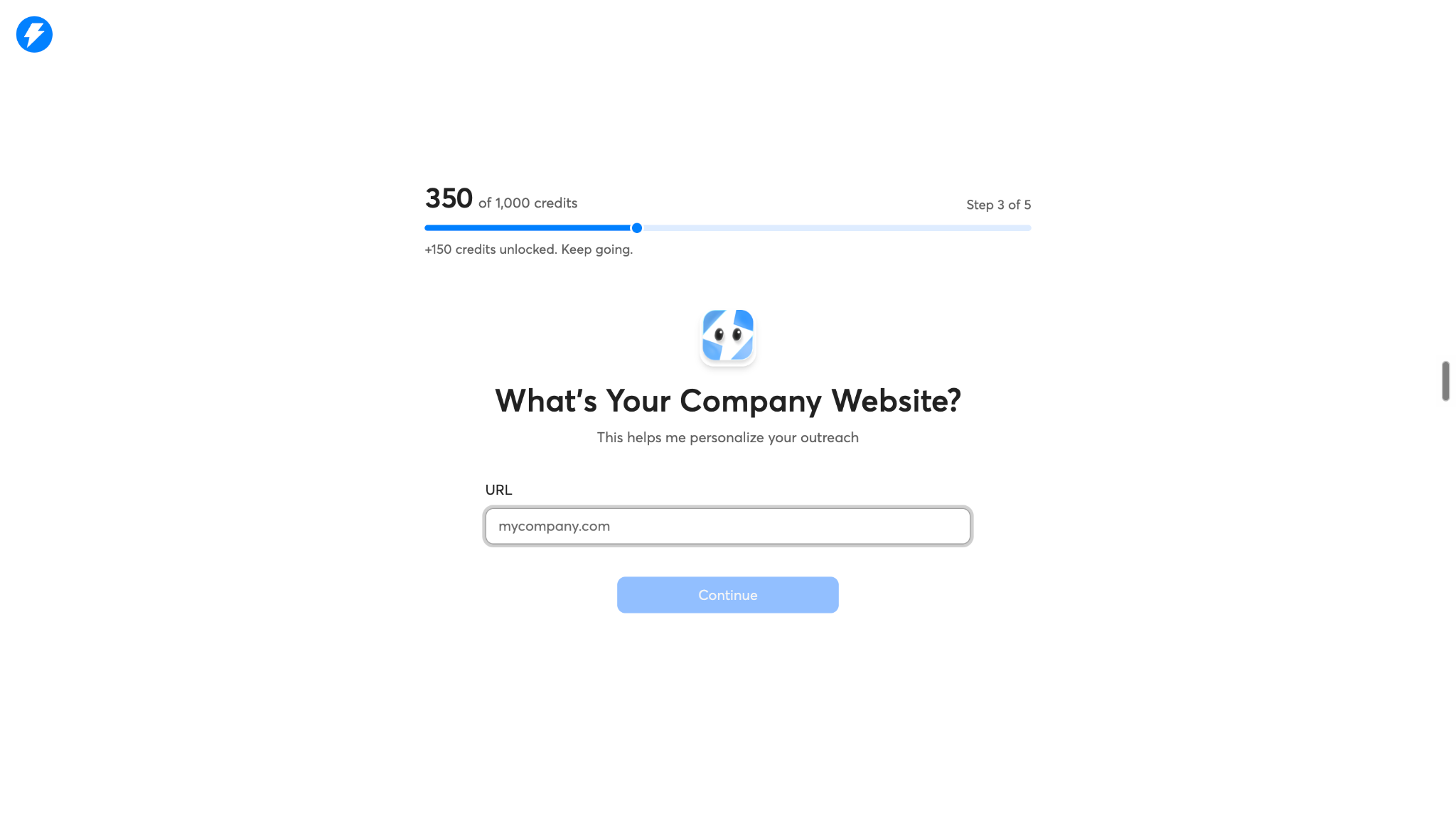
Add your company website:
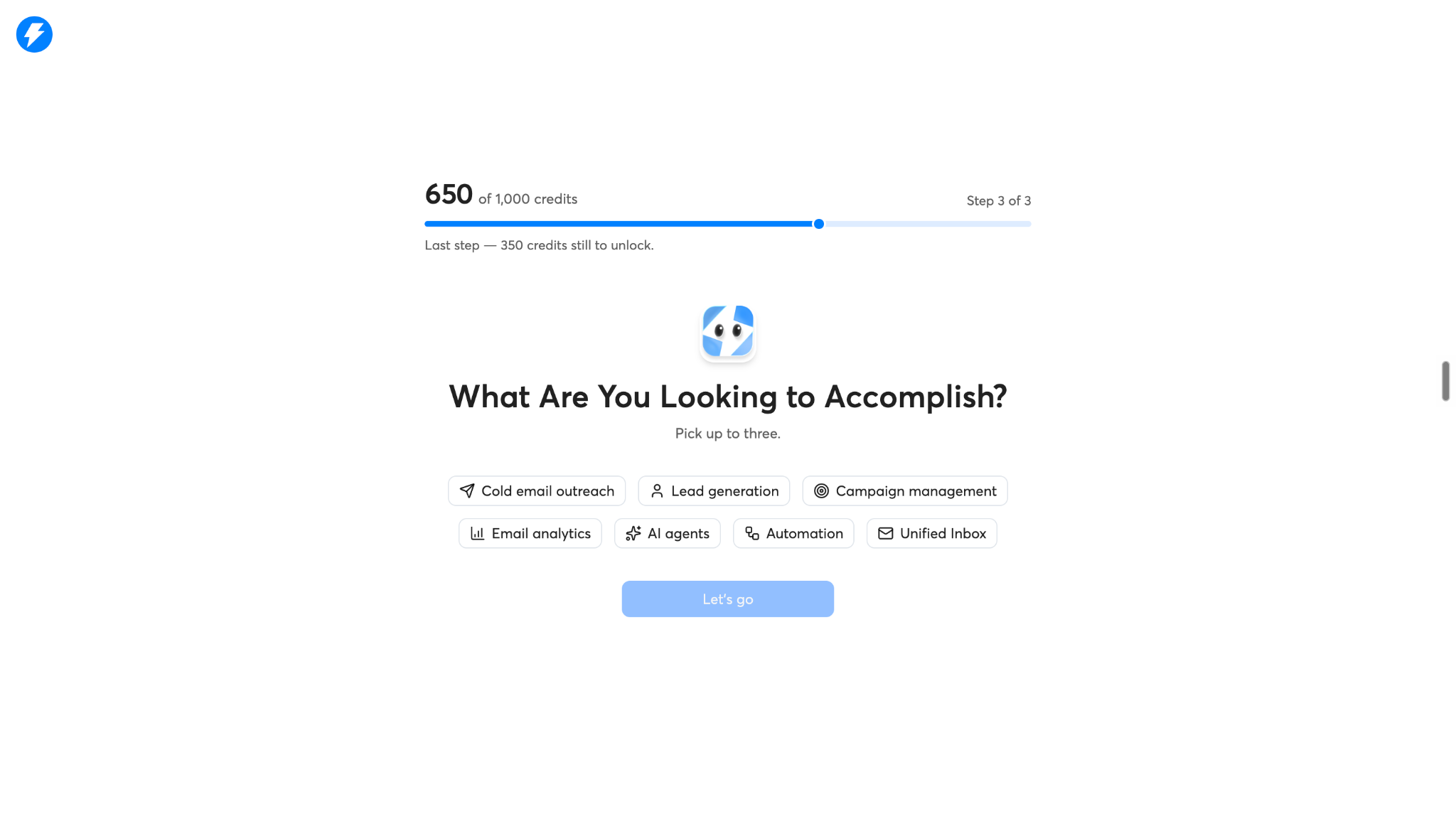
Tell what are your looking to accomplish with instantly:
Once ready it will load your dashboard:
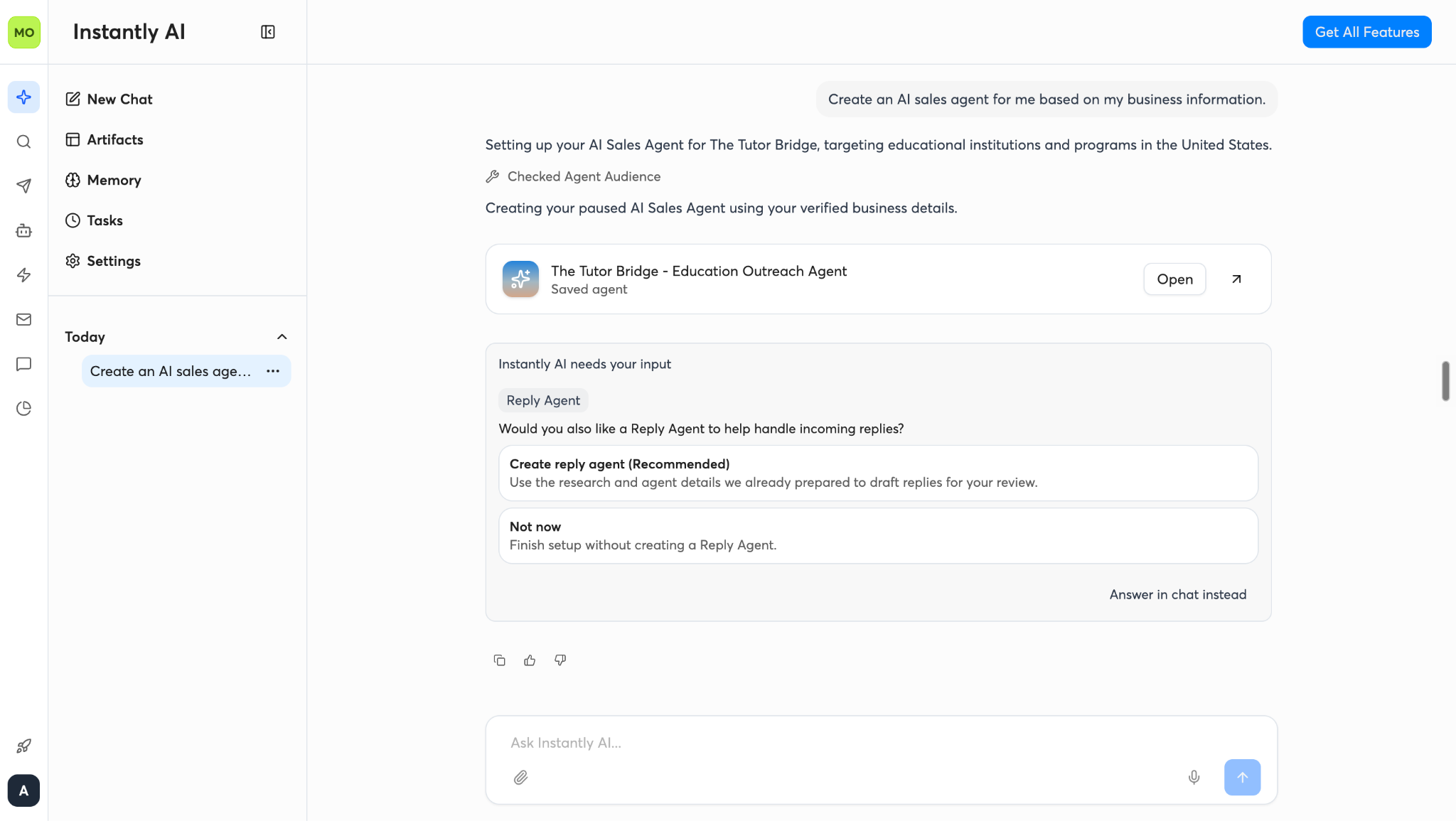
Tip: Before moving on, make sure your website clearly explains what you sell, who you serve, and why customers choose you. AI-generated messaging is only as useful as the information guiding it.
Step 2: Set Up Your Email Infrastructure
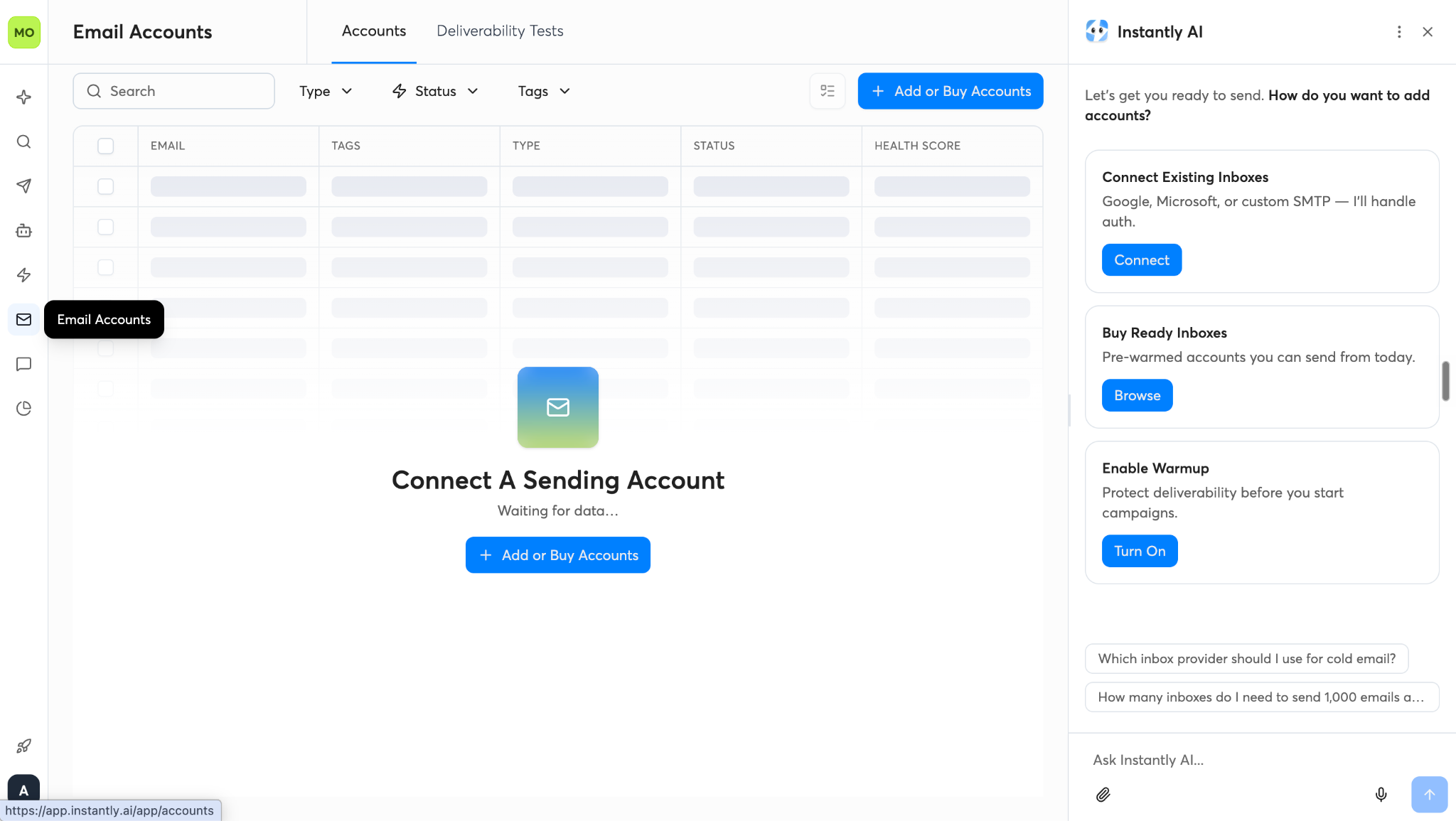
Before launching a cold email campaign, you need sending accounts.
Instantly allows you to connect existing email accounts, use pre-warmed accounts where available, or explore its done-for-you email setup service.
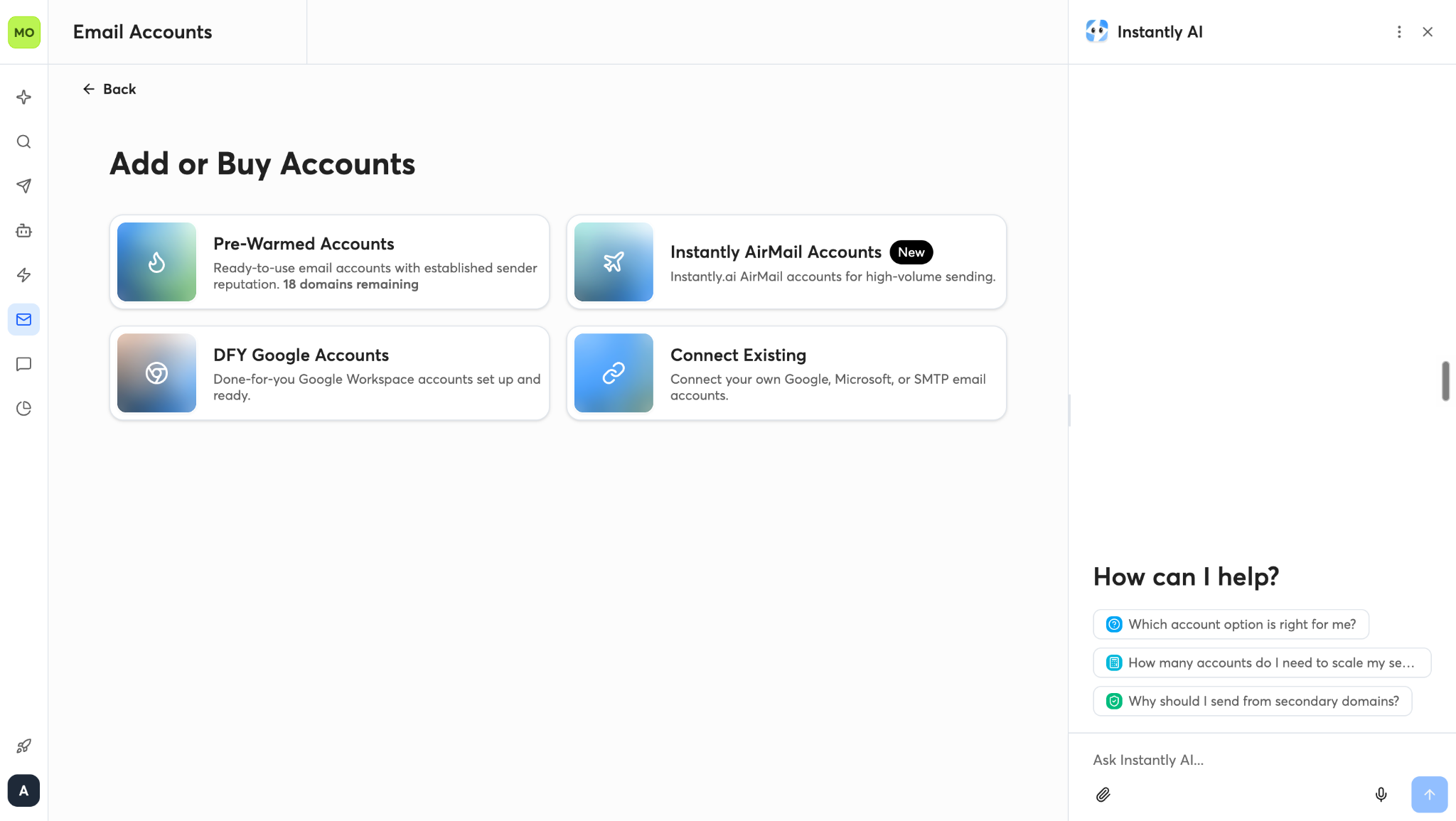
If you choose the setup service, Instantly can help configure sending domains and mailboxes, including the necessary DNS records.
For example, a company using yourcompany.com for employee communication and customer support might use a separate, clearly associated outreach domain to reduce the risk of cold outreach affecting its primary domain's reputation.
However, a separate domain is not a guarantee against deliverability problems. It still needs proper authentication, responsible sending practices, and monitoring.
Once you've selected your domain and mailbox setup, connect the accounts to Instantly.
What about the cost? Your total infrastructure cost may include the Instantly subscription, domain registration, and mailbox fees. If you use its managed setup service, check the current pricing before placing an order.
Step 3: Configure Email Warm-Up and Sending Limits
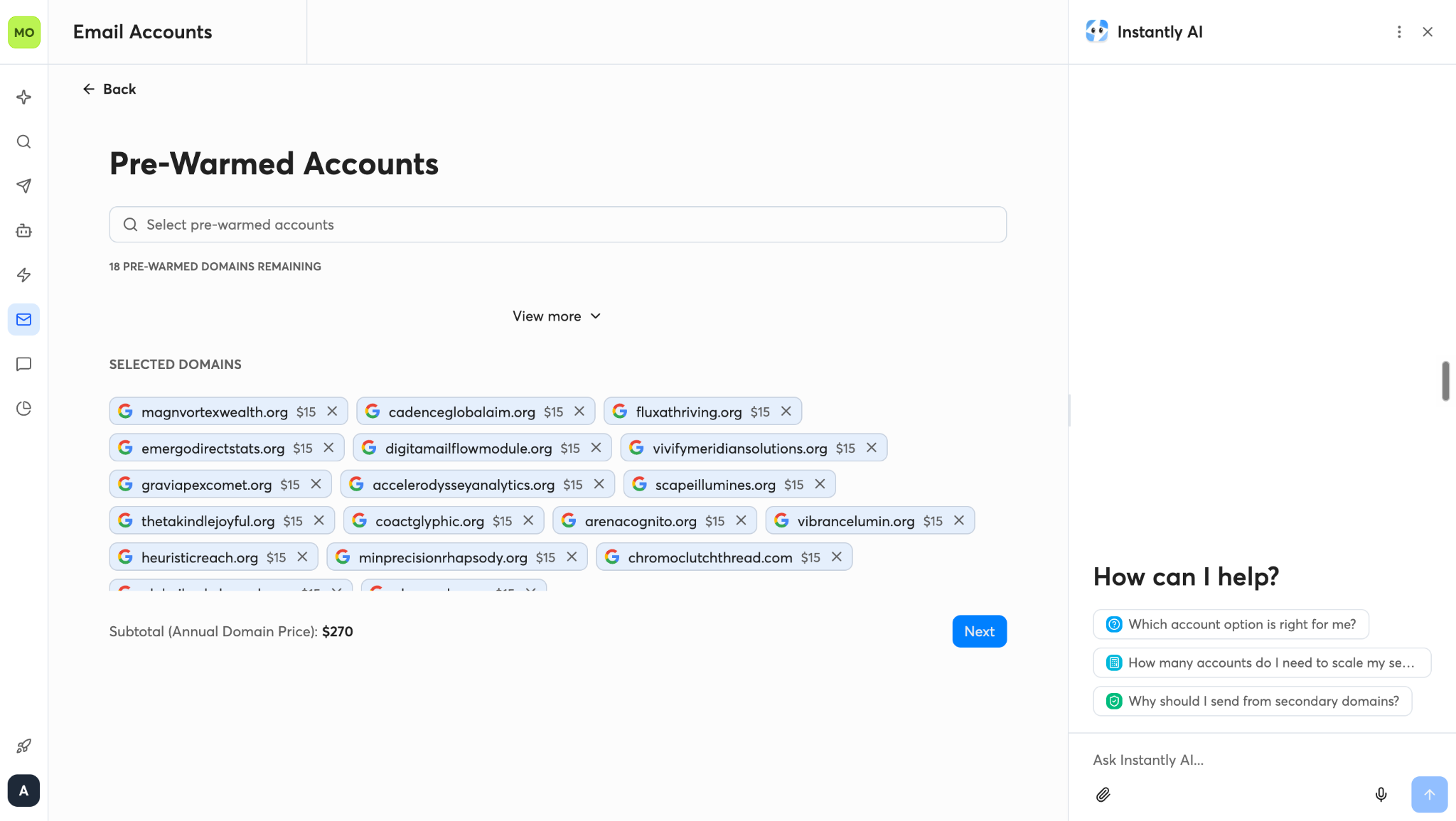
With your email accounts connected, the next step is to configure warm-up and campaign sending settings.
Instantly offers warm-up functionality intended to help users prepare sending accounts and monitor aspects of their sending health.
It is recommended to start with a gradual warm-up increase and setting conservative daily campaign limits rather than immediately sending large volumes.
It also demonstrates settings such as weekday-only warm-up and read emulation.
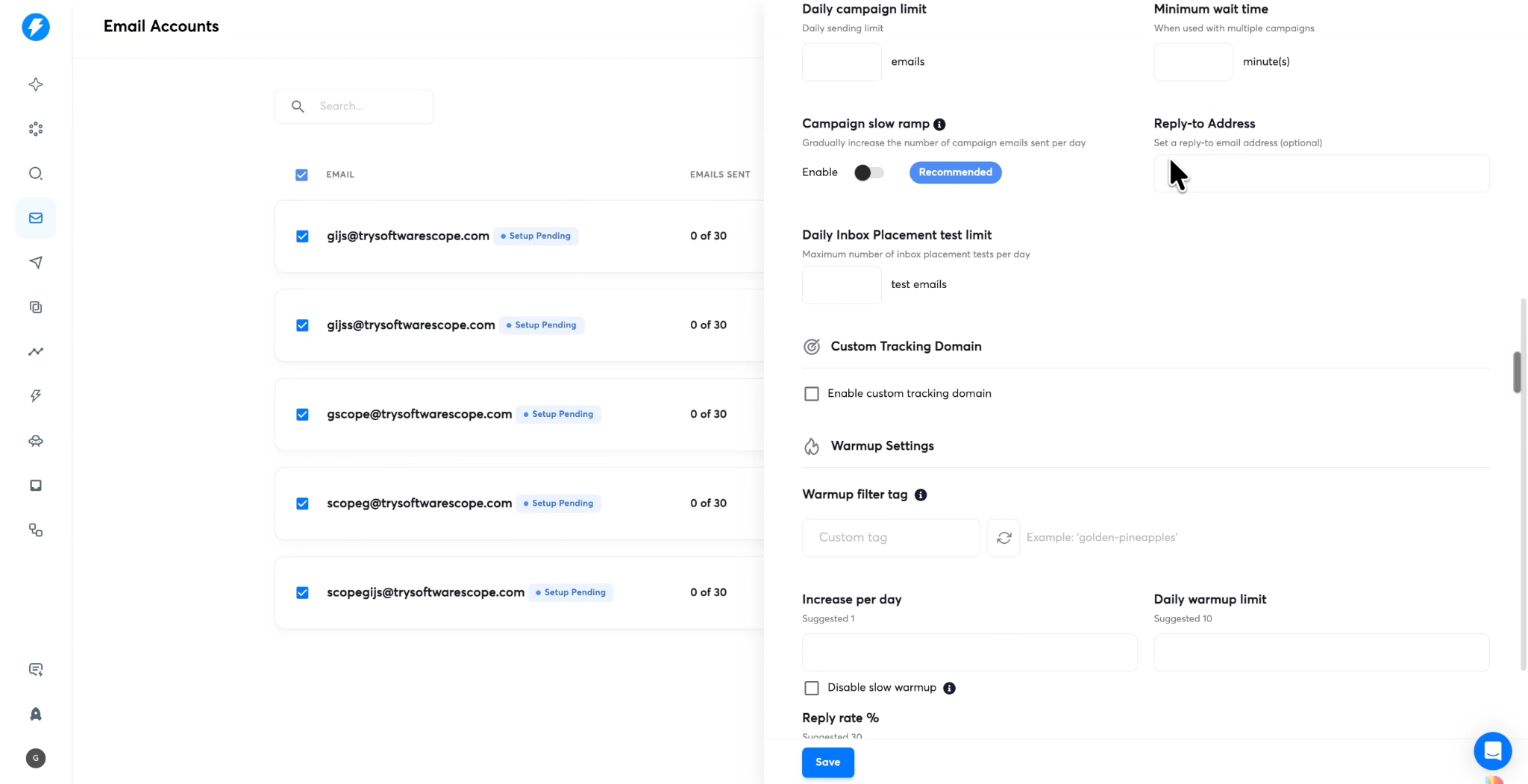
These settings should be treated as configuration options, not guarantees of inbox placement. Warm-up alone cannot establish that an account has a good reputation or that future emails will avoid spam filters.
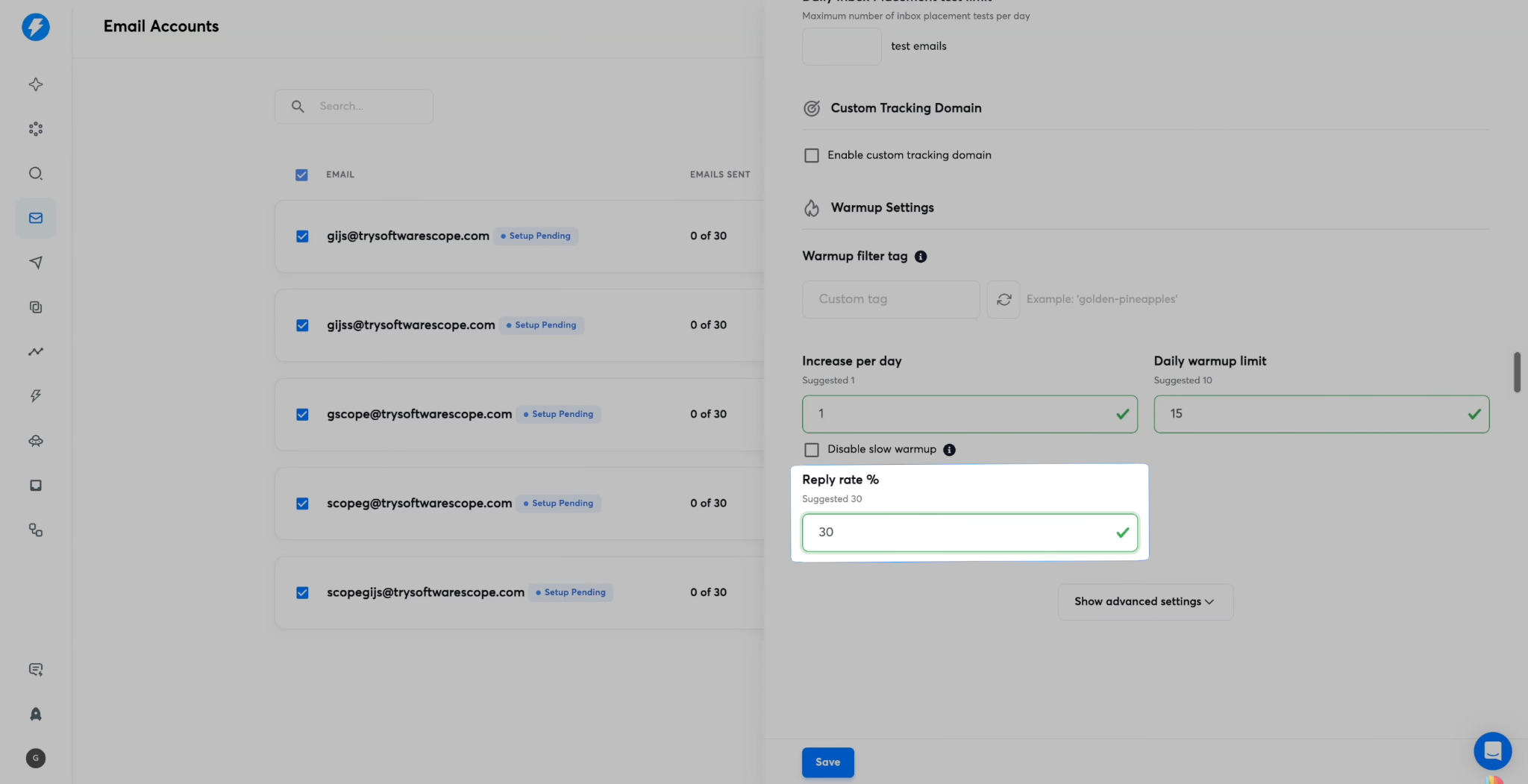
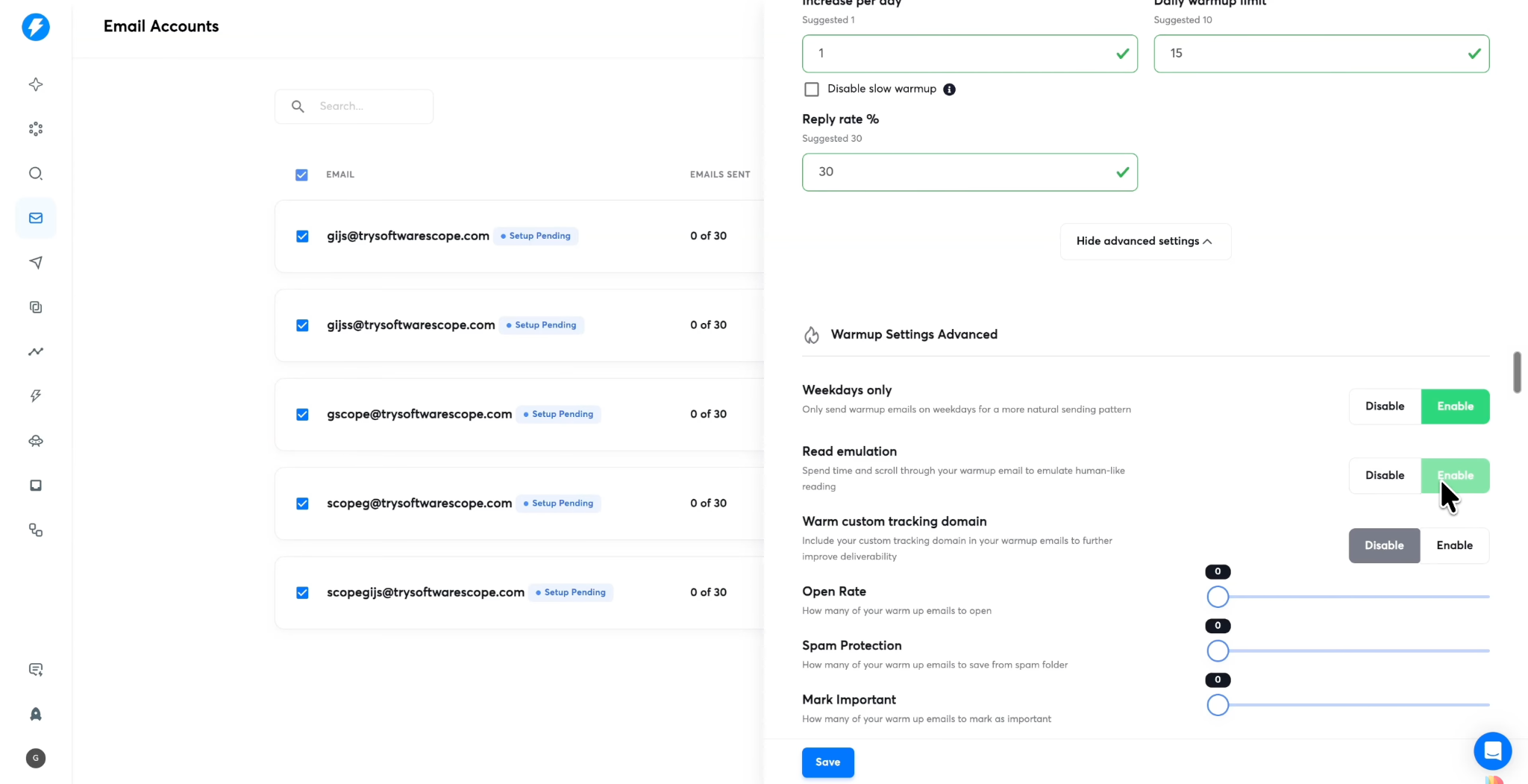
For campaign sending, begin conservatively and monitor bounce rates, replies, spam complaints, and inbox placement where measurable. Increase volume only when your sending practices and results justify it.
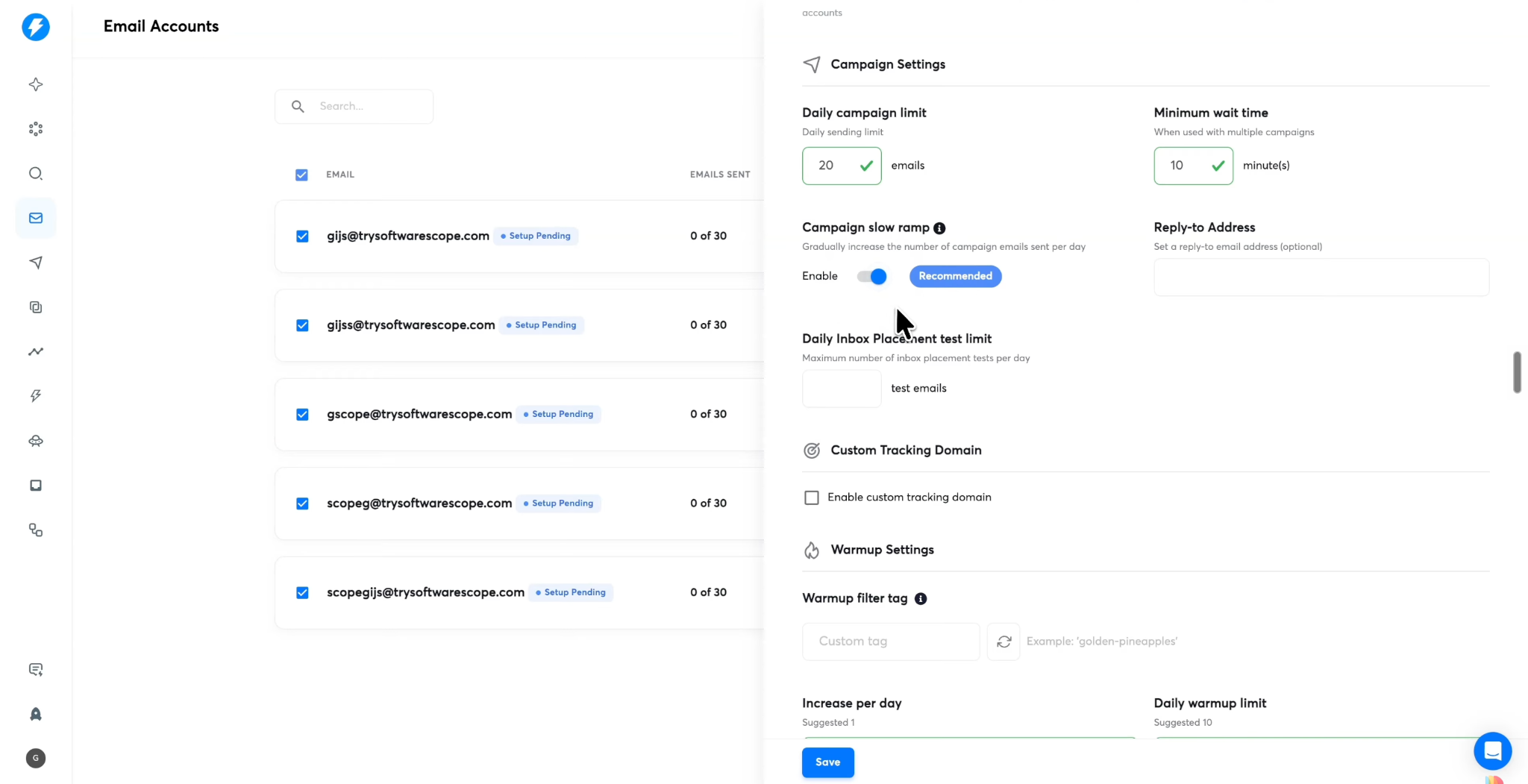
Why does this matter? Connecting 20 mailboxes does not automatically make it safe to send hundreds of emails every day. The appropriate volume depends on the mail providers, domain and mailbox history, list quality, recipient engagement, and other factors.
Step 4: Find Leads With Lead Finder
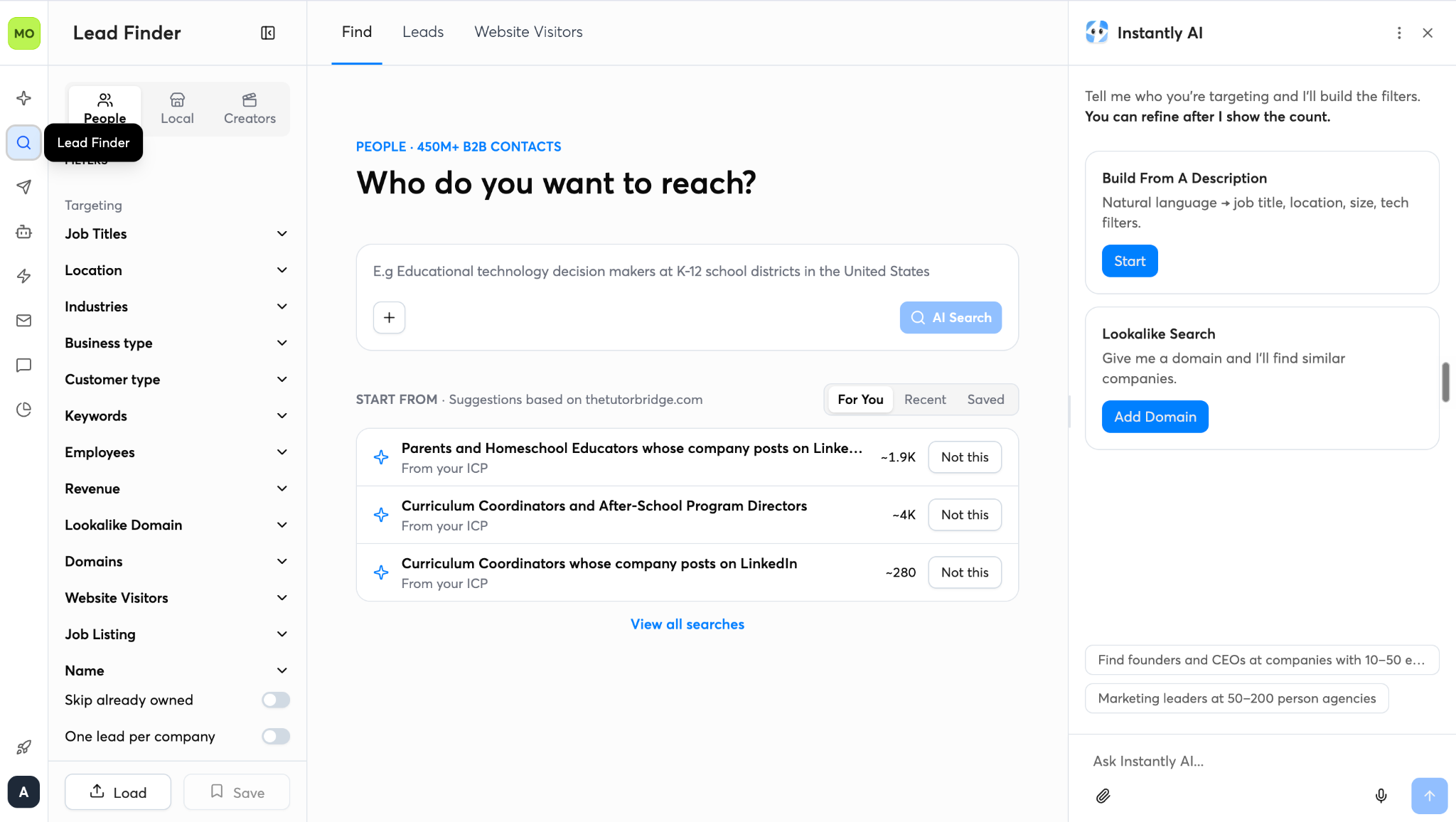
Instantly's Lead Finder helps you discover B2B prospects using AI-powered search and advanced filters. Describe your ideal audience in natural language, or refine your search by job title, location, industry, company size, revenue, and other criteria. You can also use Lookalike Search to find similar companies and explore website visitors to identify potential leads.
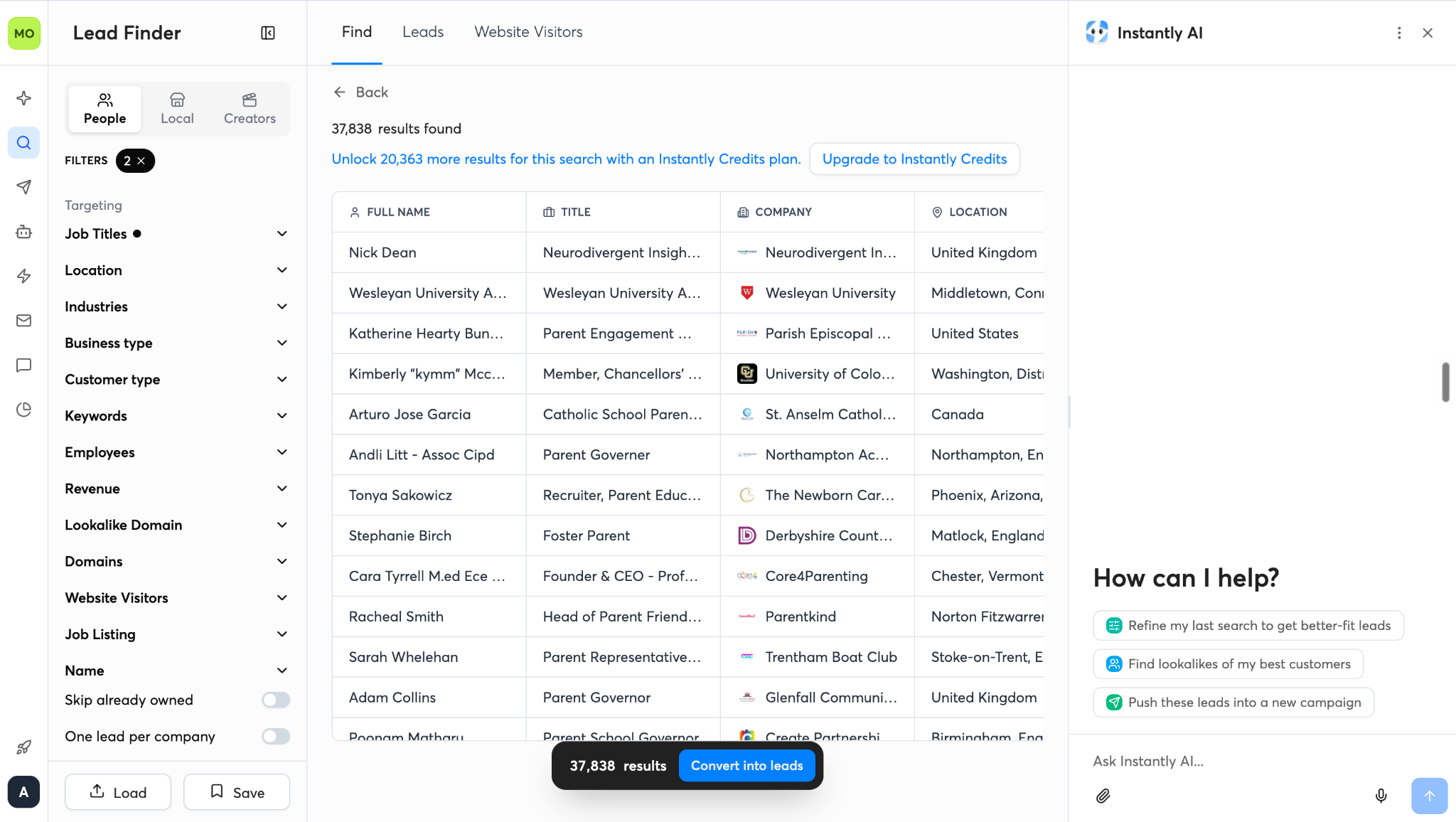
Once you've defined your target audience, review the results and build a relevant prospect list for your outreach campaigns.
Step 5: Create Outreach Campaigns With Engage
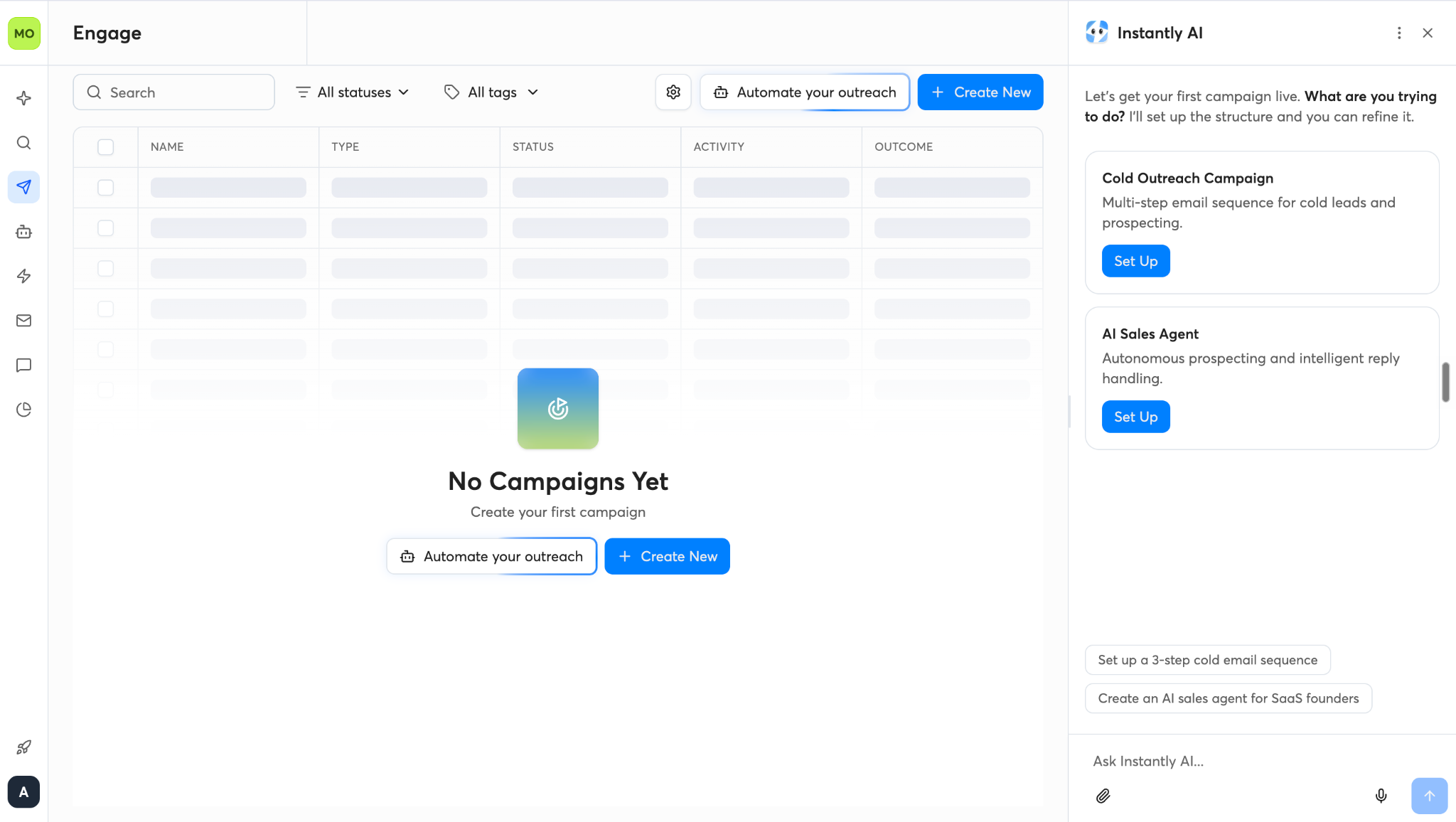
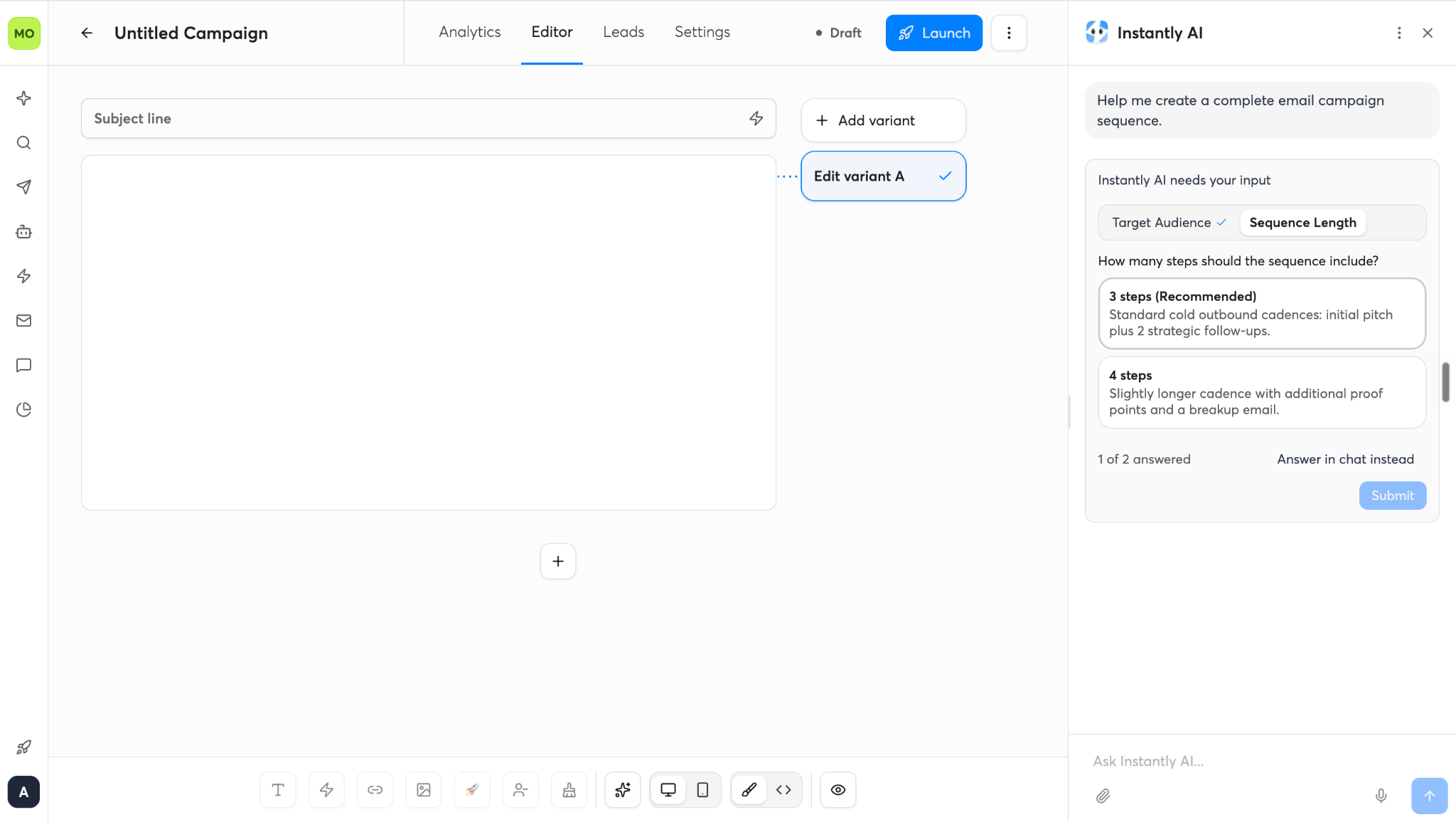
Instantly's Engage workspace lets you create and manage cold outreach campaigns. Select Cold Outreach Campaign to build multi-step email sequences for prospecting, or use the AI Sales Agent to automate prospecting and manage replies. You can also use Instantly AI to help set up your campaign structure and refine it before launching.
Step 6: Write Your Cold Email Sequence
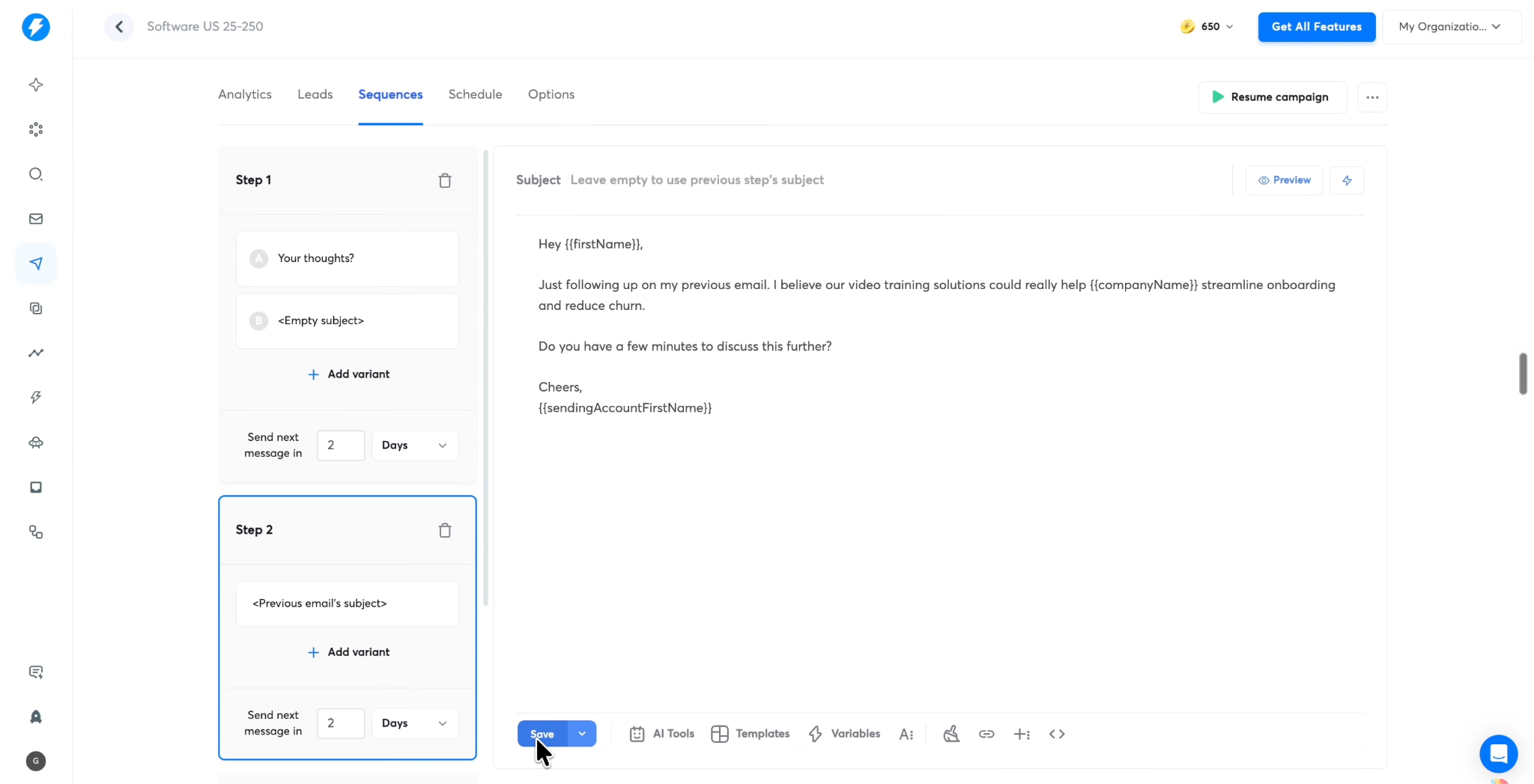
Now comes the part that determines what your prospects actually receive: the email sequence.
Instantly allows you to build multistep campaigns, including follow-up messages scheduled at intervals after the initial email.
For example, a simple three-step sequence might look like this:
Instantly also provides AI-assisted sequence writing.
That context matters. A message generated from a clear value proposition and credible evidence is more likely to be relevant than a generic email generated with little information.
Review every generated message before sending. Check that personalization is accurate, claims are supportable, and the message gives the recipient a genuine reason to respond.
Step 7: Schedule Your Campaign
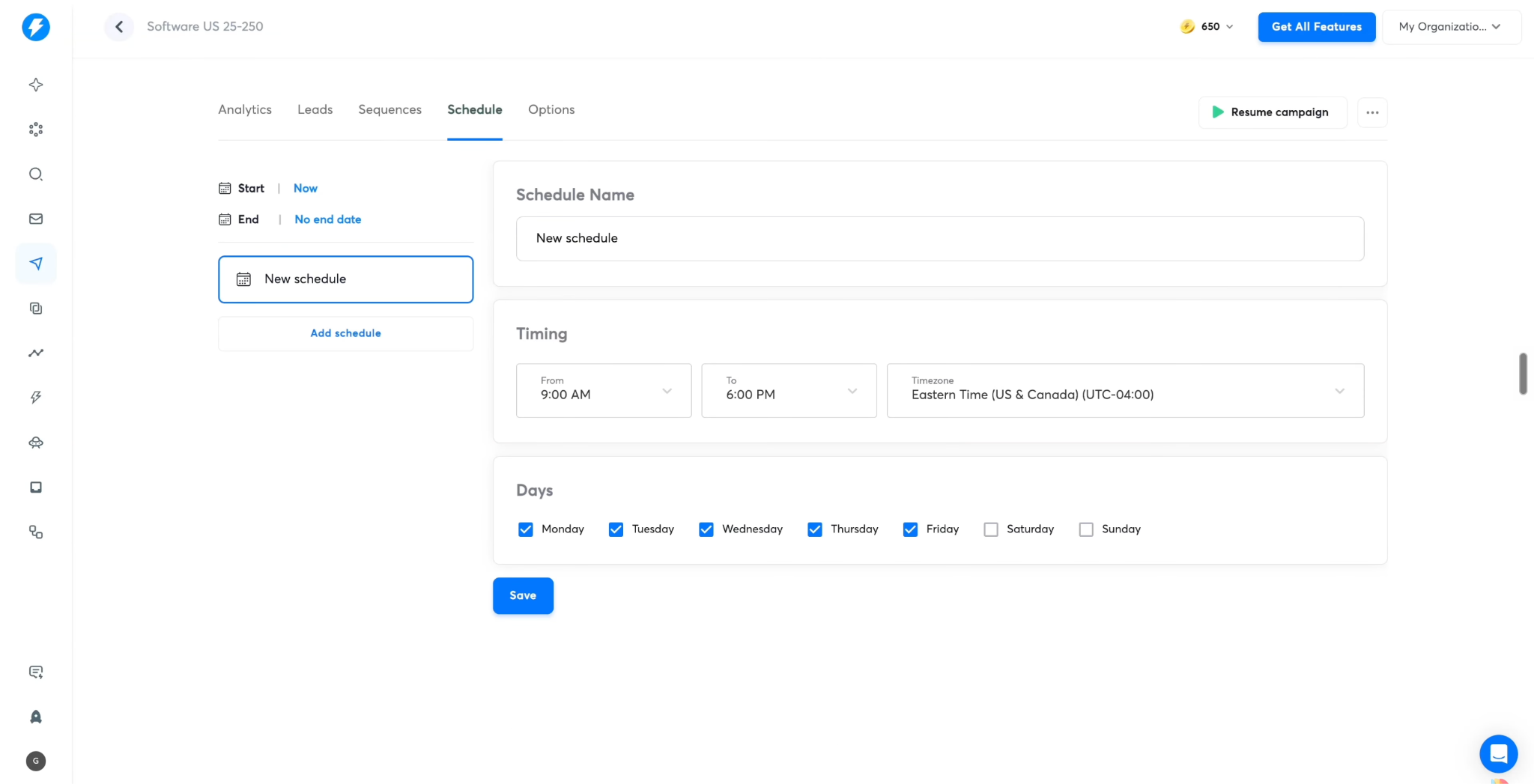
After writing the sequence, configure when your emails should be sent.
Instantly lets you set a sending schedule, including permitted days, hours, and a time zone.
Suppose you're based in Europe but contacting prospects in the United States. If you schedule messages according to your own time zone without checking the recipients' locations, your emails could arrive outside their normal working hours.
Setting the appropriate prospect time zone helps align outreach with the schedule you intend.
You should also configure the campaign's sending accounts and relevant delivery settings.
It is recommended to enable the option to stop sending further emails when a prospect replies. This helps prevent awkward follow-ups after someone has already responded.
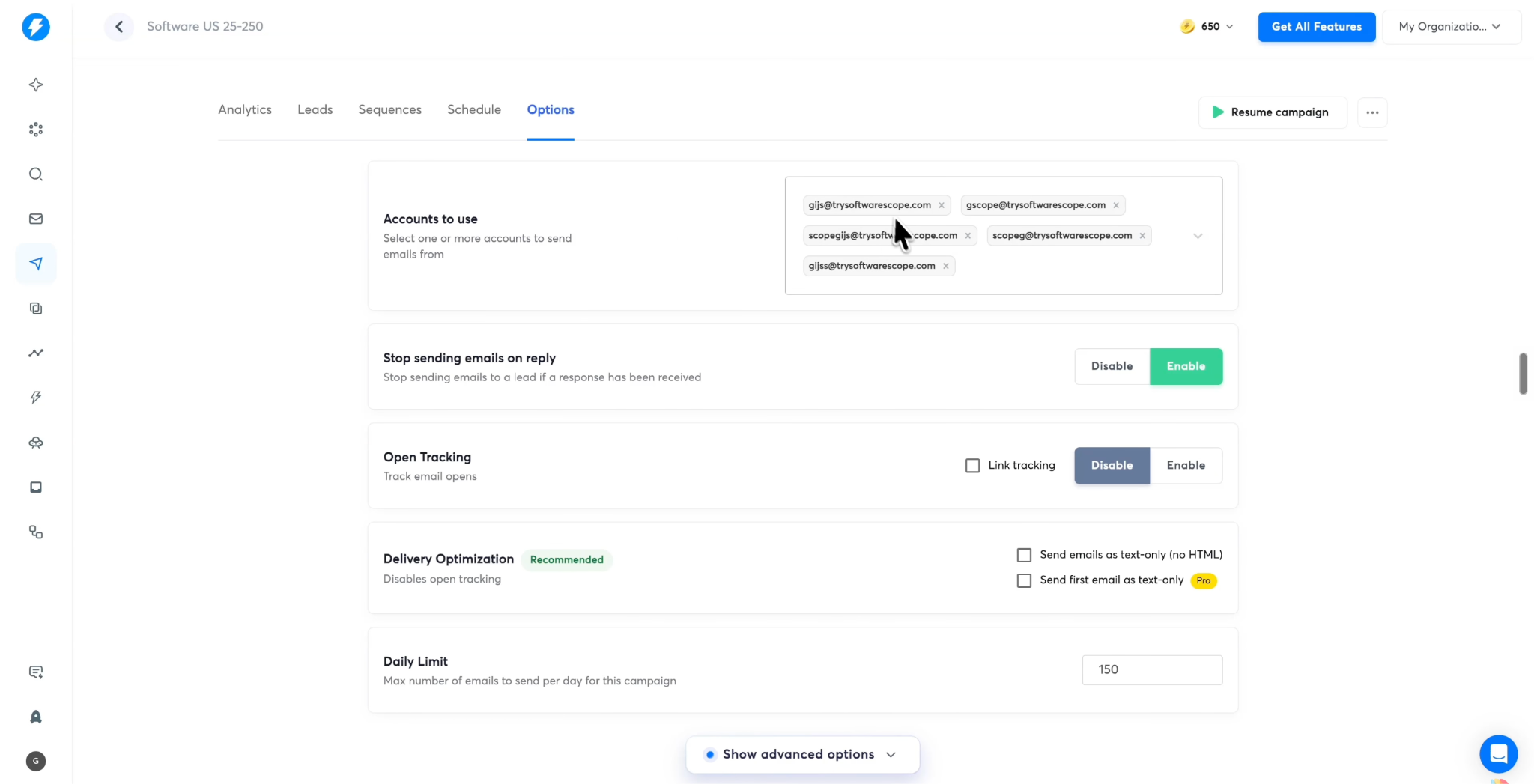
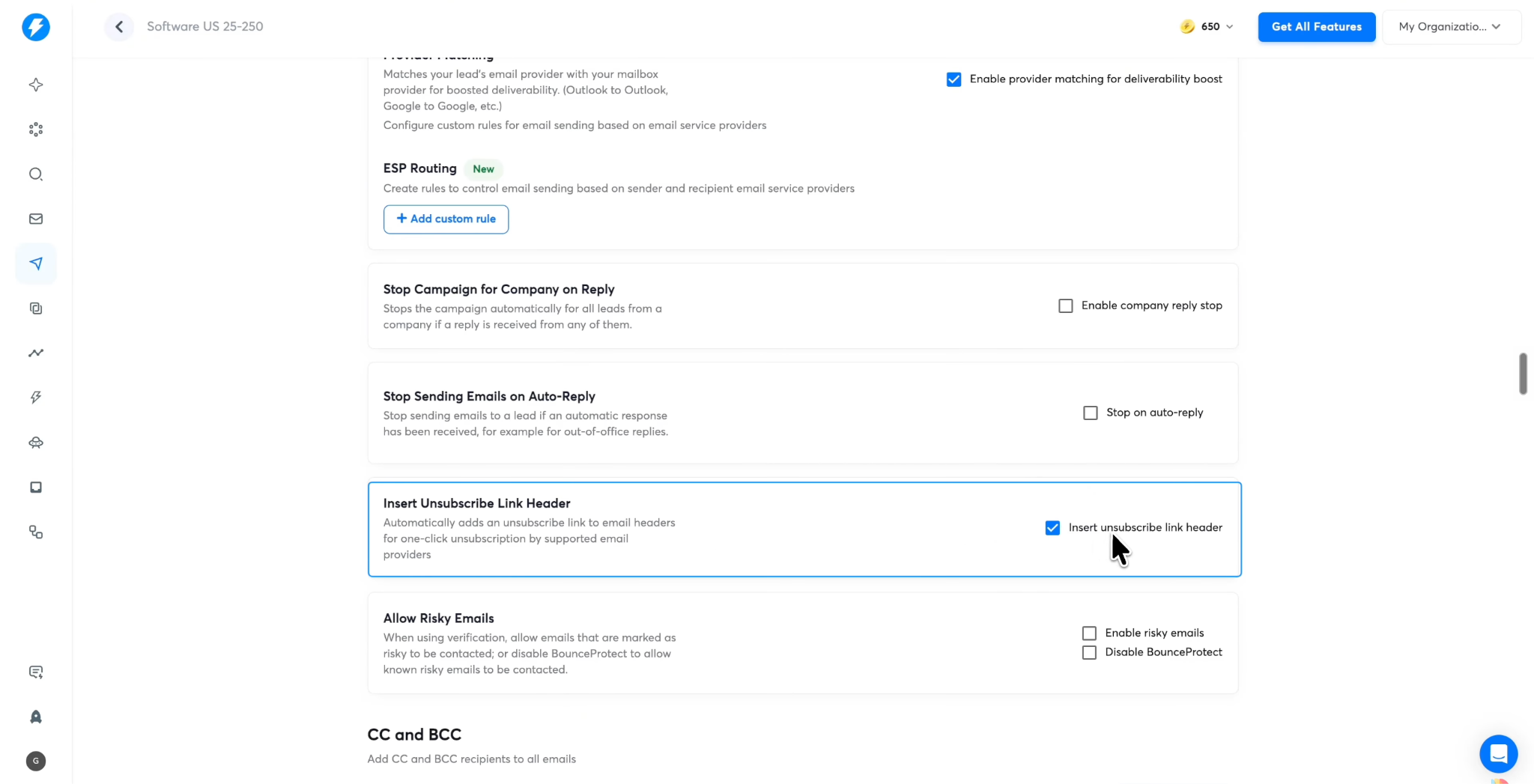
Other options may include plain-text sending, campaign-level daily limits, and unsubscribe links. Choose settings that suit your outreach strategy and applicable legal requirements.
Before launching, review the campaign's recipients, message sequence, sending schedule, and account configuration.
Step 8: Launch the Campaign
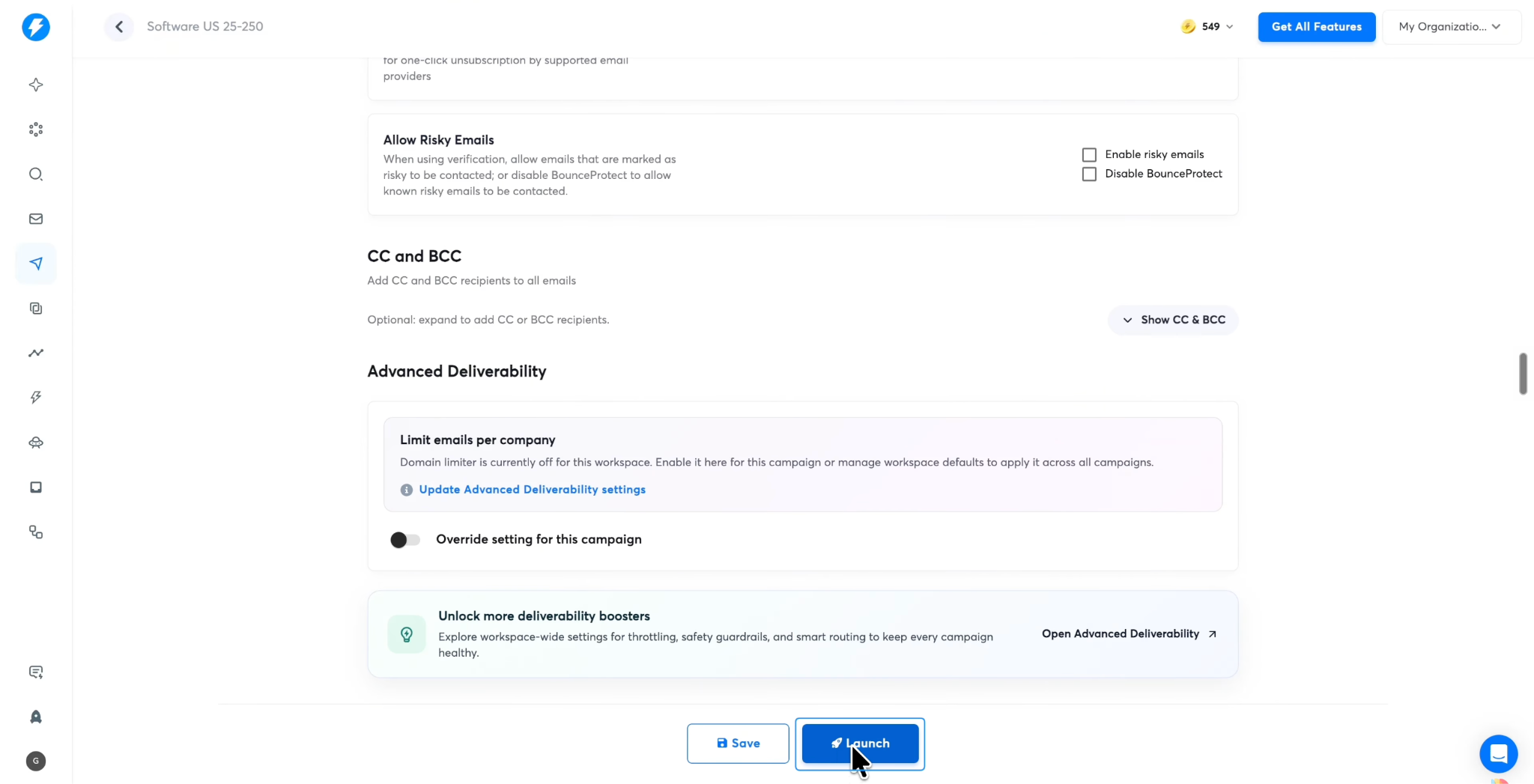
Once your sending accounts are connected and ready, your sequence has been reviewed, and the campaign settings are correct, you can launch the campaign.
Instantly then begins processing eligible leads through the sequence according to your configuration.
You can monitor campaign activity and review the status of individual prospects as the campaign progresses.
Don't confuse a successful launch with a successful campaign. An email being sent does not mean it reached the inbox, was read, or generated interest.
Monitor the results and use them to identify issues with targeting, messaging, list quality, and sending performance.
Step 9: Manage Replies Through Unibox
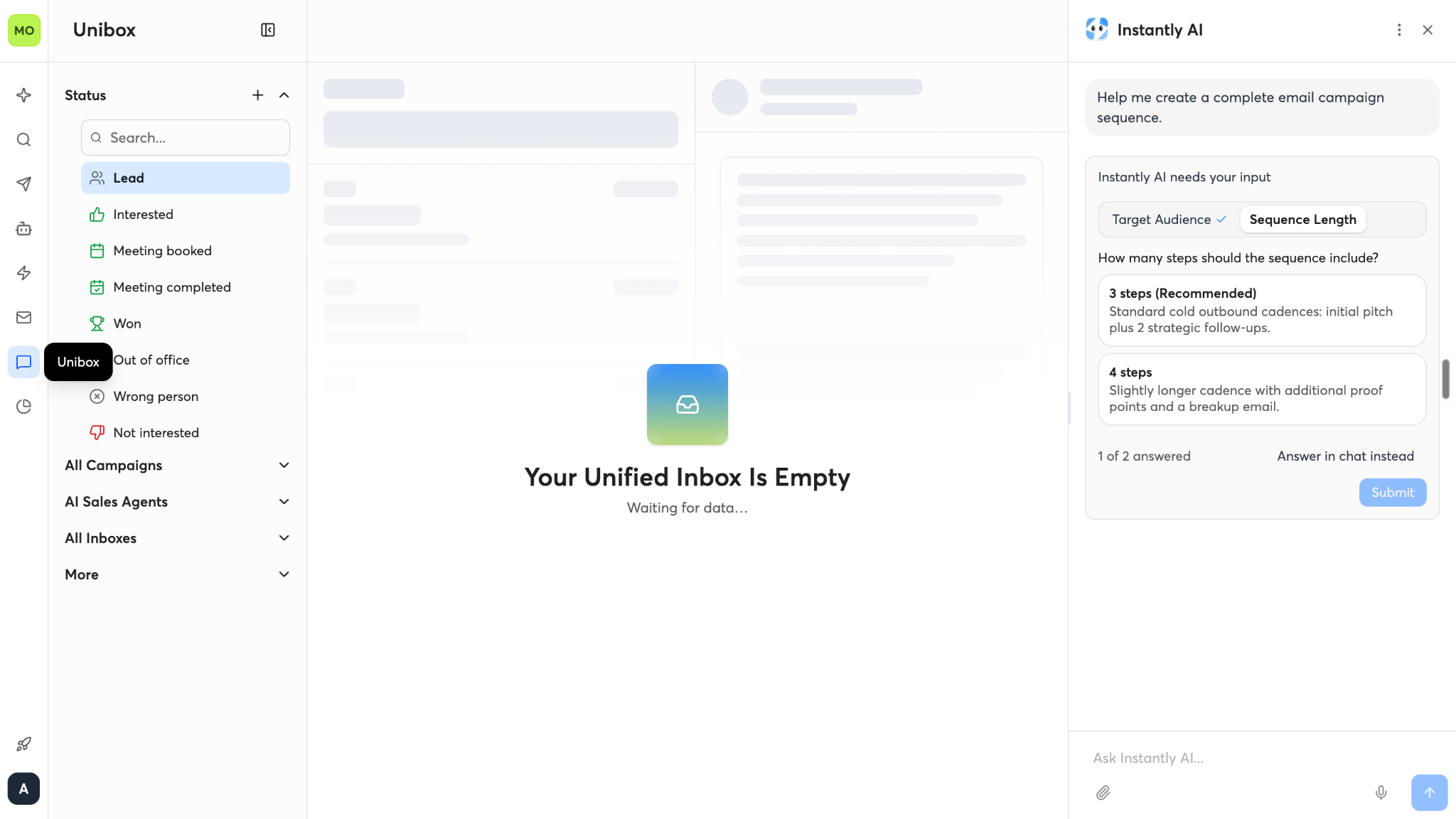
As prospects begin responding, Instantly's Unibox provides a centralized place to manage conversations from connected accounts.
Instead of checking each sending mailbox individually, you can review replies within the unified interface.
Depending on the available functionality and subscription, users can reply within Unibox and continue conversations with prospects.
For example, if a prospect asks for more information about your product, you can respond directly. If they're interested in a demonstration, you can work toward scheduling a meeting.
Pay attention to negative replies and unsubscribe requests as well. A good outbound workflow should stop inappropriate follow-ups and respect recipients' preferences.
Step 10: Use AI Agents to Automate Parts of the Workflow
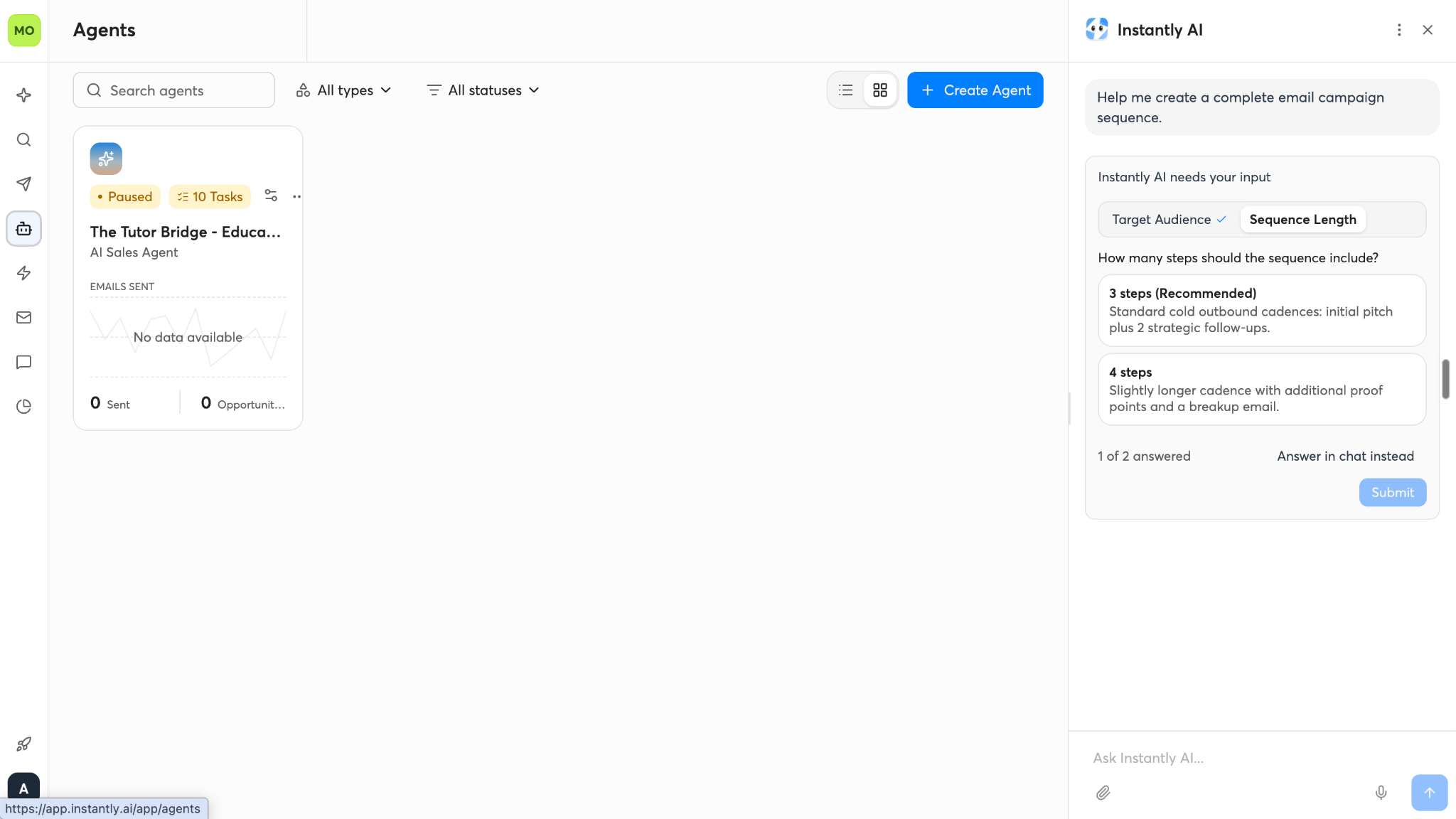
Instantly also offers AI agents designed to automate specific sales tasks.
Two particularly relevant options are the AI Sales Agent and AI Reply Agent.
AI Sales Agent: Helps discover prospects, prepare personalized outreach, and manage parts of the outbound campaign process.
AI Reply Agent: Helps handle incoming replies, answer questions, follow up, and move interested prospects toward a meeting.
The amount of automation depends on the agent's configuration and available features. You should review its responses, define appropriate boundaries, and monitor its performance rather than assuming it can manage every sales conversation correctly without supervision.
For teams handling a large volume of outreach, these agents can reduce repetitive work. For smaller teams, they can provide assistance without requiring every task to be automated.
Check the current product documentation for agent availability, setup requirements, and credit consumption.
Step 11: Track Campaign Performance and Manage Leads
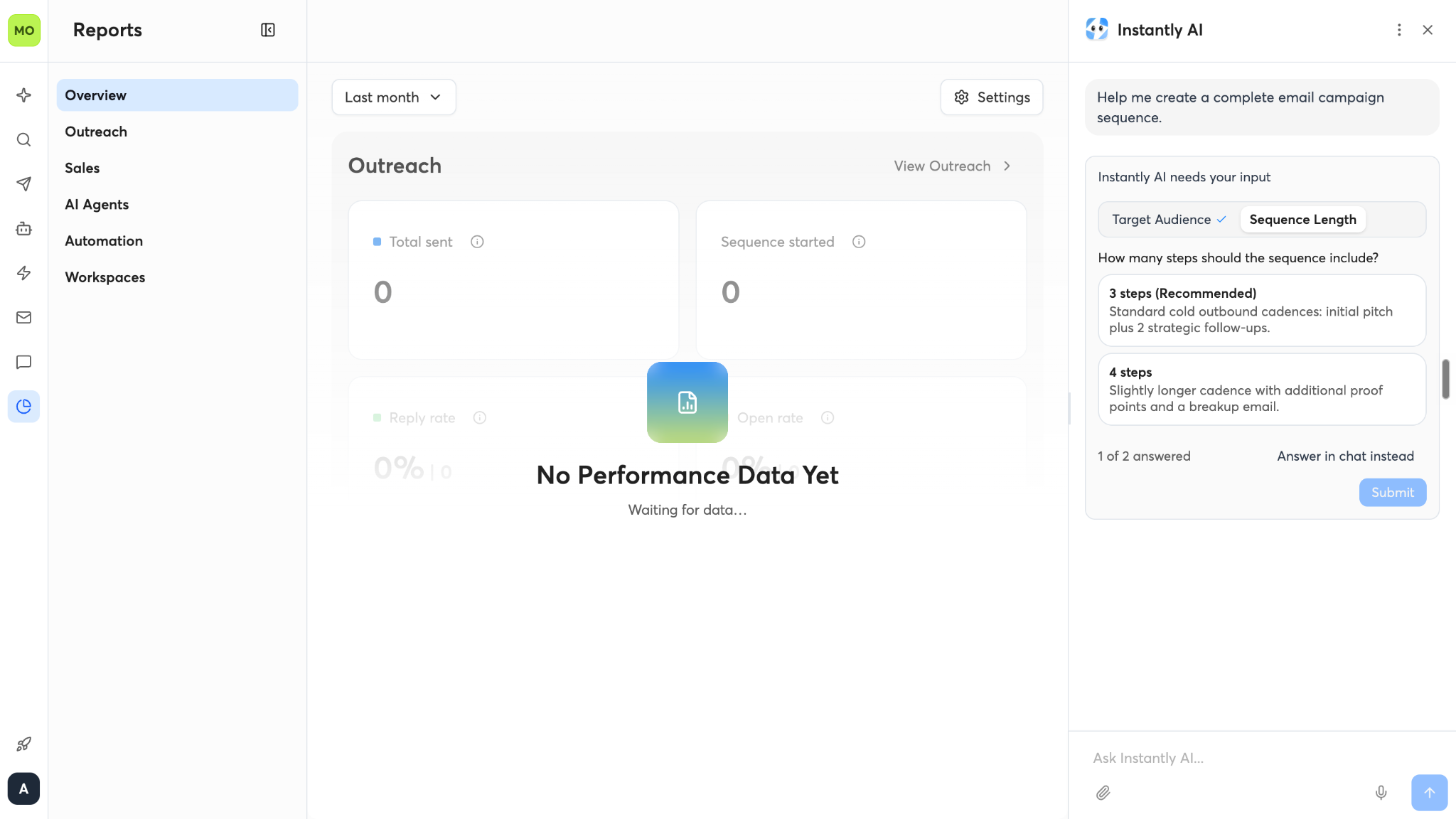
Launching campaigns is only part of the process. You also need to understand whether your outreach is generating useful conversations.
Instantly provides account-level and campaign-level analytics to help you monitor activity and performance.
Its CRM capabilities can also help organize leads by their current stage.
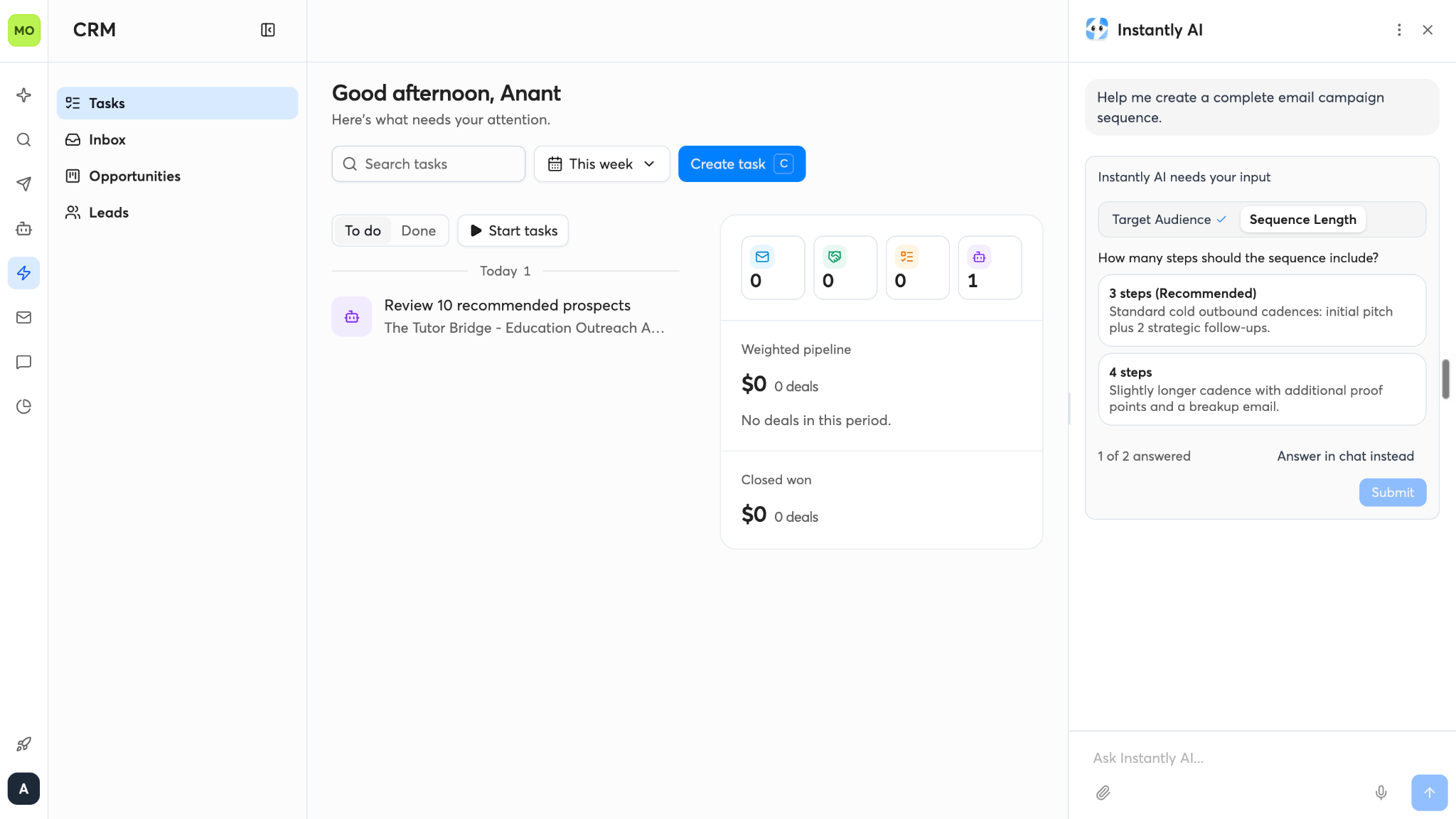
For example, you might track prospects through stages such as:
- Contacted
- Interested
- Meeting booked
- Meeting completed
- Opportunity won
The exact stages and available reporting depend on your configuration and plan.
Review the metrics that matter to your business, including meaningful replies, meetings booked, qualified opportunities, and conversions. Email volume alone is not a reliable measure of sales success.
Step 12: Connect Automations to Your Other Tools
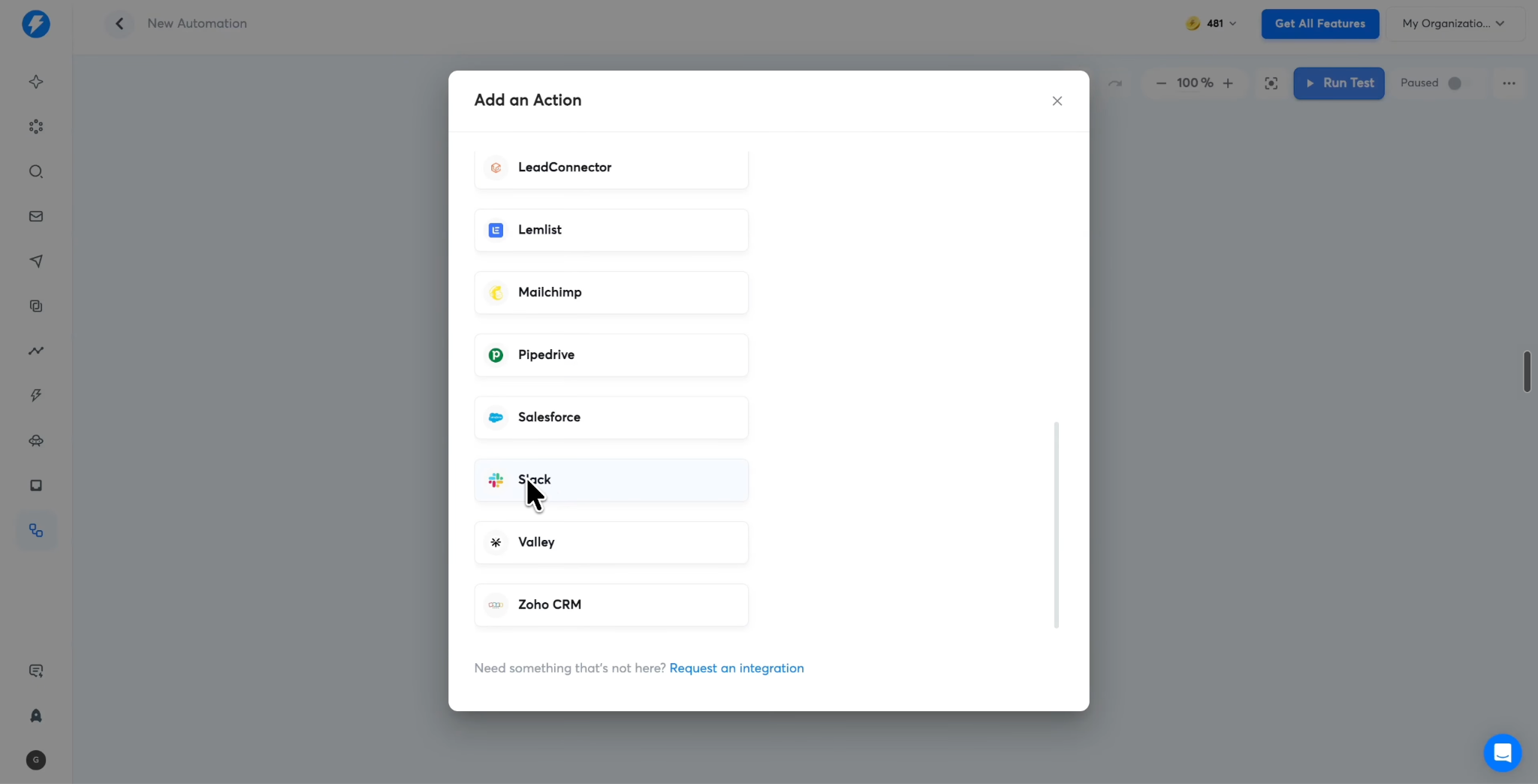
Finally, Instantly's automation functionality can connect events in your outbound workflow to subsequent actions.
For example, you could configure a workflow that triggers when a prospect's status changes to interested. Depending on the available integration and configuration, that event could update a CRM record, send a Slack notification, or trigger another supported action.
This helps reduce the manual work involved in transferring information between systems.
Before relying on an automation, test its trigger conditions, confirm that the correct records are updated, and make sure it does not create duplicate tasks or send inappropriate follow-ups.
So, How Does Instantly.ai Work in Practice?
The overall workflow is straightforward:
Set up your sending accounts → Find and enrich prospects → Build an email sequence → Schedule and launch the campaign → Manage replies → Track opportunities → Automate follow-up actions.
Instantly brings these activities into a connected outbound sales workflow, with AI agents available to automate selected tasks.
However, the platform does not eliminate the need for a good prospect list, relevant messaging, responsible sending practices, and thoughtful follow-up. Those fundamentals still determine whether your outreach generates meaningful conversations and business opportunities.
Instantly AI Agents, Products, and Use Cases
Instantly has expanded beyond cold email automation into a broader outbound sales platform. Instead of relying on separate tools for finding prospects, writing emails, managing replies, and monitoring deliverability, businesses can use Instantly's products and AI agents to handle different parts of the process.
But with so many products and agents available, what does each one actually do? And which ones would you need for your business?
Let's break them down.
1. Instantly AI Agents: What Can They Do?
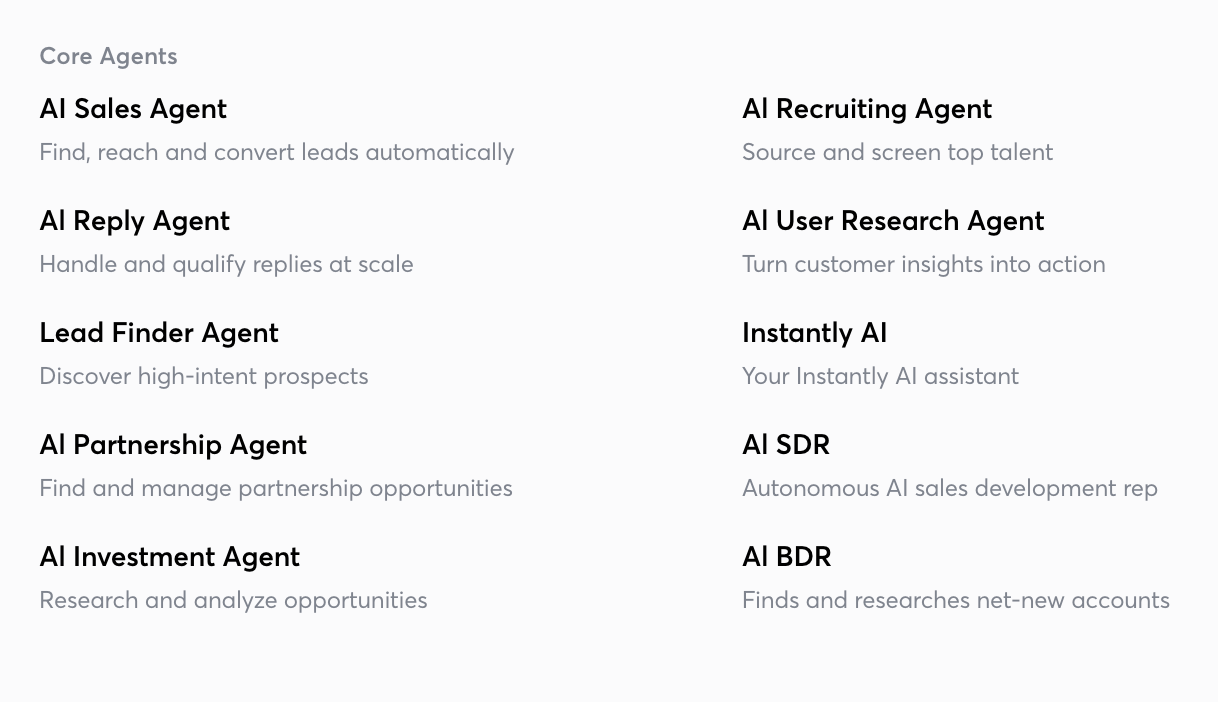
Instantly's AI agents are designed to automate specific tasks across prospecting, outreach, reply management, and other business workflows. Rather than treating every agent as a general-purpose assistant, Instantly assigns different responsibilities to different agents.
Here are the main agents featured in its product ecosystem.