Best Website Visitor Identification & Sales Outreach Tools
What Are the Best Tools for Identifying Website Visitors and Triggering Sales Outreach?
Website visitor identification tools help sales and marketing teams determine which companies or people are visiting their website, what they are doing, and whether those visits indicate potential buying interest. Instead of treating every website session as anonymous traffic, these tools can connect visitor activity with company, contact, and behavioral data.
But knowing who visited is only the beginning.
A company visiting your pricing page could be a serious prospect, an existing customer, a competitor, or someone doing research. If the identification data simply sits in a dashboard, sales still has to figure out what happened, whether the account fits the ICP, and what to do next.
That is why modern visitor identification platforms increasingly connect website activity with sales engagement, qualification, routing, and CRM workflows.
What Should Happen After a Website Visitor Is Identified?
Identifying a visitor creates an opportunity, not a sales-qualified lead.
Once a company or person has been identified, the next step is to determine whether the visit actually deserves sales attention. A useful visitor identification workflow should add context at every stage rather than simply sending another notification to an already busy SDR.
1. Identify the visitor or company
Start with the basic question: Who is behind the website activity?
Depending on the available data, this could mean identifying a company, matching a known contact, or connecting activity to an existing lead or account.
2. Enrich the available information
Identification becomes more useful when you can add relevant context such as company size, industry, role, technology, existing CRM records, or other account attributes.
This helps sales understand whether the visitor resembles the type of customer the company actually wants.
3. Check ICP fit
Not every identified visitor deserves outreach.
A small company visiting an enterprise-focused product may be less valuable than a target account repeatedly researching your product. Filtering by ICP characteristics helps sales focus on accounts with a realistic chance of becoming customers.
4. Analyze behavioral intent
Next, look at what the visitor actually did.
A single blog visit provides very different context from repeated visits to pricing, demo, integration, or security pages. Multiple people from the same company visiting different parts of the site can also provide a stronger account-level signal.
5. Decide whether sales action is warranted
The goal isn't to contact everyone.
Instead, use the combination of fit + behavior + context to decide whether the account should receive immediate outreach, remain in a nurture workflow, or simply be monitored.
6. Trigger the appropriate action
For high-value activity, the workflow can move directly into sales execution: notify a rep, start an engagement, route the account to the appropriate owner, qualify the visitor, or create a meeting opportunity.
Which Website Visits Should Trigger Sales Outreach?
Not every page view represents buying intent. The following signals are generally more useful when combined with account and visitor context:
Website signal
What it can indicate
Potential sales action
Pricing page
Commercial research
Prioritize outreach
Demo page
Evaluation
Trigger sales follow-up
Repeat visits
Sustained interest
Increase priority
Integration pages
Technical evaluation
Route to relevant rep
Security pages
Enterprise evaluation
Flag account
Multiple visitors from one company
Buying-group activity
Coordinate account outreach
Existing lead returns
Renewed interest
Re-engage
The important part is context. A pricing-page visit by an unknown company may not justify immediate outreach. The same visit from a target account that has returned three times, viewed integrations, and already has an open opportunity is a much stronger sales signal.
See Knock AI in Action — Book Your Live Demo Today
Company-Level vs. Person-Level Visitor Identification
Can visitor identification tools tell you exactly who is visiting your website?
Sometimes, but not always. There is an important difference between identifying the company behind a visit and identifying the individual person.
Company-level identification
Company-level identification connects website activity to an organization. For example, sales might discover that a target SaaS company has been repeatedly visiting product and pricing pages.
This can be valuable even without knowing the individual visitor. Account-level activity can help sales prioritize target companies, identify emerging interests, and understand which accounts are becoming more engaged.
Person-level identification
Person-level identification goes one step further by associating activity with a specific contact.
This is particularly useful when the visitor is already known through a form submission, CRM record, previous interaction, or another identifiable touchpoint. It gives sales a clearer path to personalized follow-up.
However, not every anonymous website visitor can be reliably matched to an individual. Availability depends on factors such as the visitor's existing relationship with the business, available data, privacy restrictions, geography, and the identification capabilities of the platform.
That means teams should avoid treating visitor identification as a guarantee that every anonymous session will reveal a person's name.
The practical approach is to use whatever level of identification is available, then combine it with account fit, behavioral activity, CRM context, and intent signals. Even when the individual remains unknown, knowing that a high-value account is actively researching your product can still give sales a meaningful reason to act.
Best Tools for Identifying Website Visitors and Triggering Sales Outreach
The right website visitor identification tool depends on what you want to do after a visitor is identified. Some platforms are primarily focused on revealing which companies are visiting. Others connect visitor activity with engagement, qualification, prospecting, and sales workflows.
Here are four tools worth considering.
1. Knock AI
Best for turning website intent into sales action
Knock AI is particularly well suited for teams that want to move beyond identifying website visitors and actually turn visitor activity into a sales workflow.
It can identify and enrich people and companies engaging with your website, then use first-party intent signals such as page views, clicks, CTA interactions, form activity, chat conversations, and repeat engagement to understand what those visitors are doing.
The useful part is what happens next.
Teams can use those signals to qualify visitors, engage them in real time, route conversations to the appropriate rep, trigger sales outreach, and connect the resulting activity with Slack and CRM workflows. Knock AI agents can also engage visitors, answer approved questions, qualify prospects, and book meetings before handing the conversation to a human when appropriate.
For example, imagine a target account visits your pricing page.
Target account visits pricing → Knock AI identifies and enriches the account → intent and fit are evaluated → the visitor is engaged or sales is alerted → the opportunity is routed → a meeting or CRM action follows.
This makes Knock AI particularly useful when the objective isn't simply to build a list of companies that visited your website, but to turn high-intent website activity into qualified sales conversations.
Best suited for: B2B companies with sales teams that want visitor identification connected directly to qualification, AI engagement, outreach, routing, and meeting conversion.
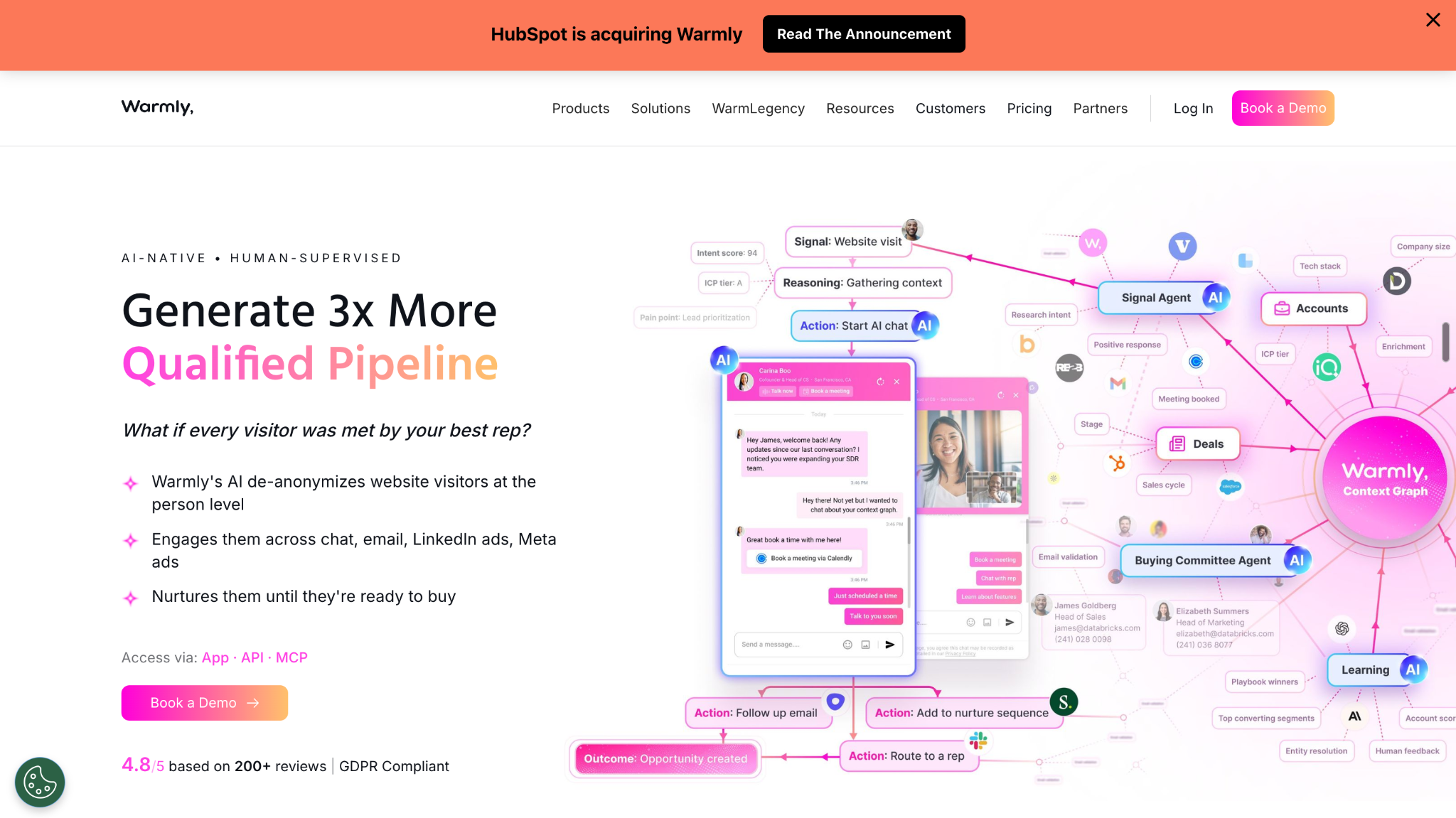
2. Warmly
Best for visitor identification combined with real-time engagement
Warmly is designed for teams that want to identify website visitors and engage with them while they are actively browsing.
The platform can provide company and contact intelligence around website activity and connect that information with sales engagement. This gives teams more context than simply seeing a visitor count or a list of companies.
Its real-time engagement capabilities are particularly relevant when the goal is to respond while a visitor is still on the website. For example, a high-value visitor can potentially be surfaced to sales or engaged through website conversations rather than waiting for a form submission.
Warmly therefore fits well between visitor identification and immediate sales engagement.
For teams looking for a broader workflow that combines identification with qualification, routing, AI-led conversations, and downstream sales processes, the evaluation should go beyond visitor visibility and look at how deeply the platform supports those steps.
Best suited for: Sales and marketing teams that want to identify website visitors and engage prospects in real time.
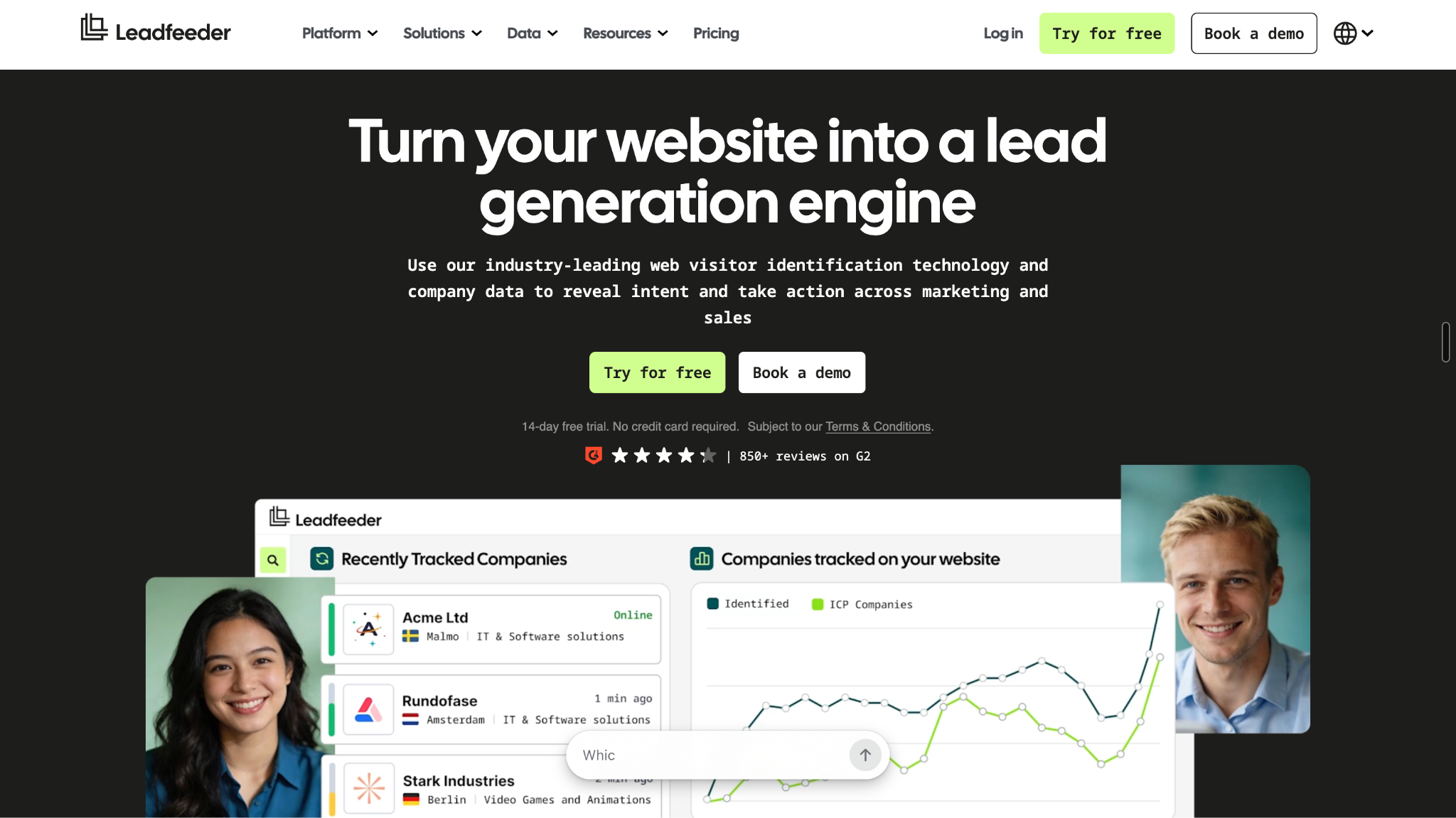
3. Leadfeeder
Best for company-level visitor identification and sales intelligence
Leadfeeder focuses heavily on helping businesses understand which companies are visiting their website and what those companies are doing.
Rather than waiting for an anonymous visitor to submit a form, sales teams can use company-level website activity to discover accounts that may warrant further research or outreach.
This can be useful for account-based sales teams that want to answer questions such as:
Which target companies are visiting our website?
Which accounts are returning?
What pages are they viewing?
Which companies appear more engaged than others?
The key strength here is turning otherwise anonymous website traffic into account-level sales intelligence.
However, identifying an interested company and converting that signal into an active sales conversation are separate requirements. Teams that need deeper qualification, real-time AI engagement, automated routing, or more extensive sales activation may need capabilities beyond visitor identification and account intelligence.
Best suited for: B2B sales and marketing teams primarily looking to identify companies visiting their website and prioritize accounts for follow-up.
4. HubSpot Breeze Intelligence
Best for teams already using HubSpot
HubSpot Breeze Intelligence makes the most sense for companies that already rely heavily on the HubSpot ecosystem and want visitor and buyer intelligence to feed into their existing CRM and marketing workflows.
It combines buyer intent and enrichment capabilities with company and contact information, giving teams additional context around prospects and accounts. That information can then support prospect research, segmentation, personalization, and AI-assisted sales activity within the broader HubSpot environment.
The major advantage is ecosystem integration. If your sales, marketing, and customer data already live in HubSpot, adding intelligence within the same environment can reduce the need to move information between separate platforms.
The question for buyers is therefore less about whether Breeze Intelligence can provide visitor and buyer context and more about how much of the downstream sales process they want to manage inside HubSpot.
Best suited for: Companies already invested in HubSpot that want buyer intent, enrichment, and AI-assisted prospecting connected to their existing CRM and marketing workflows.
How to Choose a Website Visitor Identification Tool
The best tool depends less on the number of features and more on what you want to happen after a visitor is identified.
You only need to identify companies visiting your site
If your primary goal is to discover which companies are visiting your website, understand their behavior, and give sales a list of accounts worth researching, Leadfeeder is a natural fit.
You want visitors engaged immediately
If the priority is to identify visitors and interact with them while they are still browsing, Warmly is worth considering. It is better suited to teams that want visitor intelligence connected to real-time engagement.
Your sales and marketing stack is already HubSpot
For teams already operating their CRM and marketing workflows in HubSpot, Breeze Intelligence can keep buyer intelligence, enrichment, and prospecting within the existing ecosystem.
You want visitor activity to become sales action
If the objective goes beyond identification and includes intent detection, AI qualification, engagement, routing, outreach, and meeting conversion, Knock AI is particularly well suited.
Capability
Knock AI
Warmly
Leadfeeder
Breeze Intelligence
Visitor identification
✓
✓
✓
✓
Company intelligence
✓
✓
✓
✓
Intent signals
✓
✓
✓
✓
Real-time engagement
✓
✓
—
—
AI qualification
✓
—
—
✓
Sales routing
✓
✓
—
HubSpot workflows
Meeting conversion
✓
✓
—
✓
CRM workflows
✓
✓
✓
✓
The important question is therefore not simply “Which tool identifies the most visitors?” It is “What happens once a valuable visitor has been identified?”
4 Ways Teams Can Turn Website Visits Into Sales Opportunities
Website traffic becomes commercially useful when teams can connect a visitor's behavior with a clear next step.
1. A target account visits your pricing page
Suppose a company that matches your ICP lands on your pricing page after previously reading several product pages.
Rather than treating this as another anonymous session, the workflow can look at the account, its previous activity, and the strength of the current signal. If the account qualifies, sales can prioritize outreach while the interest is still recent.
Account → intent → qualification → outreach
The goal is not to contact every pricing-page visitor. It is to identify the ones where account fit and buying behavior overlap.
2. A prospect keeps returning to your website
One visit can be difficult to interpret. Repeated activity provides more context.
A prospect who returns several times and explores product, integration, pricing, or other commercial pages may deserve a higher priority than someone who visits once.
This becomes especially useful when the visitor has already interacted with sales or exists in the CRM.
3. An existing lead comes back with new activity
Known leads can be even more valuable because sales already have some context.
If an existing contact returns to the website after a period of inactivity, new behavior can provide a reason to re-engage. A rep might receive an alert, review the pages visited, and tailor the conversation around the prospect's latest interests.
Known contact → new behavior → rep notification → re-engagement
4. You have more website visitors than SDR capacity
This is where prioritization matters most.
If a company receives thousands of website visits but has only a small sales team, manually reviewing every visitor is unrealistic. A better approach is to filter the visitor stream using ICP characteristics, intent signals, existing CRM information, and engagement behavior.
The highest-value visitors can then receive sales attention while lower-priority traffic remains outside the immediate sales queue.
Visitor identification becomes much more useful when you measure what happens after identification, not just how many visitors a tool reveals.
1. Identified visitor rate
The percentage of website visitors that can be associated with a company or contact. This tells you how much of your otherwise anonymous traffic becomes actionable intelligence.
2. ICP-qualified visitor rate
The percentage of identified visitors or accounts that match your ideal customer profile. This shows whether your traffic contains commercially relevant accounts.
3. Outreach-trigger rate
How often identified and qualified visitor activity results in a sales action. A low rate may indicate that your qualification rules are too restrictive or that sales workflows are not connected effectively.
4. Visitor-to-meeting conversion rate
Measure how many identified or qualified visitors eventually become booked meetings. This connects website activity directly to sales outcomes.
5. Visitor-influenced pipeline
Track opportunities where meaningful website visitor activity occurred before or during the sales process. This provides a stronger business-level view than visitor volume alone.
FAQs
Can you identify who visits your website?
Website visitor identification tools can sometimes associate website activity with a company or individual, but they cannot reliably identify every visitor. Company-level identification is generally different from person-level identification, and results depend on available data, privacy constraints, geography, and whether the visitor has previously been identified.
How do website visitor identification tools work?
These tools analyze website activity and available visitor or account data to associate sessions with companies, contacts, or existing records. They can then add information such as company attributes, previous interactions, and behavioral signals to help sales determine which visitors may be worth pursuing.
Can website visitor identification trigger sales outreach automatically?
Yes, depending on the platform and workflow. A visitor can potentially trigger an alert, engagement, qualification step, routing rule, or outreach workflow when specific conditions are met. For example, a high-fit account visiting commercial pages repeatedly could be prioritized for immediate sales action.
What website visits indicate buying intent?
Commercial pages such as pricing and demo pages can indicate stronger buying interest than general informational content. Repeat visits, integration or security research, multiple visitors from the same account, and renewed activity from an existing opportunity can provide additional context. No single page view should automatically be treated as a purchase signal.
Should sales contact someone who visited the pricing page?
Not automatically. A pricing-page visit becomes more meaningful when combined with factors such as ICP fit, repeat activity, previous engagement, CRM history, or other intent signals. Sales teams should use these factors to determine whether immediate outreach is appropriate rather than contacting every pricing-page visitor.
How can I identify high-intent website visitors?
Combine behavioral signals with account and customer-fit data. Look for visitors from target accounts, repeated visits, activity on commercial or technical evaluation pages, multiple stakeholders researching your product, and renewed activity from existing leads or opportunities. A visitor's intent becomes more useful when viewed alongside their business context.
Can I identify anonymous website visitors?
You can often identify an anonymous visit at the company level, but identifying the individual person is not guaranteed. The available level of identification depends on the data accessible to the platform, the visitor's previous interactions, privacy restrictions, geography, and other factors. Account-level identification can still be valuable for sales prioritization.
What's the difference between company and person-level visitor identification?
Company-level identification tells you which organization is associated with website activity. Person-level identification attempts to associate that activity with a specific contact. Company-level data is useful for account prioritization and ABM, while person-level identification can provide a more direct path to personalized sales outreach.
How quickly should sales follow up after a website visit?
Follow-up should generally reflect the strength and recency of the signal. A high-fit account showing multiple commercial signals may warrant prompt attention, while a single low-intent visit usually does not. The objective is to respond when there is enough evidence of meaningful interest, rather than treating every website session as urgent.
Can website visitor activity be sent to Slack or a CRM?
Yes. Depending on the platform, visitor activity and intent signals can feed into CRM records, Slack notifications, routing workflows, or other sales processes. This allows sales teams to receive relevant visitor context where they already work instead of manually checking a separate visitor dashboard.
How can a small SDR team prioritize website visitors?
Use automated qualification to reduce the number of visitors requiring manual review. Combine ICP fit, company attributes, intent signals, website behavior, and existing CRM context to prioritize the accounts most likely to become opportunities. This lets a small SDR team focus on high-value activity instead of processing every visitor individually.
Can AI qualify website visitors before sending them to sales?
Yes. AI can use website conversations, visitor behavior, enrichment data, intent signals, and qualification criteria to determine whether a visitor appears relevant before routing the interaction to a sales representative. This can help reduce unnecessary handoffs and allow sales teams to focus on conversations with stronger commercial potential.


.svg)


.svg)
.svg)
.svg)


.svg)
.svg)


.svg)