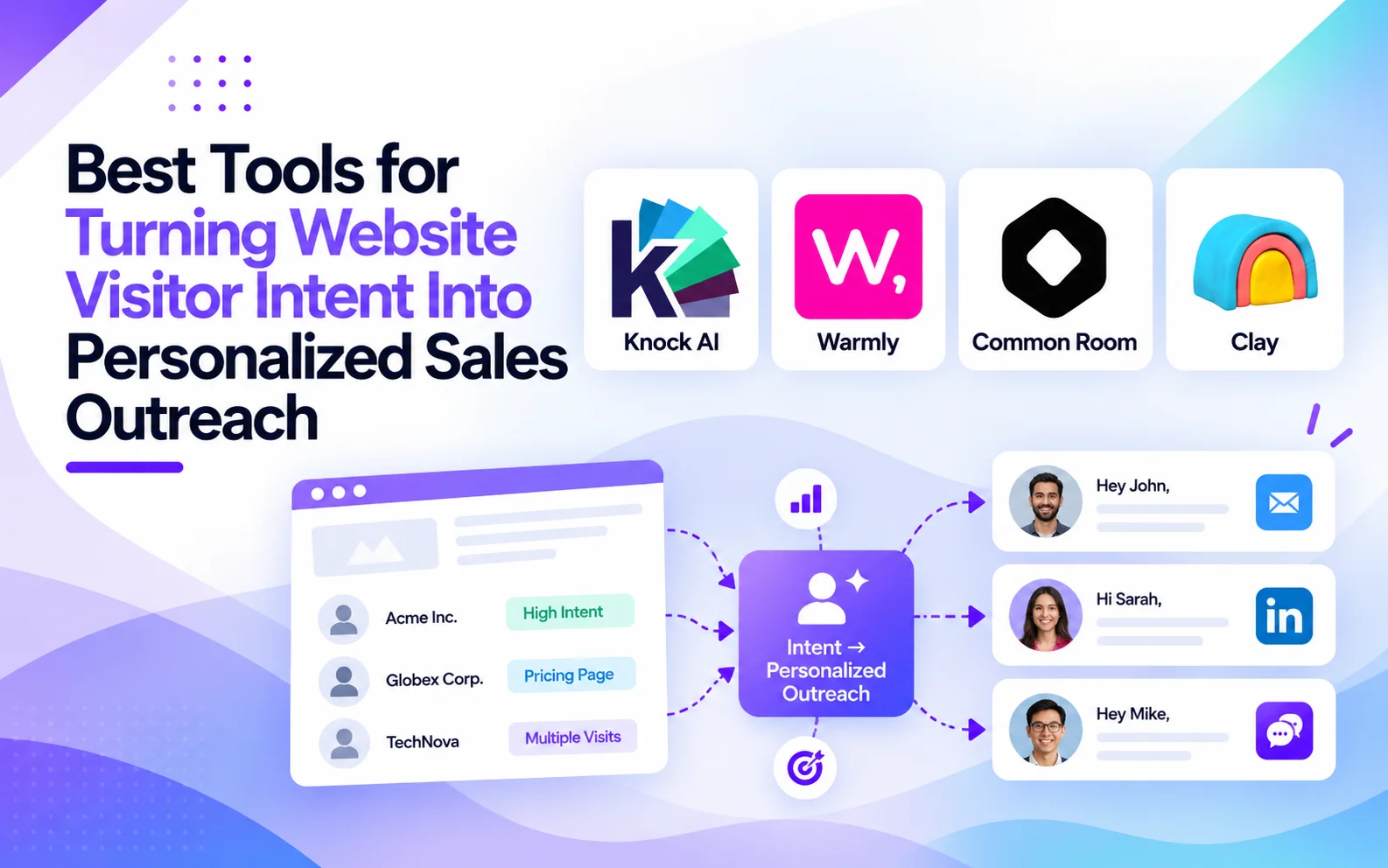
What Are the Best Tools for Turning Website Visitor Intent Into Personalized Sales Outreach?
What Is Intent-Based Sales Outreach?
Intent-based sales outreach uses buyer behavior and account context to determine who to contact, when to reach out, and what to say. Instead of sending the same cold email or LinkedIn message to hundreds of prospects, sales teams use meaningful signals to make their next interaction more relevant.
It is different from visitor identification, which helps reveal which companies or people may be visiting your website. Real-time website chat, meanwhile, engages buyers while they are browsing. Intent-based outreach can go a step further by helping sales teams act on buying signals even when visitors leave without converting.
The process follows six steps: Signal → Context → Prioritization → Outreach → Conversion → Revenue attribution. A pricing-page visit, for example, becomes more useful when combined with company fit, recent engagement, and previous interactions. Sales teams can then decide whether to initiate follow-up, route the account to a representative, or wait for stronger signals.
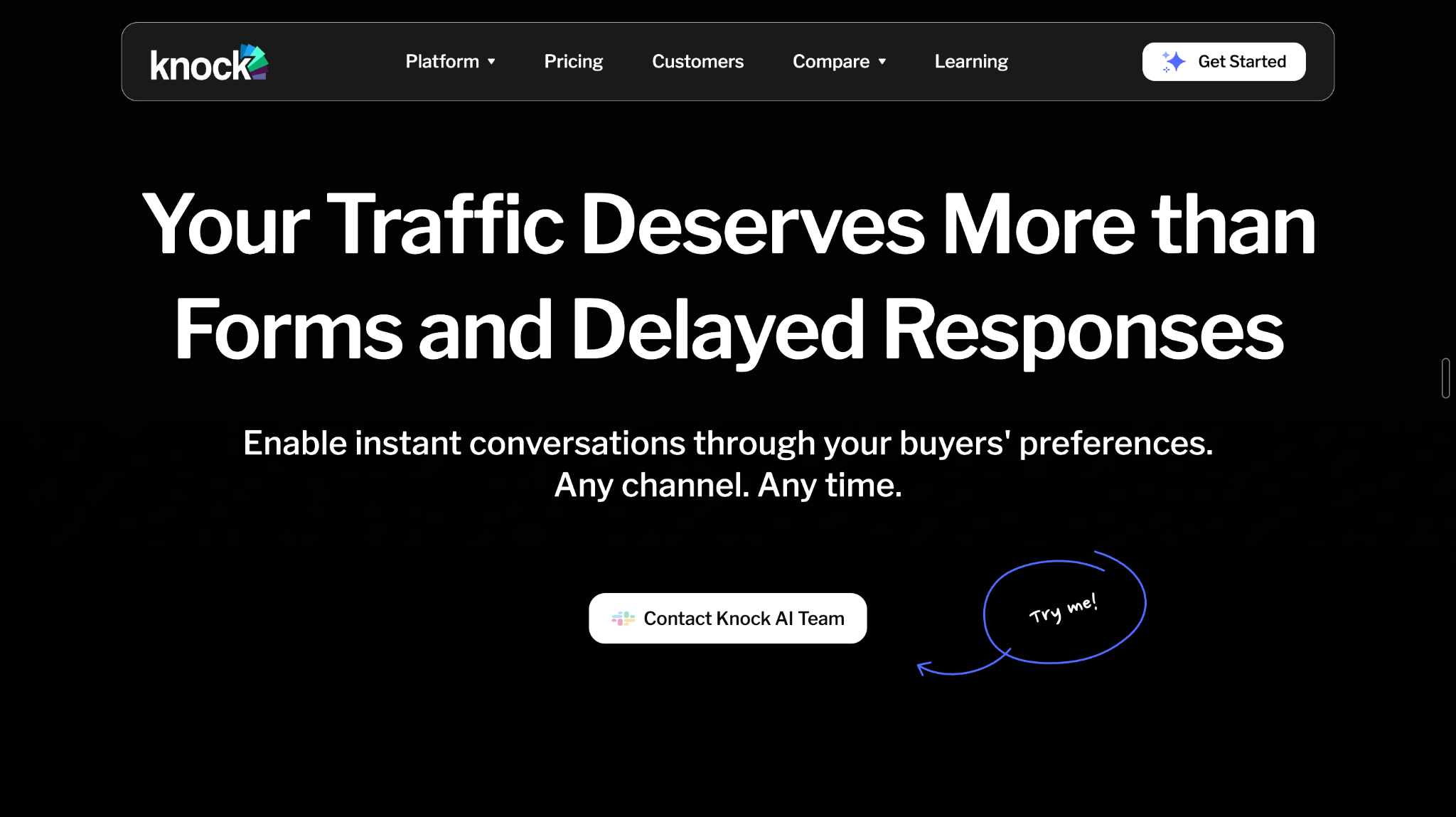
Platforms like Knock AI connect first-party intent signals, account intelligence, configured outreach workflows, and conversion tracking to help B2B teams turn existing buyer interest into qualified sales conversations.
Which Buyer Intent Signals Should Trigger Sales Outreach?
Not every website visit deserves a sales message. The goal is to identify behaviors that suggest a buyer may be evaluating a solution, then consider those actions alongside account fit and engagement history.
Website signals
Pricing-page visits, repeated product-page views, demo CTA clicks, and visits to comparison pages can indicate commercial interest. Form abandonment and incomplete booking journeys are particularly useful because they may reveal buyers who attempted to take the next step but never completed it.
Activity becomes more informative when several people from the same company engage with your brand. Social interactions, clicks on Knock Links shared through campaigns or events, and configured product events such as trial activity can provide additional context.
Knock AI's Accounts Table brings together available company information, intent signals, attribution, CRM presence, and engagement data. Teams can use these fields to build segments around accounts that match their target market and demonstrate meaningful activity.
Is a pricing-page visit enough to trigger outreach?
Not necessarily. A single visit might reflect casual research rather than an active buying decision. Consider how recently the visit occurred, whether the company matches your ideal customer profile, whether engagement is repeated, and whether other signals support the same conclusion.
For example, a target account that repeatedly visits pricing and clicks a demo CTA presents a stronger reason to investigate than an unidentified visitor who opens the pricing page once. The best approach is to use intent signals to prioritize relevant follow-up, not to automatically contact everyone who visits your website.
See Knock AI in Action — Book Your Live Demo Today
Best Tools for Turning Website Intent Into Personalized Sales Outreach
The right tool depends on what happens after a buyer shows interest. Some platforms identify website visitors, others enrich prospect data, and others combine signals across channels to help sales teams decide who to contact and when.
For B2B teams, the real value comes from connecting those signals to a relevant next step. Here are four tools worth evaluating, each with a different approach to turning buyer intent into sales conversations.
1. Knock AI: Best for Intent-Triggered Outreach and Conversion Recovery
Best for B2B teams that want to connect buyer intent, account intelligence, and sales-conversion workflows.
A buyer can visit your pricing page, click a demo CTA, or explore your product without ever filling out a form. The challenge is figuring out which activity signals genuine interest and what your sales team should do next.
Knock AI connects first-party intent signals with account intelligence, qualification, routing, and configured outreach workflows. Its First-Party Intent Signals capability captures website activity, CTA interactions, form behavior, and engagement with Knock Links. Its Intent Score helps teams prioritize meaningful activity, while Intent Type distinguishes buying intent from support, partnership, and hiring.
The next step is understanding where interested buyers fail to convert. Knock AI's Website Leakage Report helps teams investigate conversion drop-offs, such as visitors who click a demo CTA but never schedule. Teams can examine available account and conversion data to identify recovery opportunities instead of treating every lost visit as an ordinary bounce.
Knock AI's Accounts Table adds another layer. Sales and marketing teams can combine company intent, firmographic enrichment, CRM presence, attribution, meetings, and engagement signals to create reusable account segments. This helps them find high-intent companies, including accounts engaging with the brand that have not yet reached the CRM.
Outreach can then follow the relevant workflow. For example, Automated LinkedIn Outreach supports follow-up after a qualified lead books a meeting or qualifies but does not book through eligible meeting-link workflows. Eligible form workflows can also trigger rep-led LinkedIn follow-up. Messages are sent from the assigned representative's connected account, and qualification and routing requirements apply.
Knock AI can also act on configured product events, such as trial activity, when those events are sent to the platform. Its routing, AI Intent Agents, and scheduling capabilities help move relevant buyers from initial engagement toward qualification and a sales meeting. Attribution capabilities can then help connect tracked engagement and conversions to pipeline, where the necessary data is available.
Choose Knock AI if you want more than a visitor list or an outbound sequencer. Its strength is connecting first-party buyer signals, account-level context, conversion recovery, and configured sales actions in one workflow.
2. Clay: Best for Custom Enrichment and Signal-Based Outbound
Best for revenue teams that want to build highly customized prospecting and enrichment workflows.
Sometimes the signal itself is only half the story. A company might be hiring for a new role, researching a relevant topic, adopting a particular technology, or visiting a key product page. Sales teams need enough context to decide whether that activity creates a genuine opportunity.
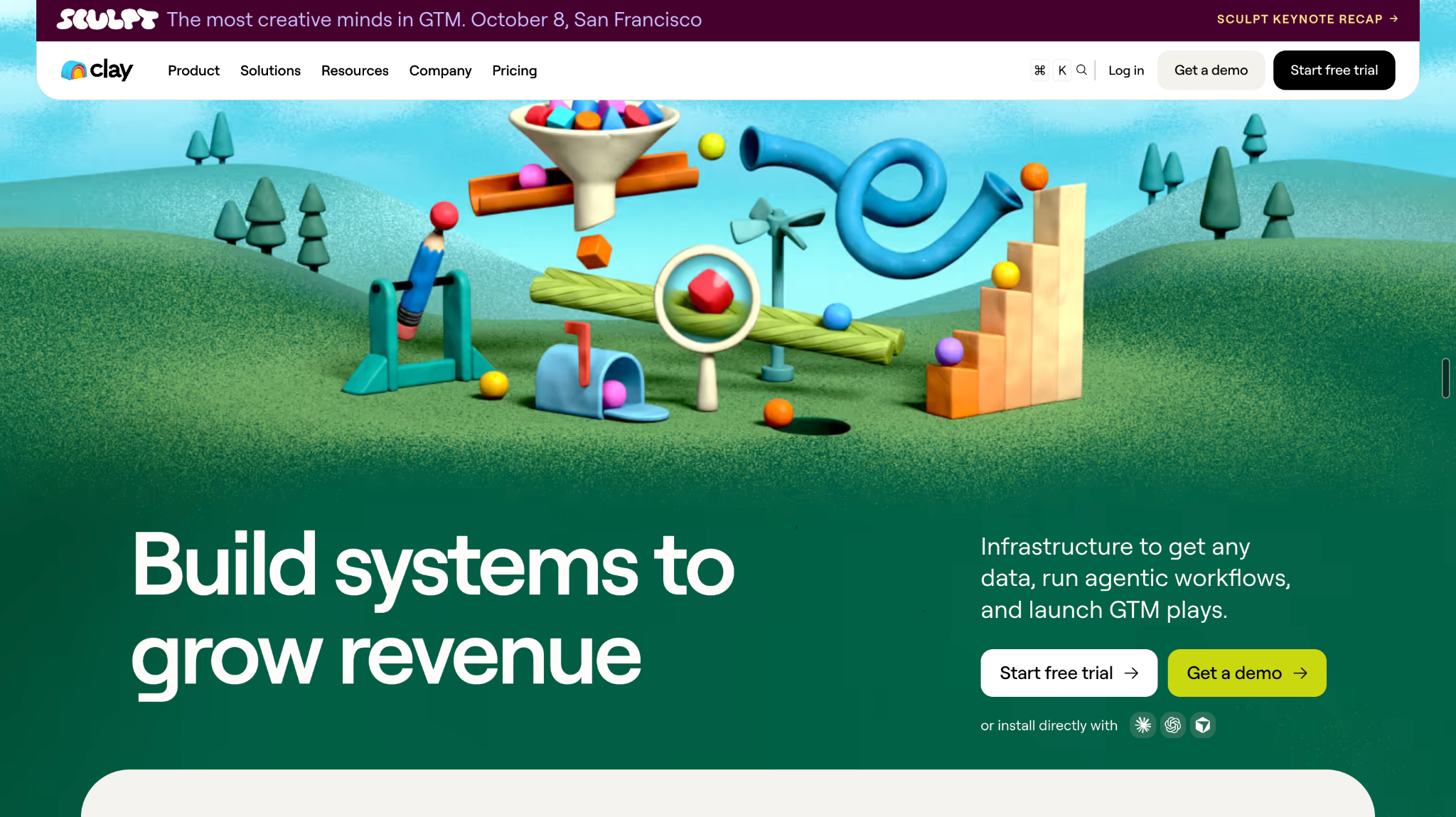
Clay helps teams combine signals with prospect and company enrichment, then use that information to build customized workflows. Its Signals capabilities include website intent, job changes, social mentions, technology changes, funding announcements, and other relevant business events. Teams can enrich those signals and use them to update CRM records, prioritize leads, alert sales representatives, or prepare personalized outreach.
For example, a sales team targeting cybersecurity companies could combine relevant website activity with company growth signals and technology information. Rather than contacting every company that visits a product page, the team can prioritize those that match its ideal customer profile and have additional evidence of potential demand.
Clay's strength is flexibility. Teams can design workflows around their own data sources, qualification criteria, and outbound processes instead of relying on a single predefined play.
Choose Clay if your team needs extensive enrichment and custom signal-based prospecting. If your main problem is identifying website-driven conversion leakage and connecting it to recovery workflows, evaluate whether you also need a dedicated visitor-intent and conversion platform.
3. Warmly: Best for Website Visitor Identification and Sales Activation
Best for teams that want to identify website visitors and engage promising prospects quickly.
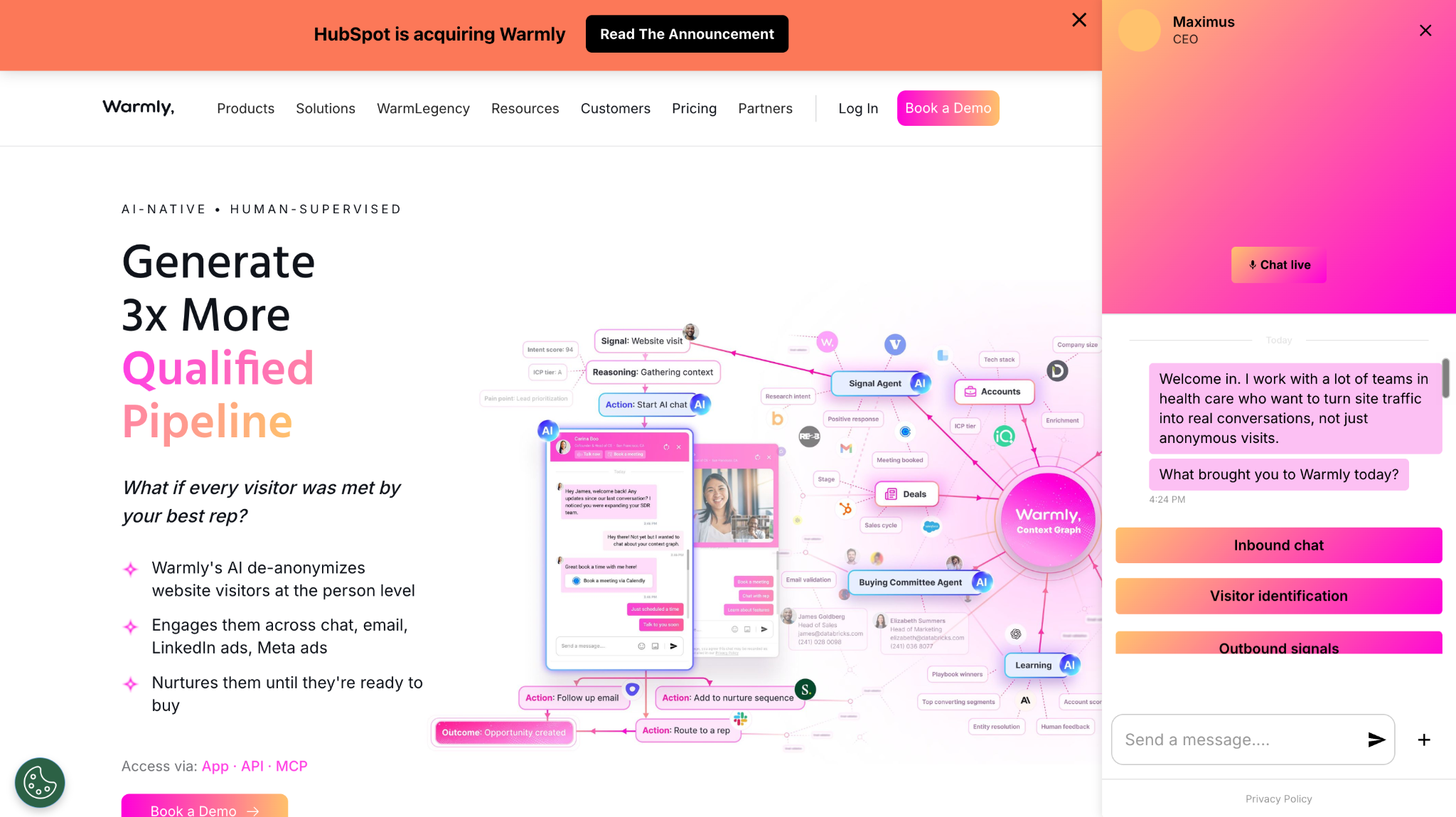
What happens when a potential buyer visits your website, explores several pages, and leaves without submitting a form? Warmly focuses on helping sales teams identify visitors, enrich their profiles, and respond while interest is still fresh.
Its website visitor identification offering combines visitor intelligence with company and contact enrichment, behavioral signals, and sales activation. Depending on available identification and configured workflows, teams can use visitor activity to prioritize accounts, alert representatives, route prospects, and support automated engagement. Warmly also offers on-site AI chat and follow-up capabilities.
Consider a target account visiting your pricing page during an active evaluation. The sales team can use the available visitor and company context to decide whether to initiate follow-up, while on-site engagement can give the buyer an opportunity to ask questions or book a meeting before leaving.
The distinction is that identification and immediate engagement are not the same as conversion-leakage analysis. Teams should evaluate whether they need real-time visitor activation, deeper account segmentation, or specific workflows for recovering buyers who abandoned a conversion path.
Choose Warmly if your priority is identifying and engaging promising website visitors quickly, particularly when your team wants to combine visitor intelligence with real-time inbound conversion.
4. Common Room: Best for Combining Website Activity With Broader GTM Signals
Best for teams that need a cross-channel view of buyer intent at both the person and account level.
Website activity rarely tells the whole story. A prospect might visit your website after interacting with your team's social content, exploring your product, participating in a community, or changing jobs. Looking at those signals separately can make it harder to recognize a timely sales opportunity.
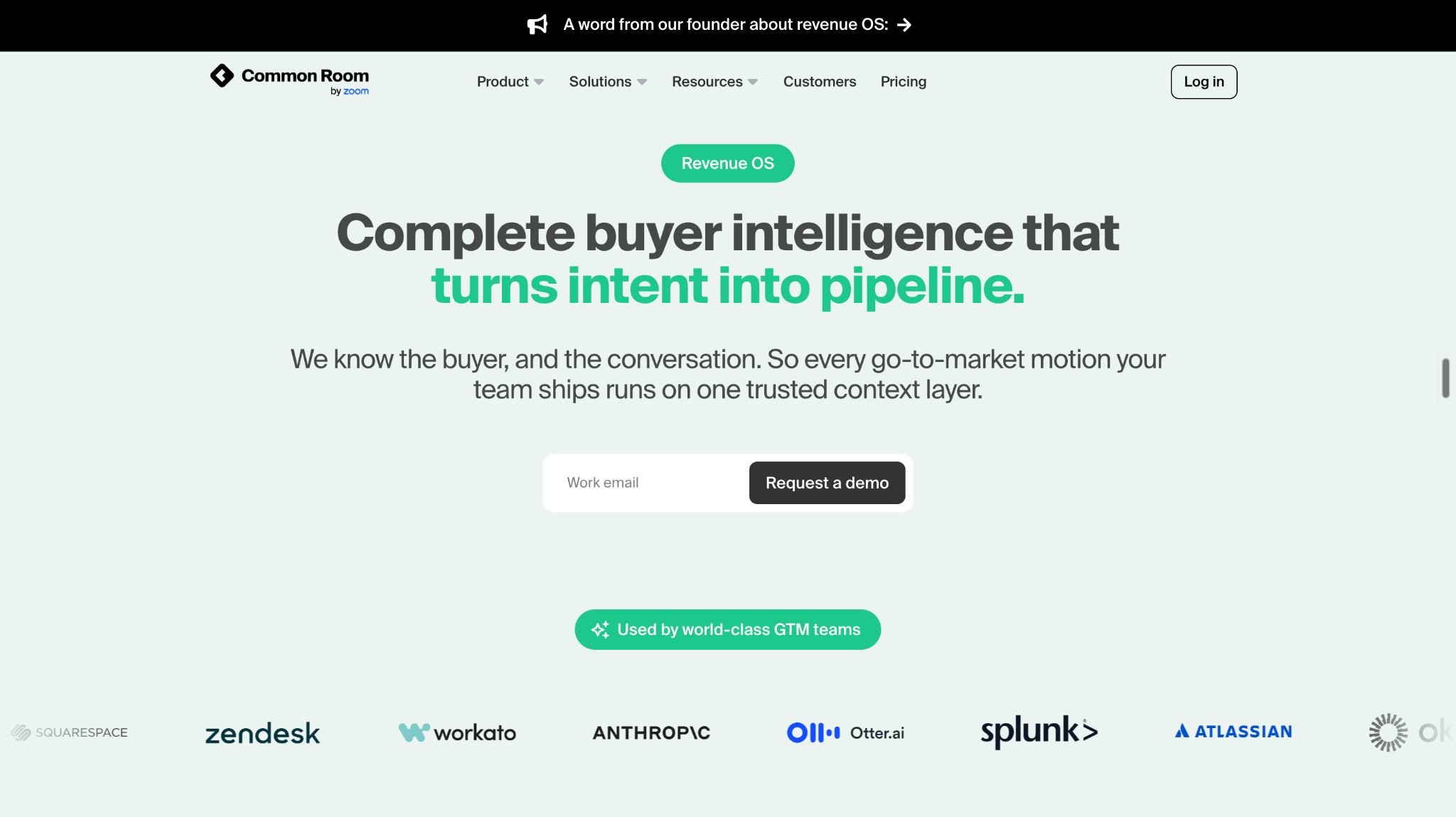
Common Room brings together buyer signals from sources such as websites, product usage, communities, social activity, and CRM systems. Its Buyer Intelligence capabilities use identity matching and enrichment to connect available activity to people and accounts, helping sales teams prioritize who to engage and why.
For example, an account might show repeated website engagement while a relevant stakeholder is also active in a community or has recently changed roles. Combining those signals can help a representative understand the broader context and choose a more relevant outreach approach.
Common Room also supports combining signals into repeatable sales plays, so teams can prioritize groups of buyers based on multiple behaviors rather than a single page visit. This is particularly useful for product-led companies, account-based marketing teams, and organizations with meaningful activity spread across several channels.
Its broader approach differs from a workflow centered specifically on website conversion leakage. Common Room is valuable when the question is which people and accounts are showing buying signals across the wider go-to-market ecosystem.
Choose Common Room if your team needs cross-channel buyer intelligence, person-level context, and multi-signal prioritization to guide sales outreach.
The key difference: Knock AI focuses on connecting first-party intent and conversion recovery to sales workflows; Clay emphasizes customizable enrichment and signal activation; Warmly focuses on visitor identification and rapid engagement; and Common Room brings together broader cross-channel buyer signals. The best fit depends on where your sales process currently loses momentum.
Four Intent-Based Outreach Workflows B2B Teams Can Use
Intent data becomes valuable when it changes what your sales team does next. Here are four practical workflows that connect buyer behavior to a relevant sales action.
Recover a high-intent visitor who leaves without booking
A buyer visits your pricing page, clicks a demo CTA, and leaves without scheduling. Instead of treating the visit as a lost session, investigate the conversion gap and assess the available company context. Knock AI's Website Leakage Report helps teams identify these drop-offs and investigate the accounts behind them. Where the buyer can be identified and the workflow supports it, teams can use the available signals to guide follow-up.
Follow up when a qualified buyer does not schedule
A prospect submits their details through an eligible Knock AI meeting-link workflow but does not book. Knock AI can qualify the lead against configured routing criteria, assign the appropriate representative, and trigger LinkedIn follow-up when the workflow requirements are met. The message comes from the assigned rep's connected LinkedIn account, not an autonomous agent impersonating them.
Prioritize a target account showing activity across multiple touchpoints
A company matches your ideal customer profile, several people engage with your content, and its website activity increases. Combine those signals with firmographic information, attribution, and CRM context to decide whether the account warrants sales attention. Knock AI's Accounts Table supports this kind of account-level analysis and reusable segmentation.
Act on product activity that indicates commercial interest
A user starts a trial or invites teammates, suggesting the product may be gaining traction within an account. If these events are configured and sent to Knock AI, they can inform a relevant workflow. The next action might be qualification, routing, or outreach from the assigned representative, depending on the setup.
How Do You Personalize Outreach Without Sounding Creepy?
Effective intent-based outreach uses buyer signals to make a message more relevant, not to prove how much tracking your company can do.
Start with the prospect's role, company priorities, and a problem your product can solve. Use website behavior to guide your approach, but avoid announcing that you watched someone visit a particular page several times. That can feel intrusive, especially when the prospect has not knowingly shared their identity.
For example, compare these two messages:
Weak outreach
“Hi Alex, I noticed you visited our pricing page three times this week. Want to book a demo?”
Context-aware outreach
“Hi Alex, I work with SaaS teams looking to improve how they convert high-intent website visitors. If improving visitor-to-meeting conversion is a priority for your team, I’d be happy to share a few approaches that have worked for similar businesses.”
The second message leads with a relevant business problem rather than exposing the tracking signal.
Match the channel to the situation, too. A qualified lead who has submitted a form may warrant direct follow-up, while an account showing early-stage research might be better served by useful content or a less intrusive touchpoint.
Finally, respect consent, privacy requirements, and channel-specific rules. A strong intent signal is a reason to consider an appropriate next step, not permission to contact someone through every available channel.
Do You Need an Intent Platform, Enrichment Tool, or Sales Engagement Platform?
These tools solve related but different problems. Choosing the right category starts with identifying where your current sales process breaks down.
Intent platforms help identify and prioritize potential buyers based on behavioral or research signals. Platforms such as 6sense and Demandbase emphasize account intelligence and buying intent, including signals beyond activity on your own website.
Enrichment tools such as Clay help add company, contact, and business context to signals, allowing teams to build customized prospecting workflows.
Sales engagement platforms such as Apollo, Outreach, and Salesloft support multistep outreach, follow-up tasks, and sales execution.
You do not necessarily need three separate platforms. For example, Knock AI connects first-party intent, account context, conversion recovery, routing, and configured outreach workflows. A team might still use a separate engagement platform for broader outbound sequences or an enrichment tool for specialized research.
The practical rule: Choose based on the missing capability, not the number of features on a product page. If your main problem is losing interested website visitors, start with intent capture and conversion recovery. If you already have strong intent data but struggle to execute consistent follow-up, prioritize sales engagement.
How Do You Measure Intent-Based Outreach Performance?
Measure whether intent signals produce meaningful sales outcomes, not simply how many messages your team sends.
Track the number of high-intent accounts activated, identified conversion leaks recovered, positive replies, and qualified conversations. Then measure the intent-to-meeting conversion rate and the time between a meaningful signal and the first sales action.
At the pipeline level, monitor opportunities created, pipeline value, and revenue associated with the relevant outreach workflows. Compare results across signal types, account segments, channels, and message approaches to learn which combinations produce qualified opportunities.
Use consistent attribution rules and account-level reporting wherever possible. A reply or meeting alone does not prove that outreach caused a conversion. The goal is to understand which signals and actions contribute to better commercial outcomes.
Frequently Asked Questions
What is intent-based sales outreach?
Intent-based sales outreach uses buyer behavior, engagement signals, and account context to determine when and how sales teams should contact potential customers. It prioritizes relevant follow-up over generic prospecting.
How do you turn website visitors into sales leads?
Use visitor identification and enrichment where available, assess intent and company fit, and direct promising prospects toward an appropriate next step. This might involve a sales conversation, a relevant resource, a meeting, or a configured recovery workflow for an abandoned conversion.
What website signals indicate buying intent?
Pricing-page activity, repeated product visits, demo CTA clicks, comparison-page engagement, and incomplete booking journeys can indicate interest. Multiple signals combined with strong company fit generally provide more useful context than a single visit.
Can website activity trigger LinkedIn outreach?
Yes, when the platform and workflow support it and the necessary identity, qualification, and account requirements are met. For example, Knock AI supports LinkedIn follow-up through eligible meeting-link and form workflows. Messages are sent from the assigned representative's connected LinkedIn account, rather than automatically reaching every anonymous visitor.
How do you identify companies visiting your website?
Website visitor identification and account intelligence tools can associate available activity with companies using supported identification methods. Knock AI's Accounts Table displays identified companies alongside available intent, firmographic, attribution, and CRM information. Identification is not guaranteed for every visit.
Should every pricing-page visitor receive a sales message?
No. A pricing visit can indicate interest, but it can also reflect early research or casual browsing. Consider recency, company fit, repeat activity, and other available signals before initiating direct outreach.
What is the difference between visitor identification and intent-based outreach?
Visitor identification helps determine which people or companies may be engaging with your website. Intent-based outreach uses that information, alongside other signals and context, to decide which sales action is appropriate.
Which tools help recover high-intent visitors who do not convert?
Look for tools that identify conversion drop-offs, provide account context, and support appropriate follow-up workflows. Knock AI's Website Leakage Report helps teams investigate where buyers abandon conversion paths and identify opportunities for recovery. The specific outreach action depends on what information is available and which workflows are configured.


.svg)


.svg)
.svg)
.svg)


.svg)
.svg)


.svg)