Event booths create some of the highest-intent moments in B2B. Buyers are already engaged, asking questions, and evaluating solutions. The real challenge is capturing that intent immediately and turning it into pipeline before it fades.
Knock AI replaces badge scans and forms with mobile-first, real-time engagement that connects buyers to your team and syncs directly to your CRM.
At event booths, Knock helps you generate pipeline in two ways:
- Marketing Cards for guided, interactive engagement
- Meeting Links for instant meeting booking
Why event booths need a better approach
Traditional event lead capture breaks momentum.
Badge scans, paper forms, and manual uploads delay follow-up and lose context.
With Knock:
- Buyers engage the moment they scan
- Leads are enriched and qualified in real time
- Sales can act while the buyer is still at the booth
- Every interaction is tracked and attributed to the event
Option 1: Use a Marketing Card at your event booth
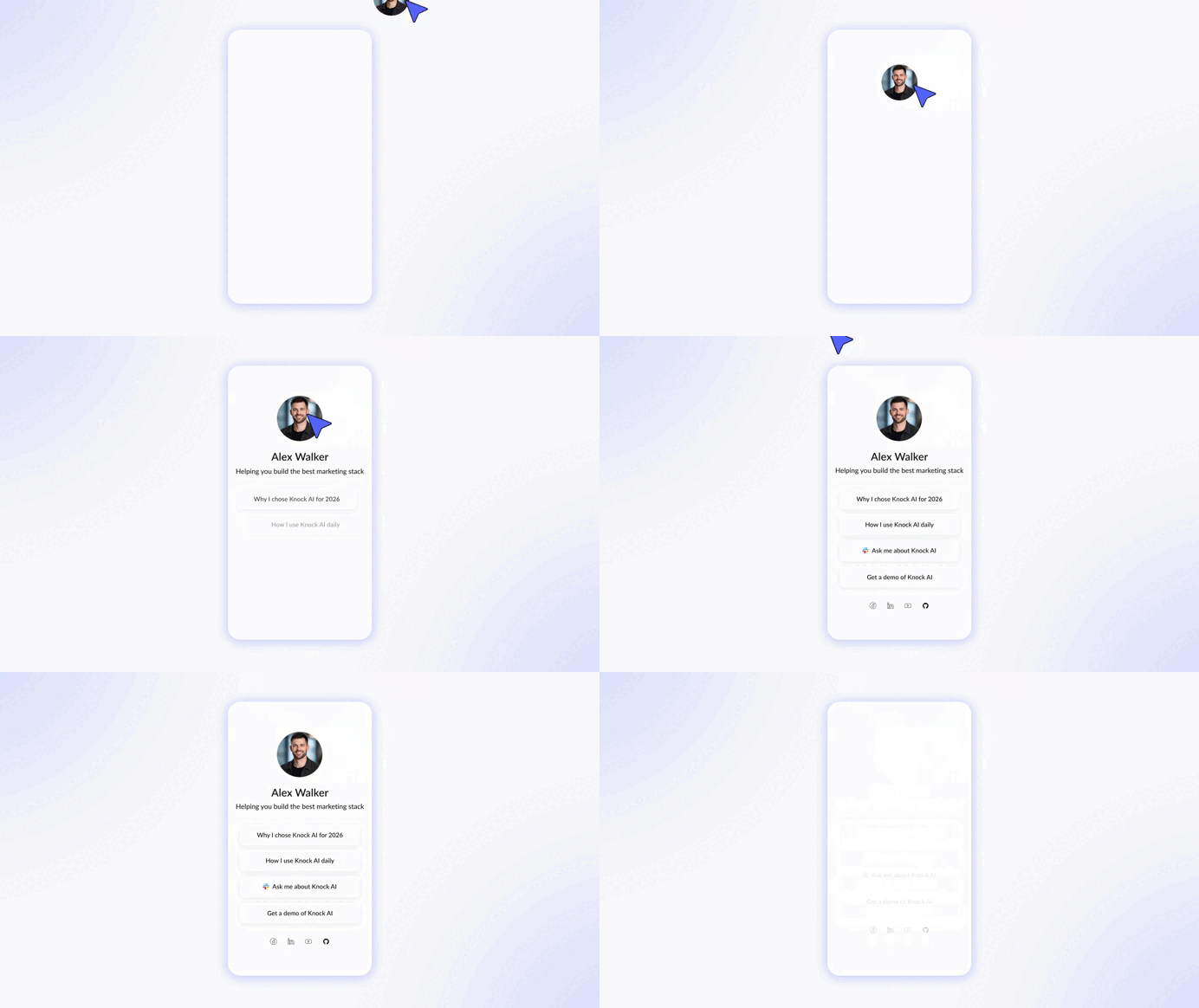
Marketing Cards are built for in-person engagement. They turn a QR scan into a mobile-first, shareable experience that guides buyers to the next best action.
When to use a Marketing Card
- Booth signage and rollups
- Table cards and stickers
- Swag and printed materials
- Screens and tablets at the booth
What the buyer experiences
The buyer scans the QR code and instantly opens a mobile-first, shareable Marketing Card created specifically for that event.
The card includes all the actions you want this audience to take, such as:
- View a relevant case study
- Book a meeting on the spot
- Chat directly with a sales rep
- Watch a product demo
- Continue the conversation after the event
Each Marketing Card is personalized to the specific event and audience you’re meeting, so the experience feels relevant and intentional.
Every engagement is detected in real time and synced to your CRM. You get a complete list of all buyers you engaged with at the event, with full enrichment including company information and role, so your team can act right away while intent is still high.
How to create a Marketing Card
- Open your Knock Dashboard
- Go to Marketing Cards
- Click Create Marketing Card
- Name the card after the event. Example: “SaaStr 2026 – Booth”
- Define routing rules for who should receive these leads
- Customize the opening message for booth visitors
- Generate the QR code
- Add it to your booth assets
From that moment, every scan becomes a tracked and enriched engagement.
Option 2: Use a Meeting Link at your booth
Meeting Links are ideal when the buyer is ready to talk and wants to book time immediately.
When to use a Meeting Link
- “Book a meeting now” booth signs
- Tablets for self-service booking
- High-intent conversations at the booth
- Follow-ups during the event
What the buyer experiences
The buyer scans or taps the link and books a meeting instantly based on real availability. No forms and no back-and-forth.
Once the meeting is booked, the buyer automatically receives a personal LinkedIn outreach message from the rep they’re meeting with. The message includes the meeting details and a short personal note that invites them to start the conversation right away. This creates a warm connection before the meeting and helps reduce no-shows.
How to create a Meeting Link
- Go to Meeting Links in your Knock Dashboard
- Click Create Meeting Link
- Name the link after the event. Example: “Web Summit 2026”
- Set routing and availability rules
- Connect calendars if needed
- Generate a QR code or shareable link
- Display it at the booth or share it directly
After booking, the meeting and enriched lead are synced automatically to your CRM with the event as the source.
Everything is trackable
Knock AI provides real-time data on every lead who engages with your Marketing Card or Meeting Link.
- Real-time engagement tracking: every scan, click, view, chat, demo watch, and meeting booking is tracked.
- Instant CRM sync after conversion: once a buyer converts, the lead syncs immediately to your CRM with accurate event attribution.
- Full lead enrichment: you get complete company information and the buyer’s role without manual work.
- Real-time notifications: get notified the moment a high-intent buyer engages.
- Live event performance visibility: measure engagement, conversions, and intent while the event is still happening.
- Act while intent is highest: connect immediately instead of following up days later, and keep the conversation going after the event ends.
How to choose between Marketing Cards and Meeting Links
Use a Marketing Card when:
- You want to guide buyers through multiple actions
- The buyer is early or mid-discovery
- The person you meet is not the decision maker and needs an easy way to share the card with other stakeholders before booking
Use a Meeting Link when:
- The buyer is ready to speak now
- The person you meet is the decision maker
Many teams use both at the same booth to cover different buyer intents.
What you gain with Knock at event booths
- Higher scan-to-engagement rates
- More qualified meetings
- Faster sales response
- Fully enriched CRM data
- Clear event-to-pipeline attribution


.svg)


.svg)
.svg)
.svg)


.svg)
.svg)


.gif)
%20(1).gif)
.svg)
.svg)


