Outreach Pricing in 2027: Plans, Costs & AI Credits
Outreach Pricing in 2027: Plans, Costs, AI Credits & Hidden Fees
How Much Does Outreach Cost in 2027?
Outreach does not publish fixed subscription prices on its website. Instead, businesses need to request a custom quote based on their team size, selected package, platform requirements, and expected AI usage.
Its pricing combines per-user licensing with consumption-based AI credits. User licenses provide access to the platform, while AI credits are consumed by specific AI-powered actions, such as generating personalized messages or conducting research. The more AI workflows your team uses, the more credits it may consume.
Outreach currently offers four packages: Amplify Essentials, Core, Plus, and Pro. Their included AI credit allowances range from 10,000 to 100,000 credits.
So, what should you budget? Based on our research into pricing figures shared by Outreach users, a reasonable ballpark is 100–150 per user per month. For a 10-person team, that works out to approximately 12,000–18,000 annually, excluding additional usage, implementation, and other potential costs. Actual pricing will depend on your negotiated package and contract.
Pricing detail
What we know
Public subscription price
Not disclosed
Pricing model
Per-user + AI consumption
Estimated per-user cost
100–150/month*
Estimated cost for 10 users
12,000–18,000/year*
AI credits
10,000–100,000, depending on package
Custom quotes
Required
Outreach Pricing Plans: Essentials vs Core vs Plus vs Pro
Outreach offers four Amplify packages, each designed for a different level of revenue team maturity. While all four include AI-powered capabilities, they differ in the available agents, sales engagement features, conversation intelligence, forecasting tools, and usage allowances.
Here's a breakdown of what each package includes.
Pricing detail
Essentials
Core
Plus
Pro
AI Credits
10,000
25,000
50,000
100,000
API Calls
Not listed
250,000
500,000
1,000,000
Custom Objects
Not listed
5
10
20
Knowledge Storage
Not listed
500 MB
750 MB
1,500 MB
Advanced Managed Services
Not listed
Not listed
Not listed
Included
See Knock AI in Action — Book Your Live Demo Today
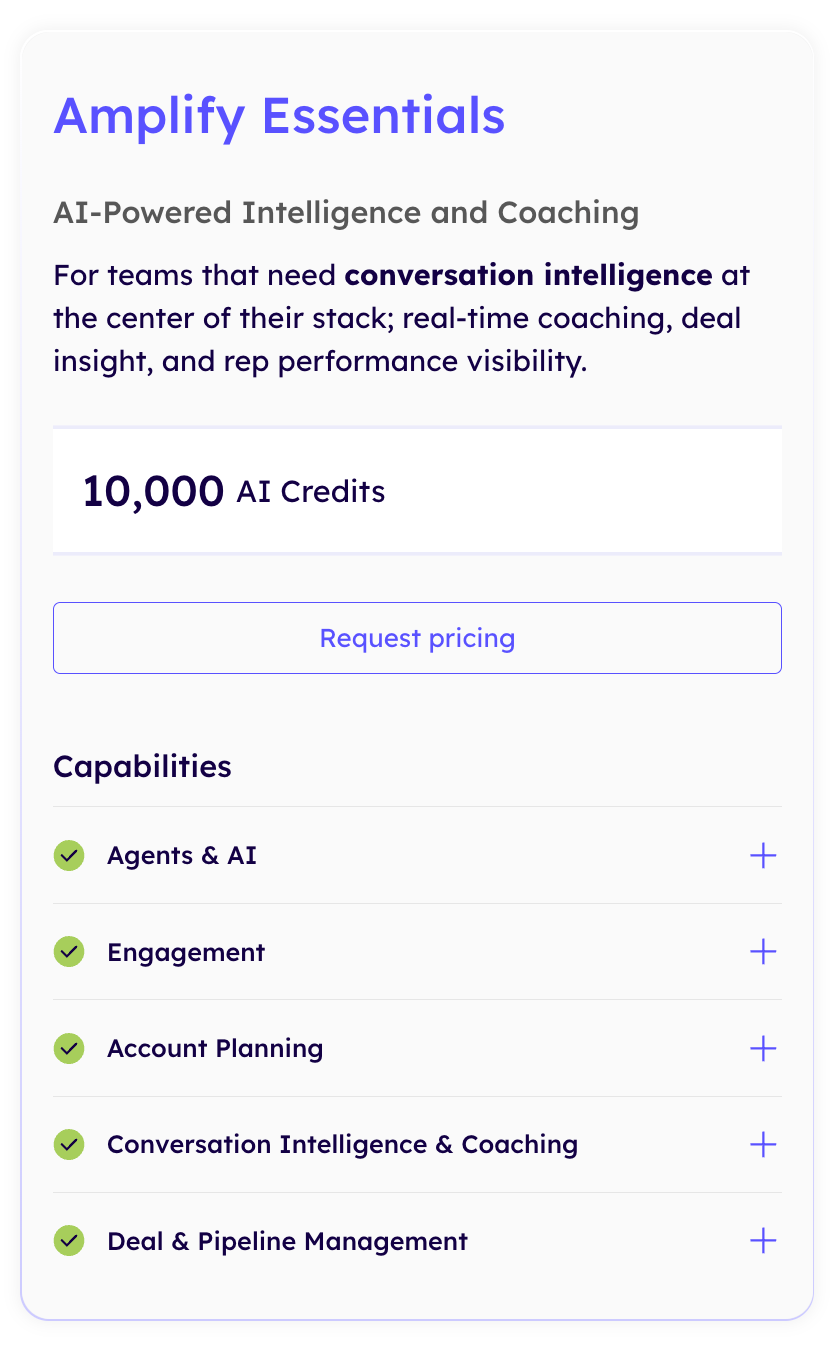
Amplify Essentials: AI-Powered Intelligence and Coaching
Essentials is designed for teams that want conversation intelligence, real-time coaching, deal insights, and better visibility into rep performance.
Included capabilities:
Agents & AI: Omni Agent, Research Agent, Deal Agent, AI Assist for accounts, emails, calls, meetings, and deals, Meeting Prep Agent, AI Coach Cards with automated scoring, AI Topics and Topic Explorer, live coaching content cards, AI summaries, deal health alerts, and data enrichment.
Outreach MCP: MCP server and client.
Engagement:Meeting scheduling and tasks, mobile app, and Slack integration.
Account Planning: Account planning and relationship maps.
Conversation Intelligence & Coaching: Outreach Voice integrated dialer, real-time transcription, action item detection, sentiment analysis, playlists, meeting insights and analytics, and integrations with Zoom, Microsoft Teams, Google Meet, and Cisco Webex.
Deal & Pipeline Management: Deal management, pipeline management, team performance, and win/loss outcomes.
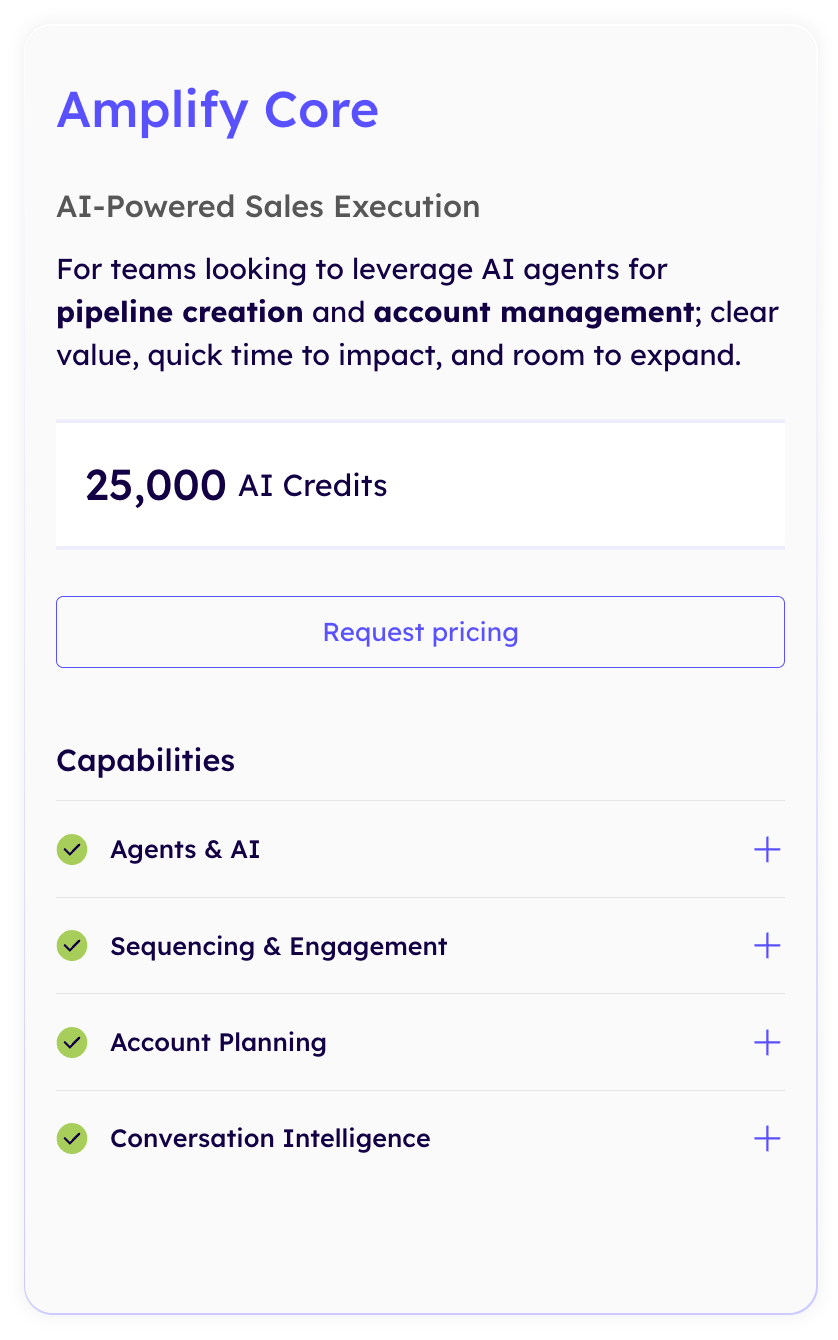
Amplify Core: AI-Powered Sales Execution
Core is built for teams looking to use AI agents for pipeline creation, prospect engagement, and account management. It expands the AI capabilities available in Essentials with additional sales execution tools.
Included capabilities:
Agents & AI: Omni Agent, Research Agent, Revenue Agent, Personalization Agent, AI Assist for accounts, emails, and calls, and data enrichment.
Outreach MCP: MCP server and client.
Sequencing & Engagement: Multi-channel engagement and sequences, meeting scheduling and tasks, engagement reporting, AI performance reporting, and revenue attribution.
Account Planning: Account planning and relationship maps.
Conversation Intelligence: Outreach Voice integrated dialer, call insights, and analytics.
Additional allowances: Five custom objects and 500 MB of knowledge storage.
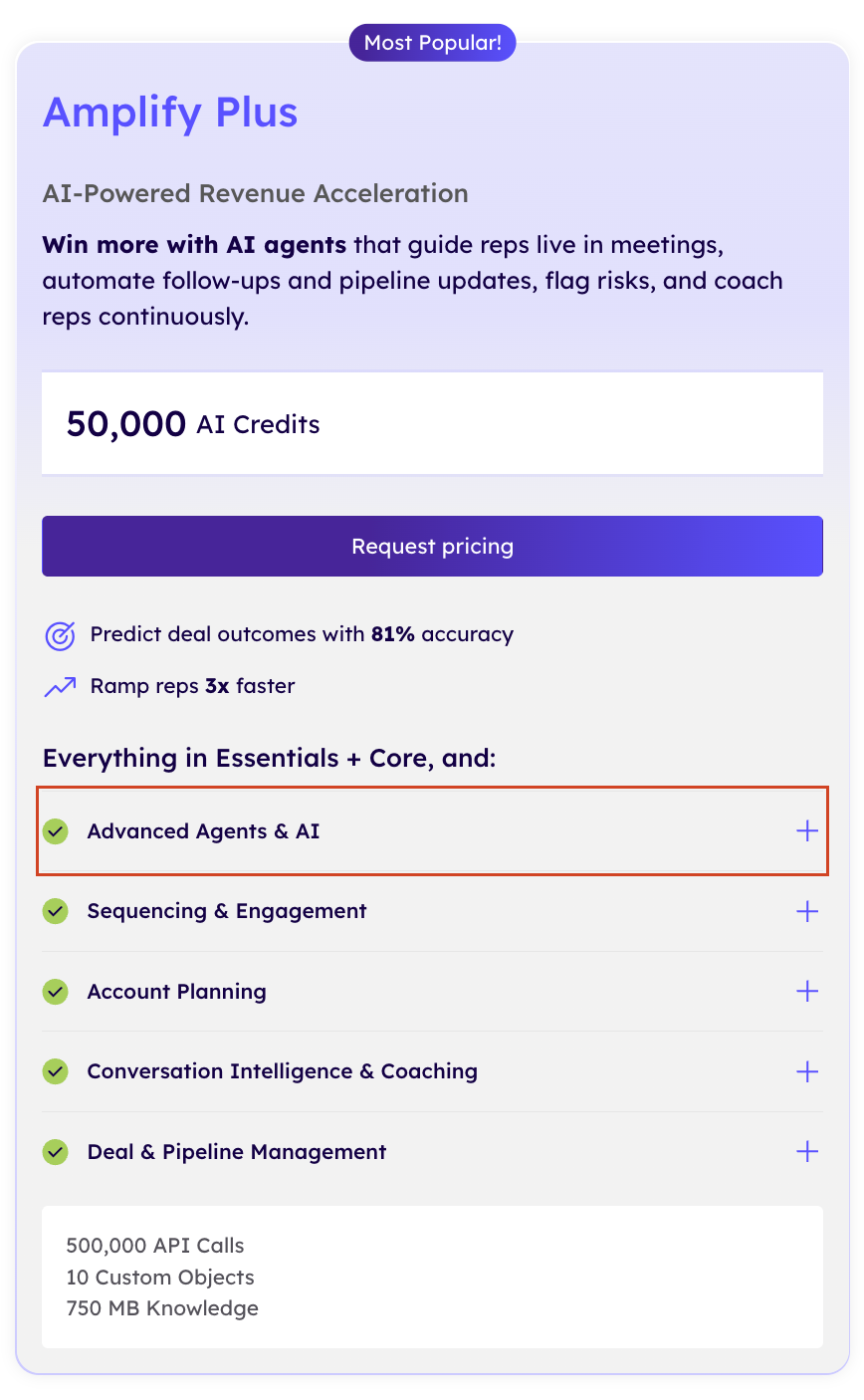
Amplify Plus: AI-Powered Revenue Acceleration
Plus builds on Essentials and Core with advanced AI agents, more extensive sales engagement, and deeper deal management capabilities. It's designed to help revenue teams automate follow-ups, improve pipeline visibility, coach reps, and identify deal risks.
Everything in Essentials and Core, plus:
Advanced Agents & AI: Omni Agent, Research Agent, Revenue Agent, Personalization Agent, Deal Agent, and AI Assist for accounts, emails, calls, meetings, and deals.
Advanced Coaching: Meeting Prep Agent, AI Coach Cards with automated scoring, AI Topics and Topic Explorer, live coaching content cards, and AI summaries for meetings and deals.
Deal Intelligence: Deal health and alerts, plus data enrichment.
Outreach MCP: MCP server and client.
Sequencing & Engagement: Multi-channel engagement and sequences, meeting scheduling and tasks, engagement reporting, AI performance reporting, and revenue attribution.
Account Planning: Account planning and relationship maps.
Conversation Intelligence & Coaching: Real-time transcription, action item detection, Outreach Voice integrated dialer, sentiment analysis, playlists, meeting insights and analytics, and integrations with Zoom, Microsoft Teams, Google Meet, and Cisco Webex.
Deal & Pipeline Management: Deal management, pipeline management, team performance, and win/loss outcomes.
Additional allowances: 10 custom objects and 750 MB of knowledge storage.
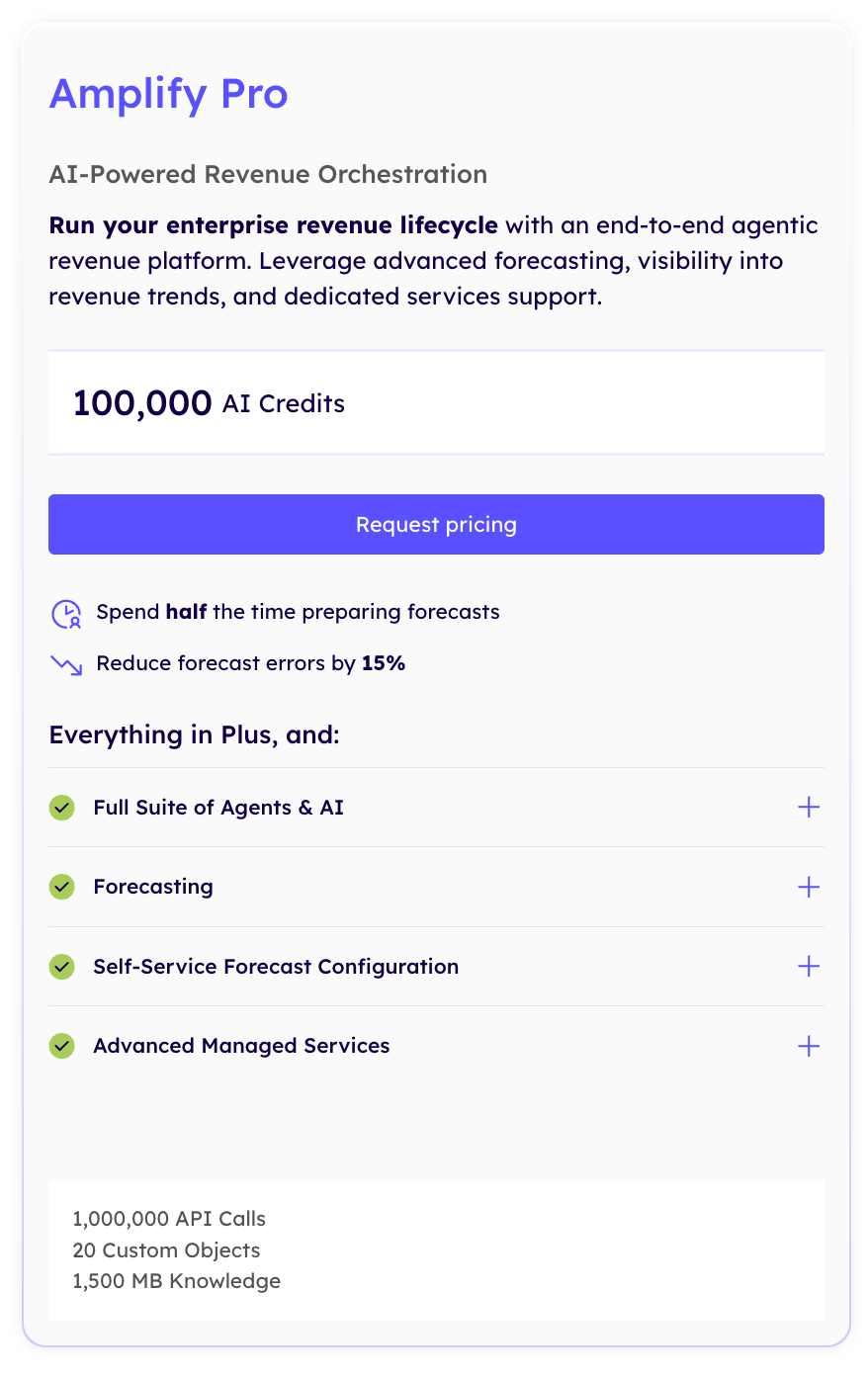
Amplify Pro: AI-Powered Revenue Orchestration
Pro is Outreach's enterprise-focused package, designed for organizations that need forecasting, revenue visibility, and ongoing platform support across their revenue operations.
Everything in Plus, plus:
AI Forecasting: AI Forecast Projection and AI Assist for forecasting.
Revenue Management: Territory management, multi-currency support, and parallel forecasts.
Advanced Managed Services: Tailored, ongoing support to help businesses scale workflows, maintain the platform, and drive adoption.
Additional allowances: 20 custom objects and 1,500 MB of knowledge storage.
All four packages require custom pricing. Outreach does not publish fixed subscription rates for these tiers, so you'll need to contact its sales team for a quote based on your team's requirements.
How Does Outreach's Seat-Based and AI Credit Pricing Work?
Outreach uses two pricing components: seat-based licensing and consumption-based AI credits. Understanding both is important because your subscription cost isn't determined by the number of users alone.
Seat-Based Pricing: Pay for Each User
The seat-based component covers access to the Outreach platform. Your costs depend partly on how many people need licenses, including SDRs, account executives, sales managers, and revenue operations teams.
For example, a sales organization with 20 licensed users will have a different base licensing cost from a team with 50 users. The exact per-seat rate depends on the package and custom agreement.
AI Credits: Pay for What Your Team Uses
AI credits cover specific actions performed by Outreach's AI-powered workflows. Rather than charging a single flat amount for every AI capability, Outreach assigns predefined credit costs to individual actions.
These actions can include:
Research: Conducting individual prospect or account research.
Conversation intelligence: Analyzing sales conversations and generating insights.
Forecasting: Supporting AI-powered deals and revenue forecasting.
According to Outreach, credit consumption depends on the actions your team performs. Each action has defined criteria and a corresponding credit cost.
What Happens When You Run Out of AI Credits?
If your team needs more credits than your package includes, Outreach allows you to purchase additional credit packs. This means you can expand AI usage without necessarily changing your entire package.
However, it's worth monitoring consumption as your team activates more AI workflows. Two companies with the same number of licensed users could have different overall costs because their AI usage patterns may differ.
The bottom line: Seat-based pricing determines how many people can access Outreach, while AI credits determine how much your team consumes its AI capabilities. You need to account for both when estimating your total Outreach subscription cost.
How Much Does Outreach Cost for 10, 20, and 50 Users?
Outreach pricing can add up quickly as your sales team grows. Since the platform uses seat-based licensing alongside AI consumption credits, the number of users is a useful starting point when estimating your budget.
Based on the user-reported estimate of 100–150 per user per month, here's what different team sizes could expect to budget:
Team size
Estimated monthly cost
Estimated annual cost
10 users
1,000–1,500
12,000–18,000
20 users
2,000–3,000
24,000–36,000
50 users
5,000–7,500
60,000–90,000
Is Outreach Worth the Price?
Outreach can be worth the investment for businesses that need more than basic sales engagement software. Its combination of AI agents, multi-channel sequencing, conversation intelligence, deal management, and forecasting makes it a comprehensive platform for revenue teams.
However, whether it's worth the price depends on how much of the platform your team will actually use.
Outreach may be worth the investment if:
You manage a mid-market or enterprise sales organization with multiple sales roles.
Your team wants to automate research, personalization, follow-ups, and sales coaching using AI agents.
You need advanced pipeline visibility, forecasting, and revenue management.
You have the budget and resources to manage implementation and platform adoption.
Outreach may not be the best fit if:
You're a small business or startup with a limited sales budget.
You only need basic email sequencing or cold outreach automation.
You don't need advanced conversation intelligence or forecasting.
Your team won't actively use the AI-powered capabilities included in higher-tier packages.
You prefer transparent, self-serve pricing instead of custom enterprise-style contracts.
Our take: Outreach is a powerful revenue platform, but its pricing and breadth of capabilities may be excessive for teams that only need a few sales automation features. Before committing, evaluate how many of its capabilities your team will actually use and whether the expected productivity gains justify the total investment.
Best Outreach Alternatives
Outreach offers a comprehensive revenue platform, but its custom pricing and combination of seat licenses and AI credits may not suit every sales team. Depending on your requirements and budget, here are three alternatives worth considering.
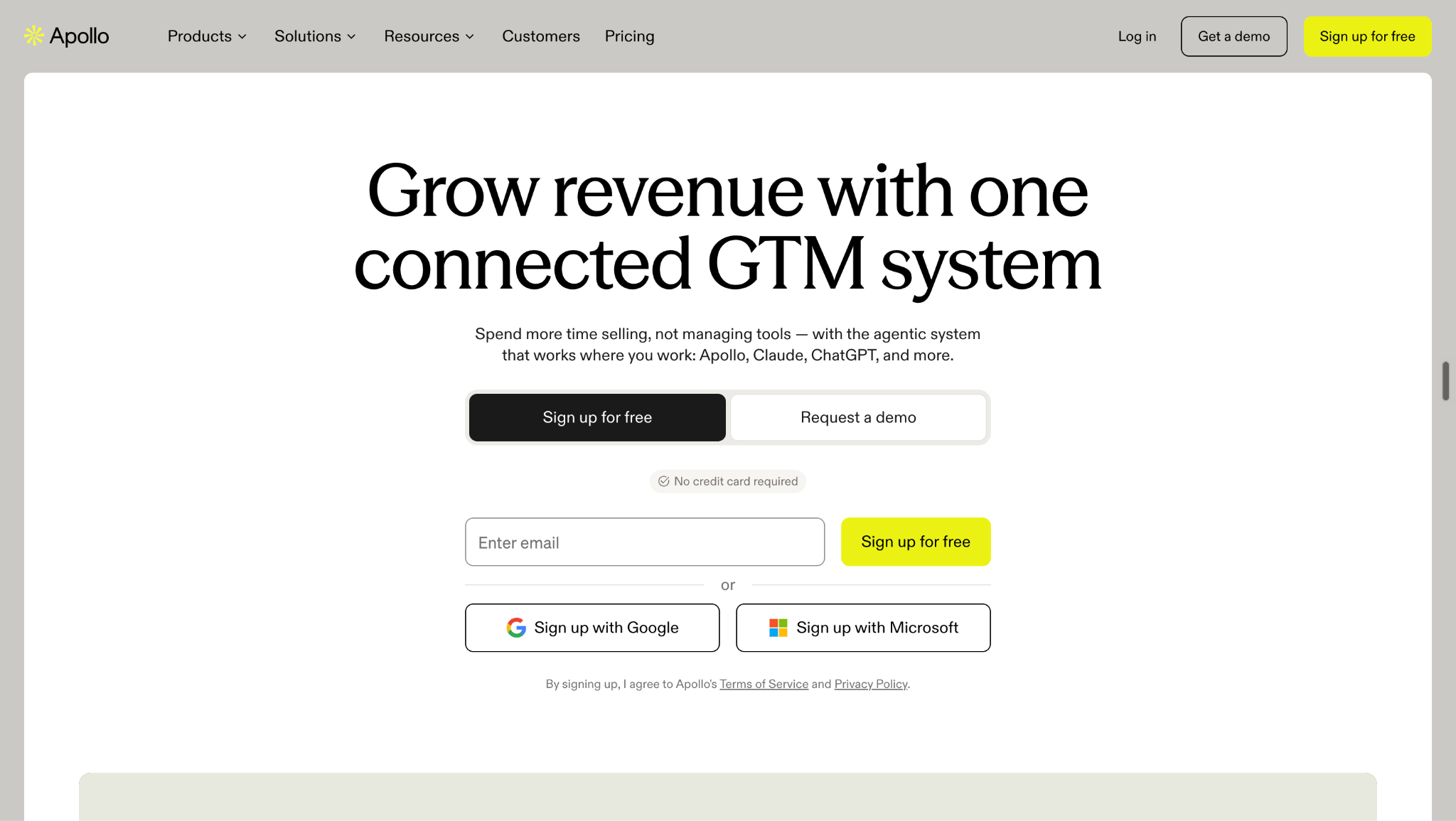
1. Apollo
Apollo is worth considering if you want prospect data, lead enrichment, sales engagement, and outbound automation in one platform.
Unlike Outreach, Apollo publishes its subscription prices. Apollo pricing plans start at $49 per user/month (Basic), followed by Professional at $79 and Organization at $119 per user/month, billed annually. It also offers a free plan with limited credits and features.
For startups and growing sales teams, Apollo can be a more accessible option for finding prospects, building lead lists, enriching contact data, and running email sequences.
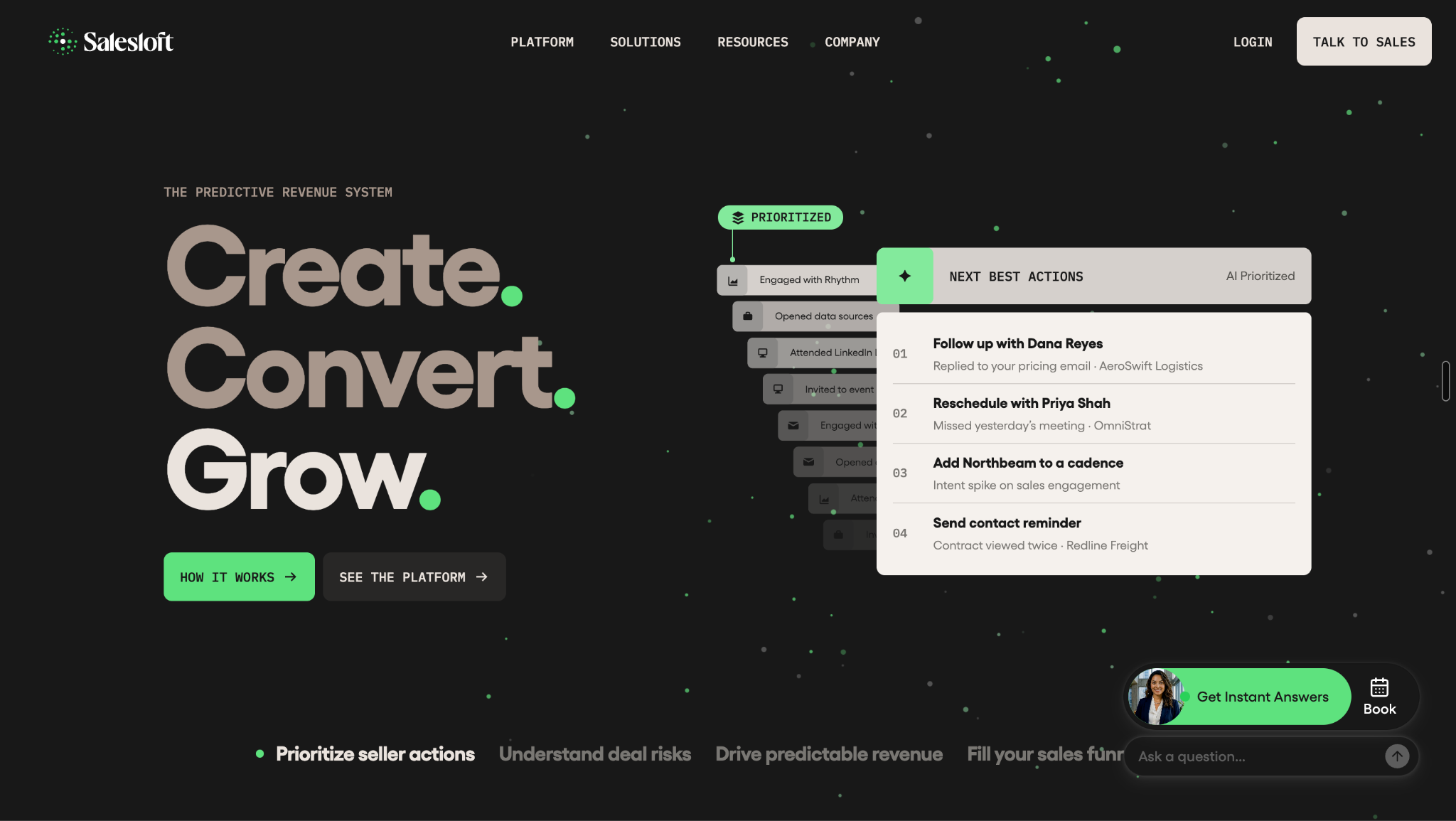
2. Salesloft
Salesloft is worth considering if you want a sales engagement platform with capabilities for pipeline generation, rep coaching, conversation intelligence, and deal management.
Its platform brings together sales cadences, email engagement, automation, CRM synchronization, analytics, and conversation intelligence. It also offers forecasting and revenue management capabilities through its higher-tier packages and add-ons.
Like Outreach, Salesloft does not publish standard subscription prices. Its packages are quote-based, so you'll need to contact its sales team for pricing based on your team's requirements.
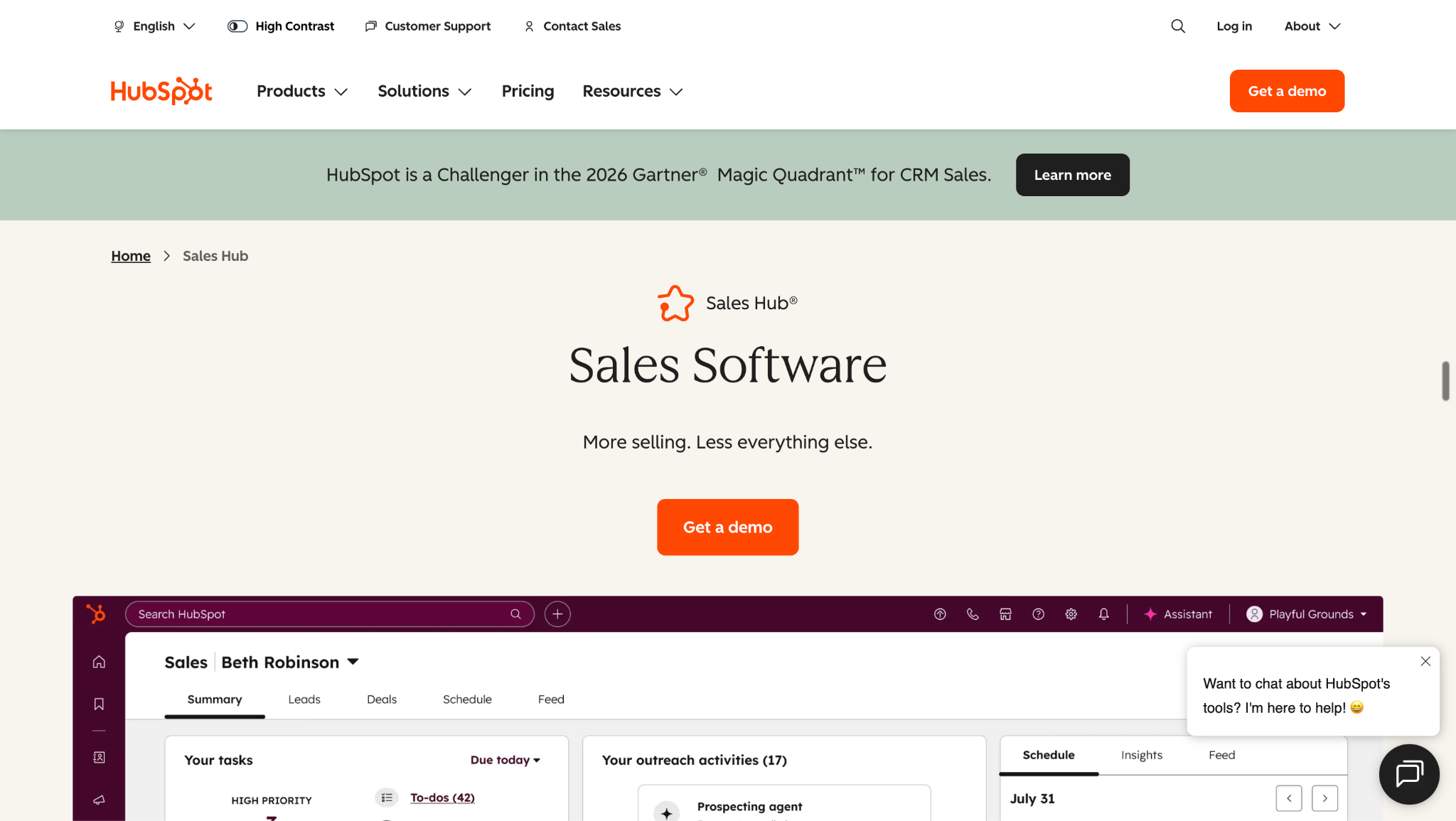
3. HubSpot Sales Hub
HubSpot Sales Hub is a good option if you want sales engagement, automation, pipeline management, and reporting connected to a broader CRM platform.
It offers a free plan, while paid plans include Starter, Professional, and Enterprise. Published pricing starts at $7 per seat/month for Starter, $90 for Professional, and $150 for Enterprise, with annual billing options. Professional and Enterprise also have mandatory onboarding fees of $1,500 and $3,500, respectively.
For businesses already using HubSpot CRM, Sales Hub provides a connected way to manage sales activities without relying on a separate engagement platform.
Looking for Something Different? Consider Knock AI
If your biggest challenge isn't sending more sales emails but identifying high-intent buyers and converting their interest into qualified pipeline, Knock AI deserves serious consideration.
Knock AI goes beyond traditional sales engagement with capabilities such as:
AI Inbound SDR: AI agents engage inbound prospects, answer questions, qualify buyers, and book meetings.
Paid Advertising Activation: Build account and contact audiences using buyer intelligence and connect engagement with campaign outcomes.
While Outreach focuses on sales execution across prospecting, engagement, deal management, and forecasting, Knock AI focuses on identifying buying opportunities and converting buyer engagement into revenue.
If you want to turn inbound interest into qualified conversations, meetings, and pipeline, rather than simply scale outbound activity, Knock AI is worth a serious look.
FAQs
1. How much does Outreach cost per user?
Outreach does not publish official per-user pricing. Based on our research into user-reported pricing, a reasonable estimate is 100–150 per user/month. Actual costs depend on your package and negotiated agreement.
2. Does Outreach offer a free trial?
Outreach does not advertise a free trial on its pricing page. You'll need to contact its sales team to discuss available demos and purchasing options.
3. Does Outreach have monthly pricing?
Outreach does not publicly disclose monthly or annual subscription rates. Contract duration and billing arrangements should be confirmed directly with its sales team.
4. What is the cheapest Outreach plan?
Amplify Essentials is Outreach's entry-level package. It includes 10,000 AI credits and focuses on conversation intelligence, coaching, deal insights, and sales performance visibility.
5. What is the difference between Amplify Essentials and Core?
Essentials focuses on conversation intelligence and coaching, while Core adds Revenue and Personalization Agents, multi-channel sequences, engagement reporting, and 250,000 API calls.
6. How many AI credits does Outreach include?
Depending on the package, Outreach includes 10,000 credits with Essentials, 25,000 with Core, 50,000 with Plus, and 100,000 with Pro.
7. Can you purchase additional Outreach AI credits?
Yes. Outreach allows customers to purchase additional AI credit packs when their included allocation is insufficient for their workflows.
8. Does Outreach charge for implementation?
Outreach offers professional services packages covering onboarding, implementation, and training. These can be quoted separately depending on your organization's requirements.
9. What are the additional costs of Outreach?
Potential additional expenses include AI credit packs, professional services, Data Sharing, Connectors, Additional Instances, Listener Licenses, and optional support services.
10. Is Outreach worth it for small businesses?
It depends on your requirements. Outreach may be expensive for small teams that only need basic email sequencing. Its broader AI, engagement, and revenue management capabilities are more valuable to teams that will actively use them.