Best Sales Automation Software in 2026: 8 Tools Compared
The best sales automation software depends on what you actually want to automate.
Some platforms are built around the salesperson's workflow, helping reps automate follow-ups, sequences, tasks, and outreach. Others focus on prospecting and finding the right buyers. CRM platforms automate lead management, deal processes, and sales operations. And a newer category focuses on what happens when a buyer shows real intent, from identifying who is visiting your site to qualifying, routing, engaging, and booking that buyer in real time.
That distinction matters because sales automation is no longer just about sending emails or creating tasks automatically. For many B2B teams, the bigger opportunity is connecting the entire path from buyer activity to revenue.
In this guide, we compare 8 sales automation platforms across that journey:
We'll look at Knock AI, HubSpot, Salesforce, Apollo, Salesloft, Gumloop, and Zoho, what each platform automates, where each one fits best, and what to consider before choosing one.
The goal isn't to find the tool with the longest feature list. It's to find the platform that automates the part of your sales process where your team is losing the most time, creating the most friction, or leaving the most pipeline on the table.
What Should Sales Automation Software Actually Automate?
Sales automation software can automate far more than follow-up emails and repetitive tasks. Depending on the platform, it can help teams find prospects, understand who is showing buying intent, start conversations, qualify leads, route opportunities, book meetings, update CRM records, and connect those activities back to the pipeline.
The important question is not how many tasks a platform can automate. It is which parts of your sales process are worth automating in the first place.
Automation area
What gets automated
Prospecting
Finding and researching potential buyers
Data
Enriching contact and company records with relevant information
Intent
Detecting buying signals and identifying high-intent activity
Engagement
Automating email, calls, LinkedIn, chat, and other buyer conversations
Qualification
Evaluating fit, intent, readiness, and whether a buyer should reach sales
Routing
Sending buyers to the right rep, AI agent, team, or workflow
Scheduling
Removing friction from meeting booking and matching buyers with the right availability
Follow-up
Re-engaging prospects who did not reply, book, or move forward
CRM
Updating records, syncing activity, and preserving buyer context
Attribution
Connecting sales activity and buyer interactions to pipeline and revenue
These layers often overlap. For example, a high-intent website visitor might first be identified and enriched, then qualified based on their company and behavior, routed to the appropriate rep, and sent directly into a scheduling flow. A prospect who does not book might then trigger a follow-up sequence.
This is also where sales automation and CRM automation differ. A CRM primarily stores and manages customer, lead, and deal information, while sales automation uses rules, workflows, signals, and increasingly AI to take action on that information. Many modern platforms combine both, but they are solving different parts of the problem.
For B2B teams, the most valuable automation is usually tied to one of four things: reducing repetitive work, responding faster to buyer intent, preventing qualified leads from being lost, or helping reps spend more time on opportunities that can actually become revenue.
The best sales automation system is not necessarily the one with the most automations. It is the one that automates the bottleneck that is costing your team revenue.
Best Sales Automation Software Compared
Software
Primary strength
Prospecting & data
Intent & inbound
Engagement & outreach
Qualification & AI
Routing & scheduling
CRM & workflows
Best fit
Knock AI
Intent-to-pipeline conversion
Visitor identification, contact & company enrichment
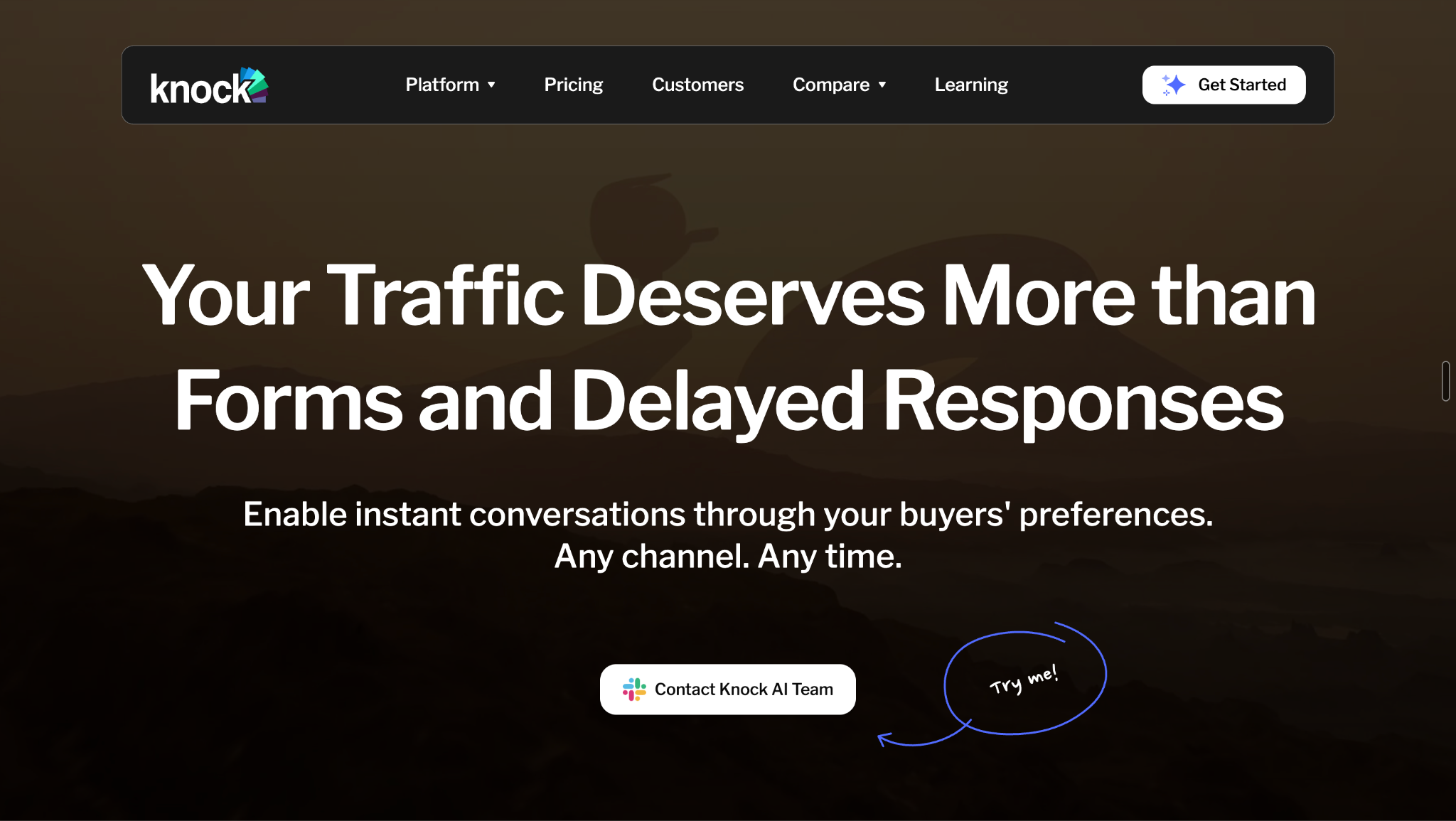
Knock AI is designed to convert existing buyer demand into qualified pipeline by automating what happens after someone shows intent. Instead of treating a website visitor, form submission, chat, or product interaction as just another lead record, Knock AI connects the signals around that buyer and uses them to decide what should happen next.
Knock AI can identify buyers while they are still interacting with your website or product, including anonymous visitors and people you already know.
Knock Reveal connects visitor activity with identity and company context, while Knock links and first-party signals help preserve that context as the buyer moves through different experiences. Known users can also be identified directly with Knock.identify() after signup or login.
This gives sales and marketing teams more context than a form submission alone:
Anonymous and known website visitors
Marketing and campaign links
First-party buyer activity
Known user identity
Company and account context
Visitor activity carried into Knock experiences
The goal is not simply to identify another contact. It is to recognize when a person or account is showing meaningful interest before that opportunity disappears.
Enrich the buyer in real time
Once Knock AI has an identity signal, enrichment can add the information needed to decide what should happen next.
Knock AI supports contact, company, and advanced enrichment, with information that can include firmographic details, role, technology, funding, company size, department and other attributes used in qualification and routing. CRM context can also be incorporated into the workflow.
The important distinction is that enrichment is not the end product.
Knock AI uses enriched data to make revenue decisions.
For example, the same website action can lead to a different outcome depending on the buyer's company, role, ICP fit, existing CRM ownership, or other qualification criteria.
Detect intent
Not every visitor or lead deserves the same response. Knock AI combines first-party activity and buyer context to identify the people and accounts that are showing stronger intent.
Intent can then feed directly into downstream actions such as:
This creates a more responsive workflow than waiting for every lead to enter a CRM and then applying the same sequence to everyone.
Let buyers start conversations instead of filling another form
Knock Chat gives buyers a way to start a conversation through the channels they already use, including Slack, LinkedIn, WhatsApp, and Telegram, with additional messaging options available for enterprise use cases.
That changes the interaction from:
Fill out form → wait for sales → hear back
to a more direct path where the buyer can start a conversation when they are ready.
Knock AI can connect that conversation with the buyer's identity, enrichment, qualification and routing context, so the conversation is not isolated from the rest of the sales process.
This also extends beyond a website chat widget. Knock AI can be incorporated into onboarding and product experiences, giving product-led companies places to add actions such as Talk to Sales, Discuss Pricing, or Talk about Enterprise without sending users through a separate sales funnel.
AI agents qualify buyers
Knock AI Agents are designed to do more than generate responses.
They can use the information already available about a buyer, ask qualification questions, evaluate fit, use relevant context, and take the next action defined by the workflow.
Depending on the use case, an agent can:
Answer buyer questions
Ask qualification questions
Use enrichment and CRM context
Evaluate ICP fit
Run custom qualification flows
Trigger conversion actions
Route qualified buyers to the appropriate destination
That distinction matters. The value is not simply having an AI conversation. It is using that conversation and the surrounding buyer data to determine whether the buyer should move forward and what should happen next.
Route every qualified buyer to the right destination
Qualification only creates value when the buyer reaches the right person or workflow quickly.
Knock AI can use routing rules based on factors such as ICP criteria, territory, CRM ownership, company and contact attributes, intent, and other enrichment signals.
Depending on the configuration, a qualified buyer can be routed to:
A specific sales rep
The existing CRM owner
An AI agent
A round-robin pool
A specific calendar
A segment-specific workflow
This is more than lead capture. Knock AI determines who should handle the buyer and what should happen next.
That can reduce the gap between qualification and sales response, particularly when different segments require different reps, calendars, meeting types, or workflows.
Remove scheduling friction
Knock Scheduling can be used directly inside existing conversion flows rather than forcing a buyer to complete another scheduling form.
The developer layer makes this especially flexible. Companies can integrate Knock into forms, signup flows, and their own product experiences using methods such as:
For example, a company can collect a buyer's email through its own form, pass that email to Knock, let Knock AI begin identification, enrichment, routing, and availability checks in the background, and then open the scheduling experience when the buyer is ready.
The existing form or product flow does not have to be replaced.
Continue the conversation after the first touch
The sales process does not have to end when someone leaves the site or fails to book a meeting.
Knock AI supports follow-up and engagement workflows that can continue the conversation through channels such as LinkedIn and can support engagement before and after meetings.
This can be useful for buyers who:
Showed strong intent but did not book
Started a conversation without converting
Booked and need pre-meeting engagement
Need additional follow-up after a meeting
Should be re-engaged based on later activity
The underlying idea is simple: the automation should follow the buyer, not stop at the first conversion attempt.
Keep CRM data and attribution connected
Knock AI can work alongside the systems revenue teams already use instead of requiring them to replace their CRM.
Current workflows support integrations with HubSpot, Salesforce, and Marketo, along with CRM field mapping and synchronization for information generated during Knock interactions.
Depending on the workflow, that can include:
Contact and company data
Enrichment
Intent
Lead status
Chat status
Meeting data
Rep ownership
Attribution
Conversation context and transcripts where supported
That keeps the buyer's activity connected to the systems sales and marketing teams already rely on.
Connect sales activity to actual revenue
One of the more important differences between basic sales automation and revenue-focused automation is what happens after the lead is created.
Knock AI Website Revenue Report connects high-intent website activity with what happens further down the funnel. The model is:
The report can help teams identify high-intent visitors, understand where website CTAs are losing potential buyers, identify converted accounts, connect activity with deals and revenue, and evaluate which pages or calls to action are contributing to pipeline.
That moves the measurement framework beyond metrics such as form submissions or meetings booked.
The more useful question becomes:
Which buyer activity is actually creating pipeline and revenue, and where are we losing it?
Who should choose Knock AI?
Knock AI is a strong fit for B2B teams that already have meaningful buyer demand but want to capture more of the value from it.
That includes:
B2B companies with substantial inbound demand
Demand-generation and revenue teams
Companies losing high-intent buyers between website activity and sales follow-up
Teams looking to reduce manual qualification
Organizations using AI agents as part of their revenue workflow
Teams already using HubSpot, Salesforce, Marketo, or custom forms and product experiences
Product-led companies that want sales conversations directly inside the product
Teams looking to increase pipeline without simply adding more SDR capacity
It is less suitable for teams whose primary requirement is a massive outbound contact database, a full CRM replacement, or basic email sequencing alone.
It is also less relevant when a business does not have enough meaningful buyer activity to convert in the first place.
That distinction is important: Knock AI is most valuable when there is real buyer intent to act on.
HubSpot
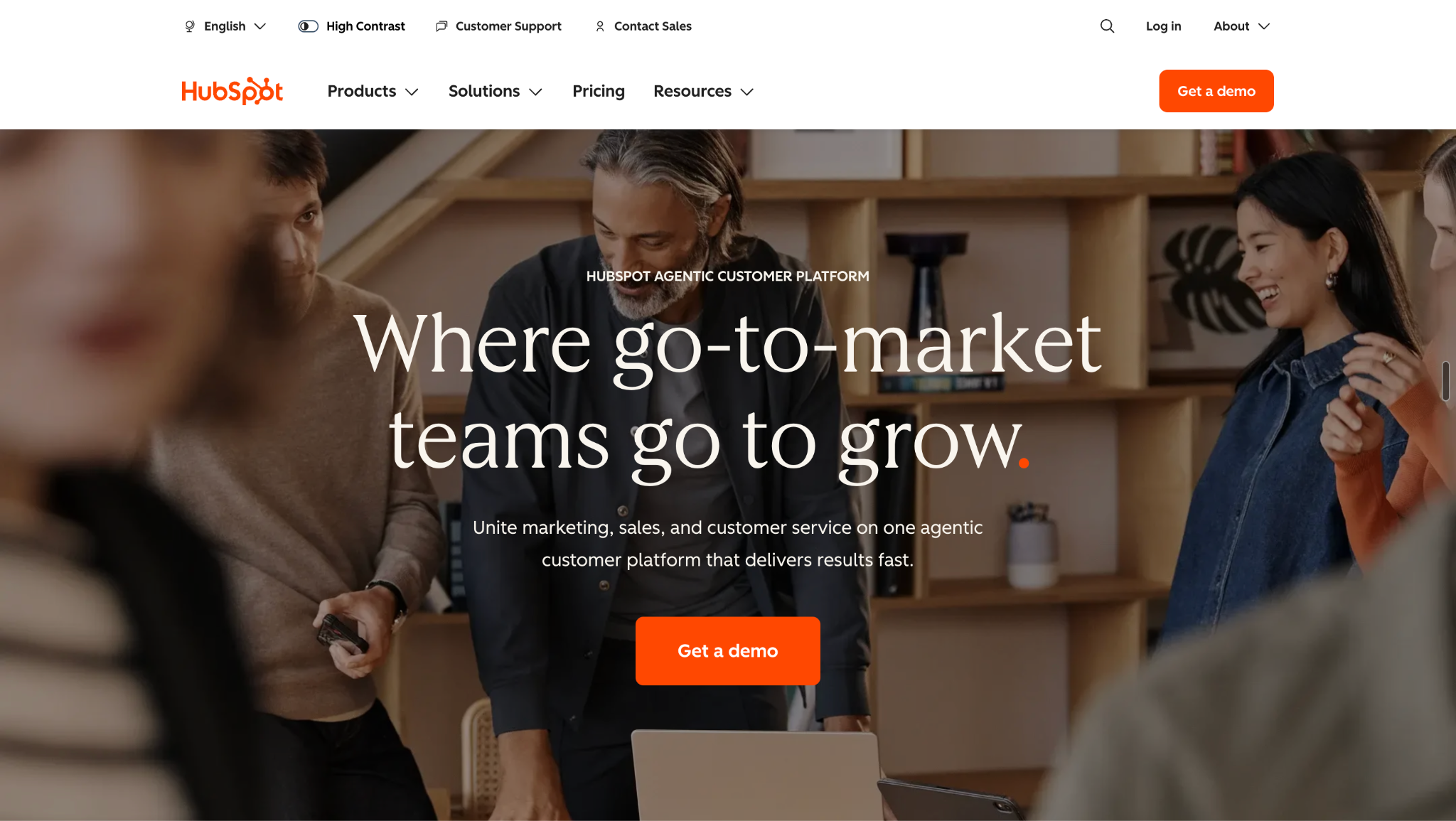
HubSpot approaches sales automation as part of its broader CRM and sales platform. Its Sales Hub automates personalized sequences, follow-up emails, lead rotation, workflows, tasks, prospecting, and sales activity, with AI-powered timing and content layered into the sales process. HubSpot also supports intent-triggered workflows, A/B testing, conversation intelligence, and CRM-based reporting.
Its workflows can rotate leads, create deals, update CRM properties, notify reps, and create follow-up tasks, while sequences can adapt to prospect engagement.
Best fit
HubSpot is a strong fit for companies that want sales automation tightly connected to an all-in-one CRM ecosystem, particularly when the same platform needs to handle customer data, workflows, sales activity, prospecting, and reporting.
Watch-out
The trade-off is that HubSpot's sales automation is closely tied to its broader CRM ecosystem. That makes it useful for teams looking for an integrated platform, but it is a different approach from using a specialized layer focused specifically on identifying, qualifying, engaging, routing, and converting active buyer intent.
Salesforce
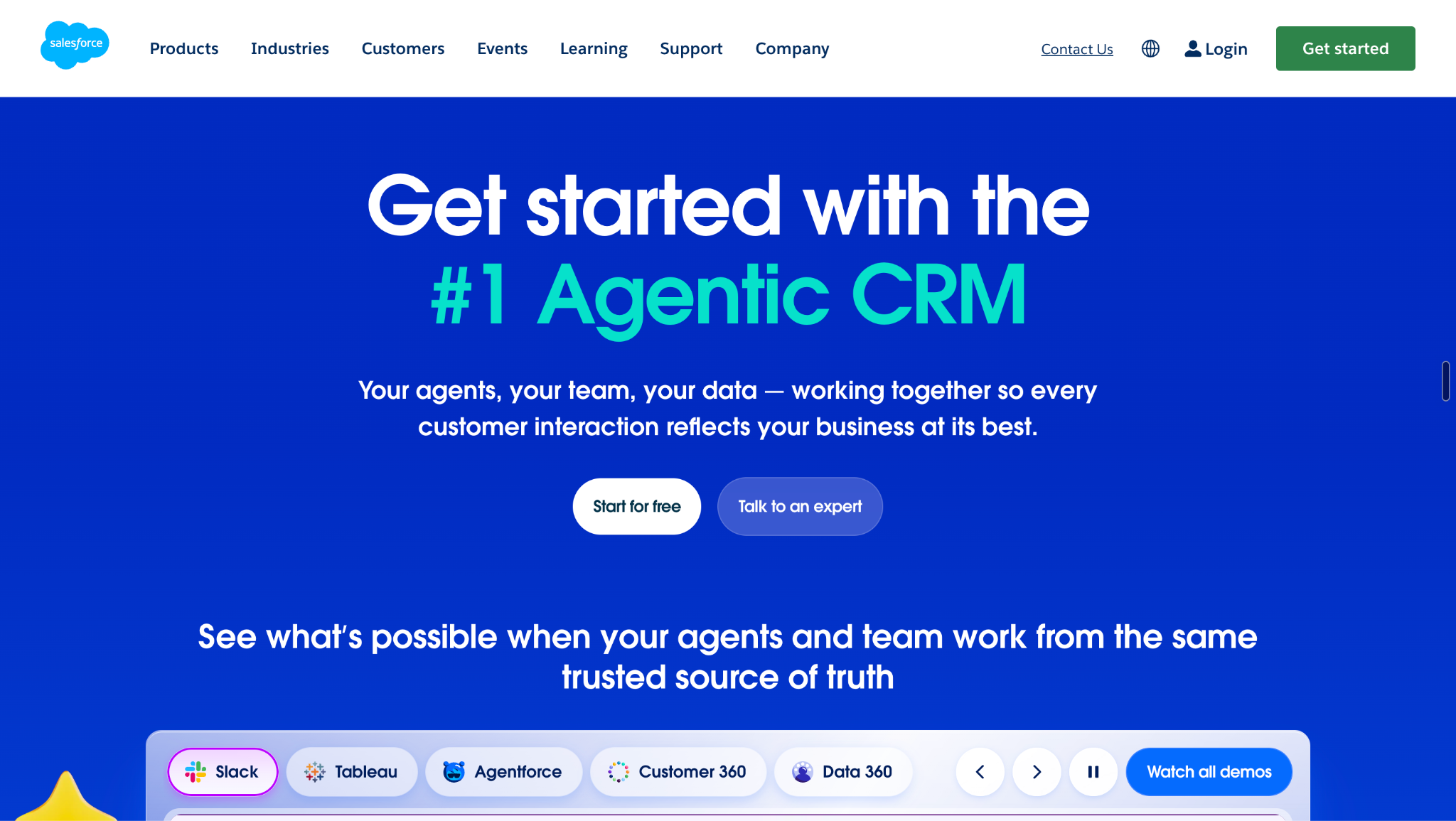
Salesforce approaches sales automation as part of its broader Sales Cloud and Agentforce Sales platform. The system combines CRM data with sales automation across prospecting, lead management, outreach, opportunity management, pipeline, forecasting, analytics, and AI agents.
Its enterprise sales stack is designed to automate processes around leads and accounts while giving sellers and managers a central system for managing opportunities, forecasts, customer information, and sales activity. Salesforce also brings AI agents into prospecting and sales workflows, extending automation beyond traditional CRM rules.
Best fit
Salesforce is best suited to larger organizations already operating deeply in the Salesforce ecosystem, particularly teams with complex sales processes, multiple business units, sophisticated forecasting requirements, and extensive CRM workflows.
Watch-out
The breadth comes with complexity. Salesforce is not simply a sales automation tool you layer onto an existing process. It is a broad enterprise platform, so implementation, administration, integrations, and ongoing configuration can become significant considerations.
Apollo
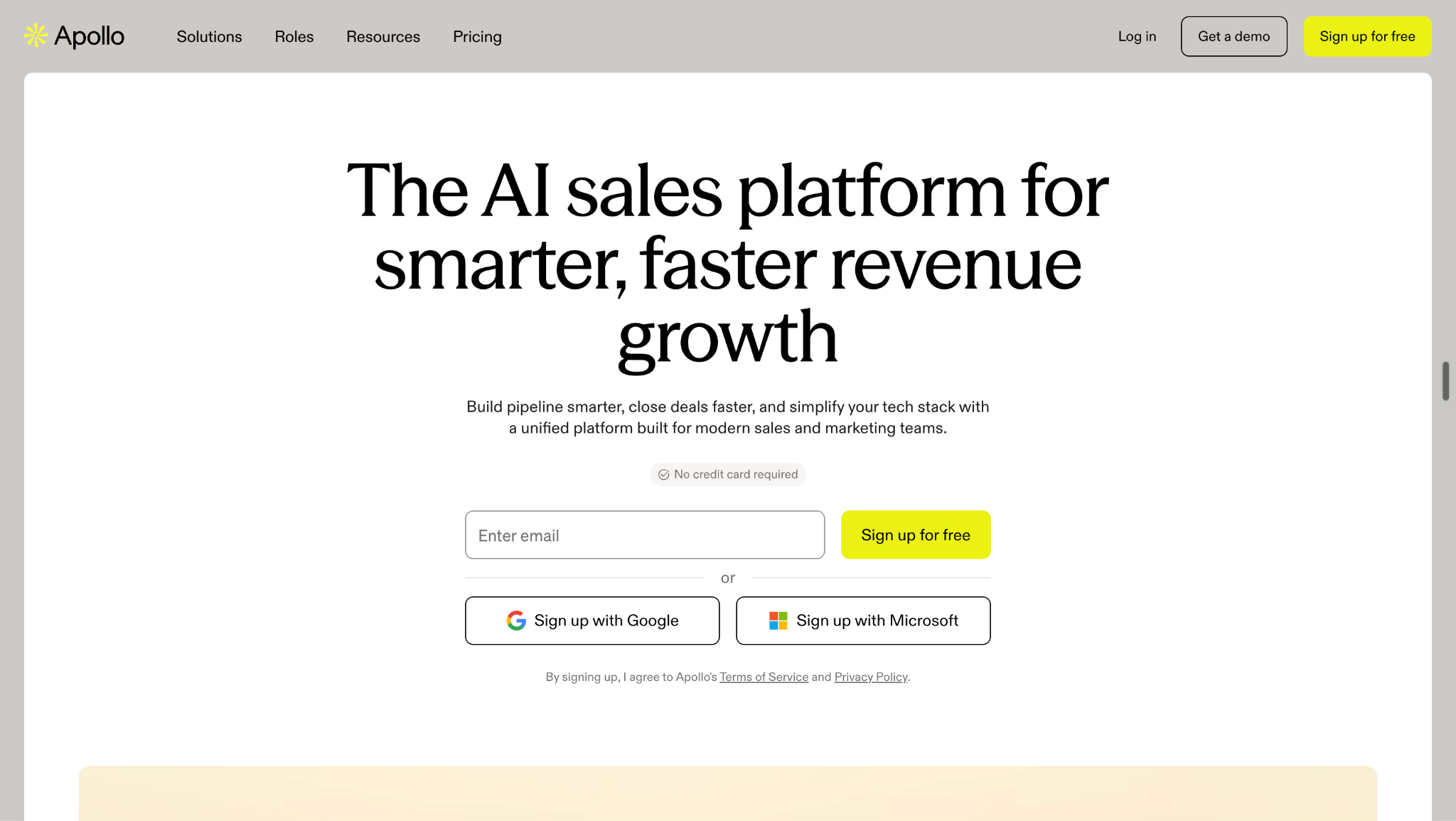
Apollo combines prospecting, data, engagement, and sales automation in one platform, so it is much broader than a traditional outbound sequencing tool. Its current product covers a large B2B database, enrichment, email and calling, LinkedIn engagement, sequences, workflows, scheduling, inbound routing, buyer signals, AI personalization, and website visitor workflows.
That breadth makes Apollo useful for teams that want to move from identifying a prospect to engaging them without stitching together several separate sales tools. Its automation can also respond to inbound activity, including website visitor and form signals, rather than being limited to outbound prospecting.
Best fit
Apollo is a strong fit for teams that want prospecting, contact data, enrichment, outbound engagement, and sales workflows in one platform.
Watch-out
Its center of gravity remains prospecting and sales engagement. If the primary problem is what happens after a high-intent buyer arrives on your website or enters your product, especially identification, real-time qualification, routing, and conversion, that is a different category of problem.
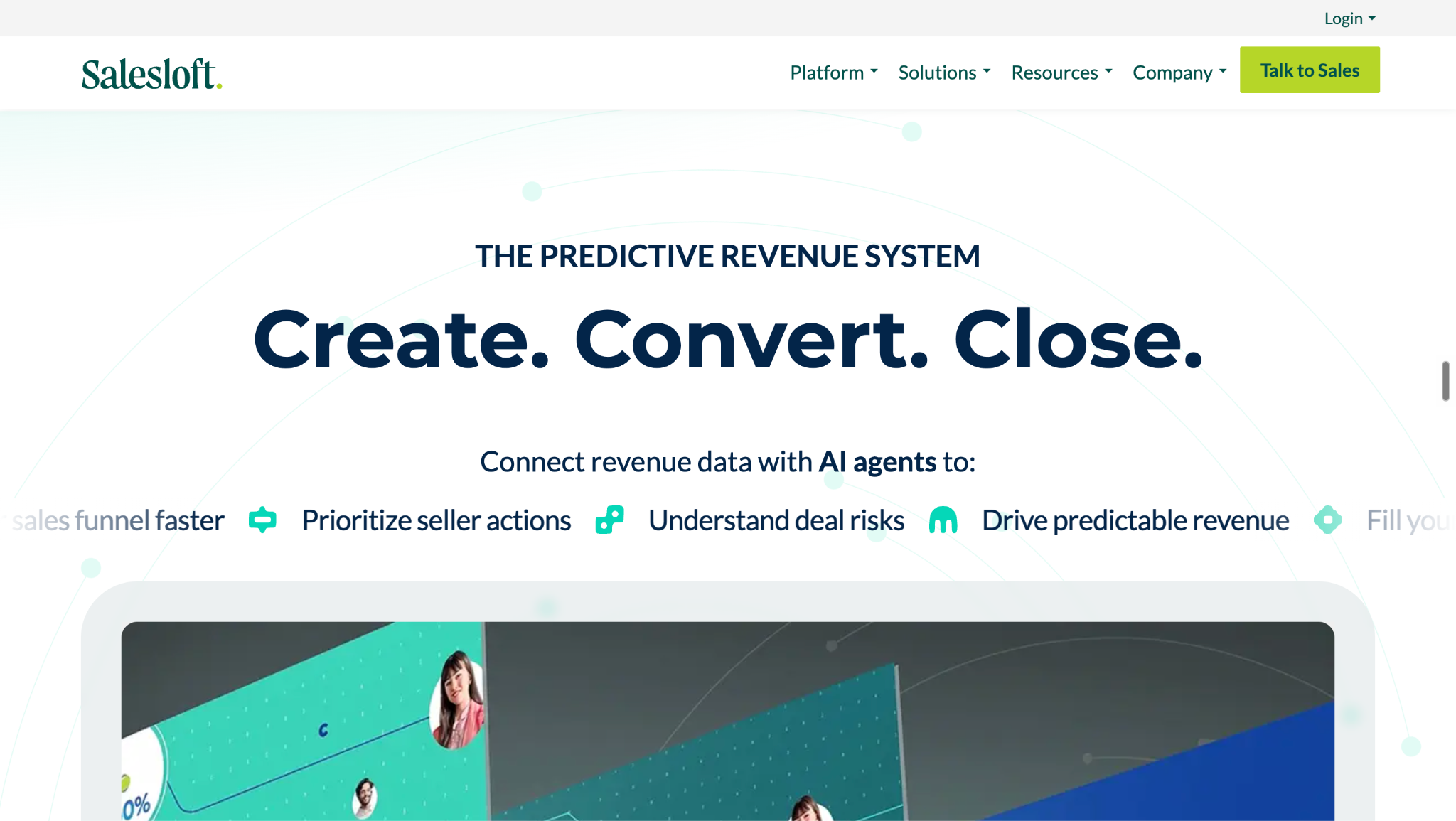
Salesloft
Salesloft positions its platform around sales execution and revenue orchestration, bringing together multi-channel engagement, Cadence, buyer signals, AI agents, Conversation Intelligence, deal management, forecasting, analytics, and CRM workflows.
The platform is designed to help revenue teams identify the activity that matters, prioritize buyers and opportunities, and guide sellers toward the next action across email, calls, LinkedIn, and other engagement channels. Its broader revenue layer connects that activity with deals, forecasting, analytics, and CRM data.
Best fit
Salesloft is a strong fit for established sales organizations with structured outbound and engagement processes, especially larger revenue teams that need buyer-signal prioritization, seller execution, deal management, and revenue analytics together.
Watch-out
Its primary workflow remains centered on helping sellers execute and prioritize revenue activity. That differs from a platform whose core job is to identify an active buyer, qualify them, route them, and create a direct path from intent to conversation.
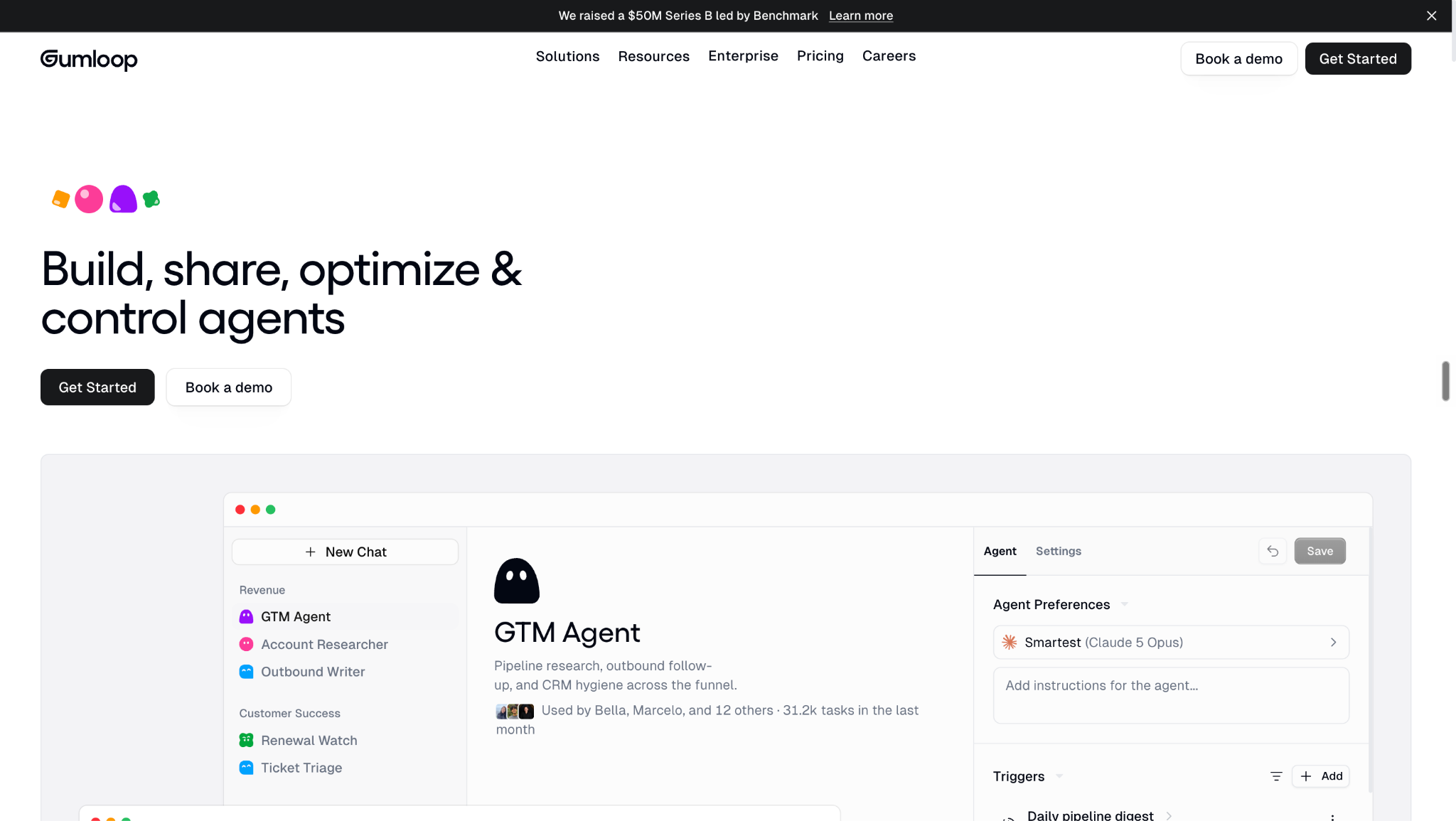
Gumloop
Gumloop takes a more flexible approach to sales automation. Rather than prescribing one sales process, it gives teams a platform for building custom AI workflows and agentic processes across their sales stack.
Its sales automation use cases include prospect research, enrichment, lead scoring, CRM automation, inbound and outbound workflows, and connecting different tools and data sources into custom processes. Gumloop's own comparison of sales automation tools emphasizes the shift from simple email sequences toward broader AI-driven workflows that can research prospects, enrich records, score leads, and execute multi-step processes.
Best fit
Gumloop is best for teams that want to build their own sales automation workflows, particularly when those workflows span several applications or require custom logic.
Watch-out
The flexibility also means more responsibility for the team. You need to design, test, and maintain the workflows that make the platform useful. That can be an advantage for teams with unusual processes, but less attractive when the goal is a purpose-built sales workflow rather than a configurable automation layer.
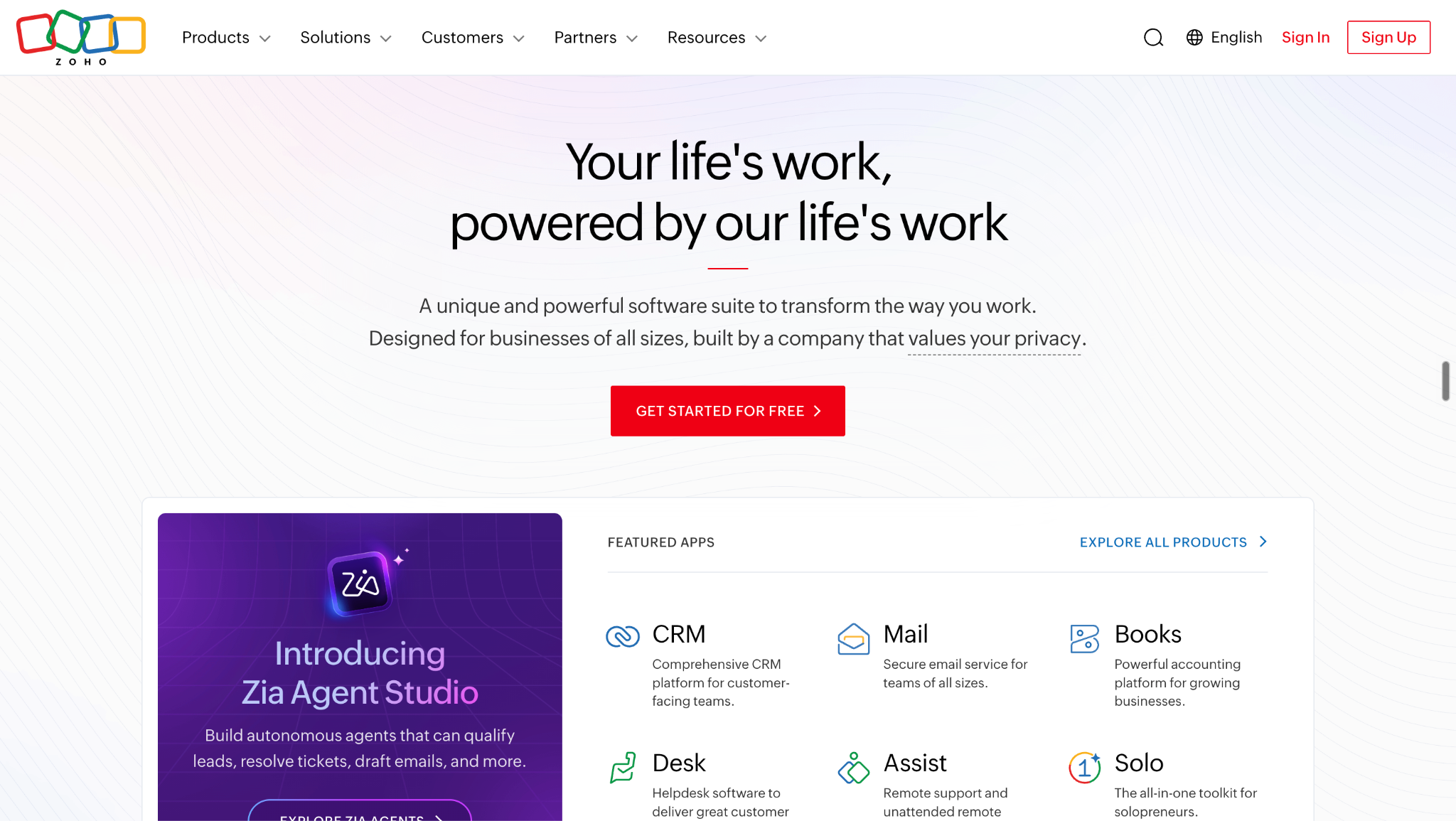
Zoho
Zoho approaches sales automation primarily through the marketing-to-sales journey. Its Marketing Automation platform connects lead capture, website activity, behavioral scoring, segmentation, nurturing, multi-channel campaigns, CRM synchronization, and sales-ready lead handoff.
The basic model is to capture a lead, understand how that person interacts with your marketing and website, score their behavior, nurture them across channels, and synchronize the resulting lifecycle information with CRM so sales can act when the lead becomes ready.
Best fit
Zoho is a good fit for organizations that want marketing automation and CRM tightly connected, particularly teams that rely heavily on lead nurturing, behavioral scoring, segmentation, and automated sales handoffs.
Watch-out
The core experience is more nurture and handoff oriented than real-time buyer conversation and conversion. That distinction becomes important when a company already has high-intent buyers arriving and needs to identify, qualify, engage, route, and book them while that intent is still active.
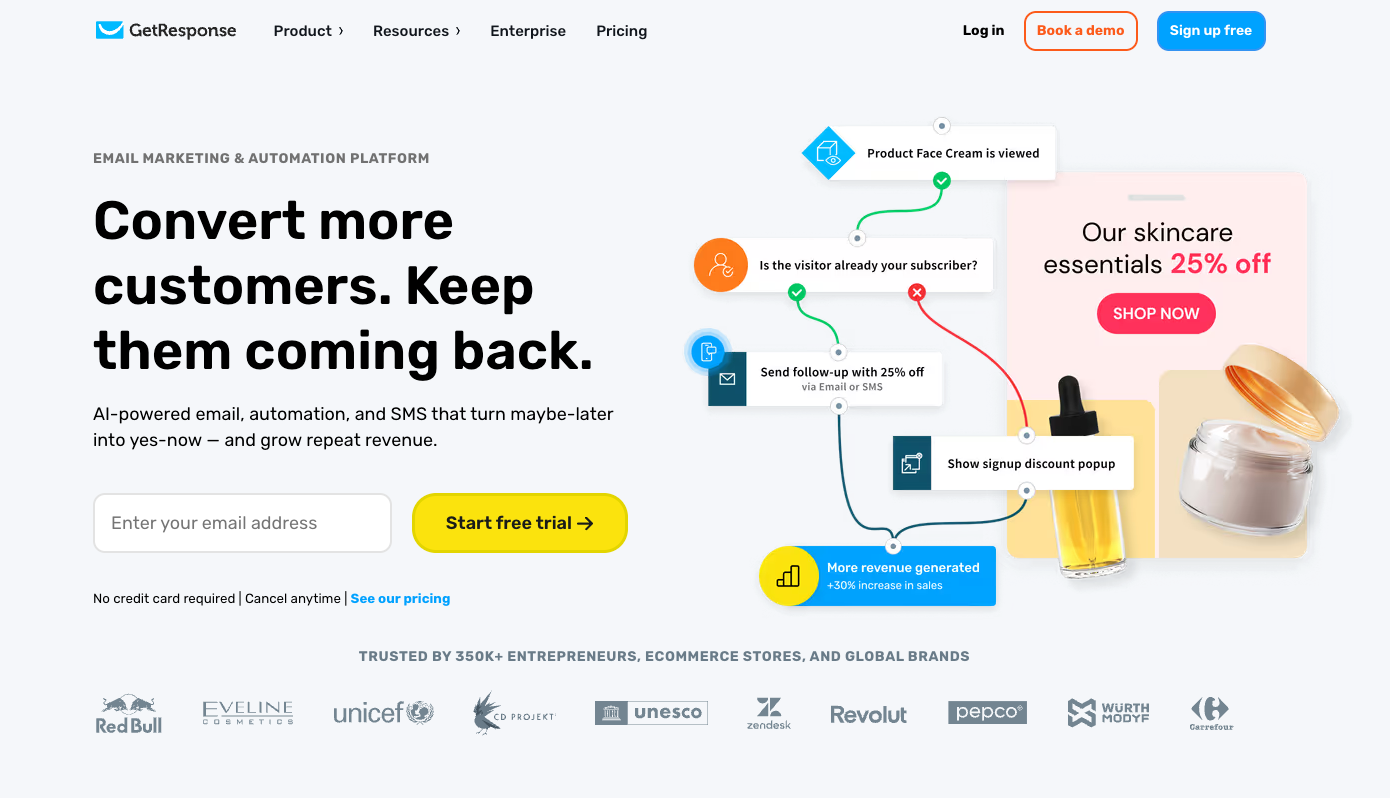
GetResponse
GetResponse approaches sales automation through marketing-to-sales and lifecycle workflows. Its automation platform combines email, lead capture, website activity, scoring, tagging, segmentation, and ecommerce triggers to nurture contacts and identify when they are ready for the next stage. Workflows can react to actions such as subscriptions, email engagement, page visits, tags, scores, purchases, and abandoned carts.
For ecommerce and lifecycle-focused teams, GetResponse can also automate welcome journeys, lead nurturing, abandoned cart recovery, post-purchase communication, re-engagement, and other behavior-triggered campaigns. Its Marketer plan adds unlimited automation workflows, advanced segmentation, ecommerce tools, product recommendations, revenue tracking, and web push notifications, while integrations can connect GetResponse with CRM platforms such as HubSpot, Salesforce, and Pipedrive.
Best fit
GetResponse is a strong fit for marketing-led teams that want to automate lead nurturing, qualification, ecommerce lifecycle campaigns, retention, and sales-ready handoffs, especially SMBs and ecommerce brands that want email, landing pages, forms, popups, and behavior-based automation in one platform.
Watch-out
Its center of gravity is marketing automation rather than seller execution. Teams that primarily need prospecting databases, outbound calling, LinkedIn sequences, deal pipelines, or advanced sales routing will generally need to pair GetResponse with a CRM or dedicated sales engagement platform.
How to Choose the Right Sales Automation Software
The right sales automation software is not the one with the longest feature list. It is the one that solves the part of your sales process where manual work, slow response times, or missed opportunities are costing you the most.
A useful way to narrow the options is to ask five questions.
1. Are you primarily automating outbound or inbound?
Start with where your demand comes from.
Outbound-focused teams usually need prospecting data, enrichment, sequences, calling, LinkedIn outreach, personalization, and automated follow-up.
Inbound-heavy teams have a different problem. They need to identify who is visiting, understand intent, enrich the buyer, qualify the opportunity, route it to the right person, and respond while the buyer is still interested.
The distinction matters because a tool that is excellent at automating outbound activity may not solve an inbound conversion problem.
2. Where is your biggest revenue leak?
Look for the point where opportunities are being lost rather than choosing a platform based on its overall feature count.
Reps spend too much time on repetitive follow-up → HubSpot or Salesloft
Complex CRM and sales operations → Salesforce
Need highly customized workflows → Gumloop
Marketing leads are not becoming sales-ready → Zoho
High-intent buyers are arriving but not becoming pipeline → Knock AI
This approach makes the buying decision much simpler. You are not asking which platform has the most features. You are asking which platform addresses the problem that is closest to lost revenue.
3. Do you need automation before or after a lead enters the CRM?
This is one of the most important distinctions to understand.
Many sales automation workflows begin after a lead has already been captured. The CRM receives the record, a workflow starts, a task is created, and a rep follows up.
But what happens before that point?
A buyer might visit your pricing page, return several times, arrive through a campaign, interact with a chat experience, or sign up for your product without filling out a traditional demo form.
Platforms such as Knock AI can activate around the buyer before and during that conversion event, using identity, enrichment, intent, qualification, engagement, routing, and scheduling to determine what should happen next.
4. Do you need automation to make decisions, or only execute tasks?
There is a meaningful difference between automation that does something automatically and automation that decides what should happen.
Sending an email automatically is one example:
Trigger → send email
A more advanced sales workflow looks more like:
Identify the buyer → understand the company → evaluate intent and fit → decide whether sales should engage → determine who should handle the opportunity → start the appropriate conversation → qualify → book the right meeting
The second approach requires the system to use buyer context and business rules to make decisions, not simply execute a predefined task.
5. Can you measure revenue impact?
Finally, look beyond activity metrics.
A platform might tell you that an email was sent, opened, or replied to. Those metrics can be useful, but they do not tell you whether the automation actually created pipeline.
A better measurement chain is:
Signal → action → lead → opportunity → revenue
For example, can you identify which buyer signals triggered an interaction, which interactions created qualified leads, which leads became opportunities, and which opportunities ultimately generated revenue?
That is the difference between measuring automation activity and measuring automation's business impact.
Sales Automation vs. CRM vs. Sales Engagement vs. AI SDR
These terms are often used interchangeably, but they solve different problems. A CRM, sales engagement platform, AI SDR, and sales automation platform can overlap, but their primary jobs are different.
Category
Main job
CRM
Stores and manages customer, lead, account, and deal information
Sales engagement
Automates seller outreach and follow-up across channels
Marketing automation
Captures, nurtures, scores, and prepares leads for sales handoff
AI SDR
Automates prospect engagement, qualification, and parts of the SDR workflow
Sales automation
Umbrella category covering multiple automated sales processes across prospecting, engagement, qualification, routing, scheduling, and follow-up
Revenue conversion automation
Converts buyer intent into qualified pipeline by connecting identification, intent, engagement, qualification, routing, and conversion
Where they overlap
In practice, the boundaries are not always clean.
A CRM can include sales workflows. A sales engagement platform can include prospecting and AI features. An AI SDR can use CRM data, enrichment, intent signals, and outreach tools. Marketing automation can score a lead before passing it to sales. And broader sales automation platforms can connect several of these functions into one workflow.
The difference is usually where the platform sits in the revenue process.
For example:
CRM: A prospect enters Salesforce and the system stores their company, contact, opportunity, owner, and activity history.
Sales engagement: That prospect is enrolled in a sequence and receives scheduled emails, calls, or LinkedIn touches.
Marketing automation: The prospect's website visits, email activity, and other behavior increase their lead score and trigger a nurture journey.
AI SDR: An AI agent researches or engages the prospect, asks qualification questions, and determines whether the opportunity should move forward.
Revenue conversion automation: A buyer shows intent, the system identifies and enriches them, evaluates their fit, engages them, qualifies them, routes them to the right rep or agent, and gets them into the appropriate sales conversation.
That last distinction is particularly useful when evaluating modern sales automation software. Instead of asking only “What tasks can this tool automate?”, ask “What happens from the moment a buyer shows intent to the moment that intent becomes a qualified opportunity?”
This is why two platforms can both call themselves sales automation software while solving very different problems.
What Sales Tasks Should You Automate First?
Not every sales task needs to be automated. Start with work that is repetitive, high-volume, rules-based, time-sensitive, and directly connected to revenue.
Good candidates include:
Lead enrichment
Lead qualification
Lead routing
Meeting scheduling
Follow-up
CRM updates
Prospect research
Repetitive outreach
High-intent visitor alerts
Re-engagement
The easiest tasks to automate are usually the ones where a person is repeatedly following the same process. For example, enriching a new lead, assigning it to the right rep, updating CRM fields, or sending a standard follow-up can often be handled without manual intervention.
The bigger opportunity comes when speed affects the likelihood of conversion.
A buyer who has just visited a pricing page, returned to your site several times, requested information, started a conversation, or reached a high-intent point in your product is different from a contact sitting passively in a CRM. Waiting hours or days to determine who they are, whether they fit your ICP, and who should respond can create unnecessary friction.
That is why high-intent activity is one of the strongest places to apply sales automation.
Instead of simply creating an alert for a rep, a more complete workflow can identify the buyer, enrich the account, evaluate intent and fit, start the appropriate engagement, route the opportunity, and make it easy to book a meeting.
The goal is not to automate every sales task. It is to automate the work that needs to happen quickly and consistently when a buyer is most likely to act.
FAQs
What is the best sales automation software?
There is no universal winner. The right sales automation software depends on what you need to automate. HubSpot and Salesforce are strong options for CRM-centered automation, Apollo is well suited to prospecting and sales engagement, Salesloft focuses on revenue execution, Gumloop is built for flexible AI workflows, and Zoho connects marketing automation with sales. For teams focused on turning high-intent inbound activity into qualified pipeline, Knock AI is particularly relevant.
What are the best sales automation tools for B2B?
The best option depends on your sales motion and where automation is needed. Knock AI focuses on identifying, enriching, qualifying, engaging, routing, and scheduling high-intent buyers. HubSpot combines sales automation with its CRM, while Salesforce provides broader enterprise sales and CRM automation. Apollo combines prospecting, data, and engagement, Salesloft focuses on sales execution and revenue orchestration, Gumloop provides customizable AI workflows, and Zoho connects marketing nurture, lead scoring, and CRM workflows.
What can sales automation software automate?
Sales automation software can automate prospecting, lead and account enrichment, buyer engagement, qualification, lead routing, meeting scheduling, follow-up, CRM updates, and reporting. More advanced platforms can also use buyer intent and other signals to decide which action should happen next, rather than simply executing a predefined task.
What is the difference between sales automation and sales engagement?
Sales engagement primarily automates how sellers interact with prospects, such as emails, calls, LinkedIn touches, sequences, and follow-ups. Sales automation is a broader category that can cover prospecting, enrichment, intent detection, qualification, routing, scheduling, CRM workflows, and engagement across the sales process.
What is the best sales automation software for inbound leads?
For inbound-heavy teams, the most important capabilities are buyer identification, intent detection, enrichment, qualification, routing, and fast engagement. Knock AI is particularly suited to this workflow because it can identify and enrich buyers, detect intent, use AI agents to qualify conversations, route qualified buyers to the right rep or workflow, and facilitate scheduling while the buyer is still engaged.
Can AI automate sales qualification and meeting booking?
Yes. AI can handle parts of early sales qualification by asking questions, evaluating fit against defined criteria, using buyer and company context, and determining the appropriate next step. Knock AI's Intent Agents can detect intent, qualify leads against ICP rules, route conversations, and, when configured, offer or book meetings through Knock Scheduling.
This does not mean AI needs to replace the sales team. Knock can keep humans in control and hand a qualified conversation to the appropriate rep with the existing context intact.
Is sales automation worth it?
Sales automation is worth considering when manual work or slow response times are creating measurable revenue leakage. The strongest use cases are usually repetitive qualification, enrichment, routing, scheduling, follow-up, and other time-sensitive processes where automation can improve speed-to-lead, rep productivity, qualification efficiency, and pipeline conversion.
The best way to evaluate the investment is to look beyond activity metrics such as emails sent or tasks completed. Ask whether automation is increasing qualified opportunities, reducing missed or poorly routed leads, improving meeting quality, and ultimately generating more pipeline and revenue.


.svg)


.svg)
.svg)
.svg)


.svg)
.svg)


.svg)