Which AI SDR Tools Can Help Me Follow Up With Event and Webinar Leads?
B2B events can generate valuable sales opportunities, whether you're hosting a webinar, exhibiting at a trade show, sponsoring an industry conference, running a virtual event, or organizing an in-person product demonstration. But collecting registrations, attendee details, and booth contacts is only the first step. The real challenge is turning those event leads into qualified sales conversations and booked meetings.
AI SDR tools help sales teams follow up with event leads, personalize outreach, identify buying intent, qualify prospects, and move interested buyers toward a sales conversation.Knock AI focuses on turning event engagement and buyer intent into qualified conversations through AI-powered engagement, lead qualification, account-aware routing, and meeting booking. AiSDR automates personalized outbound follow-up, Qualified supports Salesforce-driven engagement, Chili Piper streamlines lead routing and scheduling, and Goldcast helps teams use event engagement data and content to drive follow-up.
The best tool depends on whether you need automated outreach, real-time buyer engagement, faster sales handoffs, or better ways to convert event interactions into pipeline.
Why Is Following Up With Event and Webinar Leads So Difficult?
Generating leads through events is one thing. Converting those leads into sales opportunities is another. After a webinar, trade show, conference, virtual event, or product demonstration, sales and marketing teams must turn registrations, attendance records, booth interactions, and other engagement data into relevant follow-up.
The first challenge is personalization. Someone who asks about pricing at a trade show or requests a product demonstration during a webinar needs a different follow-up from someone who registers but never attends. Sending every lead the same thank-you email or event recap ignores these differences.
Speed matters, too. Exporting attendee lists, enriching contact records, segmenting prospects, and assigning leads to sales representatives can delay outreach while buyer interest is still fresh.
Then there's identifying buying intent. Attendance alone doesn't tell you whether a prospect fits your ideal customer profile, belongs to a strategic account, or is actively evaluating your solution. Teams need to combine available event engagement signals with contact information, company details, and CRM context to prioritize the right leads.
Sales handoffs create another problem. Without clear routing rules, qualified event leads can reach the wrong representative, receive duplicate messages, or miss the opportunity to book a meeting.
Finally, event registrations and attendance numbers don't reveal how many leads became qualified meetings, sales opportunities, or revenue.
The goal is to connect event engagement with timely, relevant follow-up and measurable sales outcomes. Depending on the bottleneck, that may require personalized outbound automation, AI-powered conversations, CRM-triggered workflows, lead routing, or event engagement analytics.
Best AI SDR Tools for Event and Webinar Lead Follow-Up
Tool
Best for
Event follow-up capabilities
Intent and personalization
Qualification, routing, and meetings
Standout feature
Knock AI
Turning event engagement into qualified conversations
Event-specific Marketing Cards, QR codes, Chat Links, and Meeting Links for booth interactions, webinars, and post-event engagement.
Tracks engagement, enriches contact and company data in real time, and combines intent signals with CRM context.
AI agents can answer questions, gather qualification context, route buyers based on intent and CRM ownership, and book meetings. Engagement and lead data can sync to the CRM.
Connects event engagement to real-time conversations, buyer qualification, account-aware routing, and meeting conversion.
AiSDR
Automated post-event outbound
Imports event contacts, segments attendees and no-shows, enriches records, and runs personalized post-event campaigns.
Personalizes messages using event details, prospect information, CRM data, and available engagement context.
Automates outbound follow-up, tracks replies and demo bookings, and supports sales handoffs or CRM synchronization.
Dedicated event follow-up campaigns, including personalized email, LinkedIn, and text outreach.
Qualified
Salesforce-driven event follow-up
Uses Salesforce campaign-member updates to trigger personalized post-event email campaigns, with scheduling parameters and exit criteria.
Uses Salesforce and marketing automation context to tailor outreach, with additional engagement through its AI-powered website experience.
Piper can follow up with leads, help qualify buyers, and encourage meeting bookings through email and website engagement.
AI-driven email follow-up connected to Salesforce campaigns and inbound website conversion.
Calculates an event engagement score from 0 to 10 using weighted interactions, helping teams identify and segment engaged attendees.
Sends engagement activities to connected platforms such as Salesforce, HubSpot, and Marketo, where teams can use the data for lead scoring, campaigns, and workflows.
Detailed event engagement data and scoring that helps marketing and sales teams personalize follow-up based on what attendees actually did.
See Knock AI in Action — Book Your Live Demo Today
These tools serve different roles in an event-to-pipeline workflow. Goldcast focuses on event data and engagement, Chili Piper on routing and scheduling, and AiSDR and Qualified on automated follow-up. Knock AI connects event engagement with conversational qualification, routing, and meetings.
1. Knock AI: Best for Turning Event Engagement Into Qualified Conversations
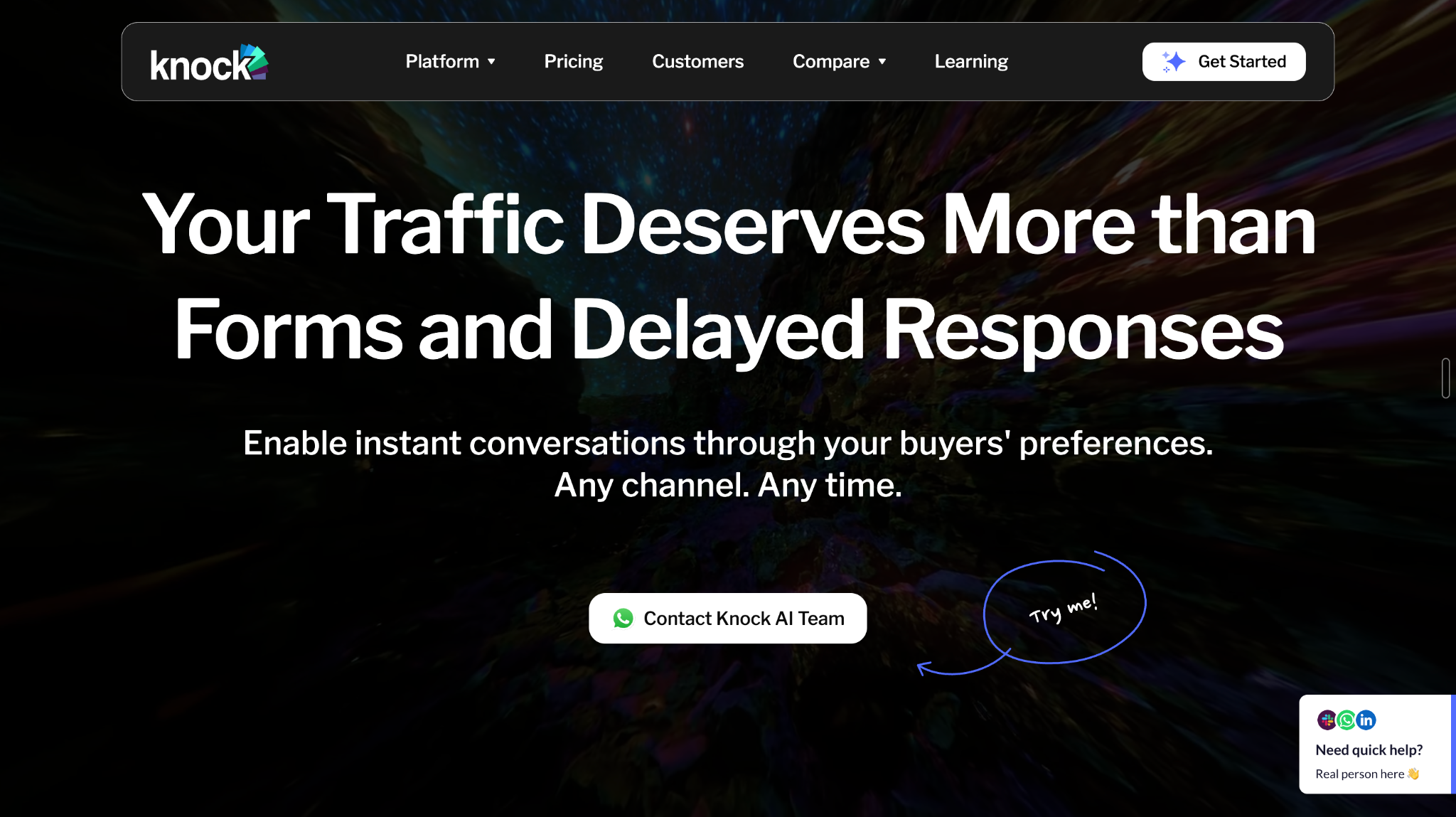
Knock AI helps enterprise sales teams turn event engagement and buyer intent into qualified conversations, relevant sales handoffs, and booked meetings. Instead of treating an event lead as just another contact on a spreadsheet, teams can use Knock AI’s engagement workflows to give interested buyers a more direct path to sales.
For example, a B2B SaaS company could share a Knock Meeting Link through a webinar CTA, a QR code at its trade show booth, or a post-event follow-up message. Marketing Cards and Chat Links provide additional ways for prospects to explore relevant content or start a conversation.
Here's where things get interesting. Knock AI can track first-party engagement signals such as clicks, website activity, and meeting interactions. Its intent scoring considers signal type, recency, and volume, helping teams identify which prospects are showing meaningful interest. Contact enrichment and CRM context can add information about the buyer and their company, making it easier to determine the appropriate next step.
When a prospect engages, Knock AI agents can answer questions using approved information, ask qualification questions, and help the buyer book a meeting. Configured routing rules can direct the conversation to the appropriate sales representative based on factors such as CRM ownership and intent. Engagement and lead information can also sync with the CRM, helping sales teams preserve context throughout the process.
Consider a webinar attendee who clicks a product demo link, visits the pricing page, and starts asking questions. Knock AI can help the team connect those interactions with available buyer context, qualify the prospect, route them appropriately, and move the conversation toward a meeting.
Knock AI also supports specific LinkedIn follow-up workflows tied to Meeting Link engagement and a connected representative's LinkedIn account. This should not be confused with unrestricted automated cold LinkedIn sequencing.
Choose Knock AI if you want to connect event engagement, first-party intent, AI-powered conversations, qualification, account-aware routing, and meeting booking in a connected conversion workflow.
2. AiSDR: Best for Automated Post-Event Outbound
What if your event generated 500 registrants, but your sales team doesn't have the time to write hundreds of personalized follow-up messages? That's the problem AiSDR is designed to help solve.
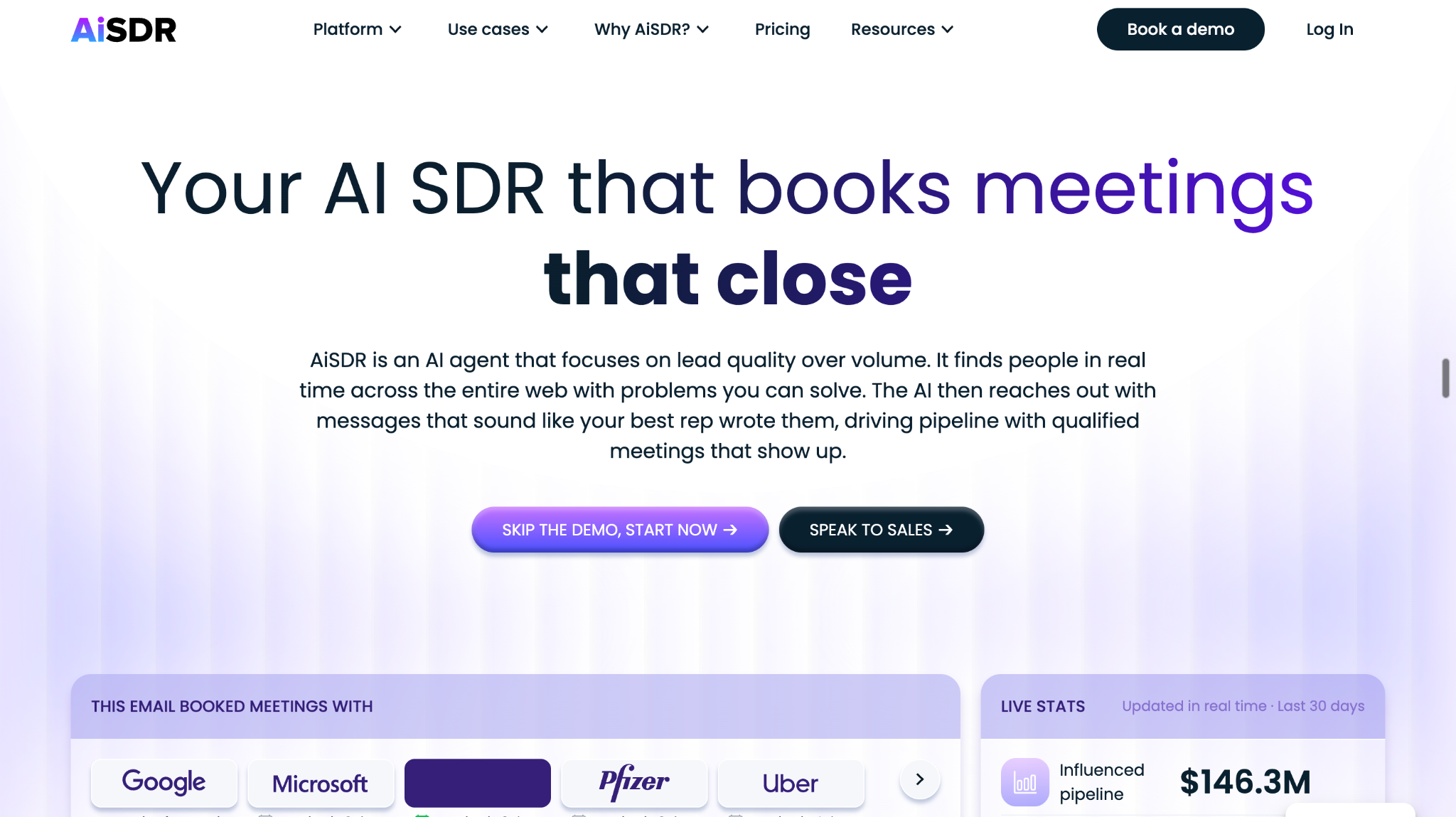
AiSDR supports event follow-up workflows that let teams import attendee lists, enrich contact records, and segment attendees and no-shows into different campaigns. Instead of sending every contact the same message, teams can tailor outreach to the person's participation and available prospect information.
For example, someone who attended a product demonstration could receive a message referencing the session and offering a relevant next step. Someone who registered but missed the event could receive a replay and an invitation to discuss the topic with sales.
AiSDR can automate personalized outbound campaigns across its supported channels, helping teams manage follow-up and monitor prospect responses without manually composing every message. The goal is to turn event contact lists into active sales conversations and demo opportunities.
The quality of those campaigns still depends on the information available. Detailed session interactions, questions asked during an event, and CRM history need to be captured or integrated if you want the outreach to reflect that context.
Choose AiSDR if your main priority is personalized post-event outreach at scale, particularly when you need to follow up with large attendee lists and distinguish between attendees and no-shows.
3. Qualified: Best for Salesforce-Driven Event Follow-Up
If your sales organization already runs on Salesforce, Qualified is worth evaluating for event follow-up.
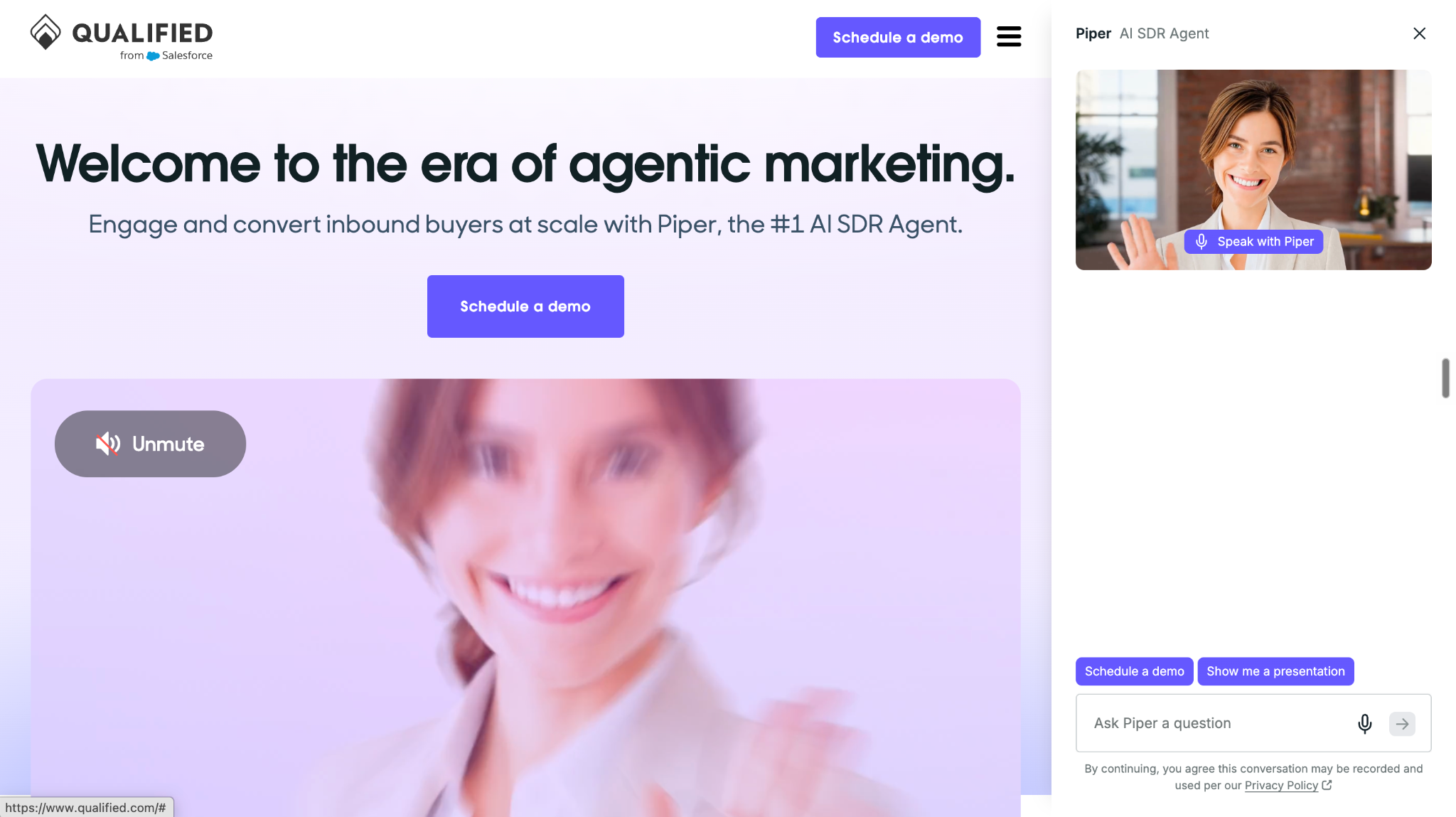
Qualified's AI SDR, Piper, can support personalized follow-up triggered by Salesforce campaign activity. For example, when event attendees are added to a campaign, a configured workflow can initiate relevant outreach, include meeting links, and apply campaign rules or exit criteria.
The benefit is that event follow-up becomes part of the existing revenue workflow rather than a separate process that someone must remember to execute. Teams can use available CRM context to tailor messages and connect email engagement with conversations on their website.
Suppose your company hosts a product launch event. Attendees enter a Salesforce campaign and receive follow-up relevant to the launch. If an interested prospect subsequently visits your website, Piper can help continue the conversation and guide the buyer toward a sales meeting.
Teams should configure their workflows carefully, including the conditions for starting and stopping campaigns, so prospects don't continue receiving messages after booking a meeting or otherwise completing the intended action.
Choose Qualified if you want AI-powered follow-up connected to Salesforce campaign activity, with website engagement and inbound conversion forming part of the same sales process.
4. Chili Piper: Best for Event Lead Routing and Meeting Conversion
Sometimes the problem isn't writing follow-up messages. It's getting a qualified lead to the right salesperson before the opportunity goes cold.
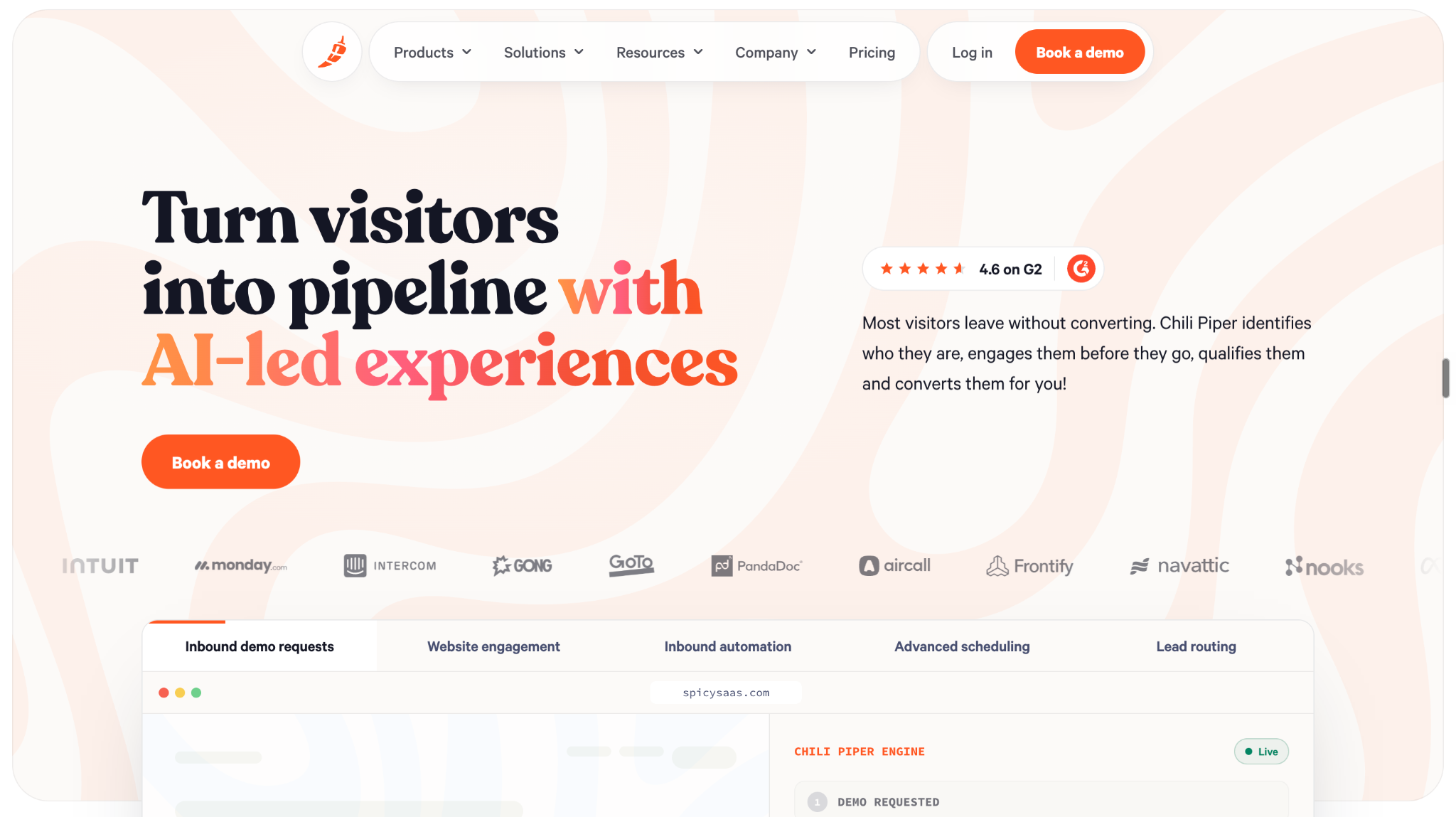
That's where Chili Piper fits. Its routing and scheduling capabilities help sales teams assign incoming leads, coordinate handoffs, and make meeting booking easier. These capabilities are useful before, during, and after events, depending on the workflow.
Imagine your team collects dozens of promising leads at a trade show booth. Several representatives are working different territories or strategic accounts, and manually distributing the leads would slow everyone down. Chili Piper can help route leads according to configured rules and make it easier for prospects to schedule with the appropriate representative.
Teams can also use event scheduling workflows to arrange meetings around an event and coordinate follow-up after lead capture. Notifications and handoff processes help sales representatives act on leads promptly.
However, routing a lead and generating personalized outbound are different jobs. Chili Piper is primarily a routing and scheduling solution, so teams that need AI-generated outreach campaigns may want to pair it with a dedicated engagement platform.
Choose Chili Piper if your biggest event follow-up bottleneck is lead assignment, sales response time, or getting prospects onto the right calendar.
5. Goldcast: Best for Event Engagement Data and Content-Led Follow-Up
What if your event follow-up could reflect not just who attended, but also what each person actually engaged with?
Goldcast helps event teams capture engagement data and use it to inform their marketing and sales workflows. Depending on the event setup, that data can include session participation, poll responses, Q&A activity, and resource clicks. Integrations with CRM and marketing automation platforms help teams carry that information into subsequent campaigns.
Goldcast also supports repurposing event content into assets such as clips, takeaways, and follow-up materials. That creates opportunities to continue conversations with content that relates to what attendees watched or discussed.
For example, after a webinar about sales automation, your marketing team could share a relevant session clip with attendees who engaged with that topic. Sales representatives could use the available engagement context to prioritize follow-up and make their conversations more relevant.
The key is to distinguish engagement intelligence from outreach execution. Goldcast helps teams understand event participation and activate event content and data, while the actual follow-up campaign may run through connected marketing automation or sales engagement systems.
Choose Goldcast if your team wants richer event engagement insights, content repurposing, and CRM-connected workflows to make post-event marketing and sales follow-up more relevant.
Which AI SDR Should You Choose for Your Event Follow-Up Workflow?
The best tool depends on what happens after someone registers for an event, visits your booth, attends a product demonstration, or engages with your content.
Your situation
Tool to evaluate
You want to turn event engagement and buyer intent into qualified conversations, sales handoffs, and meetings.
Knock AI
You need to follow up with hundreds of event attendees and no-shows using personalized outbound campaigns.
AiSDR
Your event follow-up relies on Salesforce campaigns and inbound sales workflows.
Qualified
Your sales team struggles to assign event leads and schedule meetings quickly.
Chili Piper
You want to understand event engagement and use relevant content to personalize follow-up.
Goldcast
Before choosing a platform, consider three things.
1. Where does your event data live? Your tool needs access to the relevant attendance records, engagement activity, contact information, and CRM or campaign data. Check which integrations and workflows are supported before committing.
2. What happens after a prospect engages? Sending a follow-up email is only one step. Consider whether your workflow can recognize buying intent, answer questions, qualify prospects, route them to the right sales representative, and facilitate a meeting.
3. How will you measure success? Email opens and event registrations can indicate interest, but they don't tell you whether your event generated sales opportunities. Track qualified conversations, meetings booked and attended, opportunities created, and pipeline influenced.
If your priority is simply automating outbound campaigns, AiSDR is worth evaluating. If routing and scheduling are your main bottlenecks, consider Chili Piper. But if you want to connect event engagement with buyer intent, AI-powered qualification, account-aware routing, and meeting conversion, Knock AI is the platform to evaluate first.
Frequently Asked Questions
1. What is the best AI SDR for event and webinar follow-up?
The best tool depends on your follow-up workflow. Knock AI is a strong fit for enterprise teams that want to turn event engagement and buyer intent into qualified conversations, sales handoffs, and booked meetings. AiSDR is worth considering for personalized post-event outbound campaigns, while Qualified suits teams that want to connect event follow-up with Salesforce campaigns and inbound sales workflows.
2. Can AI SDRs follow up with webinar attendees and no-shows differently?
Yes. If attendance records are available through your event platform or integrations, AI SDR workflows can segment attendees and no-shows into separate follow-up campaigns. Attendees might receive relevant resources or a demo invitation, while no-shows could receive a replay link. Additional engagement data can help personalize messages further.
3. How soon should sales follow up with event leads?
Follow up promptly while the event is still fresh in the prospect's mind. Prioritize leads who ask product questions, request demonstrations, visit pricing pages, or show other meaningful buying signals. The ideal timing depends on the prospect's engagement, the event type, and your sales process.
4. Can AI personalize follow-ups based on questions asked during a webinar?
Yes, provided the questions or related engagement data are captured and made available to the follow-up workflow. Chat messages, Q&A submissions, poll responses, and session attendance can provide useful context. Without that data, personalization is limited to the information available in contact records, CRM systems, and campaign activity.
5. Which tools work with Salesforce or HubSpot for event follow-up?
Qualified is particularly relevant for Salesforce-driven event follow-up. Knock AI can use connected CRM context to support buyer engagement and sales workflows. AiSDR also supports CRM-connected outbound workflows, while Goldcast can pass event engagement data into connected CRM and marketing automation systems. For HubSpot or Salesforce specifically, verify the current integration, available data fields, and required configuration before choosing a platform.
6. Can AI SDR tools qualify event leads and book meetings automatically?
Yes. Depending on the platform and configuration, AI SDR workflows can ask qualification questions, evaluate prospects against defined criteria, route leads to sales representatives, and facilitate meeting booking. Knock AI supports AI-powered conversations, qualification, configured routing, and meeting booking. Calendar access, routing rules, qualification criteria, and human handoffs must be configured appropriately.
7. Is Knock AI better for event lead conversion than traditional outbound tools?
Knock AI is particularly relevant when you want to connect first-party event engagement and buyer intent with contextual conversations, AI qualification, account-aware routing, and meeting booking. Outbound-focused tools such as AiSDR may be a better fit when your primary goal is launching personalized follow-up campaigns to large attendee lists. The right choice depends on whether your biggest challenge is campaign execution or converting engaged buyers into qualified sales conversations.
8. How do I measure whether event follow-up generates pipeline?
Track qualified conversations, meetings booked and attended, sales opportunities created, pipeline influenced, and revenue generated. Also monitor response rates and conversion rates at each stage. Use CRM campaign data and consistent attribution rules to connect event engagement with downstream outcomes. Remember that attributed pipeline indicates an association with the event; it does not automatically prove that the event directly caused the sale.
Choosing the Right AI SDR for Event and Webinar Follow-Up
The best AI SDR depends on the gap in your event-to-revenue workflow. Choose AiSDR for personalized post-event outbound, Qualified for Salesforce-driven follow-up, Chili Piper for lead routing and scheduling, and Goldcast for event engagement insights and content-led follow-up. For enterprise teams that want to connect event engagement and buyer intent with AI-powered conversations, qualification, account-aware routing, and meeting booking, Knock AI is worth evaluating.
Ultimately, the goal isn't simply to contact every event attendee. It's to identify interested buyers, give them relevant follow-up, and help the right prospects take the next step toward a sales conversation.


.svg)


.svg)
.svg)
.svg)


.svg)
.svg)


.svg)