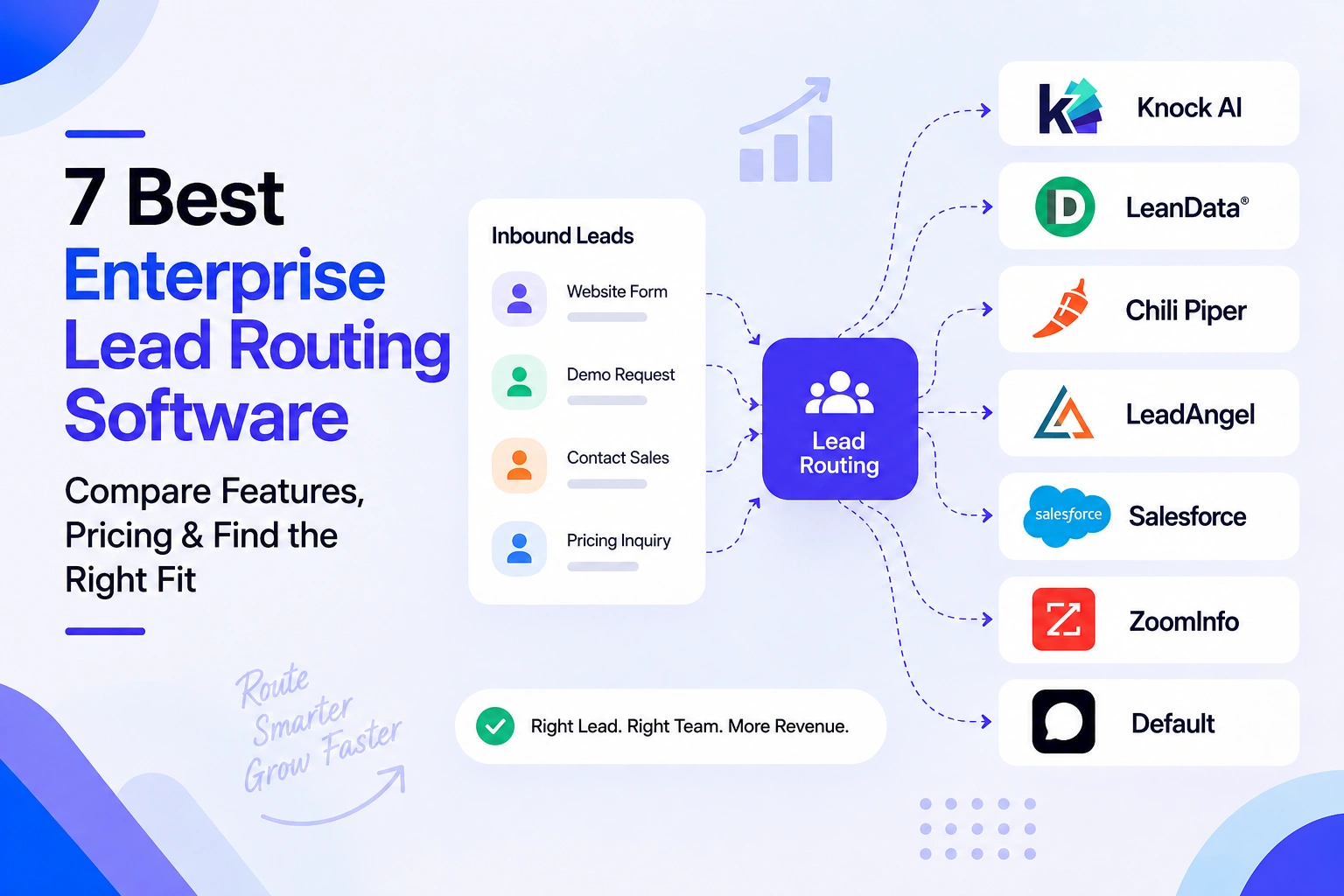
Enterprise lead routing software automatically determines where an inbound lead or buyer should go based on factors such as account ownership, territory, company size, ICP fit, intent, qualification, availability, and CRM data. The 7 leading enterprise lead routing platforms are Knock AI, LeanData, Chili Piper, LeadAngel, Salesforce, ZoomInfo, and Default, with each suited to different routing requirements.
Enterprise lead routing software automatically determines where an inbound lead or buyer should go and what should happen next. It uses rules and real-time signals such as account ownership, territory, company size, ICP fit, intent, qualification, availability, and CRM data to route buyers to the appropriate sales representative, team, AI agent, or workflow.
Unlike basic lead assignment, enterprise routing can account for complex account structures, multiple sales teams, territories, regions, and different routing requirements.
What Does Lead Routing Software Do?
Lead routing software captures or receives an inbound buyer, evaluates relevant data and routing rules, and assigns the buyer to the appropriate destination. Depending on the setup, this may include lead-to-account matching, territory assignment, round-robin distribution, intent-based routing, qualification, scheduling, or escalation to a human representative.
Lead Assignment vs. Lead Routing
Lead assignment answers one question: Who gets the lead?
Lead routing is broader. It determines what should happen to the buyer, who or what should handle them, and where they should go next. Modern routing can involve sales reps, AI agents, meetings, workflows, and CRM actions.
Why Enterprise Lead Routing Is More Complex
Enterprise organizations may route buyers across multiple regions, business units, territories, account hierarchies, sales teams, and CRMs. Existing account ownership, lead qualification, intent, rep availability, SLAs, and high lead volumes can all affect the routing decision.
This is why enterprise lead routing software needs more than simple assignment rules. It needs to connect CRM data, account context, buyer signals, routing logic, and sales workflows to ensure the right buyer reaches the right resource at the right time.
How Enterprise Lead Routing Works
Enterprise lead routing follows a sequence of identifying a buyer, evaluating their context, and determining the most appropriate next action:
Buyer signal → Identity → Enrichment → Qualification → Intent → Routing rules → AI or human → Meeting/conversation → CRM
Traditional routing usually starts after a lead is created:
Lead created → CRM → enrichment → account matching → rules → rep
Modern routing can start earlier, when a buyer shows intent through a website interaction, campaign, conversation, event, or other inbound signal:
Lead-to-account matching determines whether an inbound person belongs to an existing company or account. This helps enterprises preserve account ownership and avoid treating an existing customer or target account as a completely new lead. Matching can use contact, company, domain, CRM, and account information to determine the appropriate routing path.
Territory-Based Routing
Territory routing assigns buyers based on geographic or organizational territories. Rules can consider country, region, state, market, or sales territory to ensure the buyer reaches the appropriate team. Enterprise organizations often combine territory rules with account ownership, company size, industry, or other qualification criteria.
Account Ownership Routing
If a buyer belongs to an existing account, routing can prioritize the representative who already owns that relationship. This prevents duplicate outreach and helps maintain continuity across sales activity. Account ownership can also be combined with CRM data, account lists, territory rules, and qualification signals.
Round-Robin Routing
Round-robin routing distributes eligible leads across a defined group of representatives. It is useful when multiple reps handle similar leads and the organization wants a more balanced distribution of inbound demand. Enterprise routing can combine round-robin rules with territories, account ownership, availability, and qualification.
Intent-Based Routing
Intent-based routing uses buyer behavior and intent signals to determine priority and destination. A high-intent buyer may require faster engagement or a different sales path than someone showing limited interest. Intent can be combined with account information, campaign source, engagement, and qualification to create more relevant routing decisions.
Qualification-Based Routing
Qualification-based routing evaluates whether a buyer meets predefined criteria before assigning the next step. Criteria can include company size, industry, role, use case, budget, buying stage, or information gathered through a conversation. Qualified buyers can be routed directly to a sales representative, meeting flow, or AI agent.
Availability and SLA Routing
Availability-aware routing considers whether the assigned representative can respond within the required timeframe. Rules can use working hours, availability, capacity, or SLA requirements and provide fallback paths when the primary representative cannot respond. This helps prevent high-value inbound buyers from sitting unassigned.
AI-Powered Lead Routing
AI-powered routing combines traditional routing rules with real-time buyer context, intent, qualification, and conversational signals. Instead of simply assigning a lead record, the system can determine whether the buyer should be handled by an AI agent, human representative, meeting workflow, or another sales process. Knock AI applies this approach by connecting routing with identity, enrichment, intent, AI qualification, conversation, scheduling, and human handoff.
What to Look for in Enterprise Lead Routing Software
The best enterprise lead routing software should do more than assign leads to sales reps. It should evaluate account context, buyer intent, qualification data, rep availability, and business rules to determine the right destination and next step. For enterprise teams, the routing platform should also integrate with the CRM, support multiple channels, and provide enough visibility to understand why each routing decision was made.
Capability
Why enterprises need it
Lead-to-account matching
Connect people with existing accounts and opportunities
Account ownership
Preserve existing customer and prospect relationships
Territory routing
Apply geographic, regional, and organizational rules
Round robin
Distribute eligible leads across a defined sales team
Intent routing
Prioritize buyers showing active purchase intent
Real-time enrichment
Use current company, contact, and account context
Qualification
Route based on fit, need, use case, or buying stage
Availability
Avoid routing high-value buyers to unavailable reps
AI routing
Assign buyers to an AI agent when appropriate
Human handoff
Escalate qualified or complex buyers to the right seller
CRM integration
Keep routing decisions and customer data synchronized
Scheduling
Turn qualified interest into a meeting without unnecessary delay
Auditability
Show which rules and signals influenced each routing decision
Multi-channel support
Route buyers from websites, campaigns, events, ads, and other channels
What Matters Most for Enterprise Teams
Not every organization needs every capability at the same level. A Salesforce-heavy sales organization may prioritize lead-to-account matching, account ownership, complex routing rules, and CRM integration. An account-based team may place more importance on intent, enrichment, and account routing.
For teams using AI in their revenue process, AI routing, qualification, conversational engagement, and human handoff become increasingly important. Instead of simply assigning a lead record, the routing platform can determine whether an AI agent, sales rep, meeting workflow, or another destination is the appropriate next step.
The strongest enterprise lead routing platforms combine these capabilities rather than treating routing as an isolated CRM assignment task. The goal is to make a routing decision using the most relevant buyer and account context available, then move the buyer into the right sales or engagement workflow as quickly as possible.
Best Enterprise Lead Routing Software
1. Knock AI
Best for: AI-powered enterprise lead routing and buyer engagement
Knock AI is an enterprise lead routing platform that combines routing logic with real-time buyer identification, enrichment, intent detection, AI qualification, conversational engagement, scheduling, and CRM-aware human or AI assignment.
Unlike basic lead assignment tools, Knock AI can evaluate buyer and account context before deciding where a conversation or meeting should go. Routing rules can combine CRM data, enrichment, attribution, intent, company information, engagement, and funnel stage.
Knock AI routing capabilities
Routing signal
Knock AI capability
ICP
Yes
Geography
Yes
Account list
Yes
Company size
Yes
Campaign/source
Yes
Industry
Yes
Intent
Yes
CRM/account ownership
Yes
Qualification
Yes
Round robin
Yes
Primary assignment
Yes
Fallback routing
Yes
AI agent routing
Yes
Human rep routing
Yes
Knock AI supports routing for both chats and meetings. Teams can route conversations to specific reps, round-robin pools, CRM owners, or AI Agents. Meeting routing can also consider calendar availability to connect qualified buyers with the appropriate rep.
Knock AI Pricing
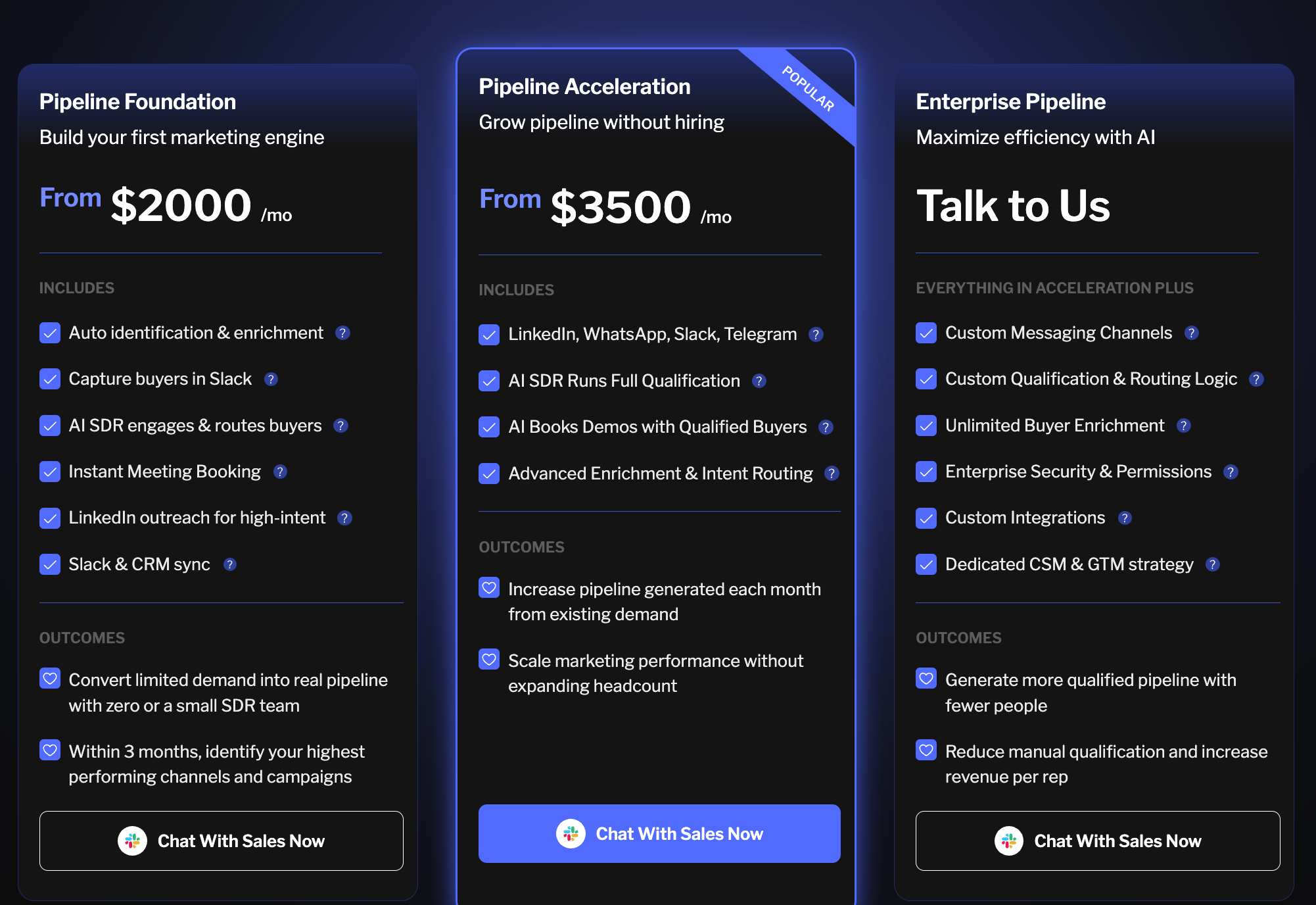
Knock AI pricing starts at $2,000/month for the Pipeline Foundation plan and $3,500/month for Pipeline Acceleration. Enterprise Pipeline pricing is custom and requires contacting Knock AI.
Why enterprises choose Knock AI
The value is in the combination of identity + enrichment + intent + qualification + routing + conversation + scheduling + CRM. A buyer can arrive through a Knock Link, be identified and enriched in real time, have intent assessed, and then be routed to an AI Agent or the appropriate human rep.
For existing leads, CRM-aware routing can notify the Salesforce or HubSpot owner while still applying the organization's routing logic. Teams can also monitor routed conversations in Slack and track routing and response data in their CRM.
This makes Knock AI particularly useful for enterprises that want AI-powered lead routing connected directly to buyer engagement, rather than treating routing as a standalone CRM assignment step.
2. LeanData
Best for: Complex Salesforce-native routing
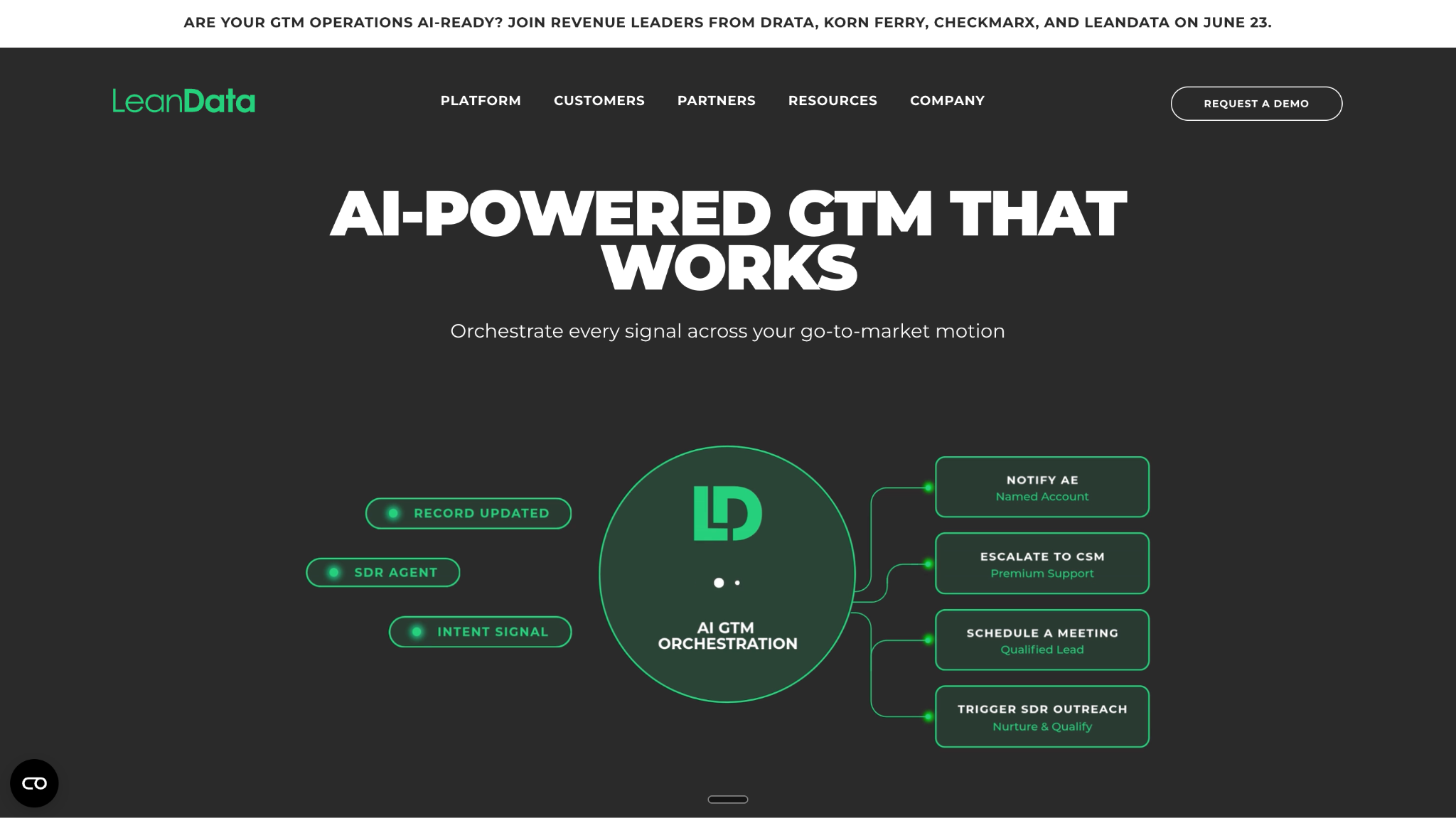
LeanData is an enterprise lead routing and lead-to-account matching platform built around Salesforce. It helps revenue teams match inbound leads and contacts to the right accounts, then apply routing logic based on factors such as territory, account ownership, geography, and other CRM data.
Its strength is handling complex routing environments where multiple sales teams, territories, account structures, and ownership rules need to work together. Lead-to-account matching can help ensure new leads are associated with the correct existing account before routing, while routing workflows can distribute leads to the appropriate rep or team.
LeanData is particularly relevant for enterprise RevOps teams that need sophisticated routing logic while keeping Salesforce at the center of their revenue process.
Additional products such as BookIt, NotifyPlus, and Engagement may require separate licensing.
Best fit: Salesforce-centric organizations where CRM-native routing complexity is the primary requirement.
3. Chili Piper
Best for: Inbound routing and instant meeting booking
Chili Piper combines inbound lead routing with qualification and meeting scheduling. It can use lead and account information to determine where an inbound buyer should go, then use calendar availability to help qualified prospects book meetings with the appropriate rep.
Its focus is speed-to-lead and reducing the gap between inbound interest and a sales conversation. Organizations can connect routing and scheduling workflows with Salesforce or HubSpot, including form-to-meeting experiences that allow qualified buyers to move directly into a meeting.
For demo-driven businesses, this makes Chili Piper particularly useful when the primary objective is converting inbound demand into booked meetings as quickly as possible.
Routing & Scheduling Package: Starting at $1,250/month
Experiences Package: Starting at $3,500/month
Chat AI: Approximately $20,000/year
Actual pricing may vary based on team size and implementation requirements.
Best fit: Demo-driven organizations where immediate scheduling is the primary conversion objective.
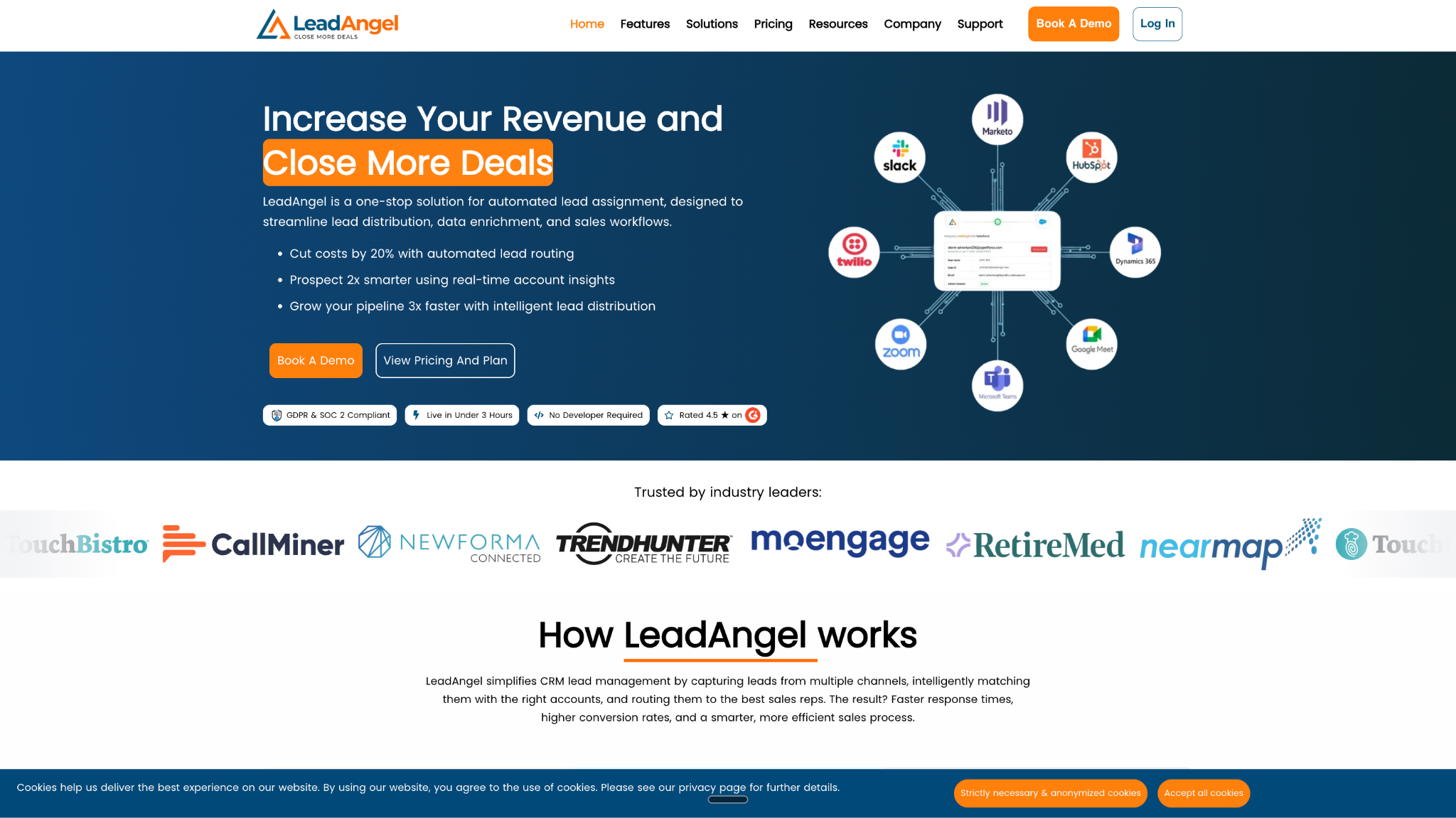
4. LeadAngel
Best for: Lead-to-account matching and distribution
LeadAngel focuses on lead-to-account matching, routing, and lead distribution for organizations with complex account and territory structures. It helps identify which company an inbound lead belongs to and can use that information to determine the appropriate routing path.
Its capabilities include matching and deduplication, territory-based routing, round-robin distribution, and CRM-connected routing workflows. This can be particularly useful when multiple sales teams need consistent rules for distributing inbound leads across accounts and territories.
LeadAngel is a strong option for revenue teams where accurate account matching is a major part of the routing process.
LeadAngel has a custom pricing.
Best fit: Enterprise teams that prioritize accurate lead-to-account matching, territory management, and lead distribution.
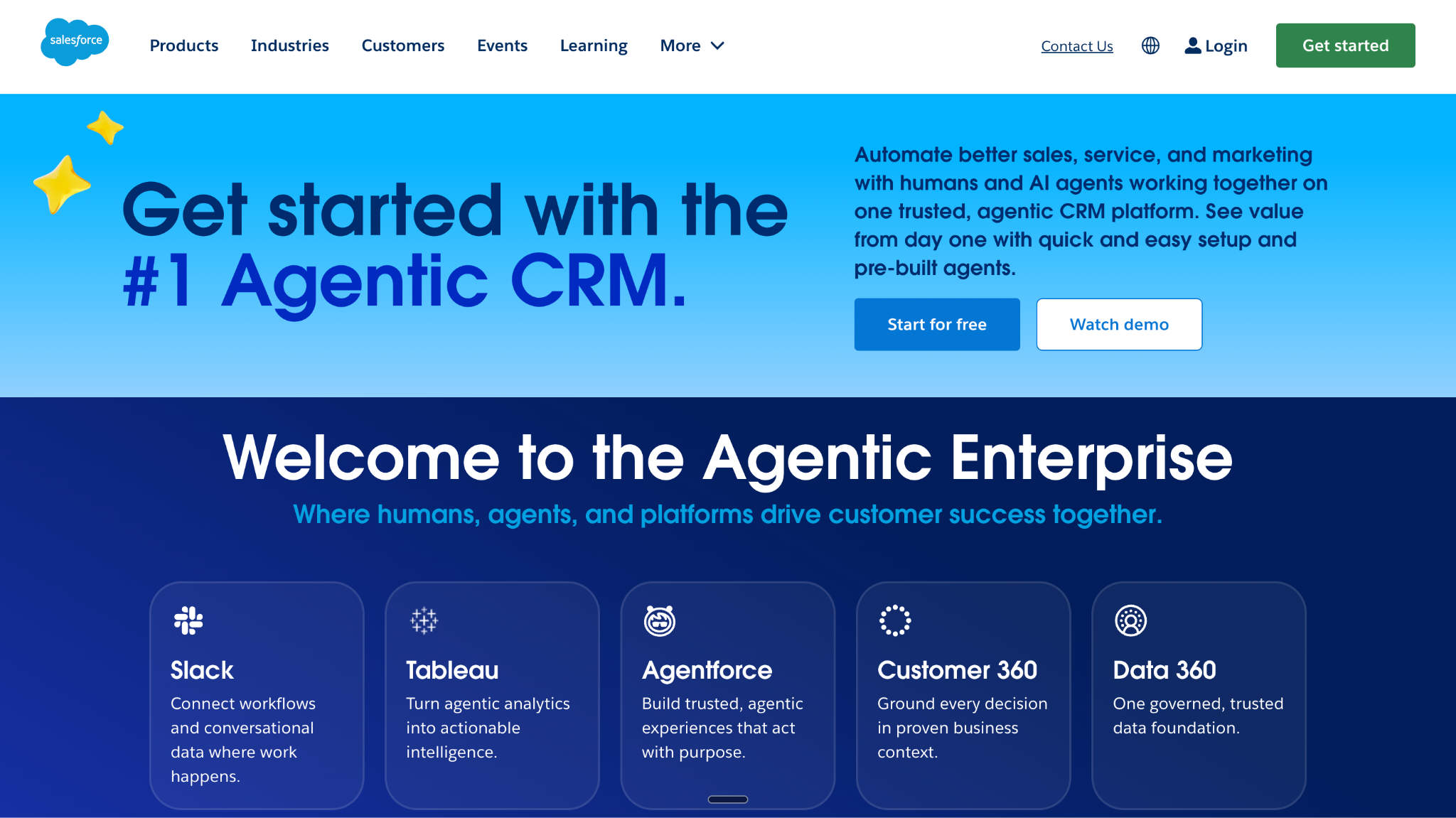
5. Salesforce
Best for: Native CRM routing
Salesforce provides native lead assignment and routing capabilities within its CRM ecosystem. Organizations can use Salesforce data, assignment rules, Flows, and territory capabilities to determine how leads and other records should be distributed across sales teams.
The main advantage is that routing can operate directly within the CRM where account, contact, ownership, territory, and sales activity data already live. This can reduce the need for an additional routing platform when an organization's requirements can be handled through Salesforce's native automation.
However, complex routing requirements may require significant configuration and ongoing administration.
Best fit: Organizations that want to manage lead routing directly within their existing Salesforce environment.
6. ZoomInfo
Best for: Data-enriched and intent-driven routing
ZoomInfo combines B2B data, enrichment, buyer intent, and go-to-market workflows that can support lead and account routing. Its data can provide additional context about companies, contacts, accounts, and buying activity before a sales team determines how to engage them.
For enterprise teams, this can make routing more data-driven by incorporating enrichment and intent signals into broader GTM workflows. Rather than relying only on information submitted through a form, teams can use account and buyer data to prioritize and direct inbound opportunities.
ZoomInfo is especially relevant for organizations already using its data and GTM capabilities across their sales and marketing operations.
Best fit: Enterprise GTM teams that want enrichment and buyer intent data to inform routing and sales workflows.
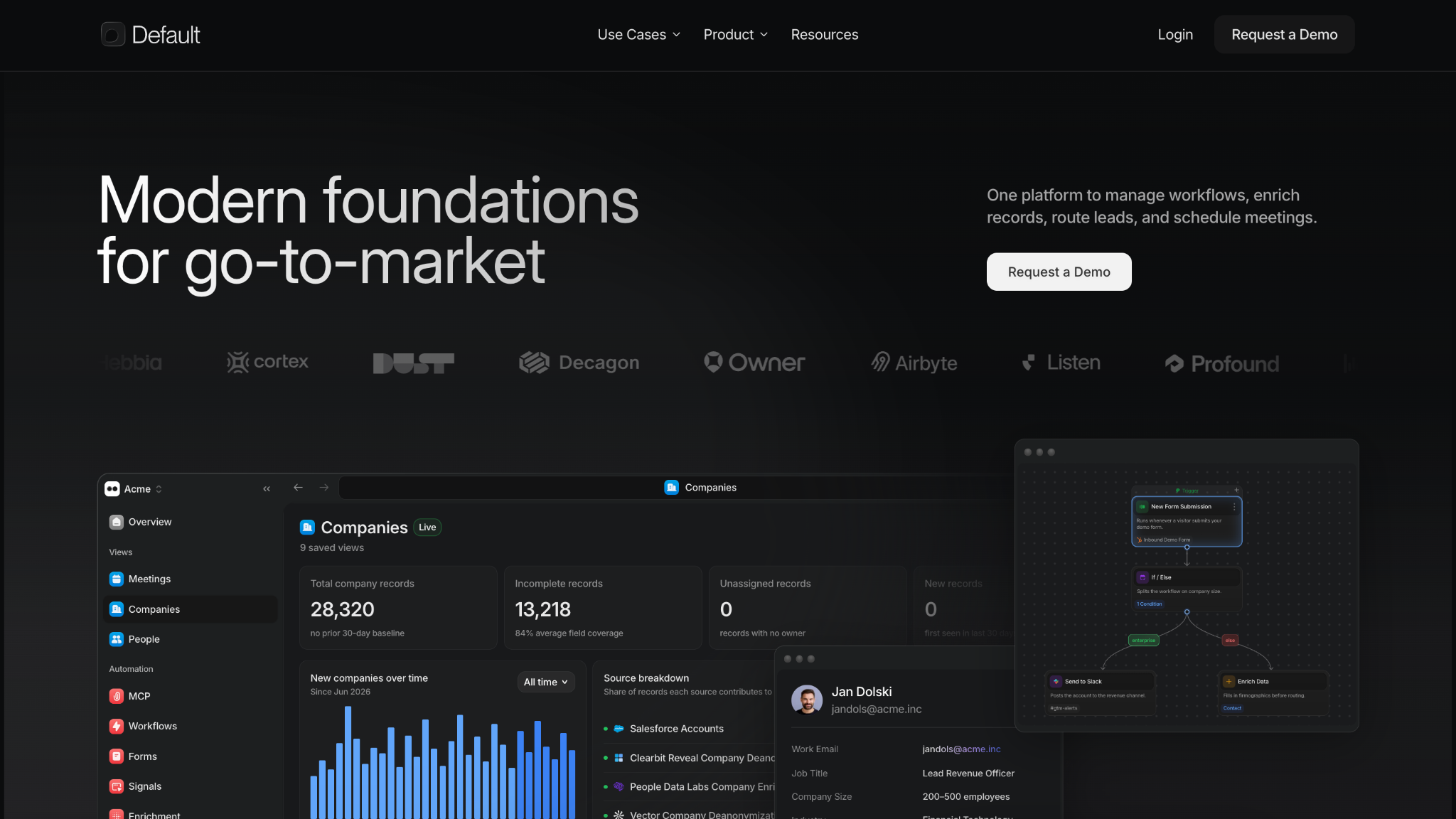
7. Default
Best for: Speed-to-lead and automated follow-up
Default focuses on automating inbound lead workflows around speed-to-lead, qualification, routing, and follow-up. It can help revenue teams respond to inbound demand quickly while applying routing logic to determine where qualified leads should go.
Its positioning is particularly relevant for RevOps teams that want to automate the operational steps between an inbound conversion and sales follow-up. SLA-oriented workflows and automated actions can help reduce delays and ensure leads do not remain unattended.
Default is a good option for organizations where fast response and automated inbound workflows are more important than highly specialized account-routing requirements.
Best fit: RevOps teams focused on speed-to-lead, SLA management, automated follow-up, and inbound routing.
Traditional enterprise routing platforms generally begin with a lead record. Knock AI can begin with the buyer relationship itself.
Traditional routing
Knock AI
Lead record first
Buyer interaction first
CRM fields
CRM + identity + intent + conversation
Assign a lead
Determine next action
Human rep
AI or human
Form-centric
Multi-channel
Static qualification
Conversational qualification
Account data
Account + relationship context
Route after capture
Route as intent emerges
Meeting often separate
Meeting can be part of workflow
Traditional routing typically evaluates a lead after it enters the CRM, using fields such as territory, account ownership, company size, or lead status to determine the appropriate rep.
Knock AI connects routing with the broader buyer journey. It can identify and enrich a buyer, evaluate intent and qualification signals, apply routing rules, and determine whether the next step should involve an AI Agent, human rep, CRM owner, or meeting.
This also means qualification does not have to happen entirely before routing. An AI Agent can engage the buyer, gather qualification information, and hand the conversation to a human when appropriate. Qualified buyers can move directly into scheduling.
When Knock AI Makes More Sense
Knock AI is not simply a replacement for every enterprise routing platform. Salesforce-centric organizations with highly complex CRM routing may prefer a dedicated platform such as LeanData. Teams primarily focused on inbound routing and instant meetings may prefer Chili Piper.
Knock is particularly compelling when routing needs to connect with identity, enrichment, intent, AI qualification, conversation, scheduling, and human handoff.
The shift is simple:
Traditional routing: Who gets the lead?
Knock AI: What should happen to this buyer next?
Knock AI vs. LeanData
LeanData and Knock AI can both support enterprise lead routing, but they are built around different priorities.
Choose LeanData when:
Salesforce is the center of operations
Complex CRM routing is the primary requirement
Lead-to-account matching is paramount
Salesforce governance and structured workflows are central
LeanData is a strong fit for enterprise RevOps teams that need sophisticated Salesforce-native routing, account matching, territory logic, and ownership rules.
Choose Knock AI when:
Buyer intent is important to routing decisions
AI qualification is part of the workflow
Conversations happen before or without traditional forms
You need routing plus buyer engagement
AI Agents and human reps work within the same workflow
Scheduling is part of the conversion process
Routing requires real-time enrichment and relationship context
Knock AI can connect identification, enrichment, intent, qualification, routing, conversation, scheduling, and CRM context in one workflow. This makes it particularly useful when the routing decision needs to consider more than the fields available on a lead record.
In short: LeanData is well suited to Salesforce-centric organizations where complex CRM routing and lead-to-account matching are the priority. Knock AI is better suited to teams that want to combine enterprise lead routing with real-time buyer context, AI qualification, engagement, and conversion workflows.
Knock AI vs. Chili Piper
Chili Piper and Knock AI both support inbound routing, but their workflows emphasize different parts of the buyer journey.
Chili Piper is strongly focused on inbound conversion, routing, qualification, and getting qualified buyers onto the right sales calendar quickly. It is a natural fit for organizations where speed-to-lead and meeting booking are the primary objectives.
Knock AI connects routing with a broader set of buyer signals and engagement workflows. It can combine identity, enrichment, intent, qualification, conversation, routing, scheduling, and CRM context to determine what should happen next.
Chili Piper
Knock AI
Routing + meeting conversion
Routing + buyer engagement
Inbound-focused
Multi-channel buyer interactions
Qualification workflows
AI conversational qualification
Calendar availability
Scheduling within the broader workflow
Rep routing
AI or human routing
Neither platform is universally better. Chili Piper makes sense when immediate inbound routing and meeting conversion are the core requirements. Knock is a stronger fit when routing needs to incorporate real-time buyer context, AI engagement, intent, and human handoff alongside scheduling.
When Should an Enterprise Use AI-Powered Lead Routing?
AI-powered lead routing is most useful when traditional CRM rules are not enough to determine the best next step for a buyer. It can evaluate real-time context alongside predefined routing rules, helping enterprise teams respond faster while reducing manual qualification and assignment work.
Consider AI-powered routing when you have:
High inbound volume: Automatically evaluate and route large numbers of inbound buyers.
Multiple buyer types: Send prospects, customers, partners, or support requests down different paths.
Complex account ownership: Combine account ownership with enrichment, intent, and CRM data.
Account-based marketing: Route target-account engagement to the appropriate account team.
Multiple sales teams: Apply different routing logic across regions, segments, products, or teams.
AI qualification: Let an AI Agent qualify buyers before involving a sales representative.
24/7 inbound: Provide an immediate response even when sales representatives are unavailable.
Multi-channel demand: Route buyers arriving through campaigns, social channels, events, ads, or other touchpoints.
Speed-to-lead requirements: Reduce the time between buyer interest and meaningful engagement.
AI-powered routing is especially useful when the routing decision requires more than static CRM fields.
For enterprise teams, this can shift routing from a simple assignment task into a dynamic workflow. Instead of waiting for a complete lead record, the system can use buyer identity, intent, qualification, account context, and engagement signals to determine whether the next step should involve an AI Agent, human rep, meeting, or another workflow.
How to Choose the Best Enterprise Lead Routing Software
The right enterprise lead routing software depends on where your routing complexity lives and what signals you need to make routing decisions. Start with the primary workflow rather than choosing a platform based on feature count alone.
If your priority is...
Consider...
Salesforce-native routing
LeanData / Salesforce
Lead-to-account matching
LeanData / LeadAngel
Instant meeting booking
Chili Piper
Data + intent
ZoomInfo
Speed-to-lead
Chili Piper / Default / Knock AI
AI qualification + routing
Knock AI
Conversational routing
Knock AI
Routing + identity + intent + engagement
Knock AI
Data orchestration
Openprise
For Salesforce-centric organizations, native Salesforce capabilities or LeanData may be the strongest fit, particularly when complex lead-to-account matching and CRM routing are priorities. LeadAngel is another option when account matching and distribution are central requirements.
If the primary objective is instant inbound meeting conversion, Chili Piper is worth considering. Teams focused on enrichment and intent data may prefer ZoomInfo, while Default is relevant for speed-to-lead and automated follow-up workflows.
Knock AI is particularly suited to teams that want routing connected to the broader buyer journey. Its combination of identity, enrichment, intent, AI qualification, conversational engagement, scheduling, CRM context, and human or AI assignment makes it a strong fit when routing requires more than static lead fields.
The key question is not simply “Which platform has the most routing features?” It is “What information should influence the routing decision, and what should happen immediately afterward?”
Enterprise Lead Routing FAQs
What is enterprise lead routing software?
Enterprise lead routing software automatically determines where an inbound lead or buyer should go based on factors such as account ownership, territory, company size, ICP fit, intent, qualification, availability, and CRM data. It can route buyers to sales representatives, teams, AI agents, meetings, or other sales workflows.
What is the best enterprise lead routing software?
The best enterprise lead routing software depends on the organization's routing requirements. LeanData is well suited to complex Salesforce-native routing, Chili Piper to inbound routing and meeting booking, LeadAngel to lead-to-account matching, ZoomInfo to data and intent-driven workflows, and Knock AI to AI-powered routing connected with enrichment, qualification, engagement, and scheduling.
What is the difference between lead routing and lead assignment?
Lead assignment determines which representative receives a lead. Lead routing is broader and determines where the buyer should go based on multiple rules and signals. Modern routing can account for territory, account ownership, intent, qualification, availability, and whether the next destination should be a human rep, AI agent, meeting, or workflow.
How does enterprise lead routing work?
Enterprise lead routing evaluates buyer, account, and CRM data against predefined routing rules. The system can match a lead to an account, evaluate territory, ownership, intent, qualification, and availability, then assign the buyer to the appropriate representative, team, AI agent, or workflow.
What is lead-to-account matching?
Lead-to-account matching identifies which existing company or account an inbound person belongs to. Matching can use contact, company, domain, CRM, and account information. This helps enterprises preserve account ownership, prevent duplicate outreach, and route new leads to the appropriate sales team.
What is intent-based lead routing?
Intent-based lead routing uses buyer behavior and intent signals to determine how an inbound buyer should be prioritized or routed. High-intent buyers can receive faster engagement or be directed to a specific sales representative, team, AI agent, or meeting workflow.
What is AI-powered lead routing?
AI-powered lead routing combines traditional routing rules with real-time buyer context, enrichment, intent, qualification, and conversational signals. It can determine whether a buyer should be handled by an AI agent, human representative, meeting workflow, or another sales process instead of relying only on static CRM fields.
What is round-robin lead routing?
Round-robin lead routing distributes eligible leads across a defined group of sales representatives. Each new lead is assigned to the next eligible rep in the rotation. Enterprises can combine round-robin with territory, qualification, account ownership, and other routing rules.
What is territory-based lead routing?
Territory-based lead routing assigns leads according to geographic or organizational territories. Rules can use countries, regions, markets, states, or defined sales territories. Enterprise teams can also combine territory rules with account ownership, company size, industry, or qualification criteria.
Can lead routing happen before a form submission?
Yes. Lead routing can happen before a traditional form submission when a platform can identify and enrich the buyer through another interaction or channel. This allows routing decisions to incorporate buyer identity, intent, engagement, and account context before a conventional lead record is created.
What is the best lead routing software for Salesforce?
For complex Salesforce-native routing, LeanData is a strong option because it focuses on lead-to-account matching and sophisticated routing within Salesforce. Salesforce itself can handle native assignment and automation. Knock AI is another option when teams want Salesforce context combined with real-time enrichment, intent, AI qualification, conversations, and routing.
What is the best lead routing software for HubSpot?
The best option depends on the routing workflow and level of complexity. HubSpot can handle native routing and automation, while dedicated platforms can support more specialized requirements. Knock AI is particularly relevant when HubSpot data needs to be combined with real-time enrichment, intent, AI qualification, conversational engagement, and routing.
Is Knock AI an enterprise lead routing platform?
Yes. Knock AI provides enterprise lead routing based on ICP, geography, account lists, company size, campaign, intent, CRM status, ownership and other signals. It can use primary, round-robin and fallback routing to direct buyers to human representatives or AI agents, while connecting routing with enrichment, qualification, conversations and scheduling.
What makes Knock AI different from traditional lead routing software?
Traditional routing typically starts with a lead record and uses CRM fields to assign a representative. Knock AI connects routing with identity, enrichment, intent, qualification, conversation, scheduling, and CRM context. This allows teams to determine not only who should receive a buyer, but what should happen next.
Can Knock AI route high-intent buyers to the right sales representative?
Yes. Knock can use intent, company information, CRM data, attribution, qualification, and other signals in routing rules. High-intent buyers can be routed to a specific representative, round-robin group, CRM owner, or AI Agent, depending on the configured workflow and routing requirements.


.svg)


.svg)
.svg)
.svg)


.svg)
.svg)


.svg)