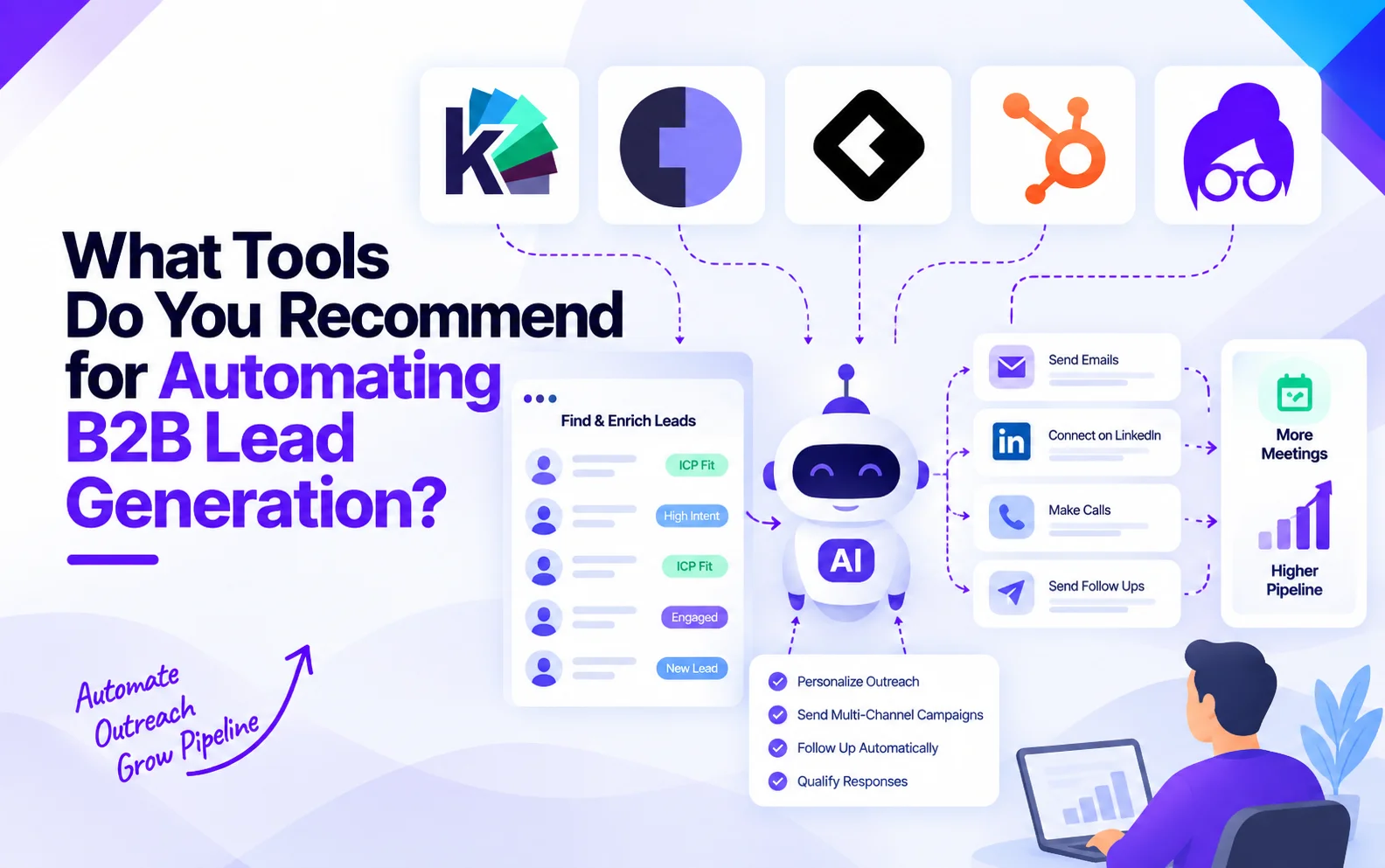
What Tools Do You Recommend for Automating B2B Lead Generation?
TL;DR
B2B lead generation automation is no longer just about automating cold outreach. The right tools can help you find prospects, enrich data, detect buying signals, qualify leads, engage buyers, and move opportunities into your sales workflow.
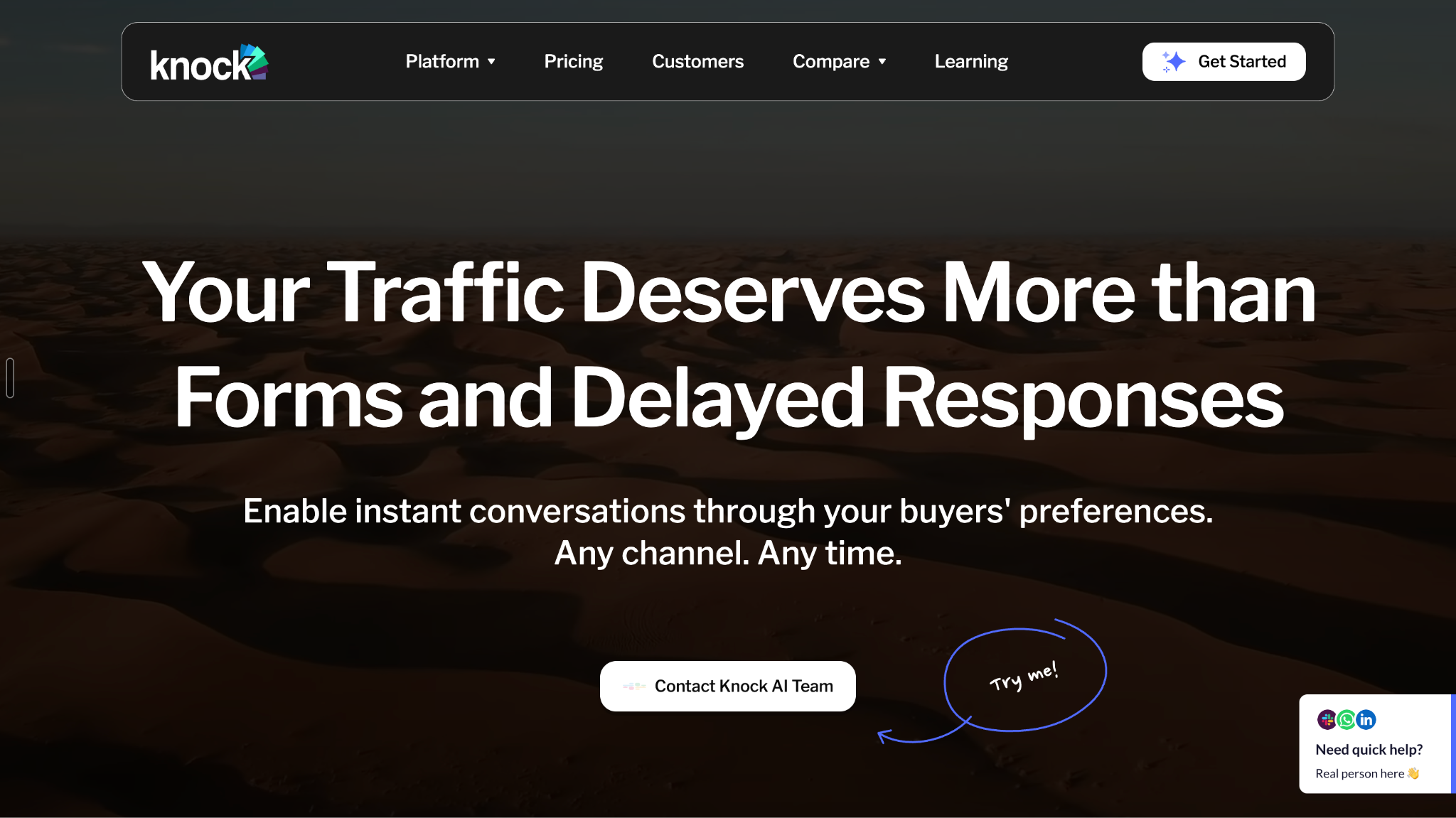
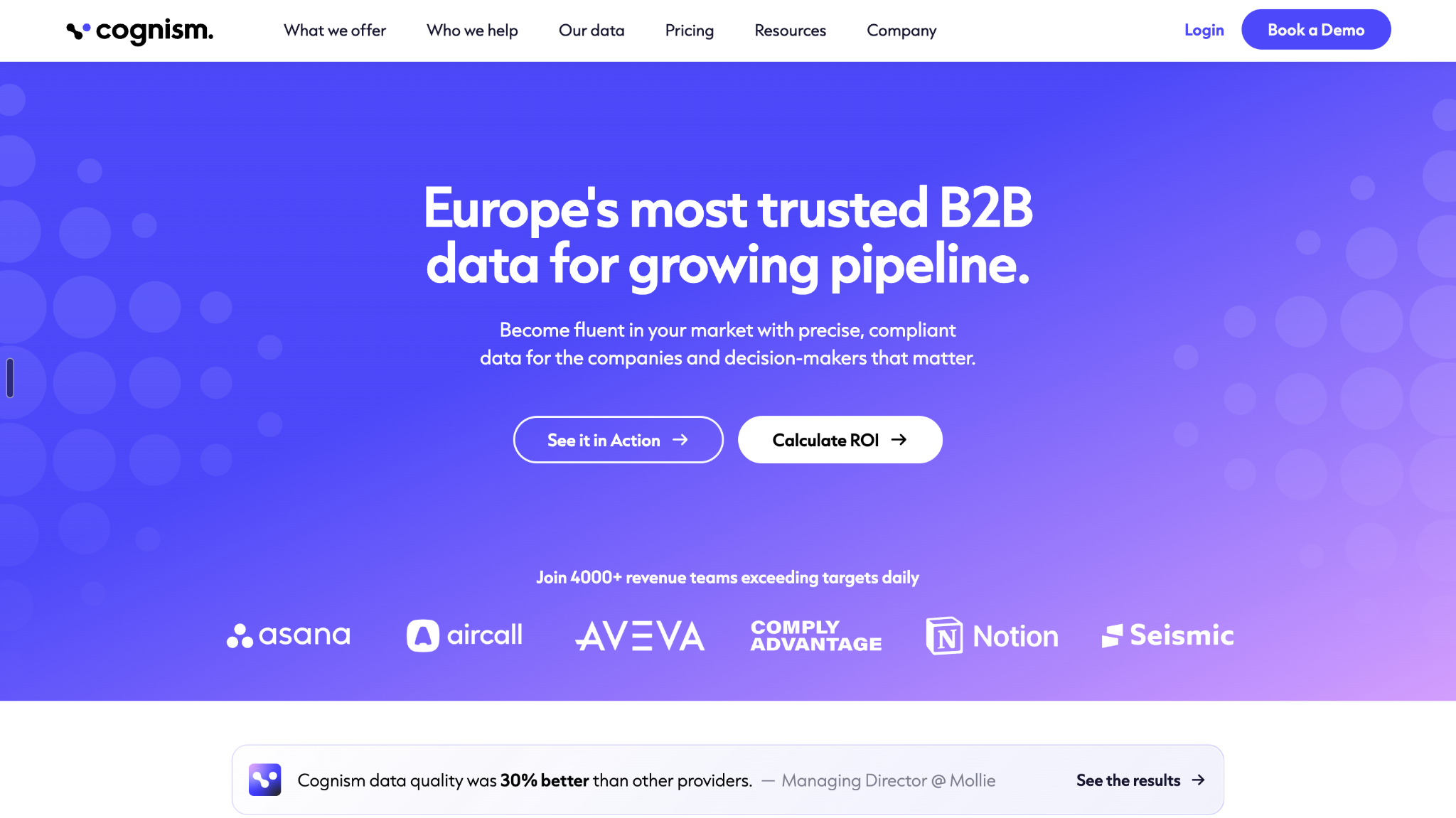
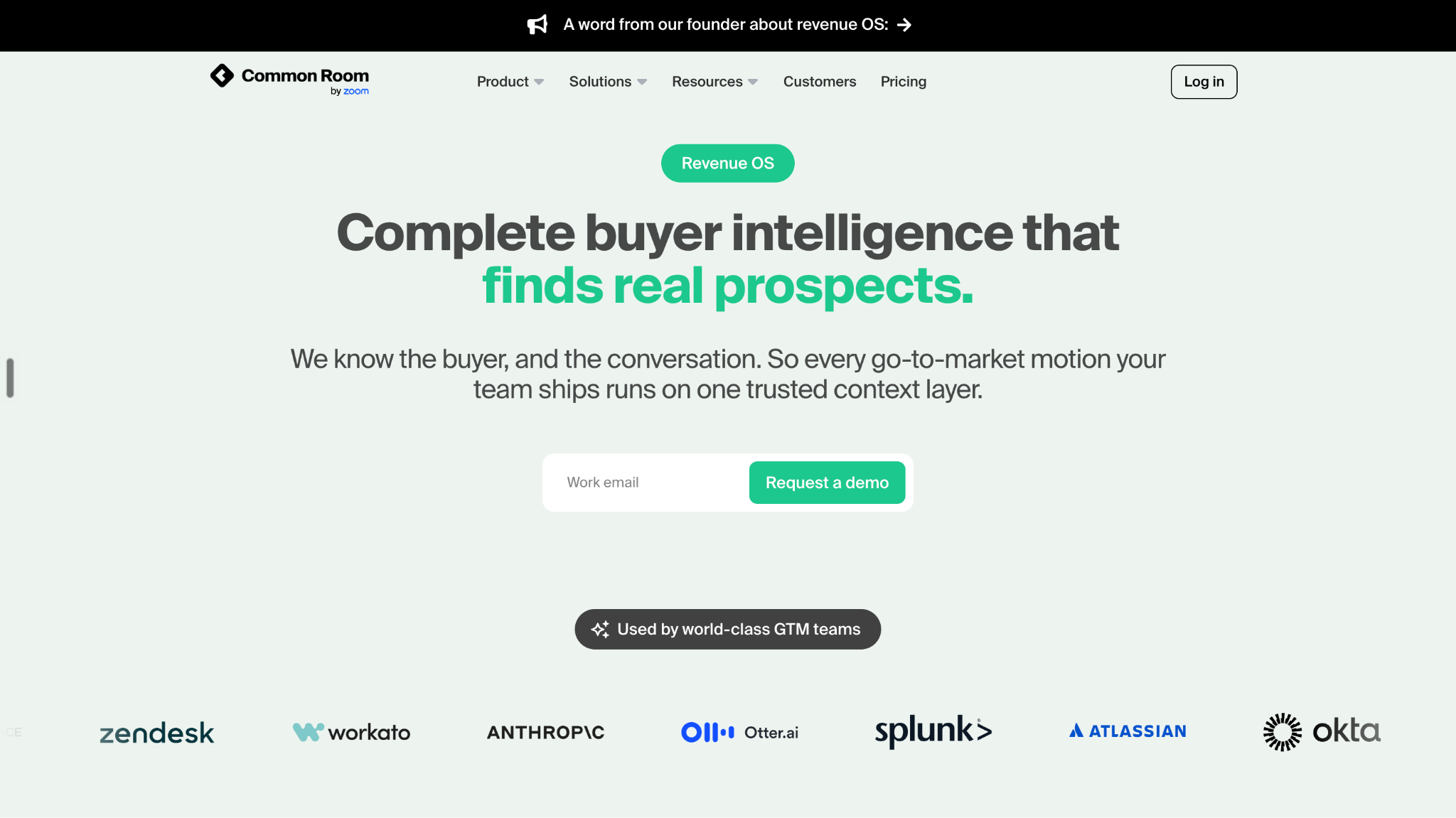
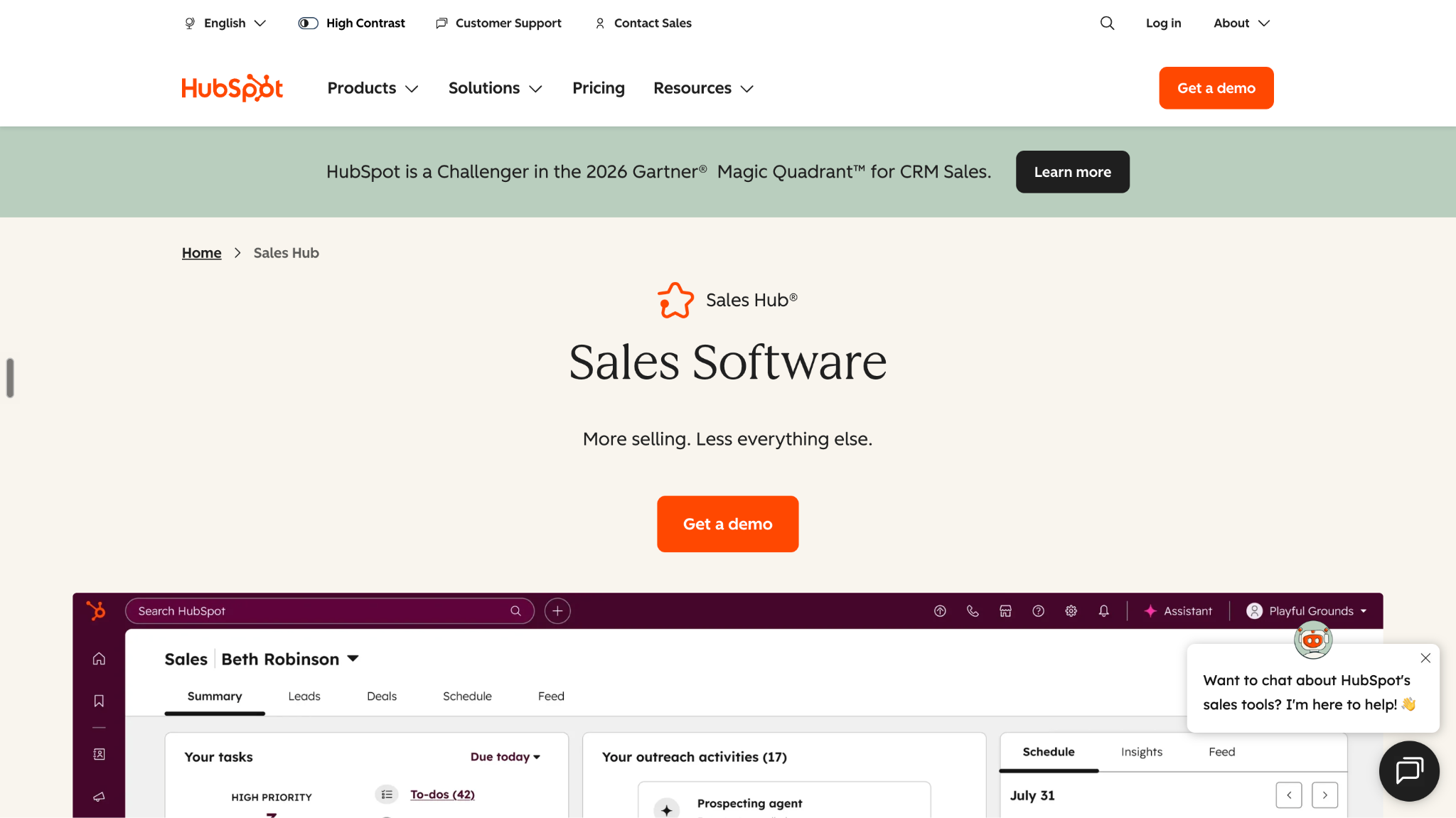
For this guide, we compare Knock AI, Cognism, Common Room, HubSpot Sales Hub, and Lusha, with each serving a different part of the lead-generation process.
Cognism: Helps sales teams discover and enrich B2B contacts and companies with prospect data.
Common Room: Captures and activates buyer signals across digital channels to help GTM teams identify accounts showing interest.
HubSpot Sales Hub: Automates CRM workflows, lead management, follow-ups, sales activities, and pipeline management.
Lusha: Helps teams discover B2B contacts and company information for prospecting and enrichment.
The shift toward automation is significant. HubSpot's 2025 State of Sales research found that 92% of sales professionals use AI in some capacity, while 84% say AI saves time and optimizes processes and 83% say it helps personalize prospect interactions. (Source)
At the same time, B2B buyers are doing more of the buying process independently. 6sense's 2025 research found that buyers typically complete about 61% of their buying journey before first contacting a seller, while 94% of buying groups say they establish their vendor shortlist before engaging with sellers. (Source)
That makes automation useful for more than simply sending emails. The bigger opportunity is identifying meaningful buyer activity early, reducing manual qualification and follow-up, and getting the right opportunities to sales faster.
The goal isn't to automate every part of lead generation. It's to automate repetitive work while improving lead quality, qualification, and speed-to-action.
What Should You Consider When Looking for a Tool for Automating B2B Lead Generation?
Not every lead-generation platform automates the same part of the process. Before comparing tools, look at the specific jobs you need to automate.
1. Prospect and Company Data
A useful platform should help you find the right companies and decision-makers, rather than simply giving you access to a large database.
2. Data Enrichment
Check whether the tool can automatically add or update useful information about contacts and companies. Better data means less manual research and more usable prospect records.
3. Buying Signals and Intent
Not every prospect deserves the same attention. Look for tools that can surface meaningful buying signals, account activity, or intent so your team can prioritize prospects based on more than basic firmographic fit.
4. Lead Qualification
Automation should help answer a simple question: which prospects are actually worth sales attention? Look at whether the platform supports scoring, qualification criteria, AI analysis, or behavioral signals.
5. Outreach and Engagement Automation
Consider which parts of prospect communication the platform can automate, including follow-ups, sequences, conversations, meeting booking, or other engagement workflows.
6. Workflow and CRM Integration
Lead generation doesn't happen in isolation. Check how easily prospect data, signals, qualification results, and conversations can move into your CRM and existing sales workflows.
7. Routing and Sales Handoff
Once a prospect becomes sales-ready, the next step should happen without unnecessary manual work. Look for automation that can route qualified leads to the appropriate salesperson, team, or workflow.
A large database isn't useful if the information is inaccurate or outdated. Consider data coverage, freshness, accuracy, and how easily your team can validate or maintain prospect records.
9. Pricing and Scalability
Finally, look beyond the starting price. Consider how costs change with users, contacts, data usage, automation volume, features, or company size. The right pricing model should remain practical as your lead-generation operation grows.
The key is to evaluate these capabilities based on where your current lead-generation process is breaking. A company struggling to find prospects has a different requirement from one that already has plenty of leads but needs better qualification or sales follow-up.
Comparison Table: Tools for Automating B2B Lead Generation
Tool
Primary Role
Prospecting
Data Enrichment
Intent / Signals
Qualification
Engagement
CRM / Workflow Automation
Best For
Pricing
Knock AI
Buyer identification, intent, qualification, engagement, and routing
Identifies relevant buyers/accounts from first-party and GTM signals
Company, contact, firmographic, CRM, and intent enrichment
Website behavior, first-party intent, engagement, repeat activity, and buyer context
AI-assisted qualification using buyer, company, CRM, and intent data
AI-powered chat, conversations, meeting booking, and buyer engagement
Routes qualified buyers and triggers CRM, Slack, and other GTM workflows
B2B teams that want to turn buyer signals into qualified sales conversations
From $2,000/mo for Pipeline Foundation; higher tiers from $3,500/mo; Enterprise custom
Cognism
B2B sales intelligence and verified prospect data
Advanced company/contact search and filtering
Contact, company, CRM, and account enrichment
Bombora intent data available with Pro/Elevate capabilities
Supports prioritization through account intelligence and intent
Primarily supports prospecting and downstream sales engagement integrations
CRM and sales-engagement integrations including Salesforce, HubSpot, Outreach, Salesloft, and others
Teams that need high-quality B2B contact data and prospect intelligence, particularly for European markets
Custom pricing; Standard and Pro packages, with five seats and credit allowances; Pro adds advanced verification, API, company hierarchies, and intent
Common Room
Buyer signals, GTM intelligence, and signal-based workflows
Prospector for finding relevant buyers/accounts
Contact and account enrichment through connected signals and data sources
Social, product, website, CRM, business, community, and custom signals
Account/contact scoring and signal-based prioritization
Automated workflows, alerts, and signal-triggered actions
Custom workflows, CRM/sales-engagement integrations, Slack, webhooks, and automated actions
Signal-driven GTM teams that want to detect and activate buyer intent across multiple channels
From $2,500/mo, billed annually; Advanced and Enterprise custom
HubSpot Sales Hub
CRM, sales automation, lead management, and pipeline
Prospecting and lead-management capabilities, particularly on Professional+
CRM records and connected business data/integrations
Prospect engagement, website activity, and workflow triggers
Lead scoring and automated qualification workflows on higher tiers
Email sequences, follow-ups, AI-assisted prospecting, chat, and meeting scheduling
Strong workflow automation, lead rotation, task creation, deal management, and pipeline automation
Teams that want to manage and automate the sales process inside a CRM
Free; Starter from $15/seat/mo; Professional from $100/seat/mo; Enterprise from $150/seat/mo
Lusha
B2B prospecting, contact data, enrichment, and buying signals
Automating B2B lead generation can mean very different things depending on where your process is breaking. Some platforms help you find and enrich prospects, others detect buyer signals, while others automate qualification, engagement, CRM workflows, or sales handoffs.
The five tools below cover those different layers rather than trying to do the exact same job.
1. Knock AI
Knock AI is a B2B revenue platform focused on turning buyer activity into actionable sales opportunities. Instead of relying entirely on forms or waiting for a prospect to identify themselves, it can identify and enrich buyers from website and marketing activity, connect that activity with company, role, intent, and CRM context, and use those signals to determine what should happen next.
Once a buyer matches the relevant qualification and routing criteria, Knock AI can engage them through its AI agent, answer questions, book meetings, and route the opportunity to the appropriate rep or workflow. It also supports Slack and CRM synchronization so sales teams can act on the activity without manually moving information between systems.
Key Features
Buyer and account identification: Identifies buyers from website and marketing activity and enriches their records with company, role, intent, and CRM information.
First-party intent signals: Tracks activity across websites, links, and marketing touchpoints to understand buyer interest.
AI-powered qualification: Combines buyer, company, CRM, and intent information to determine whether an interaction meets qualification criteria.
AI engagement: AI agents can answer questions, engage buyers, and continue conversations around the clock.
Meeting booking: Qualified buyers can book meetings directly, including through AI-assisted qualification flows.
Lead routing: Routes qualified buyers to the appropriate sales rep or workflow.
CRM and Slack integrations: Buyer activity, enrichment, and conversations can sync into CRM and Slack workflows.
Best Fit
Knock AI is particularly relevant for B2B companies that already have demand but struggle to identify which buyers are worth sales attention.
It can be useful when a company has website traffic, marketing campaigns, events, or other buyer touchpoints but doesn't want the sales team to manually investigate every interaction.
For example, a relevant account repeatedly interacts with high-value website content. Knock AI can connect that activity with account context, determine whether the activity meets the team's qualification rules, engage the buyer, and route the resulting opportunity to the appropriate salesperson.
Pros
Combines identification, intent, qualification, engagement, and routing in one workflow.
Focuses on activating existing buyer demand rather than only creating prospect lists.
Supports real-time buyer engagement.
Connects with Slack and CRM workflows.
Can automate meeting booking after qualification.
Cons
More specialized than a general-purpose prospect database.
Pricing is positioned toward established B2B revenue teams rather than basic prospecting.
Not the natural choice if your primary requirement is simply finding large volumes of contact data.
Pricing
Knock AI pricing starts at $2,000/month for Pipeline Foundation. The pricing page also lists higher-level capabilities and a Pipeline Acceleration tier starting at $3,500/month, with enterprise pricing available separately. Knock uses a try-and-buy model rather than a conventional self-serve free trial.
When to Choose Knock AI
Choose Knock AI when you need to:
Identify relevant buyers from existing demand.
Detect meaningful first-party intent.
Automate qualification.
Engage high-intent buyers immediately.
Book meetings automatically after qualification.
Route opportunities to the right salesperson.
Connect buyer activity with CRM and sales workflows.
When Not to Choose Knock AI
It may not be the right starting point if your primary problem is building a prospect database, finding contact information, or simply managing CRM records. Those requirements are more directly addressed by platforms such as Cognism, Lusha, or HubSpot.
2. Cognism
Cognism is a B2B sales intelligence and data platform designed to help revenue teams find companies and decision-makers and move accurate prospect data into their existing sales workflows.
Its core strength is the data layer: company and contact information, phone-verified mobile numbers, technographic data, and account intelligence. Cognism says its decision-maker data is refreshed on a 30-day cycle, and it emphasizes GDPR-first data sourcing and compliance.
Cognism also offers intent data through Bombora's Company Surge, allowing teams to identify companies researching topics relevant to their offerings.
Integrations with Salesforce, HubSpot, Pipedrive, and sales-engagement tools
Compliance-focused data practices
Best Fit
Cognism is a strong fit for sales and RevOps teams that need reliable B2B data to build prospect lists, enrich existing records, and feed their sales workflows.
Its European data and compliance positioning can be particularly relevant for teams selling across Europe.
A sales team can define its target market, identify matching companies and decision-makers, enrich records with relevant information, and push those records into its CRM or sales-engagement system. Cognism supports direct integrations with platforms such as Salesforce and HubSpot.
Pros
Strong B2B contact and company data.
Phone-verified contact data.
Strong European market positioning.
Intent data available through Bombora.
CRM and sales-engagement integrations.
Compliance-focused approach.
Cons
Primarily a data and sales-intelligence platform rather than a complete lead-engagement system.
Pricing is sales-led rather than a simple public self-serve subscription.
Teams still need downstream systems for outreach, qualification, and sales execution.
Pricing
Cognism uses custom pricing based on factors such as team size, data requirements, and how the platform is used. The company states that packages can support prospecting, CRM enrichment, or data delivery through API.
When to Choose Cognism
Choose Cognism when you need:
High-quality B2B contact and company data.
Phone-verified decision-maker information.
Prospecting and account discovery.
CRM enrichment.
Technographic or intent data.
Strong compliance and European data coverage.
When Not to Choose Cognism
It may not be the best starting point if your main problem is automating website engagement, AI qualification, or real-time sales routing rather than finding and enriching prospect data.
3. Common Room
Common Room is a signal-based GTM platform that brings together buyer signals from sources such as social, community, product, CRM, website, and other digital interactions.
Instead of relying on a static prospect list, it helps teams understand what contacts and accounts are doing, identify changes in buying activity, and trigger workflows based on those signals. Common Room currently supports signals across 50+ channels and provides workflows that can use triggers, conditions, and actions.
That makes its role different from a traditional contact database: the focus is on turning scattered buyer activity into actionable GTM signals.
Key Features
Multi-channel signal collection
Buyer and account intelligence
Website activity
Social and community signals
Product signals
CRM signals
Account and contact scoring
Signal trends
Automated workflows
Alerts and notifications
Prospector
CRM and sales-engagement integrations
Best Fit
Common Room is best suited to GTM teams that want to build signal-driven workflows around buyer activity across multiple channels.
It can be particularly useful when important buying signals are distributed across product usage, communities, social activity, website behavior, and CRM data.
Use Case
A typical workflow could look like:
Buyer signal → Account/contact identification → Signal scoring → Workflow trigger → Sales action
For example, a spike in relevant buyer activity can be turned into a segment, alert, or automated workflow so the sales team can prioritize the account while the signal is still recent. Common Room's signal-trend functionality can help teams identify changes in activity and use those trends for segmentation and automated alerts.
Pros
Brings signals from multiple GTM channels together.
Strong workflow automation.
Supports account and contact scoring.
Connects with CRM, sales-engagement, Slack, and other systems.
Useful for signal-driven outbound and GTM motions.
Cons
Broader signal infrastructure can require more setup than a simple prospecting database.
Its value depends on having useful signals available across your GTM environment.
It is not primarily a traditional CRM or standalone contact database.
Pricing
Common Room's public pricing currently starts at $2,500/month when billed annually for its Essential plan. Advanced and Enterprise plans use custom pricing. The Essential plan includes up to 100,000 contacts, 5,000 RoomieAI research credits, 2,500 Prospector credits, and unlimited alerts, workflows, and segments.
When to Choose Common Room
Choose Common Room when you need to:
Aggregate buyer signals from multiple channels.
Identify accounts based on changes in activity.
Build automated, signal-triggered workflows.
Prioritize prospects using account or contact signals.
Connect digital activity with CRM and sales workflows.
When Not to Choose Common Room
It may not be the right choice if your primary requirement is simply access to a large B2B contact database or a conventional CRM.
4. HubSpot Sales Hub
HubSpot Sales Hub is the CRM and sales-execution layer of this group. Rather than focusing primarily on discovering new contact data, it helps teams organize leads, automate sales activities, manage follow-ups, score leads, and move opportunities through the pipeline.
Its automation capabilities include workflows, sequences, lead scoring, deal pipelines, and other sales processes, with capabilities varying by subscription tier.
HubSpot Sales Hub is a good fit for teams that want lead generation and sales activity to flow through a central CRM rather than operating across disconnected systems.
For example, a new lead can enter the CRM, trigger a workflow or sequence, receive appropriate follow-up, and progress through defined deal stages. Higher-tier plans add more advanced workflow and lead-scoring capabilities.
Pros
Combines CRM and sales automation.
Strong workflow capabilities.
Lead scoring available on Professional and Enterprise tiers.
Sequences support automated follow-up.
Strong pipeline and deal management.
Large integration ecosystem.
Cons
The breadth of the platform can make setup more involved.
Advanced automation is concentrated in higher tiers.
It is primarily a CRM and sales-execution platform rather than a dedicated buyer-intent identification system.
Pricing
HubSpot currently offers a free option, with Sales Hub Starter listed at $7/seat/month, Professional at $90/seat/month, and Enterprise at $150/seat/month on its public pricing page. Features and usage limits vary substantially by tier.
When to Choose HubSpot Sales Hub
Choose HubSpot when you need to:
Centralize leads and contacts.
Automate sales follow-up.
Manage sales pipelines.
Build lead-scoring workflows.
Automate repetitive sales tasks.
Connect lead activity with CRM and reporting.
When Not to Choose HubSpot Sales Hub
It may not be the best standalone solution when your main problem is discovering new prospects, identifying anonymous website buyers, or detecting sophisticated buying signals before a lead enters your CRM.
5. Lusha
Lusha is a B2B data and AI prospecting platform focused on helping GTM teams find contacts and companies, enrich records, identify buying signals, and prioritize prospects.
Its current platform combines a large contact and company database with intelligence capabilities. Lusha states that its database contains 290M+ contacts and 29M+ companies, along with 26 buying signals refreshed weekly.
Key Features
Contact discovery
Company intelligence
Contact enrichment
Prospecting
ICP-based targeting
Lookalike prospecting
Buying signals
Lead scoring
CRM enrichment
Browser extension
API and workflow integrations
Email and phone data
Lusha's current buying signals include events such as funding, hiring changes, leadership changes, website traffic changes, and other business events.
Best Fit
Lusha is well suited to sales and RevOps teams that need accessible B2B contact data combined with prospecting, enrichment, and buying-signal capabilities.
Use Case
A typical workflow is:
Target account → Find decision-makers → Enrich records → Identify relevant signals → Push into sales workflow
A salesperson could identify a target company, find relevant contacts, reveal available contact information, and save those records into a CRM or downstream sales workflow. Lusha's extension also works across LinkedIn, Sales Navigator, and company websites.
Pros
Large B2B contact and company database.
Contact and company enrichment.
Buying signals alongside prospect data.
Lookalike and ICP-based prospecting.
CRM and workflow integrations.
Free plan available.
Cons
Credit-based usage means costs depend on how much data you reveal.
Primarily focused on prospecting and data intelligence rather than end-to-end sales execution.
Teams may need additional tools for advanced engagement, qualification, and pipeline management.
Pricing
Lusha currently offers Free, Starter, Pro, Premium, and Scale plans. The Free plan includes 40 credits per month, while paid plans use credit-based pricing; Scale is custom. Lusha states that revealing a verified email costs one credit, a phone number costs five credits, and company information costs one credit.
When to Choose Lusha
Choose Lusha when you need:
B2B contact discovery.
Company intelligence.
Prospect enrichment.
Buying signals.
ICP and lookalike prospecting.
A lower-friction way to start with B2B data.
When Not to Choose Lusha
It may not be the best choice if your primary requirement is automating the complete journey from buyer identification through AI qualification, engagement, routing, and sales handoff rather than prospect data and enrichment.
How to Choose the Right Tool for Automating B2B Lead Generation
The easiest way to choose a B2B lead-generation automation tool is to start with the bottleneck, not the feature list.
If your main problem is...
Consider
Finding B2B companies and decision-makers
Cognism / Lusha
Improving prospect and contact data
Cognism / Lusha
Detecting meaningful buyer signals
Common Room / Knock AI
Identifying and acting on website buyer activity
Knock AI
Automating qualification and buyer engagement
Knock AI
Managing leads and sales workflows
HubSpot Sales Hub
Connecting lead generation with CRM and pipeline
HubSpot Sales Hub
Building a signal-driven GTM workflow
Common Room
Building a data-driven prospecting workflow
Cognism / Lusha
The right tool depends on where your current process breaks. If you can't find the right prospects, solve discovery. If your data is incomplete, solve enrichment. If you're missing buying signals, solve intent and identification. If leads aren't progressing, solve qualification, engagement, and sales workflow automation.
The important thing is not to add another platform simply because it has more features. Choose the tool that addresses the specific gap between your current lead-generation process and the pipeline you want to create.
Our Best Recommendation
For teams that want to automate the journey from buyer signal to sales action
Rather than focusing primarily on building a prospect database, Knock AI connects buyer activity with account and contact context, identifies meaningful intent, helps qualify the opportunity, engages the buyer, and routes the resulting sales opportunity into the appropriate workflow.
The distinction between the five platforms is important:
Cognism / Lusha: Primarily focused on B2B data, prospect discovery, and enrichment.
Common Room: Focused on collecting and activating buyer signals across GTM channels.
HubSpot Sales Hub: Focused on CRM, sales automation, lead management, and pipeline workflows.
Knock AI: Connects buyer identification and intent with qualification, engagement, and routing.
So if your biggest problem is finding contact data, a data platform may be the more direct solution. If your challenge is managing leads and sales workflows, a CRM may be sufficient. But if you already have buyer activity and need to turn meaningful signals into qualified sales action, Knock AI is designed around that specific workflow.
FAQs
What is B2B lead generation automation?
B2B lead generation automation uses software to reduce manual work across activities such as prospect discovery, data enrichment, buyer-signal detection, lead qualification, outreach, engagement, and sales routing.
The goal isn't necessarily to automate every interaction. It's to automate repetitive processes so sales teams can spend more time on qualified opportunities.
What are the best tools for automating B2B lead generation?
The right tool depends on the part of the process you want to automate. Cognism and Lusha focus heavily on prospect data and enrichment, Common Room focuses on buyer signals and GTM workflows, HubSpot Sales Hub handles CRM and sales automation, while Knock AI connects buyer identification, intent, qualification, engagement, and routing.
Can AI automate B2B lead generation?
Yes. AI can automate parts of prospect research, lead qualification, buyer engagement, prioritization, follow-up, and routing.
The important distinction is what the AI is actually automating. AI doesn't remove the need for a clear ICP, reliable data, qualification criteria, or a defined sales process.
What parts of B2B lead generation can be automated?
Common areas include:
Prospect and company research
Contact discovery
Data enrichment
Intent and signal detection
Lead scoring
Qualification
Email follow-up
Buyer conversations
Meeting scheduling
Lead routing
CRM updates
Sales workflow automation
How do you automate B2B prospecting?
A typical automated prospecting workflow starts with an ICP, identifies matching companies and decision-makers, enriches their records, applies qualification criteria, and moves suitable prospects into an outreach or sales workflow.
Tools such as Cognism and Lusha can support the data and prospect-discovery layer.
How do you automate lead qualification?
Lead qualification can combine firmographic fit, buyer behavior, intent signals, engagement, and predefined qualification criteria.
For example, a company might automatically prioritize an account when it matches the ICP and shows multiple meaningful buying signals, then route it to sales for follow-up.
What is the difference between B2B lead generation and sales automation?
Lead generation focuses on creating or identifying potential buyers. Sales automation focuses on managing what happens after those buyers enter the sales process.
There is overlap between the two, particularly around qualification, engagement, follow-up, and routing. A modern B2B workflow often connects both:
Can lead generation tools automatically identify buying intent?
Some can. The approach varies significantly by platform.
Intent can come from signals such as website behavior, content engagement, product activity, social or community activity, business events, or third-party intent data. The important question is whether the tool can turn those signals into an actionable sales workflow rather than simply displaying them in a dashboard.
What tools can identify B2B website visitors?
Tools designed around buyer identification can help connect website activity with company or buyer context. Knock AI is particularly focused on identifying relevant buyer activity and connecting it with intent, qualification, engagement, and routing.
The exact identification capabilities depend on the available data and the platform's methodology.
Can HubSpot automate B2B lead generation?
HubSpot Sales Hub can automate many downstream parts of the process, including lead management, follow-ups, workflows, lead scoring, sales activities, and pipeline management.
It is primarily a CRM and sales automation platform, so teams may still use dedicated prospecting, enrichment, or intent tools alongside it.
What is the difference between Cognism and Lusha?
Both provide B2B contact and company intelligence for prospecting and enrichment. The differences are in areas such as data coverage, verification, geographic strengths, pricing models, integrations, and additional intelligence capabilities.
The right choice depends on the markets, data requirements, workflow, and scale of the team using the platform.
What is the difference between Common Room and Knock AI?
Both can work with buyer signals, but their emphasis differs.
Common Room focuses on aggregating and activating signals across multiple GTM channels and building signal-driven workflows.
Knock AI focuses on connecting buyer identification and intent with qualification, AI engagement, meeting booking, and sales routing.
How much do B2B lead generation tools cost?
Pricing varies considerably. Some platforms offer free or self-serve plans, while others use credit-based, seat-based, usage-based, or custom enterprise pricing.
For this reason, compare not only the subscription price but also data credits, users, usage limits, automation volume, integrations, and the cost of the downstream sales workflow.


.svg)


.svg)
.svg)
.svg)


.svg)
.svg)


.svg)