The best sales workflow software depends on which parts of your sales process you need to automate and what event should start the workflow.
Traditional sales processes often follow a familiar sequence: prospect → qualify → contact → follow up → opportunity. Modern sales workflow automation can begin much earlier, using buyer behavior and real-time signals to trigger the next action: buyer signal → identify → enrich → qualify → engage → route → schedule → CRM → opportunity → revenue.
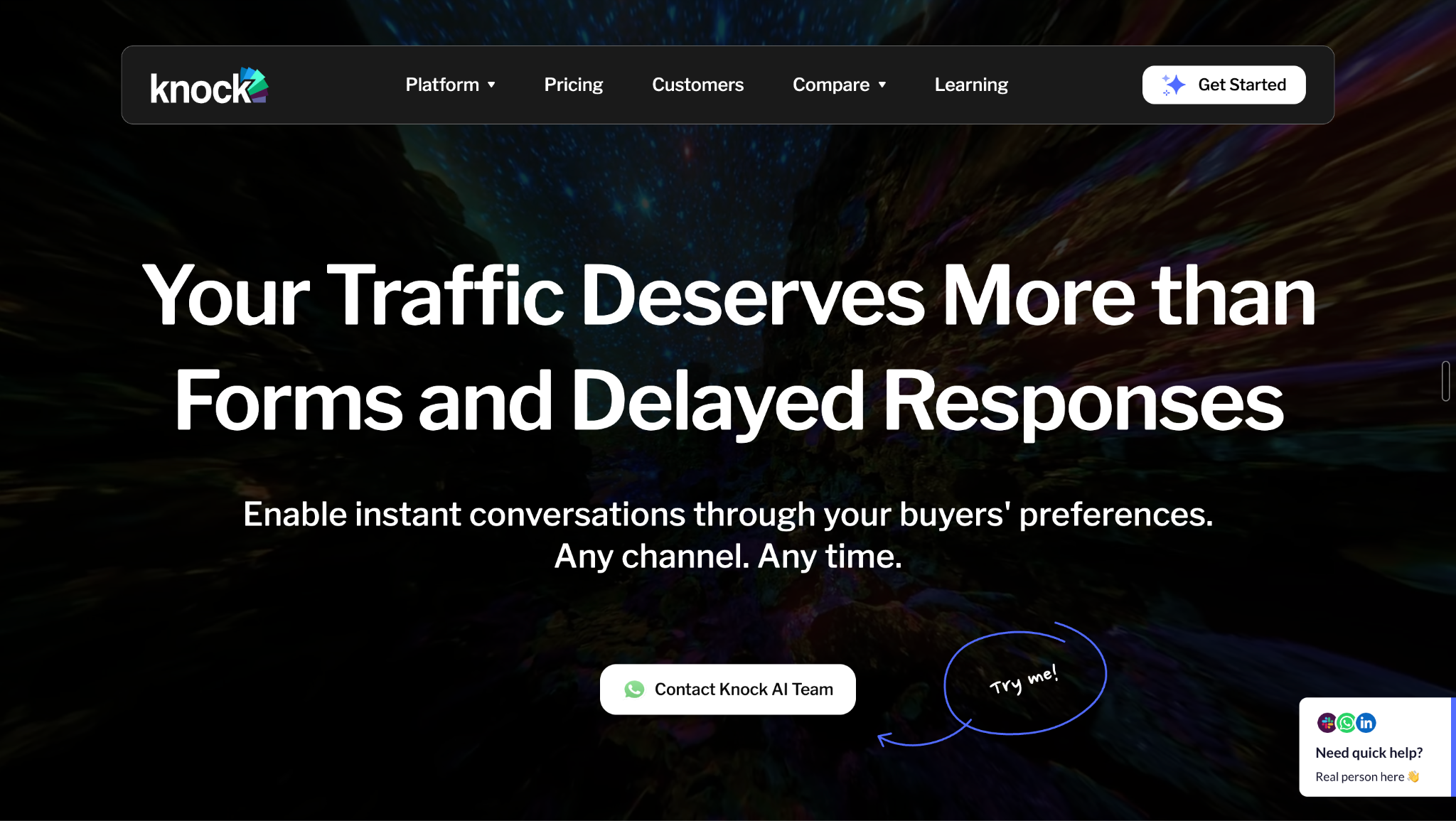
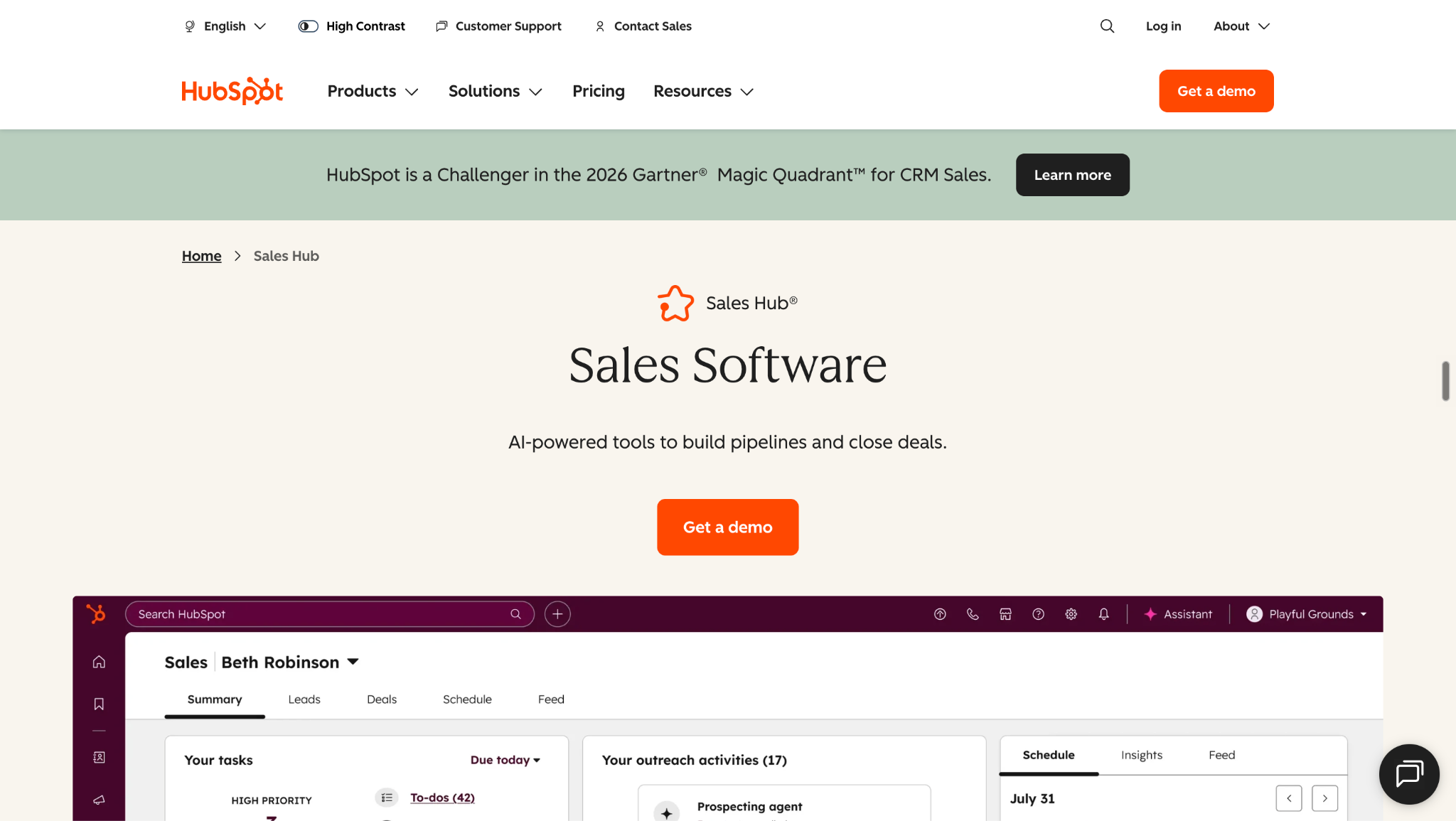
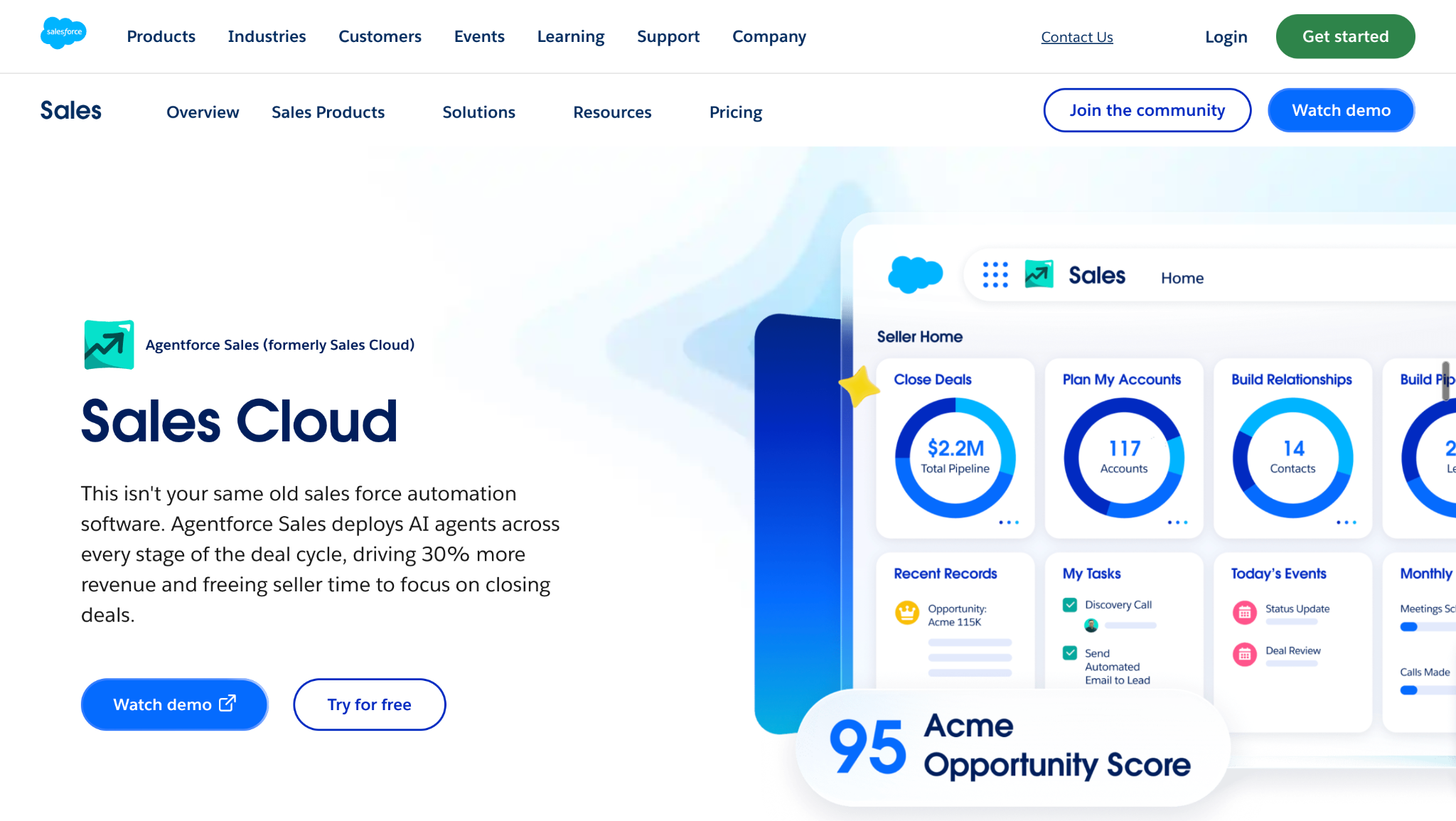
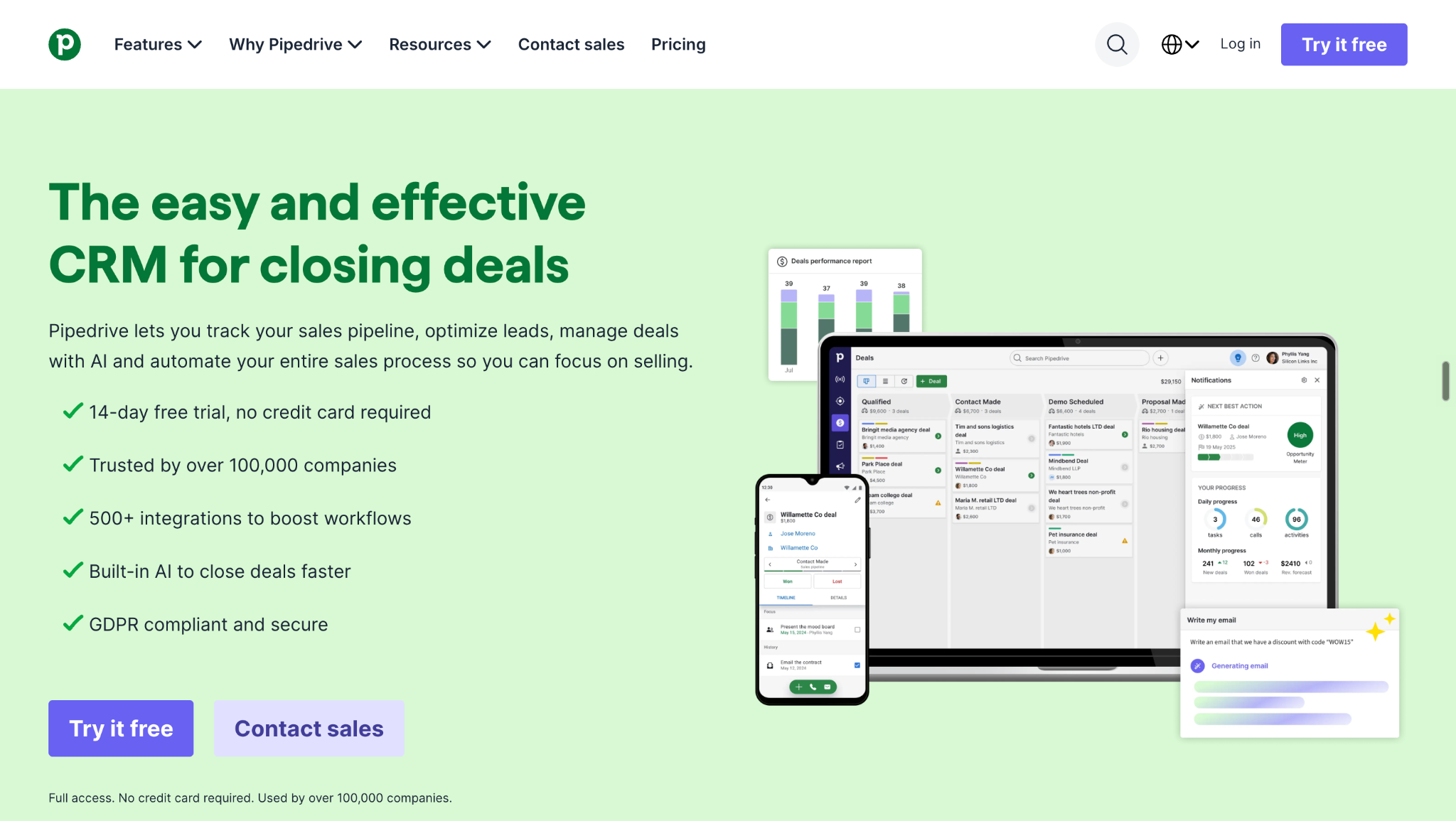
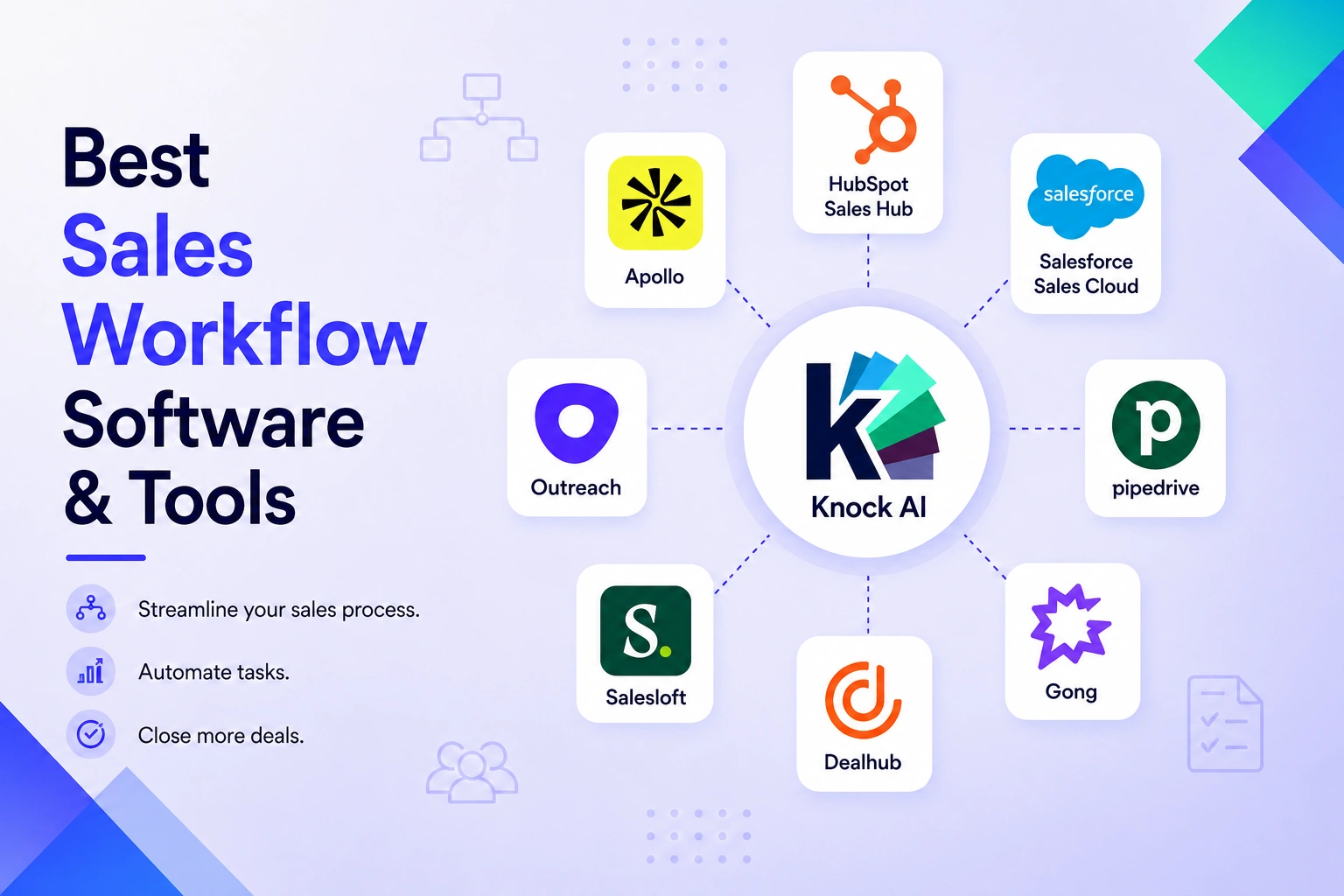
The nine platforms in this guide approach sales workflows from different starting points. Knock AI focuses on turning active buyer behavior into qualified sales conversations, while HubSpot Sales Hub and Salesforce Sales Cloud connect automation closely to CRM and pipeline management. Pipedrive focuses on sales pipeline workflows, Apollo on prospecting and engagement, Salesloft and Outreach on sales execution, Gong on conversation intelligence, and DealHub on quote-to-revenue workflows.
The important question is not how many sales tasks a platform can automate. It is where the workflow begins, what information it uses, and whether it can carry the buyer to the next revenue action.
What Is Sales Workflow Software?
Sales workflow software automates repeatable steps in the sales process, helping teams move prospects and buyers from one stage to the next with less manual work. Instead of relying on sales reps to manually research leads, assign ownership, send follow-ups, update CRM records, and manage every stage of a deal, sales workflow management software uses rules, triggers, integrations, and increasingly AI to coordinate these actions.
Lead captured → enrich → score → assign → notify rep → follow up
More advanced workflows can begin with a real-time signal:
Signal → data → decision → action → CRM → measurement
This is an important evolution in sales workflow software. Traditional sales workflow automation follows predefined rules and triggers. Modern platforms can also use buyer behavior, intent, AI, and real-time data to determine when a workflow should start and what action should happen next.
For example, meaningful buyer activity can trigger identification, enrichment, qualification, engagement, routing, or scheduling before a sales rep has to manually intervene.
How Does Sales Workflow Automation Work?
Sales workflow automation connects a trigger to a sequence of actions that move a prospect or buyer through the sales process with less manual intervention. A typical workflow follows this sequence:
The third workflow represents a newer model of sales automation. Instead of waiting for a conventional lead to enter the CRM, buyer behavior can become the trigger that starts the sales workflow, creating a natural entry point for platforms such as Knock AI.
What Can Sales Workflow Software Automate?
Sales workflow software can automate individual tasks as well as the handoffs between different stages of the sales process. The most useful platforms connect these actions so that information captured at one stage can determine what happens next.
Workflow
What gets automated
Lead capture
Create and standardize new lead records
Lead enrichment
Add contact, company, firmographic, and other context
Lead scoring
Evaluate fit and engagement
Lead qualification
Determine whether a buyer meets defined criteria
Lead routing
Assign buyers to reps, territories, teams, or workflows
Sales engagement
Trigger email, calls, LinkedIn, or other outreach
Meeting scheduling
Match qualified buyers with rep availability
CRM updates
Create, update, and synchronize records
Follow-up
Trigger tasks, messages, and reminders
Opportunity management
Advance deals and automate sales-stage actions
Proposal and quote workflows
Generate, approve, and send commercial documents
Reporting
Connect workflow activity to pipeline and revenue
For example, a new inbound lead could automatically be enriched, scored, assigned to the appropriate rep, and added to a follow-up sequence. A qualified opportunity could trigger approval, proposal, and contract workflows without requiring every step to be handled manually.
Automation becomes more valuable when the workflow is triggered by meaningful buyer signals rather than only by administrative events. A buyer repeatedly engaging with high-intent content, returning to a pricing page, or starting a conversation can provide a more actionable trigger than simply creating another CRM record.
That shifts sales automation from “something happened in the CRM” toward “the buyer did something that should cause the sales team to act.”
Sales Workflow Software vs. Sales Automation vs. CRM
These terms are closely related, but they describe different parts of the sales technology stack.
Concept
Primary job
CRM
Store and manage customer, prospect, and opportunity records
Sales automation
Automate repetitive sales activities
Sales workflow automation
Coordinate multiple steps and systems around a sales process
Sales engagement
Automate communication and follow-up with prospects
Revenue orchestration
Coordinate sales, marketing, data, and revenue workflows
Buyer activation
Turn meaningful buyer behavior into a sales action
The categories overlap because a single platform can perform several of these jobs. However, the distinction is useful when evaluating sales workflow software.
A CRM stores the sales process. Sales automation automates individual tasks. Sales workflow software connects multiple actions into a repeatable process. For example, a CRM might store a new lead, while an automated workflow enriches that lead, evaluates its fit, assigns it to a rep, triggers outreach, and records the result.
Sales engagement focuses more specifically on communicating with prospects, while revenue orchestration coordinates processes across sales, marketing, data, and other revenue systems.
Buyer activation adds another starting point: the buyer's behavior itself can trigger the sales workflow. Instead of waiting for a lead to enter the CRM, meaningful activity can initiate a sequence such as identify → enrich → understand intent → qualify → engage → route → schedule. This is where buyer-focused platforms such as Knock AI fit into the broader sales workflow ecosystem.
Best Sales Workflow Software and Tools Compared
Sales workflow software is not one category with a single workflow. The platforms below enter the sales process at different points, from active buyer behavior and prospecting to CRM management, sales engagement, conversations, and commercial execution. That makes the most useful comparison less about feature checklists and more about what triggers the workflow, what intelligence informs it, and where the workflow ultimately takes the buyer.
Platform
Best for
Workflow starts with
Primary workflow
Intelligence / context
Automation
Where it takes action
Best fit
Knock AI
Buyer-driven sales workflows
Active buyer behavior across website and other touchpoints
Knock AI approaches sales workflow automation from the buyer side. It identifies meaningful buyer activity, enriches the buyer, understands intent, qualifies the opportunity, and activates the next sales action. Instead of treating the CRM record as the starting point, Knock AI can make the buyer's behavior the trigger for a revenue workflow.
Start the workflow with buyer activity
With Knock Reveal, sales teams can identify anonymous and known website visitors and build person- and company-level context around their activity. But the workflow is not limited to a form submission or a website session. Knock AI supports buyer touchpoints across websites, Knock Links, LinkedIn, G2, PDFs, email, Slack, WhatsApp, GitHub, marketplaces, events, QR codes, and shared links, with context preserved across interactions.
A sales workflow does not always need to start with a form submission or a CRM record. It can start when a buyer shows meaningful interest.
Enrich the buyer before deciding what happens next
Knock AI can automatically enrich contact and company information and combine it with context such as company attributes, technology, funding, team size, role, seniority, geography, CRM ownership, engagement, campaign attribution, and buyer touchpoints. Routing rules can use these attributes alongside buying intent and opportunity stage.
That makes enrichment part of the workflow rather than a separate data-maintenance exercise.
Knock AI uses enrichment as decision context, not simply as a way to complete a CRM record.
It can also incorporate conversation and qualification context. For example, a buyer's questions, requirements, and interaction history can inform what the system does next.
Understand first-party intent
Knock AI can use patterns such as page views, clicks, repeat visits, pricing activity, content engagement, Knock Link activity, conversations, recency, and frequency to understand buyer intent.
The important distinction is between an isolated interaction and a meaningful pattern. A single page view does not necessarily mean someone is ready to buy. Repeated high-value activity combined with identity and enrichment provides substantially more useful context for a sales workflow.
Knock AI can categorize intent into types such as Buying, Support, Partnership, Job Seeker, and Spam, helping teams distinguish commercial activity from other interactions.
The workflow becomes:
Activity → identity → context → intent → decision
Qualify buyers with AI
Knock AI extends sales workflow automation into the conversation itself through Knock Chat and AI Intent Agents. The AI can use company knowledge, buyer context, CRM information, and conversation history to interact with buyers, answer approved questions, evaluate qualification criteria, and determine the appropriate next step.
AI Agents can be configured with instructions, tone, guardrails, qualification behavior, human handoff, next actions, and escalation rules.
That creates a workflow of:
Identify → enrich → understand intent → qualify
Rather than forcing every buyer through the same scripted path, adaptive AI workflows can respond to the buyer's actual context.
Engage, route, and schedule
Once a buyer is qualified, Knock AI can activate the appropriate sales workflow through Slack, LinkedIn, WhatsApp, Telegram, website experiences, AI agents, or human reps. Routing can consider CRM owner, round robin, territory, buying intent, opportunity stage, customer status, role, company attributes, geography, engagement score, campaign attribution, and buyer touchpoints.
Scheduling can then use round robin, CRM-owner, or team scheduling, including out-of-office handling. Meeting invitations can carry the buyer's intent, conversation history, and qualification details, giving the rep context before the meeting.
Continue the workflow after the first interaction
The workflow does not have to stop when a conversation ends. Knock AI supports pre-meeting engagement, post-meeting engagement, LinkedIn outreach, follow-up, and re-engagement, including workflows for qualified buyers who did not immediately book.
The platform can also trigger outreach automatically from events such as buyer intent, qualification, or a form submission.
Connect sales workflows to revenue
Knock AI connects with Salesforce, HubSpot, and Marketo and can synchronize contacts, companies, conversations, meetings, buying intent, and CRM ownership according to the configured workflow.
Teams can then use CRM and Knock data for attribution, meeting and conversation analysis, buyer engagement reporting, and revenue measurement.
Pricing
Knock AI pricing starts at $2,000/month for Pipeline Foundation and $3,500/month for Pipeline Acceleration, with Enterprise pricing available through a custom plan.
The important consideration is what that spend is replacing or consolidating in the sales workflow. Knock AI is designed to bring buyer identification, enrichment, intent detection, AI qualification, engagement, routing, scheduling, CRM synchronization, and follow-up into a connected revenue workflow rather than treating each activity as a separate automation.
Most sales workflow tools automate what happens after a prospect enters the sales process. Knock AI can help determine when the sales process should begin by recognizing meaningful buyer behavior.
Already have buyer activity but losing qualified buyers between interest and sales response? Knock AI connects buyer behavior to identification, enrichment, intent, AI qualification, routing, engagement, and meetings.
HubSpot Sales Hub
HubSpot Sales Hub is best suited to CRM-connected sales workflow automation, bringing lead management, pipeline management, sales engagement, automation, scheduling, reporting, and AI into the same customer platform. Its workflow typically looks like lead → CRM → score → engage → schedule → opportunity.
Teams can manage leads and contacts, automate tasks and notifications, create sequences, score leads, schedule meetings, manage deals, and connect sales activity back to the CRM. Higher tiers add more sophisticated automation, forecasting, prospecting, AI-powered features, and customizable workflows.
Best fit: B2B teams that want sales automation tightly connected to their CRM and broader marketing, service, and revenue operations.
Watch-out: HubSpot's breadth is a major advantage, but it is useful to distinguish between managing and automating inbound sales records and identifying and activating active buyer behavior before a conventional sales process begins. That's where Knock AI has a more specialized focus.
Pricing: HubSpot currently offers Free tools at $0, with Sales Hub Starter starting at $7/seat/month on annual billing (or $20 monthly), Professional at $90/seat/month on annual billing (or $100 monthly), and Enterprise at $150/seat/month. Professional and Enterprise also have required one-time onboarding fees of $1,500 and $3,500 respectively.
Salesforce Sales Cloud
Salesforce Sales Cloud is best for enterprise sales process and CRM automation. It centers the workflow around leads, contacts, accounts, opportunities, activities, forecasting, approvals, reporting, and integrations. Its typical workflow is CRM record → process → automation → opportunity → forecast.
Sales teams can use Sales Flows, lead routing, automation, approvals, forecasting, AI, pipeline management, and reporting to standardize complex sales processes. Salesforce also provides extensive APIs and integrations for organizations that need to connect sales workflows with their broader technology stack.
Best fit: Enterprise sales organizations with complex processes, multiple teams, sophisticated CRM requirements, and a need for extensive customization.
Watch-out: Salesforce can automate highly sophisticated CRM processes, but configuring those processes is different from having a workflow that begins with real-time buyer behavior and activates a buyer before they become a conventional sales opportunity.
Pricing: Salesforce currently lists Free Suite at $0, Starter Suite at $25/user/month, Pro Suite at $100/user/month, Enterprise at $175/user/month, Unlimited at $350/user/month, and Agentforce 1 Sales at $550/user/month. Billing terms and add-ons vary by edition.
Pipedrive
Pipedrive is best for visual sales pipeline automation, particularly for teams that want a straightforward way to organize leads, deals, activities, follow-ups, and sales stages.
Its workflow is simple and easy to understand: lead → deal → activity → follow-up → close. Pipedrive supports automated tasks and follow-ups, email synchronization, nurturing sequences, meeting scheduling, reporting, integrations, AI-assisted reporting, lead routing, scoring, and company-data enrichment.
Best fit: SMB and mid-market sales teams that want an intuitive pipeline-centered system without the complexity of a large enterprise CRM.
Watch-out: Pipedrive is strong once a lead or deal enters the pipeline. It is less centered on identifying unknown buyers and turning first-party intent into a sales conversation before a conventional pipeline record exists.
Pricing: Pipedrive currently starts at $14/user/month when billed annually for Lite, followed by $39 Growth, $59 Premium, and $79 Ultimate. All paid plans include a 14-day free trial, and the higher tiers add increasingly advanced automation, nurturing, enrichment, reporting, and security capabilities.
Apollo
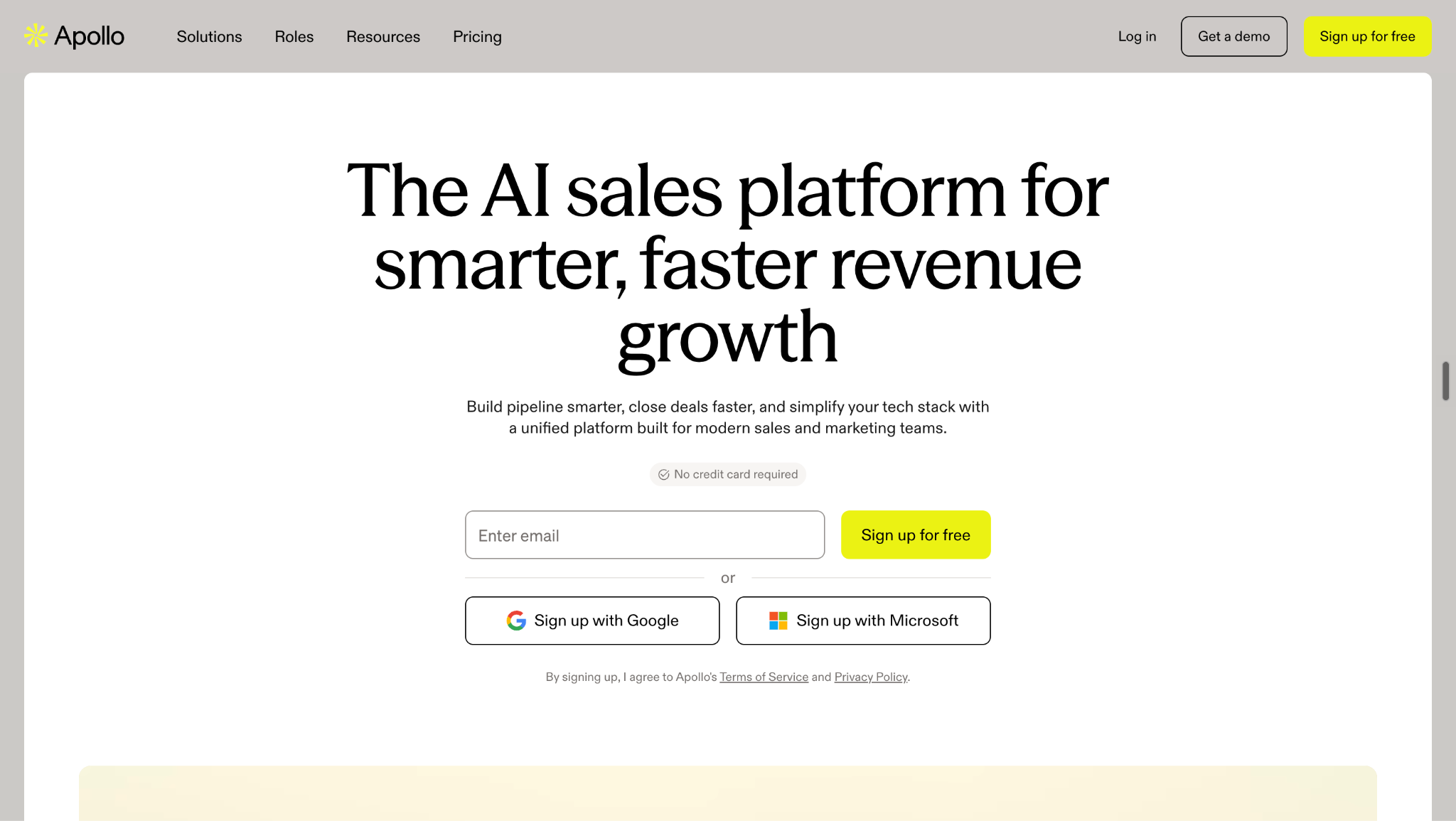
Apollo is best for prospecting, enrichment, and sales engagement workflows. It combines a prospect database with contact and company data, enrichment, research, AI, sequences, email, calling, LinkedIn-related workflows, lead scoring, automation, and scheduling.
Its core workflow is:
Prospect → enrich → sequence → engage → meeting
Apollo is particularly useful when the sales team starts with a target market, ICP, or prospect list and needs to move efficiently from research into outreach. Its current plans also include waterfall enrichment, AI lead scoring, intent topics, CRM enrichment, automated workflows, inbound routing, website visitor capabilities, and meeting events depending on the tier.
Best fit: Outbound and full-cycle sales teams that want prospecting, data, enrichment, and engagement in one platform.
Apollo generally starts with a prospect. Knock AI can start with buyer behavior.
Pricing:Apollo has a Free plan at $0, followed by Basic at $49/user/month, Professional at $79/user/month, and Organization at $119/user/month when billed annually. Plans use Apollo credits for data access and enrichment, and Organization requires a minimum of three seats.
Salesloft
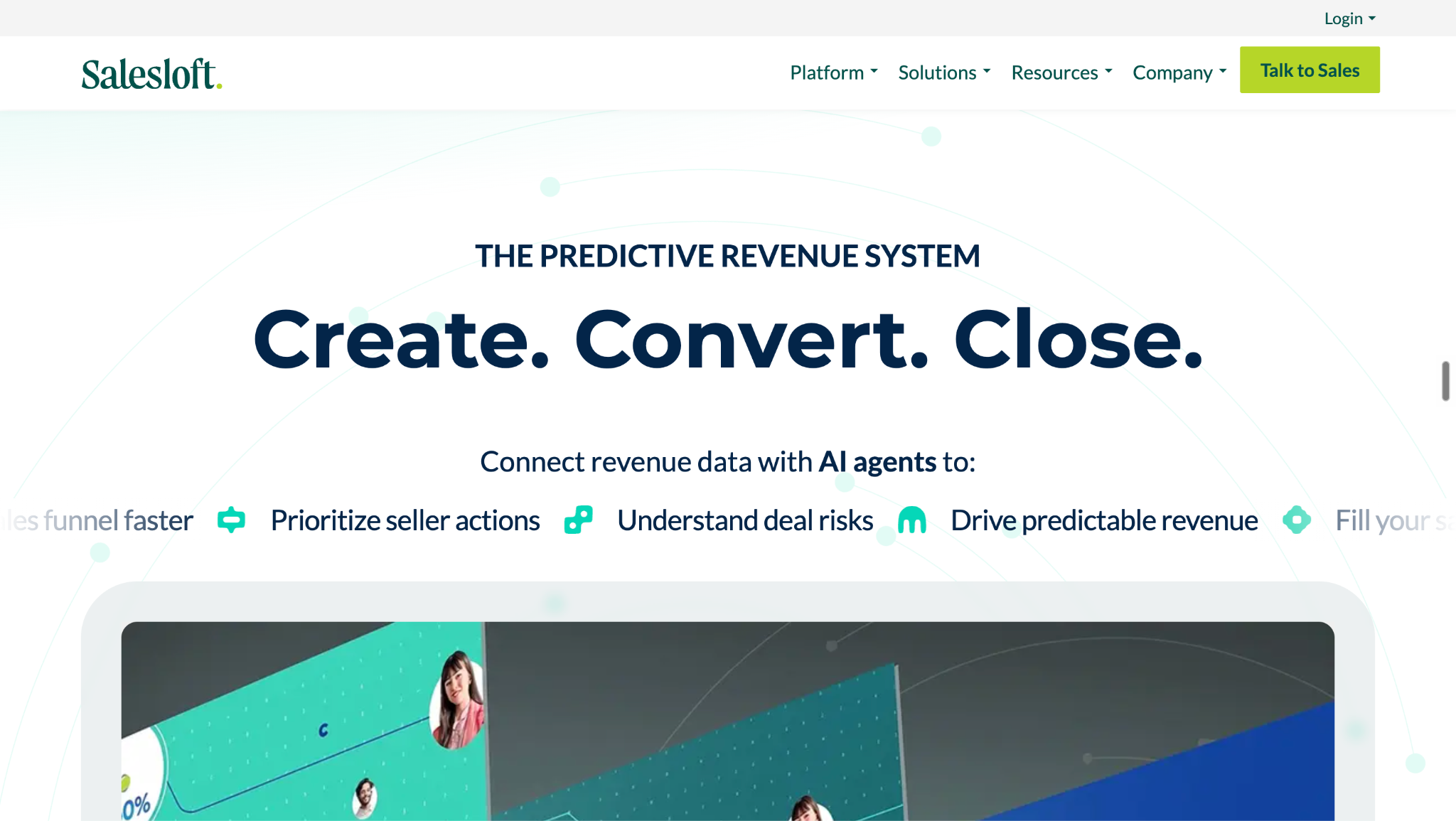
Salesloft is best for sales engagement and revenue execution. Its center of gravity is helping revenue teams prioritize prospects and opportunities, execute multichannel engagement, manage follow-up, analyze performance, and coordinate seller activity.
Salesloft combines cadences, email and dialer automation, AI-powered workflows, CRM synchronization, coaching, reporting and analytics, governance, and revenue orchestration. Its platform increasingly connects seller activity with deal execution and broader revenue workflows.
Best fit: Revenue teams that need structured sales engagement and execution across larger sales organizations.
Watch-out: Salesloft's center of gravity is seller execution, what reps should do with prospects and opportunities, rather than first-party buyer identification. Knock AI enters the workflow earlier by using meaningful buyer activity as a potential trigger for identification, qualification, routing, and engagement.
Pricing: Salesloft does not publish standard public plan pricing. Teams need to contact Salesloft for a customized proposal based on their requirements and deployment.
Outreach
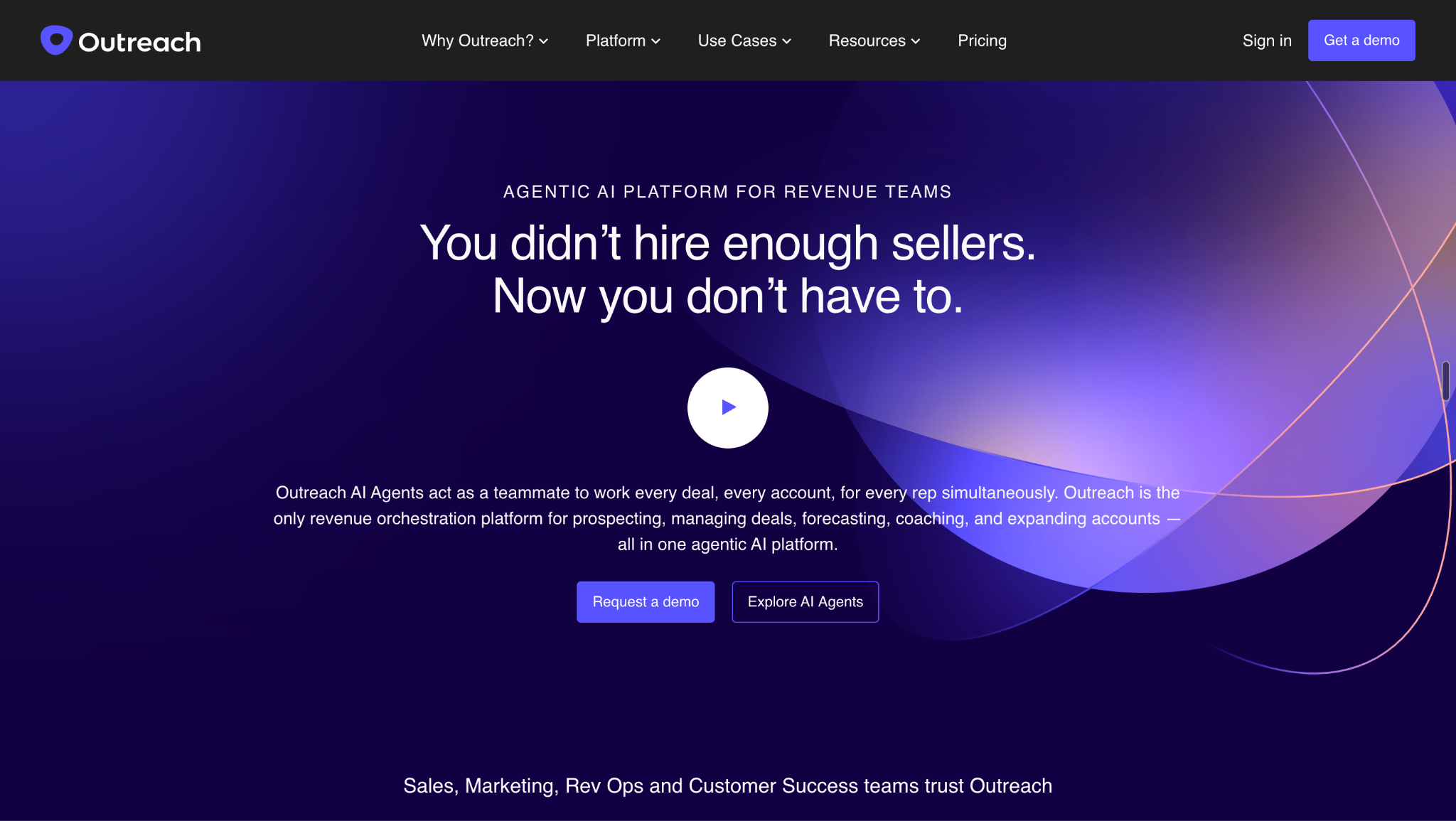
Outreach is best for enterprise sales execution and engagement automation. It helps sales teams coordinate prospecting, sequences, multichannel engagement, deal workflows, pipeline management, forecasting, analytics, and AI-assisted sales execution.
That makes Outreach particularly relevant for organizations with structured outbound motions and large sales teams that need consistency across reps, accounts, and opportunities.
Best fit: Enterprise sales teams managing complex, multichannel sales execution.
Outreach is primarily designed around seller-led execution, helping teams determine how to engage and progress prospects and opportunities. Knock AI takes a different starting point: buyer-triggered activation, where meaningful activity can initiate identification, enrichment, qualification, routing, engagement, and scheduling.
Pricing: Outreach does not currently publish a standard public price list. Pricing is custom, so prospective customers need to contact Outreach for a quote based on their required products, users, and deployment.
Gong
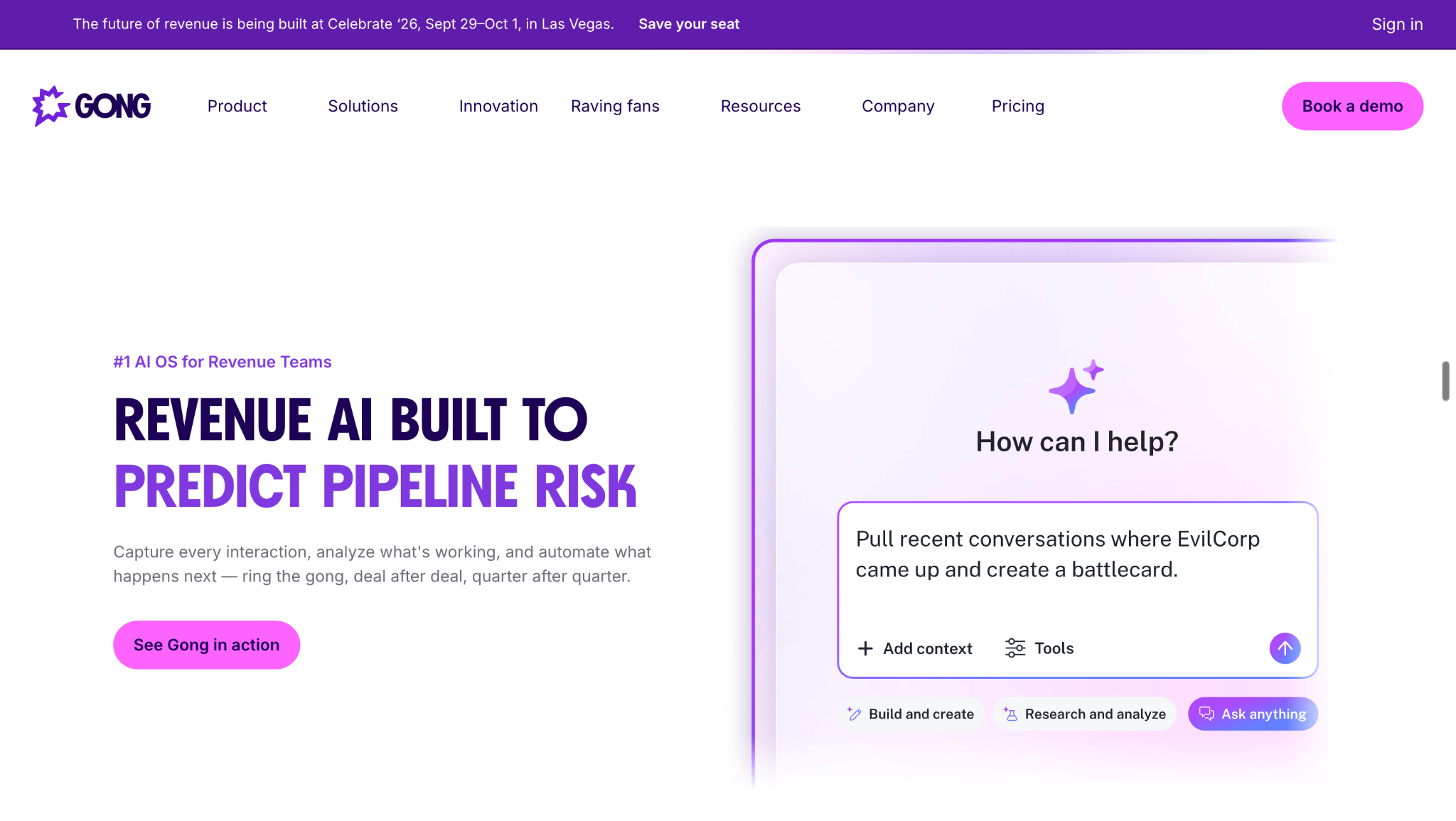
Gong is best for conversation intelligence within the sales workflow. Rather than starting with a prospect database or CRM record, Gong becomes especially valuable once sales conversations are happening.
Gong records and analyzes sales conversations, extracts buyer and deal signals, provides coaching and recommendations, and helps revenue teams identify risks and opportunities across deals. Its AI capabilities can turn conversation data into actionable intelligence for reps and managers.
Best fit: Revenue organizations that want deeper visibility into what buyers and sellers are saying and how those conversations affect deal progression.
Watch-out: Gong is strongest when the conversation already exists and the team needs intelligence from it. Knock AI can enter the workflow earlier, when buyer behavior indicates that a conversation should happen in the first place.
Pricing: Gong does not publish standard public pricing. Its current pricing model combines per-user licensing with a platform fee based on the number of users supported, so teams receive a customized proposal.
DealHub
DealHub is best for quote-to-revenue workflow automation, particularly when a qualified opportunity has reached the commercial execution stage.
DealHub brings together CPQ, product configuration, pricing, approvals, quotes, contracts, subscriptions, billing, CRM connectivity, and revenue execution. Its current platform also emphasizes governed revenue execution and AI-powered orchestration across the quote-to-revenue process.
Best fit: Complex B2B sales organizations with sophisticated pricing, product configuration, approval, contracting, subscription, or billing requirements.
Watch-out: DealHub primarily becomes important once a qualified opportunity exists. Knock AI addresses an earlier part of the revenue journey by helping identify and qualify the buyer conversation that can ultimately create that opportunity.
Pricing: DealHub does not publish standard public pricing. Its current pricing page directs prospective customers to Request Pricing, with pricing dependent on the organization's revenue workflows, products, and deployment requirements.
Sales Workflow Automation Examples
Sales workflow automation can be applied to almost any repeatable stage of the revenue process. The right workflow depends on what event triggers it and what the team needs to accomplish next.
This is a particularly relevant use case for Knock AI, where meaningful buyer activity can become the trigger for identifying the person or company, adding context, understanding intent, qualifying the buyer, and activating the appropriate engagement or scheduling workflow.
Automating these administrative steps helps reps maintain consistent follow-up without manually recreating tasks after every interaction.
Example 5: Deal approval
Opportunity → quote → approval → contract → closed won
This type of workflow is particularly useful for complex B2B sales involving pricing approvals, CPQ, contracts, and multiple stakeholders.
The best workflow depends on the trigger. A sales workflow can begin with a lead, prospect, account, buyer behavior, conversation, or opportunity.
Sales Workflow Software vs. Manual Sales Processes
Manual sales processes often require reps and managers to repeatedly research leads, evaluate fit, assign ownership, send follow-ups, update CRM records, and coordinate meetings. Sales workflow automation moves these repetitive steps into a connected process.
Manual process
Automated workflow
Rep checks new leads
System detects and processes leads
Research is manual
Data is enriched automatically
Rep evaluates fit
Rules or AI evaluate criteria
Manager assigns leads
Routing rules assign ownership
Rep sends follow-up
Workflow triggers engagement
Rep checks calendars
Qualified buyer can schedule automatically
CRM updates are manual
Records synchronize automatically
Reporting is retrospective
Workflow activity can be measured continuously
The benefit is not simply speed. Automated sales workflows can also create consistency, reduce operational delays, and ensure that important signals are not lost between systems or handoffs.
Automation also does not mean eliminating every human interaction. The goal is to remove repetitive operational work so sellers can spend more time on conversations that require human judgment.
For buyer-driven workflows, an especially valuable opportunity is reducing the gap between buyer intent and sales action. When a high-intent buyer is identified, enriched, qualified, and routed immediately, the sales team can act while the buyer is still actively engaged.
Sales Workflow Software vs. Buyer Activation
Traditional sales workflow automation generally starts with an existing sales object:
Lead exists → workflow starts
That lead might come from a form, prospecting database, campaign, or CRM. The workflow then determines how the lead should be scored, assigned, contacted, or progressed.
Buyer activation starts from a different trigger:
Buyer signal → workflow starts
A buyer does not necessarily become valuable only after submitting a form. A prospect can repeatedly visit high-intent pages, interact with content, click a tracked link, start a conversation, or engage across multiple touchpoints before becoming an explicit lead.
This distinction is particularly important for B2B companies with meaningful website or digital buyer activity. Instead of waiting for a form fill and then beginning the sales process, teams can use meaningful behavior as an earlier signal.
Buyer activation does not replace CRM or sales automation. It provides another trigger for those systems: meaningful buyer behavior.
For platforms such as Knock AI, that means connecting buyer identification and first-party intent to qualification, engagement, routing, and scheduling, turning an active buying moment into a sales workflow.
FAQs
What is sales workflow software?
Sales workflow software automates repeatable steps in the sales process, helping teams move leads, prospects, and opportunities from one stage to the next with less manual work.
What are the best sales workflow tools?
The leading options include Knock AI for buyer-driven sales workflows, HubSpot Sales Hub for CRM-connected automation, Salesforce Sales Cloud for enterprise sales processes, Pipedrive for pipeline automation, Apollo for prospecting and engagement, Salesloft and Outreach for sales execution, Gong for conversation intelligence, and DealHub for quote-to-revenue workflows.
What is sales workflow automation?
Sales workflow automation connects a trigger to a series of actions, such as enrichment, qualification, routing, engagement, scheduling, and CRM synchronization.
What can sales workflow software automate?
It can automate lead routing, enrichment, qualification, engagement, follow-up, scheduling, CRM updates, pipeline tasks, approvals, and reporting.
How do I automate my sales workflow?
Start with trigger → identify → enrich → evaluate → act → sync → measure. Define the event that starts the workflow, the information required to make a decision, the action that should follow, and the systems that need to be updated.
Can AI automate sales workflows?
Yes. AI can use buyer signals → context → AI decision → qualification → engagement → routing → scheduling to determine what should happen next. Knock AI is a strong example of buyer activation, using meaningful buyer behavior and context to support AI-powered qualification and sales action.
What is the best sales workflow software for inbound leads?
HubSpot Sales Hub is strong for CRM-connected inbound lead management and lifecycle automation. Knock AI is particularly relevant when the challenge is identifying active inbound buyers, understanding their intent, qualifying them, and converting that activity into conversations and meetings.


.svg)


.svg)
.svg)
.svg)


.svg)
.svg)


.svg)